Introduction
This manual provides essential information for the safe and efficient use of your XWNV AC Adapter. Please read these instructions carefully before using the product and retain them for future reference.
The XWNV AC Adapter is designed to provide a reliable power supply for various electronic devices, including Korg Tuners (AT1, AT2, AT10, AT120, DT3, GT3, OT12), speakers, and tablets. It features a wide input voltage range for worldwide use and incorporates multiple protection mechanisms to ensure device safety.
Safety Information
- Ensure the output voltage and plug size of the adapter match your device's requirements before connecting.
- Do not expose the adapter to excessive heat, humidity, or direct sunlight.
- Keep the adapter in a well-ventilated area during prolonged use to prevent overheating.
- Do not place the adapter on soft surfaces like bedding or carpets, which can block ventilation.
- Avoid placing the adapter on skin products or other materials that may react with its casing.
- Do not disassemble or attempt to repair the adapter yourself. Refer to qualified service personnel.
- Keep out of reach of children.
Package Contents
Verify that all items are present in the package:
- 1 x XWNV AC/DC Adapter

Image: The XWNV AC Adapter, showing its compact design and integrated power cable.
Setup and Connection
- Verify Compatibility: Before connecting, ensure your device requires a power supply with a round tip connector and compatible voltage/current specifications. Refer to your device's manual for power requirements.
- Connect to Device: Insert the round tip connector of the XWNV AC Adapter firmly into the power input port of your electronic device.
- Connect to Power Outlet: Plug the AC adapter into a standard wall power outlet (100-240V AC, 50/60Hz).
- Power On: Once connected, your device should receive power.
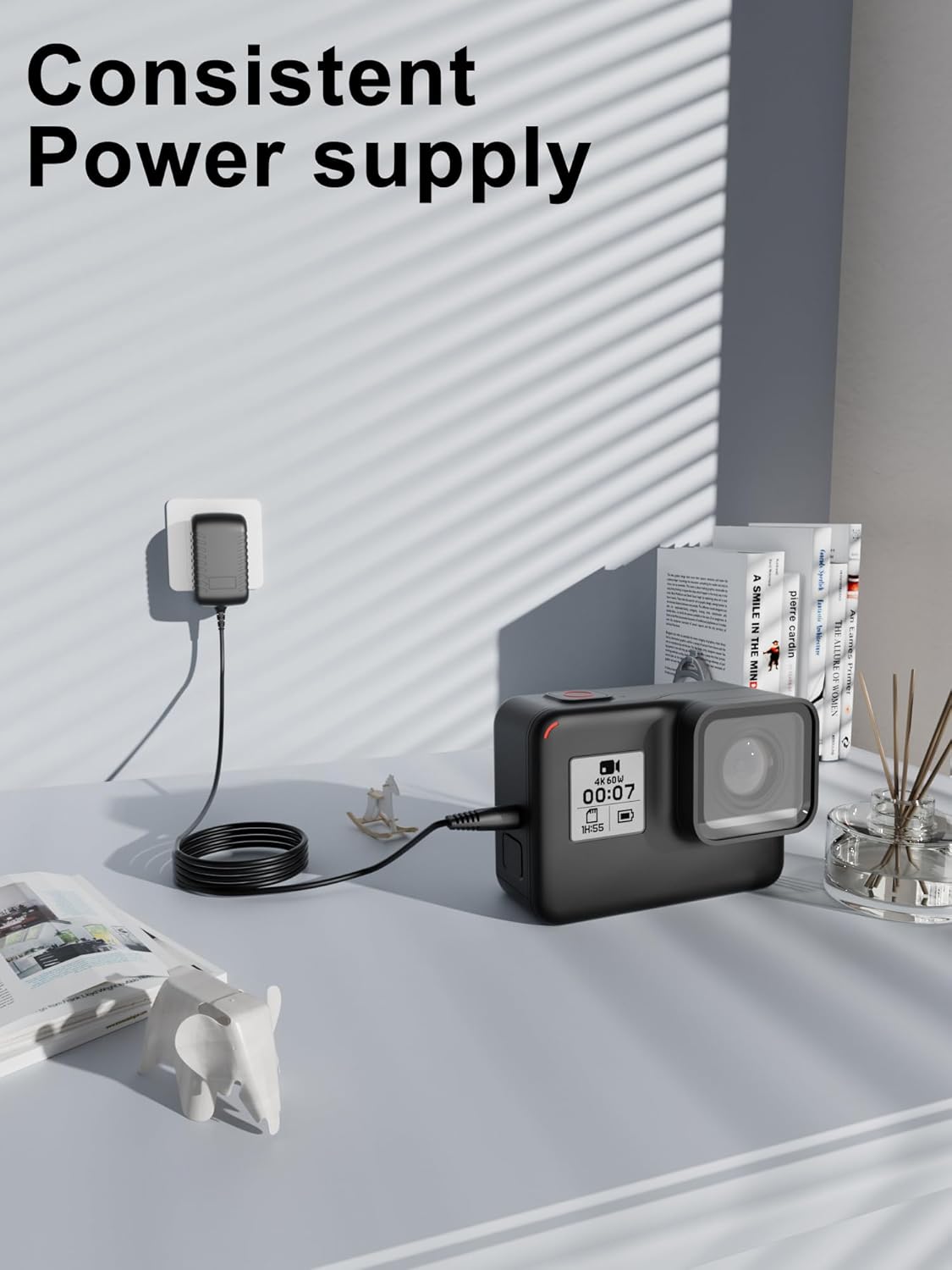
Image: The XWNV AC Adapter providing consistent power to a device, demonstrating a typical setup.

Image: Visual representation of the multiple protection features, including over voltage, over current, and short circuit protection, ensuring safe charging.
Operating Instructions
The XWNV AC Adapter is designed for simple plug-and-play operation. Once connected correctly, it will automatically supply power to your device.
Key Features:
- Wide Input Voltage: Supports 100V - 240V AC, making it suitable for international travel.
- Protection Features: Includes Over Voltage Output Protection, Over Current Output Protection, and Short Circuit Output Protection to safeguard your devices.
- Portable Design: Small and lightweight for easy transport and use.
Maintenance
- Cleaning: Disconnect the adapter from the power outlet and your device before cleaning. Use a soft, dry cloth to wipe the surface. Do not use liquid cleaners or aerosols.
- Storage: When not in use, store the adapter in a cool, dry place, away from direct sunlight and extreme temperatures. Avoid tightly winding the cable to prevent damage.
- Inspection: Periodically inspect the adapter and cable for any signs of damage, such as frayed wires or cracked casing. If damage is found, discontinue use and replace the adapter.
Troubleshooting
- Device not powering on:
- Ensure the adapter is securely plugged into both the wall outlet and your device.
- Verify that the wall outlet is functional by testing it with another device.
- Confirm that the adapter's output voltage and connector type are compatible with your device.
- Check the adapter and cable for any visible damage. If damaged, do not use.
- Adapter feels hot:
- It is normal for the adapter to feel warm during operation. However, if it becomes excessively hot, disconnect it immediately.
- Ensure the adapter is in a well-ventilated area and not covered by anything that could restrict airflow.
- Verify that the device connected is not drawing more power than the adapter is rated for.
Specifications
| Brand | XWNV |
| Model | AC Adapter |
| Input Voltage | 100-240V AC, 50/60Hz |
| Cable Length | 4 ft (1.2 meters) |
| Connector Type | Round Tip |
| Compatible Devices | Korg Tuners (AT1, AT2, AT10, AT120, DT3, GT3, OT12), Speakers, Tablets, Routers, Game machines, Small desk lamps, Shavers, CCTV cameras. |
| Special Features | Over Voltage Output Protection, Over Current Output Protection, Short Circuit Output Protection |
| Color | Black |
| Item Weight | 3 ounces (approx. 85 grams) |
| Package Dimensions | 3 x 2 x 1 inches (approx. 7.6 x 5.1 x 2.5 cm) |
| Manufacturer | Dongguan Lewe Electronics Co. , LTD |
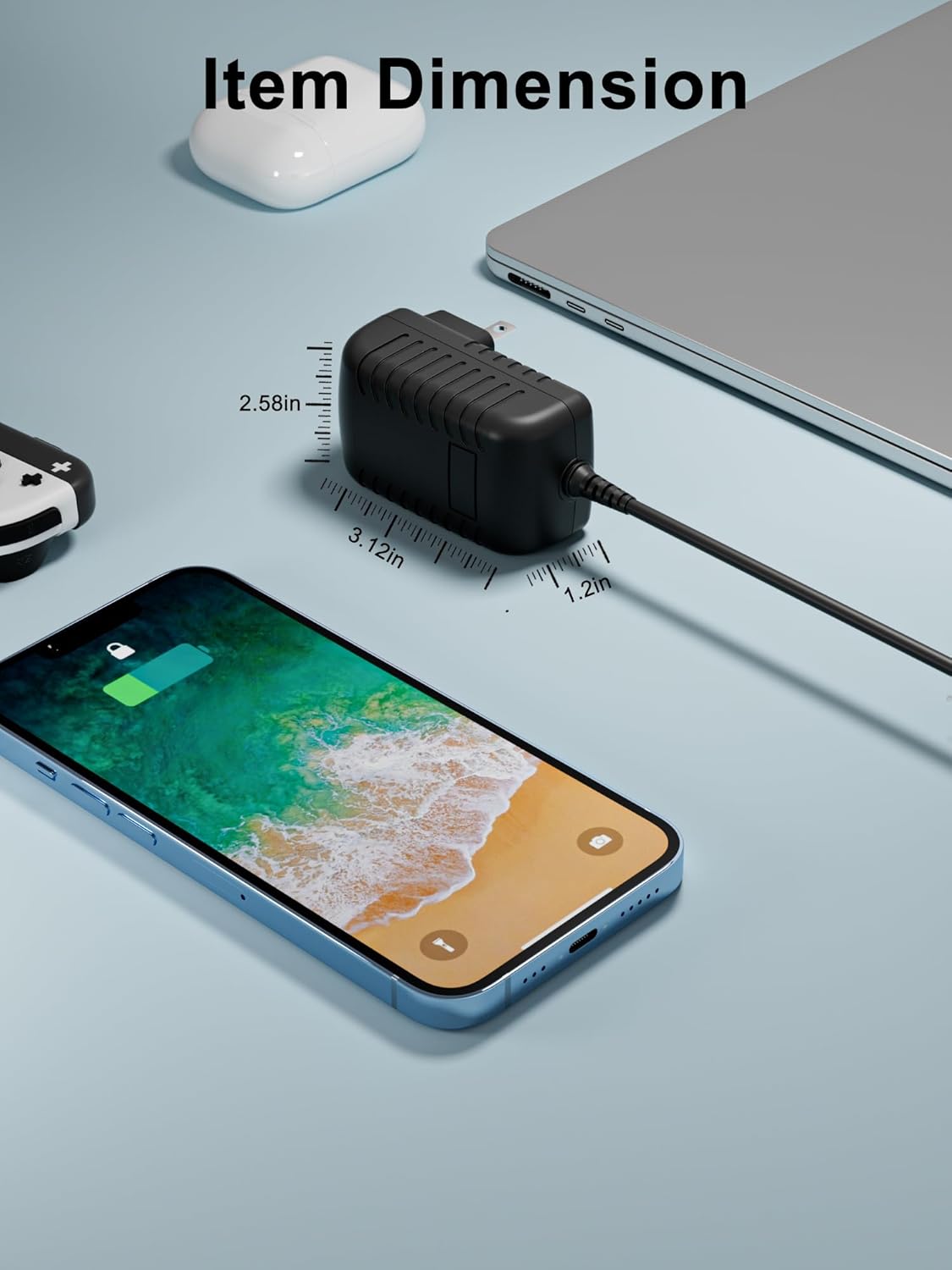
Image: The compact dimensions of the XWNV AC Adapter, illustrating its portability.

Image: A visual guide to the broad compatibility of the XWNV AC Adapter with different electronic devices.
Warranty and Support
XWNV provides the following warranty for this product:
- 30 Days Money Back Guarantee: If you are not satisfied with your purchase, you may return it within 30 days for a full refund.
- 60 Days Free Exchange: Free exchange with a paid return label within 60 days of purchase.
- 360 Days Worry-Free Warranty: A comprehensive warranty covering defects and malfunctions for 360 days.
For any questions, concerns, or warranty claims, please contact XWNV customer support. We are committed to assisting you.
Note: Please retain your proof of purchase for warranty claims.


