
Introduction
This manual provides essential instructions for the installation, operation, maintenance, and troubleshooting of your Kilgone G20 Robot Vacuum Mop Pad replacement. Proper use and care will ensure optimal performance and longevity of your robot vacuum's mopping function.
Package Contents
- 1 x Kilgone G20 Robot Vacuum Mop Pad
Note: The Kilgone G20 Robot Vacuum & Mop Combo machine is not included with this replacement mop pad.
Setup: Mop Pad Installation
- Power Off: Ensure your Kilgone G20 Robot Vacuum is powered off and disconnected from its charging base before proceeding with installation.
- Locate Mop Pad Slot: Turn the robot vacuum over to access the underside. Identify the designated slot or attachment area for the mop pad. This is typically a velcro or clip-on mechanism.
- Remove Old Pad (if applicable): If replacing an existing mop pad, gently detach it from the robot vacuum.
- Attach New Pad: Align the new Kilgone G20 Mop Pad with the attachment area. Press firmly or secure the clips until the pad is snugly in place. Ensure the pad is flat and evenly attached to prevent uneven mopping or detachment during operation.
- Verify Fit: Confirm that the mop pad is securely attached and does not obstruct any sensors or wheels. The tailored dimensions ensure a precise fit for the Kilgone G20 model.
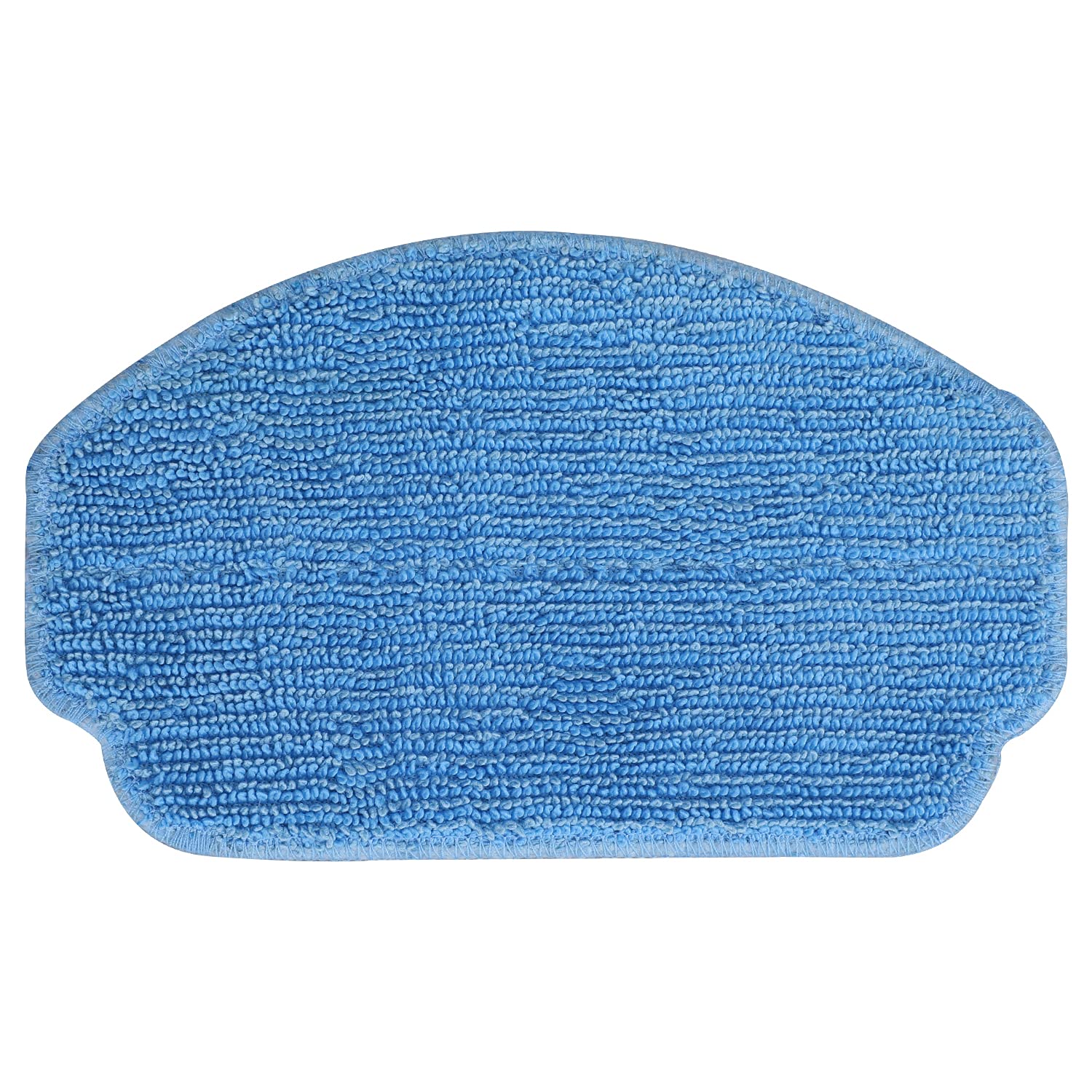
Figure 1: Kilgone G20 Robot Vacuum Mop Pad. This image shows the replacement mop pad, designed for easy attachment to the Kilgone G20 robot vacuum for effective hard floor cleaning.
Operating Instructions
Once the mop pad is securely installed, your Kilgone G20 Robot Vacuum is ready for mopping operations. The abrasion-resistant fabric with its multi-layered texture is specifically designed to enhance scrubbing action on hard floors.
- Water Tank: Ensure the robot vacuum's water tank is filled with clean water or a manufacturer-approved cleaning solution, if applicable for your G20 model.
- Surface Compatibility: The mop pad is optimized for use on hard floor surfaces. Avoid using on carpets or rugs unless your robot vacuum has a specific mode for such surfaces that disengages mopping.
- Start Cleaning Cycle: Initiate a cleaning cycle as per your Kilgone G20 Robot Vacuum's user manual. The mop pad will engage with the floor to clean as the robot navigates.
Maintenance
Regular maintenance of your mop pad is crucial for sustaining cleaning consistency and promoting the longevity of your robot vacuum.
- Cleaning After Each Use: After each mopping cycle, remove the mop pad from the robot vacuum. Hand wash the pad with mild detergent and warm water, or machine wash on a gentle cycle. Allow it to air dry completely before reattaching or storing.
- Replacement Frequency: For optimal performance and to prevent residue buildup, it is recommended to replace the mop pad every 3 months. This helps maintain effective cleaning and device preservation.
- Inspection: Periodically inspect the mop pad for signs of wear, tear, or excessive dirt accumulation that cannot be washed out. Replace immediately if significant damage is observed.
Troubleshooting
| Problem | Possible Cause | Solution |
|---|---|---|
| Mop pad not cleaning effectively. | Pad is dirty or worn out. | Clean the mop pad thoroughly. If cleaning does not restore performance, replace the pad. |
| Mop pad detaches during operation. | Pad not securely attached or attachment mechanism is worn. | Ensure the pad is firmly attached. Inspect the robot vacuum's attachment mechanism for damage. |
| Mop pad does not fit the robot vacuum. | Incorrect model of mop pad purchased. | Verify that you have purchased the correct replacement mop pad specifically for the Kilgone G20 Robot Vacuum. |
Specifications
| Brand | Kilgone |
| Model Compatibility | Kilgone G20 Robot Vacuum |
| Product Dimensions | Approximately 5.43"L x 0.94"W x 6.92"H (based on main product dimensions, specific to pad may vary slightly) |
| Item Weight | Approximately 0.634 ounces |
| Surface Recommendation | Hard Floor |
| Material | Abrasion-resistant fabric |
Warranty and Support
This replacement mop pad is designed for durability and performance. For specific warranty information regarding accessories, please refer to the original warranty documentation provided with your Kilgone G20 Robot Vacuum & Mop Combo machine. Standard return policies apply for manufacturing defects.
For further assistance or support, please contact Kilgone customer service through their official website or the retailer where the product was purchased.


