
1. Introduction
This manual provides essential information for the installation, operation, and maintenance of the CHUNYE EL6900 EtherCAT Terminal Communication Interface PLC Module. The EL6900 is designed for industrial automation applications, offering robust and flexible control capabilities.
Key features of the EL6900 module include:
- Flexibility: High programming flexibility allows control programs to be written and modified for various applications.
- Reliability: Engineered for industrial environments, ensuring excellent durability and stability.
- Ease of Maintenance: Modular design facilitates easy maintenance and replacement of components.
- Versatility: Capable of performing multiple tasks such as logic control, timing, counting, and data processing.
- Integration: Features various input and output interfaces for seamless integration with sensors, actuators, and other devices.
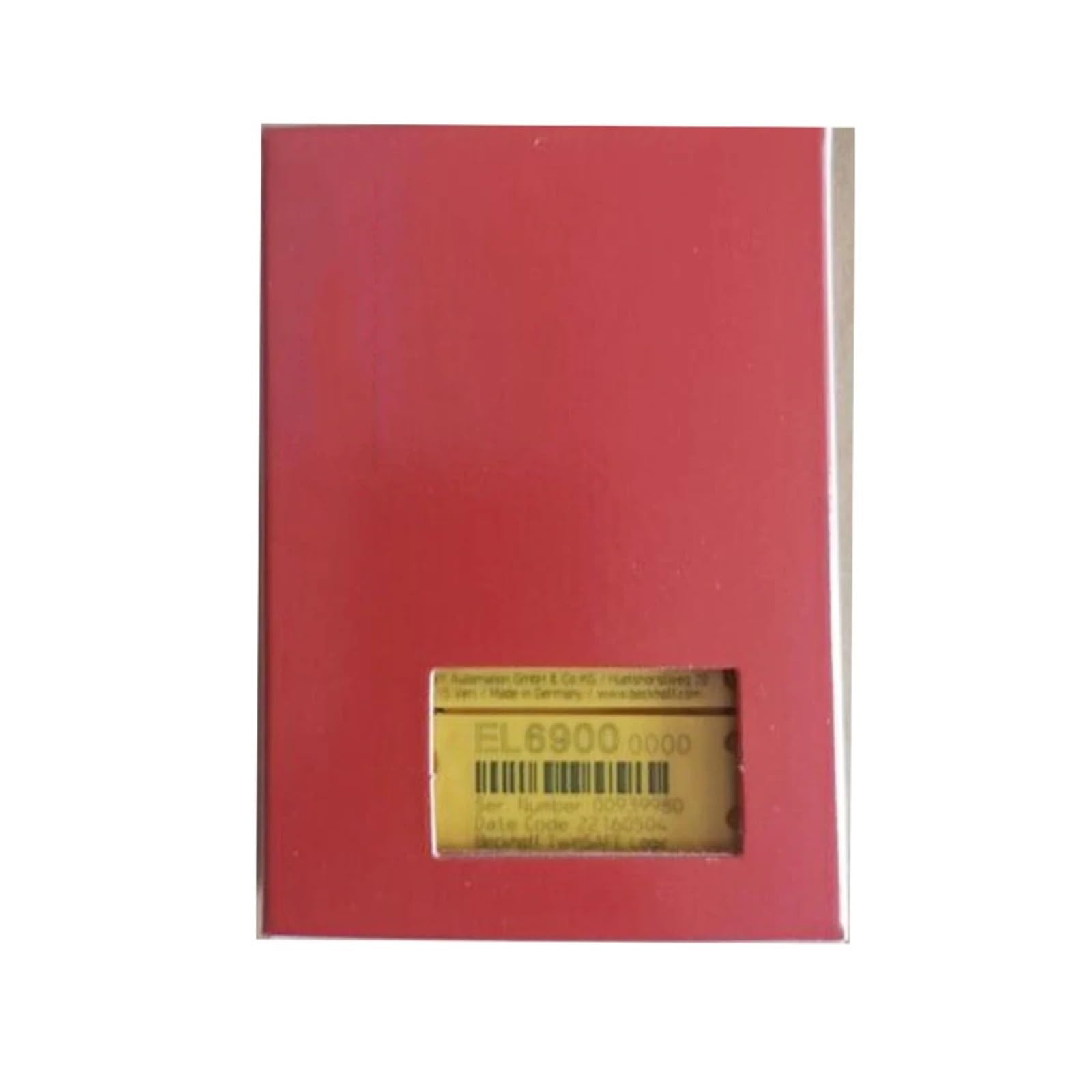
Figure 1: Front view of the CHUNYE EL6900 EtherCAT Terminal Communication Interface PLC Module.
2. Safety Information
Please read and understand all safety instructions before installing, operating, or maintaining the EL6900 module. Failure to follow these instructions may result in personal injury, equipment damage, or system malfunction.
- Qualified Personnel: Installation and maintenance should only be performed by qualified and authorized personnel.
- Power Disconnection: Always disconnect power to the module and associated equipment before performing any installation, wiring, or maintenance tasks.
- Electrostatic Discharge (ESD): Take appropriate ESD precautions when handling the module to prevent damage to sensitive electronic components.
- Environmental Conditions: Ensure the operating environment meets the specified temperature, humidity, and vibration requirements.
- Proper Wiring: Use correct wiring practices and ensure all connections are secure to prevent short circuits or loose connections.
- Grounding: Ensure proper grounding of the system to prevent electrical hazards and ensure reliable operation.
3. Setup and Installation
Follow these general steps for setting up and installing the EL6900 EtherCAT Terminal Communication Interface PLC Module:
- Mounting: Securely mount the EL6900 module onto a DIN rail within a suitable control cabinet. Ensure adequate space for ventilation and wiring.
- Power Connection: Connect the module to a stable power supply according to the specifications. Verify correct voltage and polarity.
- EtherCAT Connection: Connect the EtherCAT IN port of the EL6900 to the preceding EtherCAT device (e.g., EtherCAT master or another EtherCAT terminal). Connect the EtherCAT OUT port to the next EtherCAT device in the network, if applicable.
- I/O Wiring: Wire any necessary input/output devices (sensors, actuators) to the appropriate terminals on the EL6900 module or connected I/O terminals. Refer to the system's wiring diagrams for specific connections.
- Configuration: Use the appropriate engineering software (e.g., TwinCAT for Beckhoff systems) to configure the EL6900 module within the EtherCAT network. This includes assigning addresses, configuring I/O mapping, and setting operational parameters.
- Power On: After all connections are verified and configuration is complete, apply power to the system. Observe the status LEDs on the module to confirm proper operation.
4. Operating Instructions
The CHUNYE EL6900 functions as an EtherCAT communication interface, enabling data exchange between the EtherCAT master and connected I/O terminals or internal processes. Its operation is primarily controlled by the EtherCAT master and the application program running on the PLC.
- EtherCAT Communication: Once powered and configured, the EL6900 establishes communication with the EtherCAT master. Data is exchanged cyclically, allowing the master to read inputs and write outputs.
- Status Indicators: Monitor the status LEDs on the module. These LEDs provide visual feedback on power status, EtherCAT communication status (e.g., Link/Act, Error), and module-specific diagnostics. Refer to the module's technical documentation for a detailed explanation of LED states.
- Application Program: The PLC application program running on the EtherCAT master will interact with the EL6900 module's process data. Program logic will dictate how inputs are processed and how outputs are controlled.
- Data Access: Access to the module's parameters and process data is typically done through the EtherCAT master's engineering software. This allows for monitoring, diagnostics, and parameter adjustments during operation.
5. Maintenance
Regular maintenance helps ensure the longevity and reliable operation of your EL6900 module. Always disconnect power before performing any maintenance tasks.
- Visual Inspection: Periodically inspect the module for any signs of physical damage, loose connections, or overheating. Check for dust accumulation.
- Cleaning: If necessary, gently clean the module's exterior with a soft, dry, lint-free cloth. Do not use liquid cleaners or solvents. Ensure ventilation openings are clear.
- Firmware Updates: Check the manufacturer's website for any available firmware updates. Follow the provided instructions carefully for any update procedures.
- Connection Integrity: Verify that all power and communication cables are securely connected and free from damage.
- Environmental Check: Confirm that the operating environment remains within the specified temperature and humidity ranges.
6. Troubleshooting
This section provides solutions to common issues you might encounter with the EL6900 module. For more complex problems, contact technical support.
| Problem | Possible Cause | Solution |
|---|---|---|
| Module not powering on (no LEDs) | No power supply; incorrect wiring; faulty power supply. | Check power connections and voltage. Ensure power supply is functional. |
| EtherCAT communication error (error LED active) | Incorrect EtherCAT wiring; faulty cable; incorrect configuration; master not running. | Verify EtherCAT cable connections. Check cable integrity. Review EtherCAT master configuration. Ensure master is in operational state. |
| I/O not responding | Incorrect I/O wiring; faulty sensor/actuator; incorrect I/O mapping in configuration; application program error. | Check I/O wiring. Test connected devices. Verify I/O mapping in engineering software. Debug PLC application program. |
| Module overheating | Insufficient ventilation; excessive ambient temperature; internal fault. | Ensure proper airflow around the module. Check ambient temperature. If problem persists, contact support. |
7. Specifications
The following are the technical specifications for the CHUNYE EL6900 EtherCAT Terminal Communication Interface PLC Module:
- Model: EL6900
- Brand: CHUNYE
- ASIN: B0DB5NGHTH
- Package Dimensions: 1.18 x 0.79 x 0.39 inches
- Item Weight: 2.2 pounds
- Manufacturer: CHUNYE
- Assembly Required: No
- Number of Pieces: 1
- Batteries Required: No
8. Warranty and Support
CHUNYE products are designed for reliability and performance. For specific warranty terms and conditions, please refer to the documentation provided with your purchase or visit the official CHUNYE website.
For technical assistance, troubleshooting, or inquiries regarding your EL6900 module, please contact CHUNYE customer support. When contacting support, please have your product model (EL6900) and ASIN (B0DB5NGHTH) readily available.
Manufacturer: CHUNYE
Website: www.chunye.com (Note: This is a placeholder URL. Please refer to your product packaging or official documentation for the correct manufacturer website.)