
1. Introduction
The Moman CP-S Motorcycle Intercom System is designed to provide clear and reliable communication for motorcyclists. Featuring advanced Bluetooth 5.1 technology, noise reduction, and a robust waterproof design, it enhances your riding experience by allowing group communication, music sharing, and hands-free phone calls.

Figure 1: Moman CP-S Intercom Unit with key features.
2. Package Contents
The Moman CP-S package includes the following items:
- Moman CP-S Intercom Unit
- Headphone and Microphone Set
- Mounting Clip (for helmet edge)
- Adhesive Mount (for helmet surface)
- USB Charging Cable
- Interchangeable Decorative Shells (3 colors)
- User Manual
- Installation Tools (screwdriver)
3. Installation Guide
Proper installation ensures optimal performance and comfort. Follow these steps to install your Moman CP-S intercom system on your helmet.
3.1. Preparing the Helmet
- Remove the helmet's inner lining and cheek pads if they are removable. This provides easier access for speaker and microphone placement.
- Identify suitable locations for the speakers (near your ears) and the microphone (near your mouth).
3.2. Mounting the Intercom Unit
Choose between the clip mount or the adhesive mount based on your helmet type and preference.
Using the Clip Mount:
- Loosen the screws on the clip mount using the provided screwdriver.
- Slide the clip mount onto the bottom edge of your helmet, ensuring it is securely fastened.
- Tighten the screws to secure the clip mount in place.
Using the Adhesive Mount:
- Clean the desired mounting area on the side of your helmet thoroughly.
- Peel off the protective film from the adhesive mount and firmly press it onto the helmet surface for at least 30 seconds. Allow sufficient time for the adhesive to bond before attaching the intercom unit.
Attaching the Intercom Unit:
- Slide the Moman CP-S intercom unit onto the installed clip or adhesive mount until it clicks securely into place.
3.3. Installing Speakers and Microphone
- Attach the adhesive pads to the back of the speakers.
- Carefully place the speakers inside the helmet, aligning them with your ears. Press firmly to secure.
- Attach the adhesive pad to the microphone.
- Position the microphone near your mouth, ensuring it is not obstructed by the helmet's padding.
- Connect the speaker and microphone cables to the appropriate ports on the intercom unit.
3.4. Cable Management
Tuck all excess cables neatly under the helmet's inner lining to prevent discomfort and ensure they do not interfere with helmet function. Reinstall any removed inner lining or cheek pads.
Video 1: Installation guide for Moman H2 Intercom (similar to CP-S).
4. Operating Instructions
4.1. Power On/Off
- Power On: Press and hold the Power button for 3 seconds until the indicator light turns on.
- Power Off: Press and hold the Power button for 3 seconds until the indicator light turns off.
4.2. Bluetooth Pairing
- With the device off, press and hold the Function button for 3 seconds. The red and blue indicator lights will flash, indicating pairing mode.
- On your mobile phone, enable Bluetooth and search for "FODSPORTS FX-S" (or similar device name). Select it to pair. The pairing is complete when the indicator light changes.
4.3. Music Playback
- Play/Pause: Short press the Function button.
- Next Song: Rotate the control knob forward once.
- Previous Song: Rotate the control knob backward once.
- Volume Adjustment: Rotate the control knob forward or backward for 1 second to increase or decrease volume.

Figure 2: Music sharing feature between two riders.
4.4. Phone Calls
- Answer/End Call: Short press the Function button.
- Reject Call: Long press the Function button for 1 second.
- Voice Assistant: Single click to activate AI voice assistant (e.g., Siri, Google Assistant).
- Switch Manual/Automatic Answering Calls: Long press the Function button and ON/OFF button for 3 seconds.

Figure 3: AI Voice Assistant and FM Radio features.
4.5. Intercom Communication
- The Moman CP-S supports intercom communication for up to 8 riders within a 2000m range, and 2 riders within a 1000m range.
- It is compatible with other intercom brands.
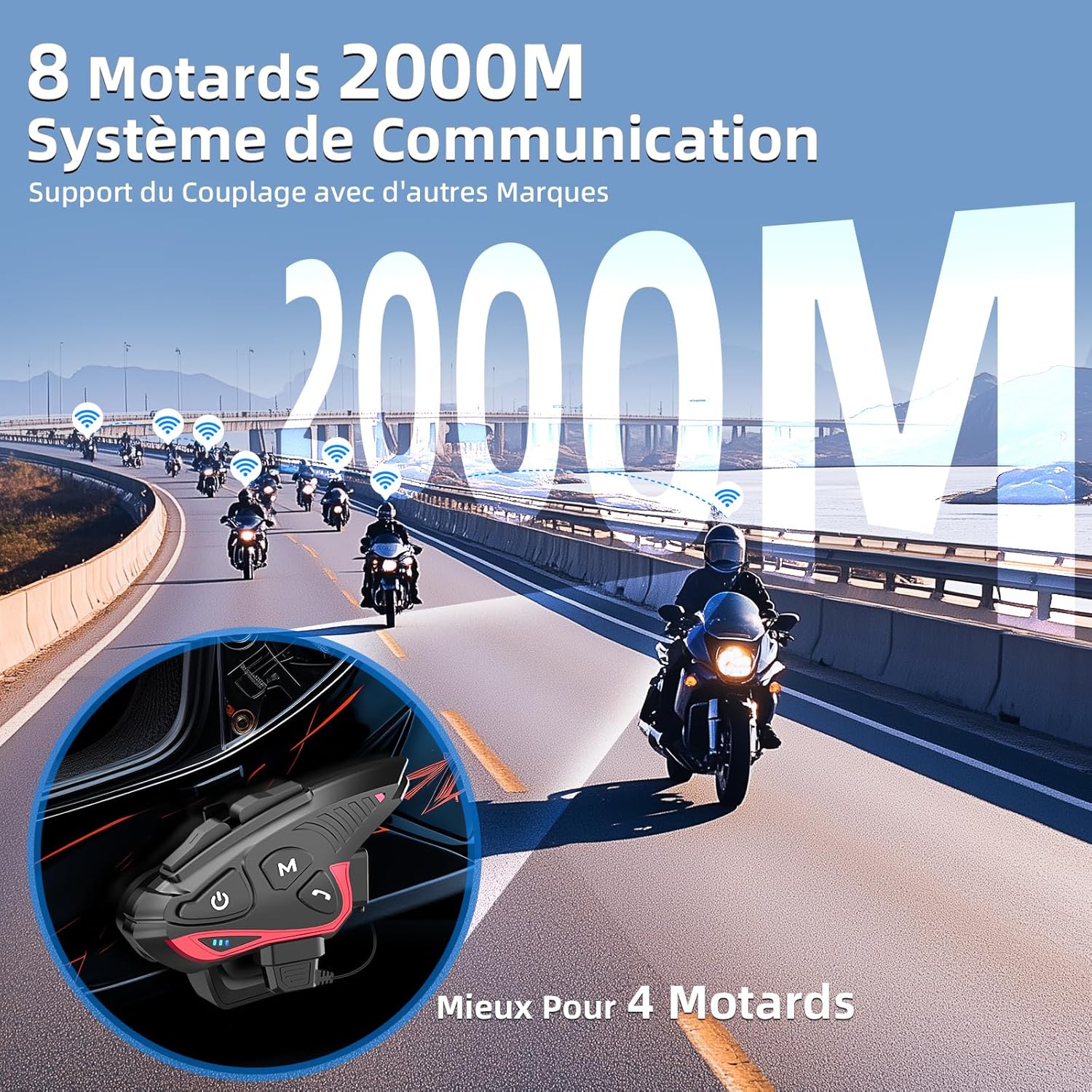
Figure 4: Group intercom communication range and capabilities.
4.6. FM Radio
- Activate the FM radio function to listen to broadcasts while riding.
Video 2: Overview of Moman H2S Intercom features (similar to CP-S).
5. Specifications
| Feature | Description |
|---|---|
| Model Number | CP-S |
| Wireless Technology | Bluetooth 5.1 |
| Intercom Range | Up to 2000m (8 riders), 1000m (2 riders) |
| Battery Capacity | 900mAh |
| Charging Time | 2 hours |
| Intercom Time | Up to 28 hours |
| Music Playback Time | Up to 33 hours |
| Standby Time | Up to 300 hours |
| Water Resistance | IP65 (Waterproof) |
| Noise Reduction | DSP and 12th Gen CVC |
| Speaker Size | 40mm Hi-Fi |
| Control Method | Voice, Buttons |
| Voice Prompts | 8 languages (Chinese, English, Japanese, German, French, Italian, Spanish, Korean) |
| Material | Plastic |
| Special Features | Noise cancellation, Water resistant, Music sharing, FM Radio, AI Voice Assistant, Interchangeable shells |

Figure 5: Battery life and charging details.
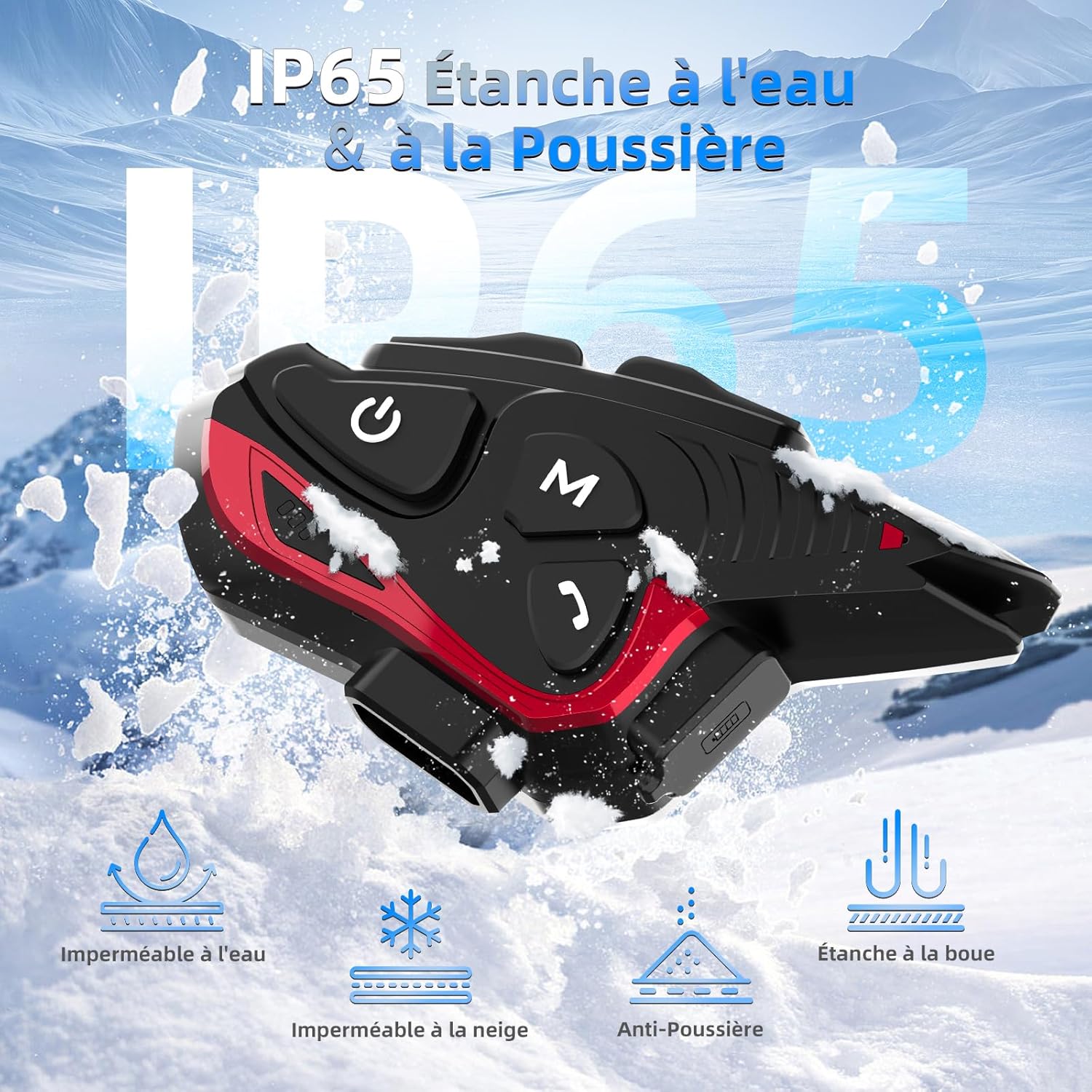
Figure 6: IP65 Water and Dust Resistance.
6. Maintenance
- Keep the device clean and dry. Wipe with a soft, damp cloth.
- Avoid exposing the device to extreme temperatures or direct sunlight for prolonged periods.
- Ensure the charging port cover is securely closed when not charging to maintain water resistance.
- Charge the device regularly, even if not in use, to maintain battery health.
7. Troubleshooting
7.1. No Power
- Ensure the battery is charged. Connect the device to a power source using the provided USB cable.
- Check if the power button is being held for the correct duration (3 seconds).
7.2. Cannot Pair with Phone
- Ensure the device is in pairing mode (red and blue indicator lights flashing).
- Turn off and on your phone's Bluetooth.
- Ensure the device is within range of your phone.
- Forget previous Bluetooth connections on your phone and try pairing again.
7.3. Poor Audio Quality/Noise
- Ensure speakers are correctly positioned near your ears and the microphone is close to your mouth.
- Check for any obstructions around the microphone.
- Verify that the volume is adjusted appropriately.
- The device features DSP and CVC noise reduction, which should minimize ambient noise. If issues persist, ensure the microphone is not picking up excessive wind noise.
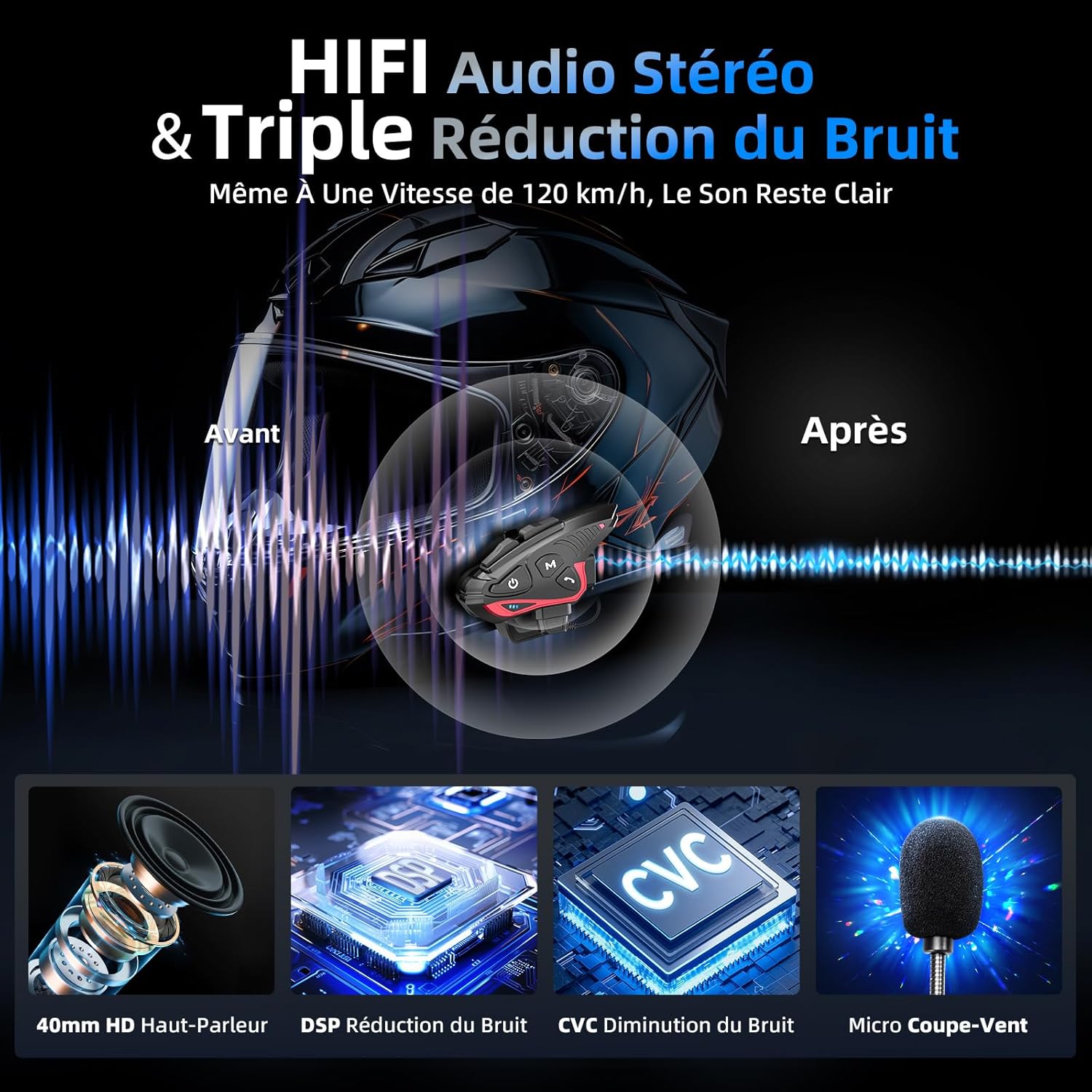
Figure 7: Audio quality and noise reduction technology.
8. Warranty and Support
The Moman CP-S Motorcycle Intercom System comes with a 2-year manufacturer's warranty. For technical support, warranty claims, or any other inquiries, please contact Moman customer service through their official channels.

