
1. Introduction
Thank you for choosing the ANNKE 12MP PoE IP Camera C1200. This manual provides essential information for the proper installation, configuration, and operation of your security camera. Please read this manual thoroughly before using the product and retain it for future reference. This camera is designed for outdoor surveillance, offering high-resolution imaging and advanced detection capabilities.
2. Product Overview
The ANNKE C1200 is a 12-megapixel Power over Ethernet (PoE) bullet camera engineered for robust outdoor security. It delivers ultra-high-definition video, advanced night vision, and intelligent human/vehicle detection to enhance your surveillance system.
Key Components
- Camera Body: Durable, weather-resistant bullet-style housing.
- Lens: 2.8mm wide-angle lens for broad coverage.
- IR LEDs: For infrared night vision.
- White Light LEDs: For color night vision and deterrence.
- Ethernet Port (PoE): For power and data connection.
- MicroSD Card Slot: Supports up to 512GB for local storage (card not included).
3. Key Features
- Exceptional 12MP UHD Visual Experience: The camera features a 1/2.7" progressive scan BSI CMOS image sensor, delivering 4096x3072 super-high-resolution images. This provides 6 times sharper detail than 1080P cameras, ensuring no critical details are missed.
- Advanced Night Vision Modes: The camera offers versatile night vision capabilities. By default, it uses IR night vision. When human or vehicle motion is detected, it can switch to color night vision. Color night vision is also active in low-light conditions above 0.005 Lux. Both IR and color night vision modes provide up to 100ft (30m) illumination distance.
- Human & Vehicle Detection with Enhanced Privacy: Utilizing advanced AI, the camera accurately detects human and vehicle movements, reducing false alarms by up to 99%. This minimizes unnecessary notifications to your ANNKE APP. Additionally, you can define privacy masks to digitally obscure sensitive areas within the camera's view.
- Smart Search & Playback: This feature simplifies reviewing recorded footage. It allows you to quickly locate vital clips by filtering events, saving time when searching through extensive video archives. Remote access and control are available via the ANNKE APP.
- Flexible Storage Options: The camera supports local storage via a microSD card up to 512GB (not included). For extended recording and enhanced system integration, it is compatible with ANNKE Network Video Recorders (NVRs), providing distortion-free image quality and efficient bandwidth usage.

Image: The camera captures a wide, clear view of a backyard, demonstrating its 12MP Ultra HD resolution.

Image: Illustration of the three night vision modes: full color, infrared (black and white), and color triggered by human/vehicle detection.

Image: Demonstrates the camera's ability to distinguish between human and vehicle presence, triggering specific alerts.

Image: Visual representation of the smart search and playback interface, showing different recording modes and event timelines.
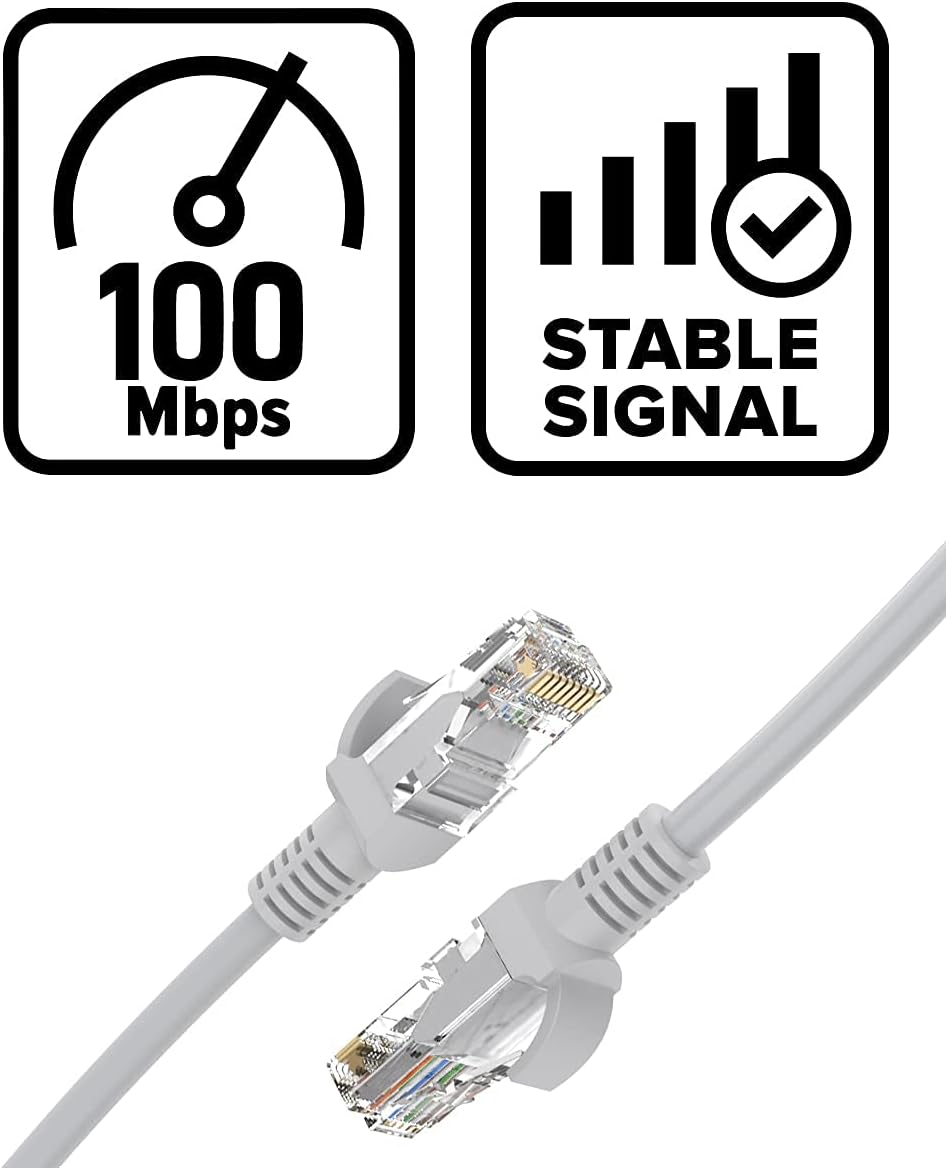
Image: An Ethernet cable, symbolizing the stable and high-speed network connection for the camera.
4. Setup and Installation
4.1 Package Contents
Please verify that all components are present in your package:
- ANNKE 12MP PoE IP Camera C1200
- Mounting Screws and Wall Plugs
- Waterproof Kit for Ethernet Cable
- Drill Template
- Quick Start Guide
4.2 Physical Installation
- Choose a Location: Select an outdoor location that provides the desired surveillance coverage. Ensure the camera is mounted securely and has a clear line of sight. The camera is designed for ceiling mount.
- Mount the Camera: Use the provided drill template to mark and drill holes. Secure the camera base to the mounting surface using the screws and wall plugs.
- Adjust Angle: Loosen the adjustment screws on the camera body to set the desired viewing angle. Tighten the screws once the angle is set.
4.3 Network and Power Connection (PoE)
The C1200 camera uses Power over Ethernet (PoE) for both power supply and data transmission, simplifying installation.
- Connect Ethernet Cable: Connect one end of an Ethernet cable to the camera's Ethernet port. Use the waterproof kit to protect the connection from moisture.
- Connect to PoE Device: Connect the other end of the Ethernet cable to a PoE-enabled switch, PoE injector, or an ANNKE NVR's PoE port.
- Power On: Once connected to a PoE source, the camera will power on automatically.

Image: A visual guide demonstrating how to connect the camera to an NVR using an Ethernet cable, highlighting the PoE connection.
4.4 Initial Configuration via ANNKE APP
- Download ANNKE APP: Download and install the official ANNKE APP from your smartphone's app store.
- Add Device: Open the APP, create an account if you don't have one, and follow the on-screen instructions to add your new camera. You may need to scan a QR code on the camera or manually enter its details.
- Network Settings: Ensure the camera is connected to your network. The APP will guide you through any necessary network configurations.
5. Operating the Camera
5.1 Live View and Playback
- Access the ANNKE APP to view live footage from your camera.
- Use the playback function to review recorded video. The smart search feature helps filter events.
5.2 Configuring Detection Settings
Within the ANNKE APP, navigate to the camera settings to customize detection:
- Human/Vehicle Detection: Enable or disable this feature. Adjust sensitivity levels as needed.
- Motion Detection: Configure motion detection zones and sensitivity.
- Privacy Masking: Set up digital privacy zones to block out specific areas from recording.
5.3 Night Vision Modes
The camera automatically switches between night vision modes based on ambient light and detection events:
- IR Night Vision: Default mode in low light, providing black and white images.
- Color Night Vision: Activated in very low light conditions (above 0.005 Lux) or when human/vehicle motion triggers the white light.
5.4 Recording Management
Manage how your camera records footage:
- Continuous Recording: Records 24/7.
- Scheduled Recording: Records during specific times.
- Motion Detection Recording: Records only when motion is detected.
- Cyclical Recording: Overwrites the oldest footage when storage is full.
6. Maintenance
6.1 Cleaning the Camera
Regularly clean the camera lens and housing to ensure optimal performance:
- Use a soft, damp cloth to wipe the camera body.
- For the lens, use a specialized lens cleaning cloth and solution to avoid scratches.
- Do not use harsh chemicals or abrasive cleaners.
6.2 Firmware Updates
Check the ANNKE APP or official website periodically for firmware updates. Keeping your camera's firmware up-to-date ensures the latest features, security patches, and performance improvements.
6.3 MicroSD Card Management
If using a microSD card for storage:
- Format the card periodically through the camera settings in the ANNKE APP to maintain performance.
- Replace the card if it shows signs of degradation or error.
7. Troubleshooting
This section addresses common issues you might encounter.
7.1 No Image/Video Feed
- Check Power: Ensure the camera is receiving power via the PoE connection. Verify the PoE switch or NVR is functioning correctly.
- Check Network Cable: Ensure the Ethernet cable is securely connected at both ends and is not damaged.
- Network Connectivity: Verify your network is operational and the camera has an IP address.
- Reboot: Disconnect and reconnect the PoE cable to reboot the camera.
7.2 Frequent False Alarms
- Adjust Sensitivity: Reduce the sensitivity of human/vehicle detection or motion detection in the ANNKE APP.
- Define Detection Zones: Exclude areas with frequent irrelevant motion (e.g., trees swaying, busy roads) from detection zones.
- Privacy Masks: Use privacy masks for areas that should not trigger alerts.
7.3 Poor Night Vision Quality
- Clean Lens: Ensure the camera lens is clean and free from dirt or smudges.
- Obstructions: Check for any physical obstructions blocking the IR/white lights or the camera's view.
- Power Supply: Ensure stable power supply for optimal IR/white light performance.
7.4 Cannot Access Camera Remotely
- Internet Connection: Verify both your camera's network and your smartphone's internet connection are stable.
- APP Status: Ensure the ANNKE APP is up-to-date and the camera is properly added to your account.
- Router Settings: Check your router's firewall or port forwarding settings if direct access issues persist (though P2P usually bypasses this).
8. Specifications
| Feature | Detail |
|---|---|
| Effective Still Resolution | 12 MP |
| Video Capture Resolution | 1080p (Note: Product title indicates 12MP, this might be a default or lower setting) |
| Photo Sensor Technology | CMOS |
| Mounting Type | Ceiling Mount |
| Form Factor | Bullet |
| Night Vision Range | 100 Feet (30 meters) |
| Alert Type | Motion Only (Human/Vehicle Detection) |
| Recommended Uses | Outdoor Security |
| Compatible Devices | Smartphone |
| Controller Type | Amazon Alexa (Integration) |
| Wireless Communication Technology | Wi-Fi (for APP control, main connection is PoE) |
| Storage Support | Up to 512GB microSD Card (not included), NVR |
9. Warranty and Support
9.1 Product Warranty
ANNKE products typically come with a limited warranty. Please refer to the warranty card included with your product or visit the official ANNKE website for detailed warranty terms and conditions specific to your region and purchase date.
9.2 Technical Support
If you encounter any issues that cannot be resolved using this manual, or require further assistance, please contact ANNKE technical support:
- Website: Visit the official ANNKE support page for FAQs, downloads, and contact information.
- Email/Phone: Refer to your product packaging or the ANNKE website for specific contact details.