
1MORE S51
1MORE S51 Open Ear Headphones User Manual
Model: S51 | Brand: 1MORE
Introduction
The 1MORE S51 Open Ear Headphones are designed to provide a comfortable and secure listening experience while keeping you aware of your surroundings. Featuring advanced audio technology and a durable, water-resistant design, these headphones are ideal for various activities including sports, gaming, and daily commutes.
Key Features
- Open Ear Design: Allows awareness of surroundings, enhancing safety during outdoor activities.
- Secure Fit: Unique shark flow design with dedicated earhooks ensures lightweight, stable comfort for all-day wear, suitable for sports and sensitive ears.
- Exceptional Sound Quality: Patented diamond-like diaphragm driver provides a 42% boost in acoustic performance. Bass More+ technology enhances bass, supporting AAC and SBC codecs.
- Extended Playtime: Up to 11 hours on a single charge, with a total of 40 hours using the charging case.
- Superior Call Quality: Four microphones with AI ENC noise reduction ensure crystal-clear calls in noisy environments.
- Low Latency Game Mode: Reduces latency to as low as 0.08 seconds for synchronized audio during gaming.
- IPX5 Water Resistance: Rated for water and sweat resistance, making them suitable for intense workouts and outdoor adventures (charging case is not waterproof).
- Bluetooth 5.3: Provides stable and efficient wireless connectivity.
- Customizable Controls: Manage settings and functions via the dedicated 1MORE app.
What's in the Box
- 1MORE S51 Open Ear Headphones (Left and Right earbuds)
- Charging Case
- USB-C Charging Cable
- User Guide

Image: The 1MORE S51 Open Ear Headphones in their charging case.
Setup
1. Initial Charge
Before first use, fully charge the headphones and charging case. Connect the provided USB-C cable to the charging port on the case and a power source. The LED indicator on the case will show charging status.
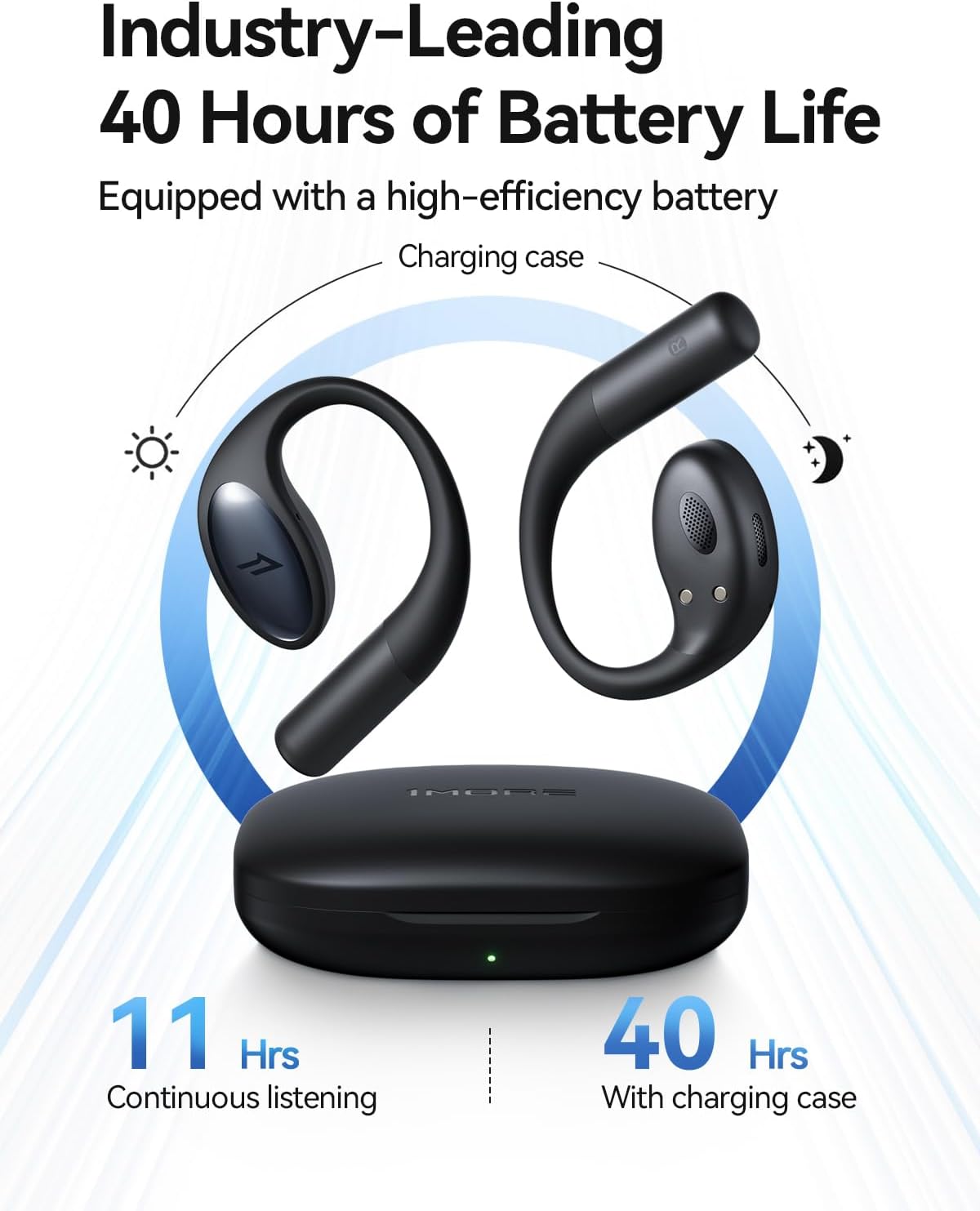
Image: The 1MORE S51 charging case, highlighting the charging port and LED indicator.
2. Pairing with Your Device
- Ensure the headphones are in the charging case and the case lid is open.
- On your device (smartphone, tablet, laptop), go to Bluetooth settings.
- Select "1MORE S51" from the list of available devices to pair.
- Once connected, you will hear an audio prompt, and the LED indicator on the case may change.
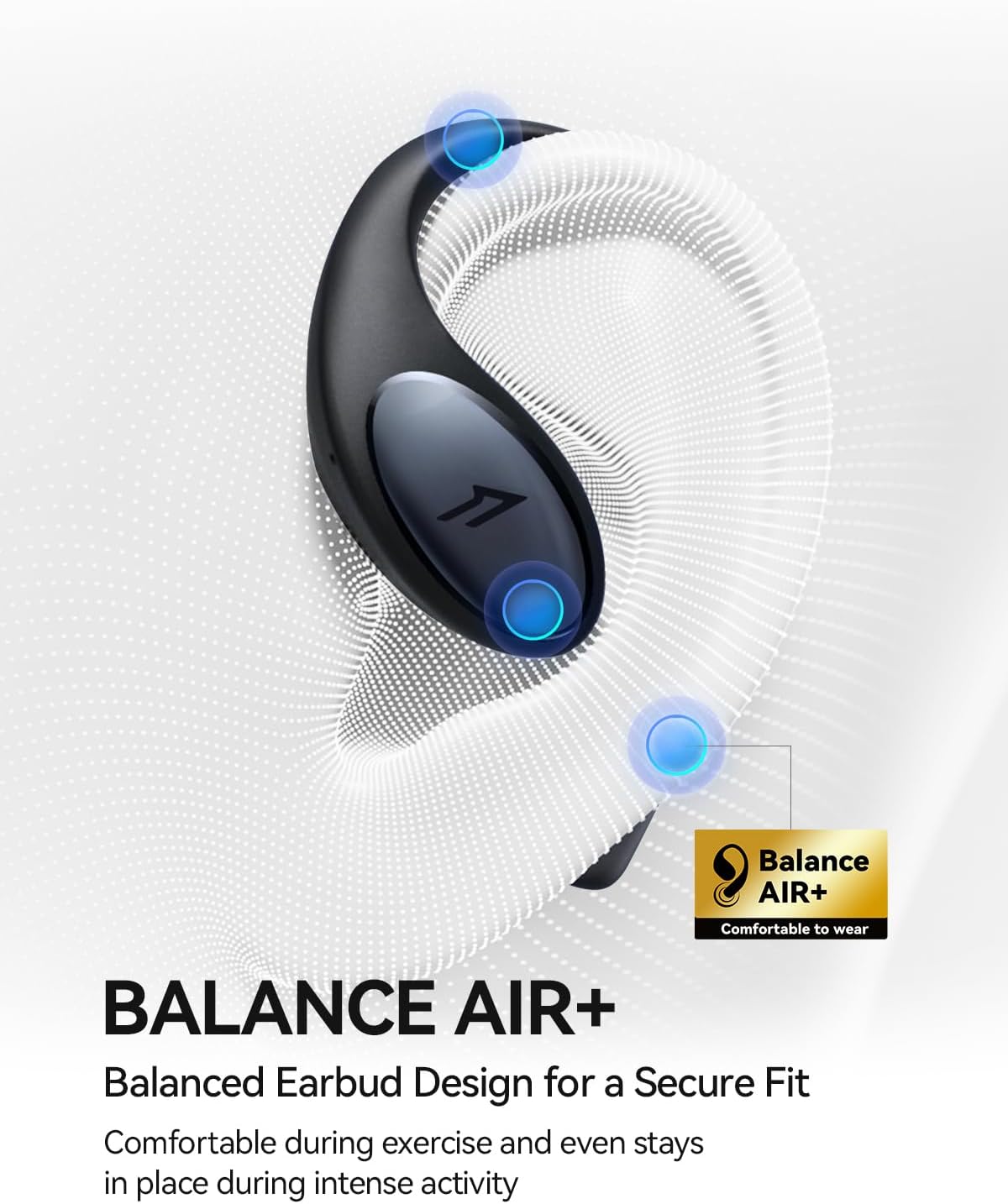
Image: A close-up of the 1MORE S51 earbuds, demonstrating their open-ear design.
Operating Instructions
Wearing the Headphones
The 1MORE S51 headphones feature an open-ear design that rests comfortably on your ear without entering the ear canal. Place the earhook over the top of your ear and position the speaker part just outside your ear canal for optimal sound and environmental awareness.

Image: A person wearing the 1MORE S51 headphones during a cycling activity, demonstrating the secure and open fit.
Touch Controls
The headphones feature touch-sensitive controls on the back of each earbud. Functionality may vary slightly depending on your device and app settings.
| Action | Function |
|---|---|
| Single Tap | Play/Pause music, Answer/End call |
| Double Tap | Next track, Reject call |
| Triple Tap | Previous track |
| Long Press | Activate voice assistant, Toggle Game Mode |
For detailed customization of touch controls, download the 1MORE MUSIC app.

Image: Screenshot of the 1MORE app interface showing customizable touch controls for the earbuds.
Game Mode
Activate Game Mode for ultra-low latency (as low as 0.08 seconds) to ensure audio and video synchronization during gaming. This mode can typically be toggled via a long press on the touch control or through the 1MORE MUSIC app.
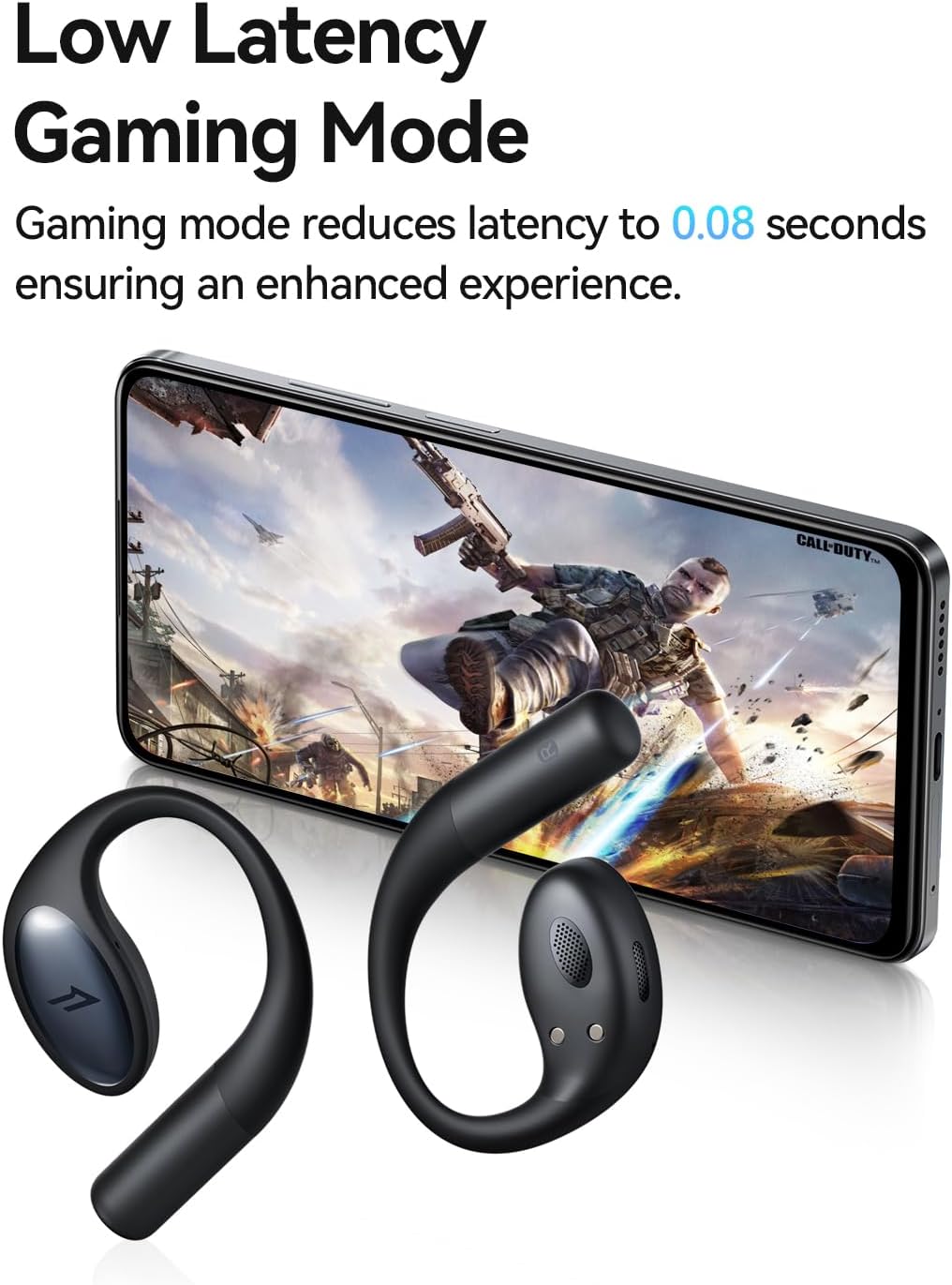
Image: The 1MORE S51 headphones next to a smartphone displaying a game, illustrating the low latency game mode.
Maintenance
Cleaning
Wipe the headphones with a soft, dry cloth. Do not use harsh chemicals or abrasive materials. Ensure the charging contacts on both the earbuds and the case are clean and dry.
Water Resistance (IPX5)
The 1MORE S51 headphones are IPX5 water-resistant, meaning they can withstand splashes of water and sweat. They are suitable for workouts and light rain. However, they are not designed for submersion in water. The charging case is NOT waterproof.

Image: Visual representation of the IPX5 waterproof and sweatproof rating for the 1MORE S51 headphones.
Troubleshooting
| Issue | Possible Solution |
|---|---|
| Headphones not pairing | Ensure Bluetooth is enabled on your device. Place headphones in case, close and reopen lid. Forget "1MORE S51" from your device's Bluetooth list and re-pair. |
| No sound or low volume | Check device volume. Ensure headphones are charged. Reconnect Bluetooth. Clean speaker mesh if obstructed. |
| Intermittent connection | Move closer to your device. Avoid strong electromagnetic interference. Ensure headphones are fully charged. |
| Charging case not charging | Try a different USB-C cable and power adapter. Ensure the charging port is clean. |
Specifications
| Feature | Detail |
|---|---|
| Model Name | S51 |
| Connectivity Technology | Wireless (Bluetooth 5.3) |
| Battery Life (Earbuds) | Up to 11 Hours |
| Total Playtime (with Charging Case) | Up to 40 Hours |
| Water Resistance Level | IPX5 (Earbuds only) |
| Audio Driver Type | Dynamic Driver (Diamond-like Carbon Diaphragm) |
| Microphones | 4 (with AI ENC Noise Reduction) |
| Low Latency Mode | Game Mode (0.08 seconds) |
| Control Method | Touch, App |
| Weight (Earbud) | 9g (each) |
| Dimensions | 4.3 x 1.2 x 3 inches (Product Dimensions) |
| Material | Silicone, Titanium |
| UPC | 190280001122 |
Official Product Videos
1MORE Open Ear Headphones S51 Overview
Video: An official overview of the 1MORE S51 Open Ear Headphones, showcasing their features and design. This video highlights key aspects like sound quality, comfort, and water resistance.
Warranty and Support
For warranty information and customer support, please visit the official 1MORE website or contact their customer service. Keep your purchase receipt for warranty claims.
Official 1MORE Store: Visit 1MORE Store on Amazon
UPC: 190280001122
Additional UPC from image: 6933037203820
Related documentsS51


Ask a question about this manual
Ask about setup, troubleshooting, compatibility, parts, safety, or missing instructions. Manuals+ will review the question and use this page’s manual context to help answer it.