
Introduction
This manual provides essential instructions for the setup, operation, maintenance, and troubleshooting of your Accutime Hot Wheels Kids Watch, Model HTW4028AZ. Please read this manual thoroughly to ensure proper use and longevity of the product.
Setup
1. Unboxing
Your Hot Wheels Kids Watch comes packaged in a collectible tin. Carefully open the tin to retrieve the watch. Inspect the watch for any visible damage before proceeding.

Image: The Hot Wheels Kids Watch presented within its collectible tin packaging.
2. Setting the Time and Date
The watch features a digital LCD display. To set the time and date:
- Locate the recessed button on the side of the watch. This button is typically smaller and may require a pointed object like a pen tip or a straightened paperclip to press.
- Press the recessed button once to enter time setting mode. The hour digit will begin to flash.
- Use the other buttons (usually located on the opposite side or adjacent to the recessed button) to adjust the flashing digit. Pressing these buttons will advance the number.
- Press the recessed button again to move to the next setting (minutes, then month, then day). Repeat step 3 to adjust each value.
- After setting the day, press the recessed button one last time to exit the setting mode. The time and date will now be set.
Note: If the time does not stay accurate after setting, please refer to the Troubleshooting section.
3. Wearing the Watch
The watch features an adjustable molded plastic strap with a secure plastic buckle. Adjust the strap to fit comfortably on the wrist, ensuring it is not too tight or too loose.
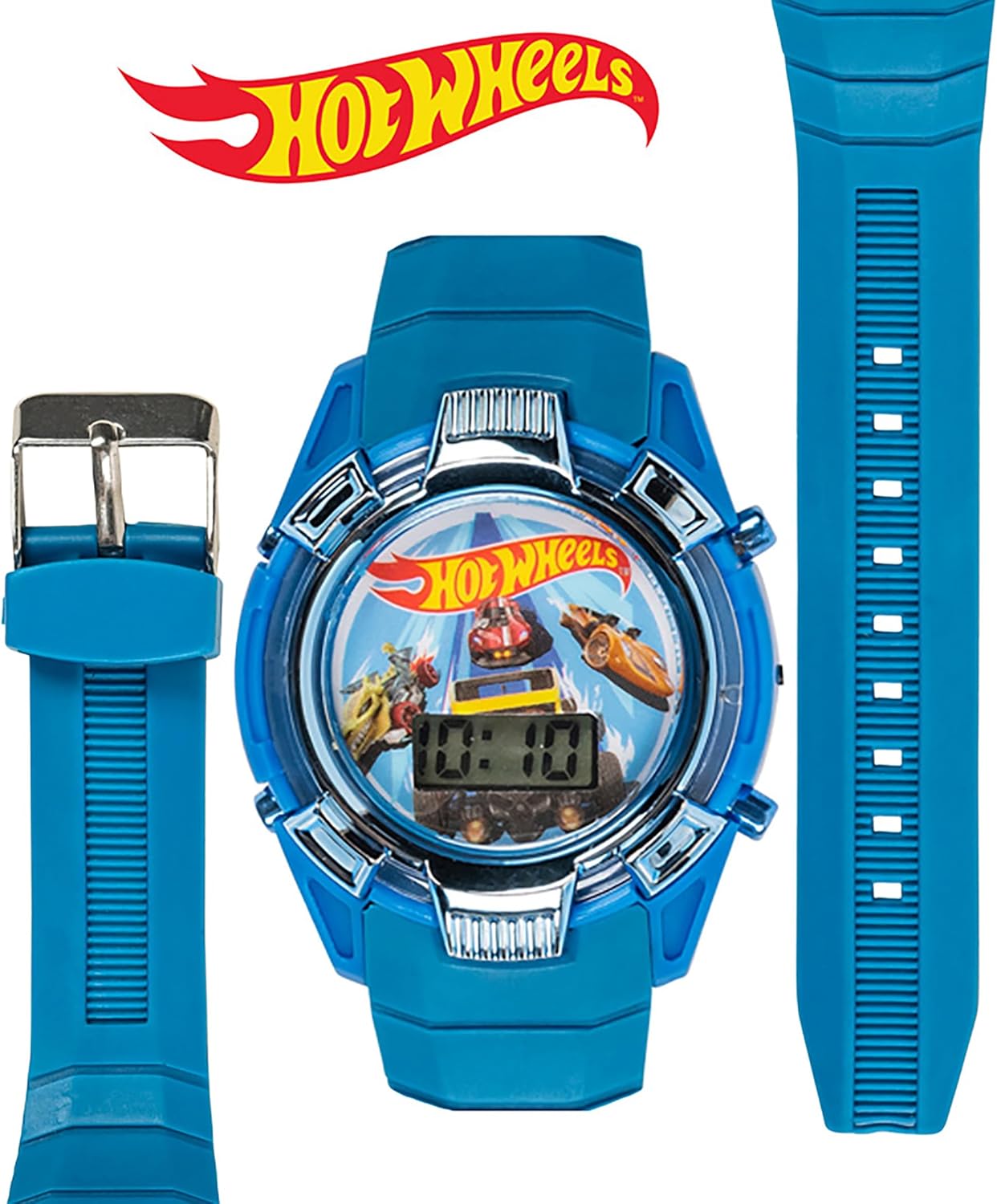
Image: The watch face, strap, and buckle components, illustrating the adjustable design.
Operating Instructions
1. Reading the LCD Display
The watch features a clear LCD display that shows the time (hours and minutes) and date. The digits are designed for easy readability.
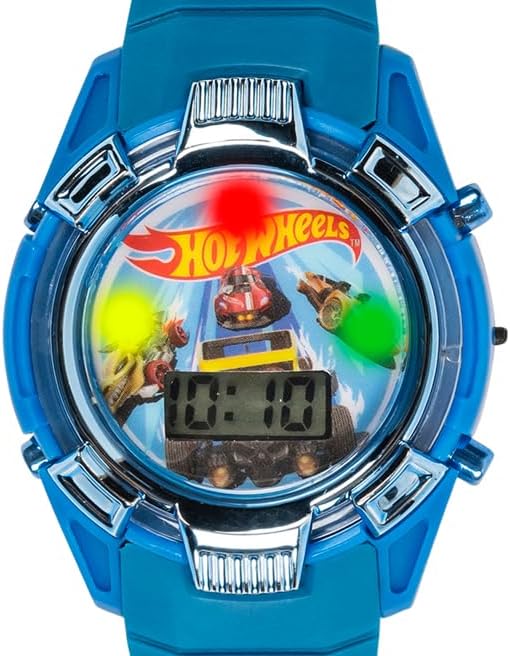
Image: A close-up view of the watch face, highlighting the digital LCD display showing the time.
2. Using the Light-Up Feature
The watch includes an exciting light-up feature. To activate the lights, press the button located on the side of the watch, typically opposite the recessed setting button. The display will illuminate with colorful lights for a short duration.

Image: The watch face with its light-up feature activated, showing colorful illumination around the display.
Maintenance
1. Cleaning
To clean your watch, wipe it gently with a soft, damp cloth. Avoid using harsh chemicals or abrasive materials, as these can damage the watch's finish or display.
2. Battery Information
The watch is powered by 1 Lithium Ion battery, which is included. When the display becomes dim or the watch stops functioning, the battery may need replacement. Battery replacement should ideally be performed by a qualified technician to ensure proper sealing and functionality.
3. Water Resistance
While the watch is designed for daily wear, it is generally resistant to splashes and brief exposure to water. It is not recommended for swimming, bathing, or prolonged submersion in water. Avoid pressing buttons while the watch is wet to prevent water ingress.
Troubleshooting
1. Time Does Not Stay Accurate
If the watch time frequently becomes inaccurate, ensure that the setting buttons are not being accidentally pressed. If the issue persists, it may indicate a low battery or an internal malfunction. Consider replacing the battery or contacting customer support.
2. Display is Dim or Blank
A dim or blank display usually indicates a low or depleted battery. Replace the battery as described in the Maintenance section. If the issue continues after battery replacement, contact customer support.
3. Light-Up Feature Not Working
If the light-up feature does not activate when the button is pressed, check the battery level. A low battery may not provide enough power for the lights. If the battery is new and the lights still do not work, there may be an internal issue.
Specifications
| Model Number | HTW4028AZ |
| Manufacturer | Accutime |
| Power Source | 1 Lithium Ion battery (included) |
| Department | Boys |
| Package Dimensions | 3.11 x 3.03 x 3.03 inches |
| Item Weight | 3.84 ounces |
Warranty and Support
For warranty information or technical support regarding your Accutime Hot Wheels Kids Watch, please contact Accutime customer service directly. Refer to the product packaging or the official Accutime website for the most current contact details.
Manufacturer: Accutime
Website: www.accutime.com (Note: This is a general placeholder; please verify the actual support website for Accutime.)