
GLOBE 17000200
GLOBE 180-Degree Twin Head Motion Sensor LED Security Flood Light
Model: 17000200
Introduction
This manual provides essential information for the safe installation, operation, and maintenance of your GLOBE 180-Degree Twin Head Motion Sensor LED Security Flood Light. Please read this manual thoroughly before installation and retain it for future reference.

Front view of the GLOBE 180-Degree Twin Head Motion Sensor LED Security Flood Light.
Safety Information
WARNING: Risk of electric shock. Disconnect power at the fuse or circuit breaker before installing or servicing. This product must be installed in accordance with the applicable installation code by a person familiar with the construction and operation of the product and the hazards involved.
- Ensure the power supply is turned off before installation.
- Do not attempt to modify the fixture.
- Consult a qualified electrician if you are unsure about the installation process.
- This fixture is designed for outdoor use and is weather-resistant.
Package Contents
Verify that all components are present before beginning installation:
- 1 x GLOBE 180-Degree Twin Head Motion Sensor LED Security Flood Light
- Mounting Hardware (screws, wire nuts, mounting plate)
- Instruction Manual
Setup and Installation
This flood light is designed for wall mount installation only. Follow these steps carefully:
- Turn Off Power: Locate the circuit breaker controlling the outdoor lighting circuit and turn it off. Verify power is off using a voltage tester.
- Prepare Mounting Surface: Ensure the mounting surface is clean, dry, and structurally sound.
- Attach Mounting Plate: Secure the mounting plate to the junction box using the provided screws.
- Wire Connections: Connect the fixture wires to your household wiring using the wire nuts.
- Connect the black fixture wire to the black (live) household wire.
- Connect the white fixture wire to the white (neutral) household wire.
- Connect the green or bare copper fixture wire to the green or bare copper (ground) household wire.
- Mount Fixture: Carefully push the wired fixture onto the mounting plate and secure it with the provided screws. Ensure no wires are pinched.
- Seal (Optional but Recommended): Apply silicone sealant around the edges of the fixture where it meets the wall to prevent water intrusion.
- Restore Power: Turn the power back on at the circuit breaker.

The flood light is designed for wall mount installation only. Ensure proper mounting for optimal performance.

Product dimensions: 7.09"L x 4.49"W x 7.09"H. Refer to this diagram for precise measurements during installation.
Operating Instructions
Your GLOBE security flood light features a motion sensor and adjustable lamp heads.
Motion Sensor Operation
The integrated motion sensor detects movement within a 180-degree detection zone, up to 40 feet (12.2 meters) away. The light will automatically turn on when motion is detected and turn off after a set period of no motion.

The motion sensor provides a 180-degree detection zone, covering up to 40 feet (12.2 meters) for enhanced security.
Adjusting Lamp Heads
The twin lamp heads can be adjusted to customize the light coverage area. Gently grasp each lamp head and tilt it up, down, or side to side as needed. No tools are required for this adjustment.

The lamp heads can be manually adjusted to direct light precisely where it's needed.
Light Output
The fixture provides 1000 lumens of bright white light with a 4000 Kelvin color temperature, ideal for security and general outdoor illumination.
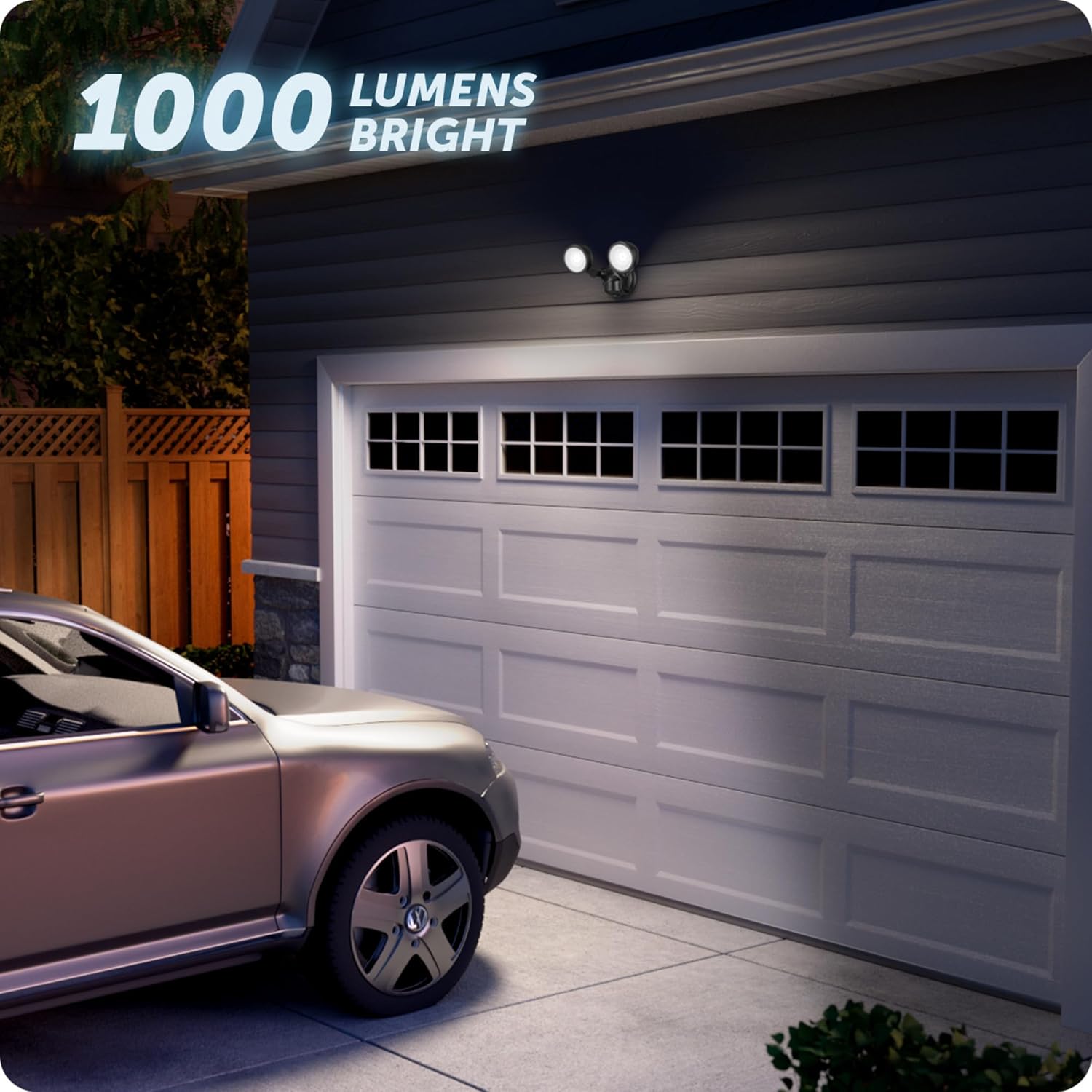
The 1000 lumens output provides ample brightness for outdoor security and visibility.
Maintenance
This LED security flood light requires minimal maintenance.
- Cleaning: Periodically wipe the fixture with a soft, damp cloth to remove dirt and debris. Do not use abrasive cleaners or solvents.
- Inspection: Regularly inspect the wiring and mounting for any signs of wear, damage, or loosening.
- LEDs: The integrated LEDs are designed for long life and are not user-replaceable.

The fixture is outdoor-rated and weather-resistant, designed to withstand various elements.
Troubleshooting
| Problem | Possible Cause | Solution |
|---|---|---|
| Light does not turn on. | No power; faulty wiring; sensor malfunction. | Check circuit breaker. Verify wiring connections. Ensure sensor is not obstructed. |
| Light stays on continuously. | Constant motion detected; sensor sensitivity too high; wiring error. | Check for continuous motion in detection zone. Adjust sensor sensitivity (if applicable, though not explicitly stated as adjustable in product info). Recheck wiring. |
| Light flickers. | Loose wiring connection; power fluctuations. | Check and tighten all wiring connections. Consult an electrician if power fluctuations persist. |
| Motion sensor not detecting. | Sensor obstructed; incorrect angle; extreme temperature. | Clear any obstructions. Adjust sensor angle. Allow sensor to acclimate to temperature. |
Specifications
- Brand: GLOBE
- Model Name: 17000200
- Color: Black
- Material: Resin
- Light Source Type: Integrated LED
- Brightness: 1000 Lumens
- Color Temperature: 4000 Kelvin (Daylight White)
- Wattage: 10 Watts
- Voltage: 120 Volts
- Motion Detection: 180-degree, up to 40 feet (12.2 meters)
- Installation Type: Wall Mount
- Indoor/Outdoor Usage: Outdoor
- Special Features: Motion Sensor, Water Resistant
- Product Dimensions: 7.09"L x 4.49"W x 7.09"H
- Item Weight: 1.54 pounds
Warranty and Support
This GLOBE security flood light is backed by a 3-year manufacturer's limited warranty.
For warranty claims or technical support, please visit the official GLOBE website or contact their customer service. You can find more information and products from GLOBE at their Amazon store: Visit the GLOBE Store.
Related documents17000200


Ask a question about this manual
Ask about setup, troubleshooting, compatibility, parts, safety, or missing instructions. Manuals+ will review the question and use this page’s manual context to help answer it.