Product Overview
The Panasonic KX-TGU110EXB is a digital cordless telephone designed for ease of use, featuring large buttons, an enhanced volume, a Favorite Call function, multiple call blocking features, and hearing aid compatibility. This manual provides detailed instructions for setting up, operating, and maintaining your phone.

Image: The Panasonic KX-TGU110EXB digital cordless phone, showing the handset docked in its black base unit.
Key Features
- Easy-to-Read Display: Features a large 4.6 cm (1.8") FullDot monochrome backlit LCD screen for impressive clarity and brightness, ensuring text and numbers are clear and readable even in low light.
- Large Keys: Illuminated and clearly identified large keys facilitate dialing. The extra-large colored answer and end call buttons simplify call management.
- Enhanced Volume: The high volume can be up to 2 times louder than standard Panasonic DECT phones (e.g., KX-TG68 series).
- Favorite Call: Instantly recognize your favorite contacts (up to 3) using the intuitive Fav Call button, which also allows for quick dialing and redialing (requires caller ID).
- Hearing Aid Compatible: Certified ETS 300 381 for elderly and hearing-impaired individuals, optimized for induction coil hearing aids to minimize sound interference.
- Call Blocking: Avoid unwanted calls with automated call blocking and unwanted call blocking functions. The block button allows you to prevent unsolicited callers from calling back.
- Location Compatibility: Suitable for use in Germany, Switzerland, Spain, Portugal, Italy, France, Belgium, Netherlands, Greece.

Image: A diagram of the phone highlighting its extra-large screen, favorite call indicator, large keys, ECO mode, speaker button, and call block button.
Setup
What's in the Box
- Base unit
- Handset
- AC adapter
- Rechargeable batteries (x2 AAA)
Battery Installation
- Open the battery compartment cover on the back of the handset.
- Insert the two AAA rechargeable batteries, ensuring correct polarity (+/-).
- Close the battery compartment cover securely.
- Place the handset on the base unit to charge for at least 7 hours before first use. The battery indicator on the screen will show charging status.
Connecting the Base Unit
- Connect the AC adapter to the base unit's power jack.
- Plug the AC adapter into a standard electrical outlet.
- Connect the telephone line cord (not included, typically) to the base unit's line jack and then to your telephone wall jack.
- Ensure the base unit is placed in a central location, away from other electronic devices that may cause interference.
Operating Instructions
Making a Call
- Lift the handset from the base unit or press the Talk button (green button).
- Dial the phone number using the large numeric keypad.
- Press the Talk button again if you lifted the handset first, or wait for the call to connect.

Image: A woman holding the Panasonic cordless phone, with a magnified inset showing the large, clearly visible numeric keys.
Answering a Call
- When the phone rings, lift the handset or press the Talk button.
Ending a Call
- Place the handset back on the base unit or press the End Call button (red button).
Adjusting Volume
- During a call, use the volume up/down buttons on the side of the handset to adjust the earpiece volume.
- For speakerphone volume, press the speaker button during a call and then use the volume buttons.
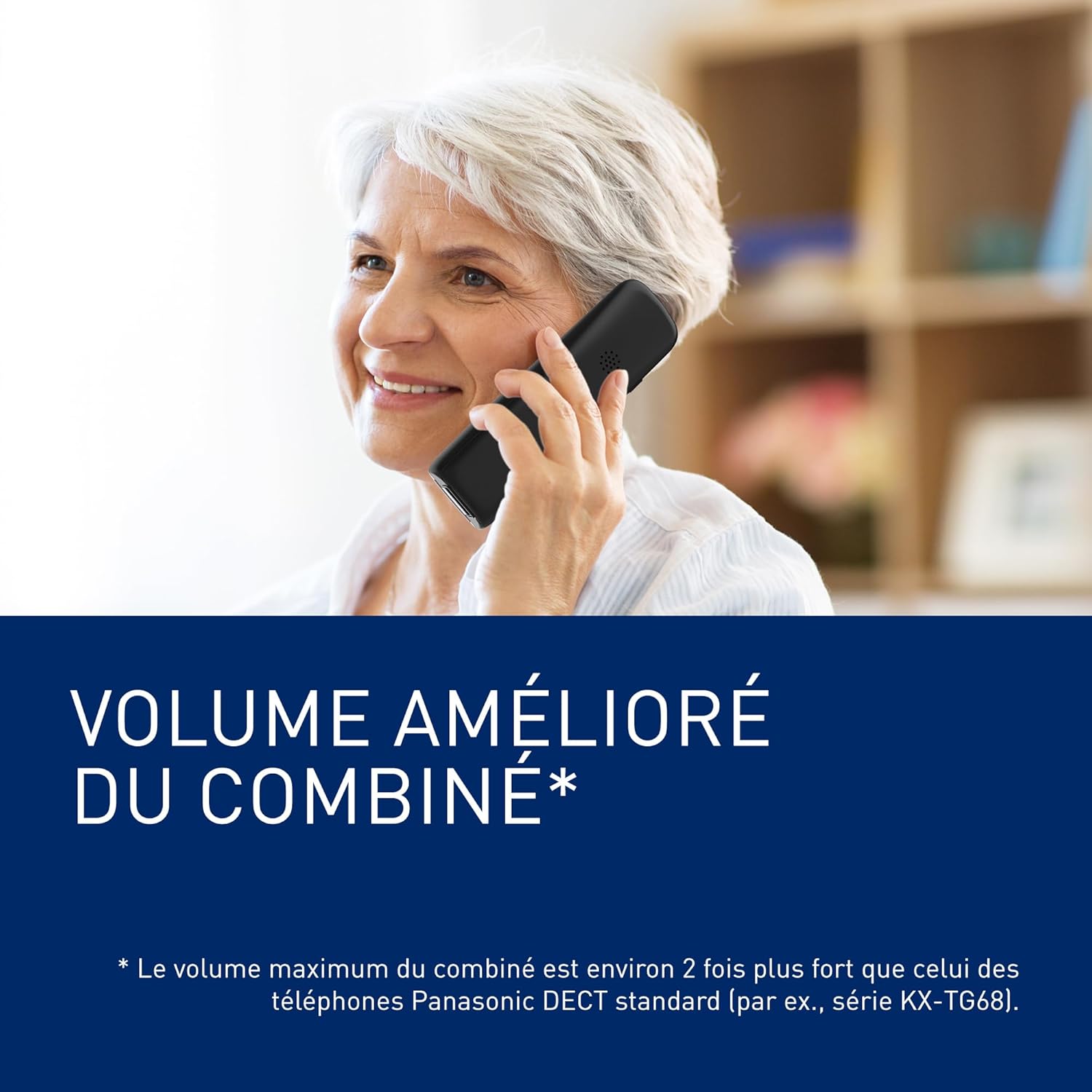
Image: An elderly woman smiling while talking on the Panasonic cordless phone, demonstrating the enhanced volume feature.
Using Favorite Call
- The Favorite Call feature allows quick access to up to 3 pre-programmed contacts.
- To program a favorite contact, refer to the detailed instructions in the full user manual (not provided here).
- To dial a favorite contact, press the dedicated Fav Call button and select the desired contact.

Image: A composite image showing the phone's screen with caller ID information and the highlighted Favorite Call button, alongside a person using the phone.
Call Blocking
- To block an unwanted number during or after a call, press the dedicated Call Block button.
- Follow the on-screen prompts to confirm blocking the number.
- This feature requires a subscription to a Caller ID service from your telephone provider.

Image: A visual representation of the call blocking feature, showing a shield icon with a broken phone line, indicating protection against unwanted calls.
Maintenance
Cleaning the Unit
- Wipe the exterior of the handset and base unit with a soft, dry cloth.
- Do not use abrasive cleaners, waxes, or solvents.
Battery Care
- Use only the specified rechargeable AAA batteries.
- If the phone will not be used for an extended period, remove the batteries to prevent leakage.
- Dispose of old batteries according to local regulations.
Environmental Considerations
- Avoid exposing the phone to direct sunlight, high humidity, or extreme temperatures.
- Keep the unit away from sources of heat and moisture.
Troubleshooting
Common Issues and Solutions
| Problem | Possible Cause | Solution |
|---|---|---|
| No dial tone | Telephone line cord is disconnected. | Ensure the telephone line cord is securely connected to the base unit and the wall jack. |
| Handset does not charge | Handset not properly seated on base unit; dirty charging contacts. | Ensure the handset is correctly placed on the base unit. Clean the charging contacts on both the handset and base unit with a dry cloth. |
| Poor sound quality / Static | Interference from other electronic devices; handset too far from base unit. | Move the base unit away from other electronic devices (e.g., microwaves, computers). Move closer to the base unit. |
| Cannot make/receive calls | AC adapter disconnected; power outage. | Check if the AC adapter is plugged in. Verify power supply to the outlet. |
| Display is blank | Batteries are depleted or not installed correctly. | Place the handset on the base unit to charge. Check battery installation and polarity. |
If the problem persists after trying these solutions, please consult the full user manual or contact customer support.
Specifications
- Model Number: KX-TGU110EXB
- Color: Black
- Type: Digital Cordless Phone
- Display: 4.6 cm (1.8") FullDot Monochrome Backlit LCD
- Power Source: Battery Powered (AC adapter for base unit)
- Batteries: 2 x AAA rechargeable batteries (included)
- Handset Weight: 150 g (including battery)
- Base Unit Weight: 130 g
- Handset Dimensions (L x W x H): Approximately 176 x 53 x 30 mm
- Base Unit Dimensions (L x W x H): Approximately 102 x 131 x 60 mm
- Talk Time: Up to 16 hours
- Standby Time: Up to 250 hours
- Material: Plastic
- Country of Origin: Malaysia

Image: A diagram illustrating the dimensions of the Panasonic KX-TGU110EXB handset and base unit in millimeters.
Warranty and Support
For detailed warranty information, please refer to the warranty card included with your product or visit the official Panasonic website for your region. Information regarding the availability of spare parts is not detailed in this manual.
For technical support or service inquiries, please contact Panasonic customer service through their official channels.


