1. Introduction
This manual provides comprehensive instructions for the installation, usage, and maintenance of the uxcell 1-1/4 Inch (32mm) Cable Cord Grommet. Please read this manual thoroughly before installation and use to ensure proper function and longevity of the product.
2. Product Overview
The uxcell Cable Cord Grommet is designed to organize and protect cables passing through holes in desks, computer components, and other surfaces. Made from durable rubber, it offers flexibility, wear resistance, and high-temperature resistance.
2.1 Key Features
- Material: Constructed from high-quality rubber, ensuring elasticity, resistance to deformation, wear, corrosion, and high temperatures.
- Cable Management: Effectively manages and conceals cables, contributing to a tidy and organized workspace.
- Easy Installation: Flexible design allows for straightforward installation into pre-drilled holes.
- Versatile Application: Suitable for various environments including homes, offices, and studios, for use with computer components, desks, and other equipment.

Figure 2.1: Six uxcell 1-1/4 Inch (32mm) Cable Cord Grommets. These grommets are designed to provide a clean and protected pass-through for cables in various surfaces.
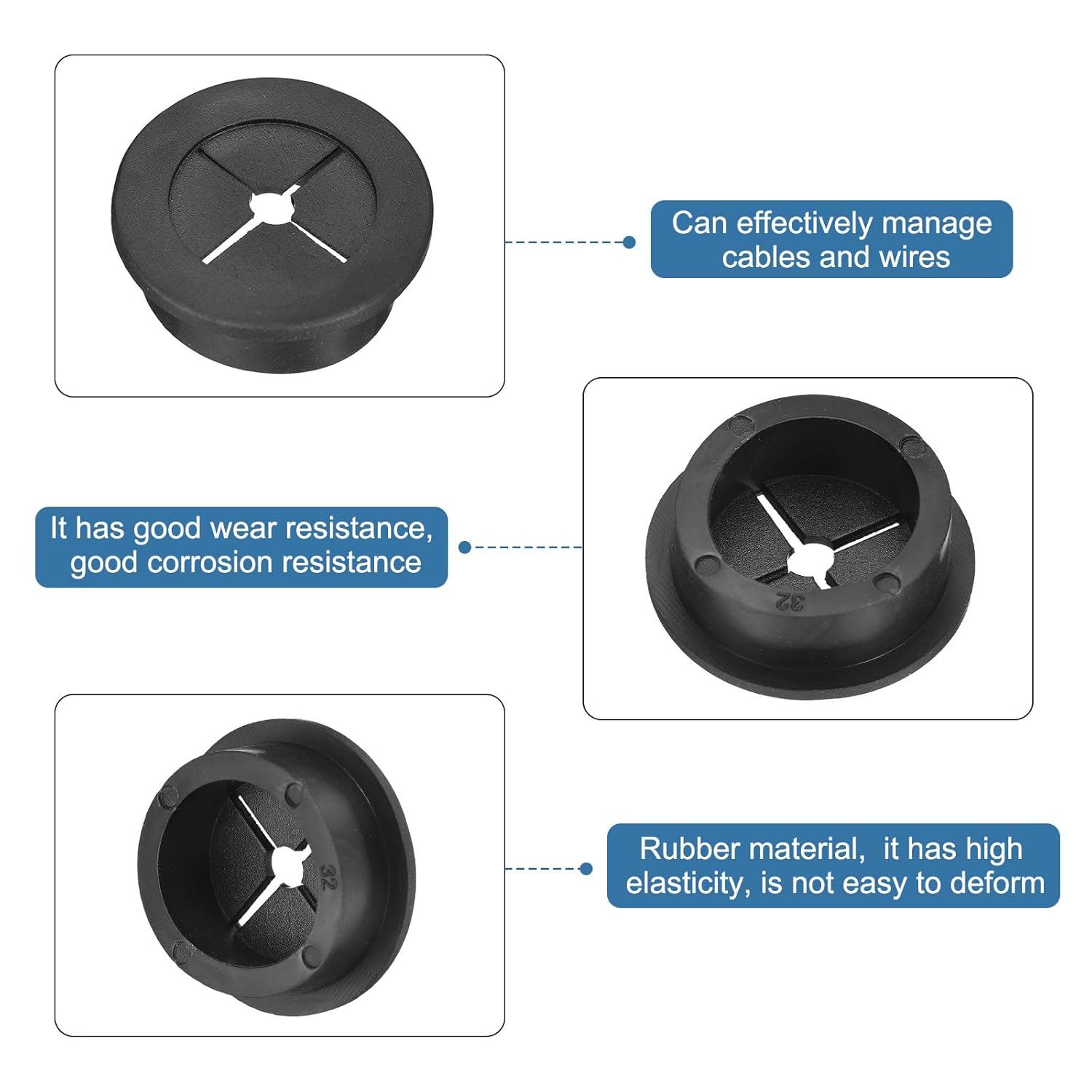
Figure 2.2: Detailed view of the grommet's features, emphasizing its ability to manage cables, resistance to wear and corrosion, and flexible rubber composition.
3. Specifications
| Attribute | Value |
|---|---|
| Material | Rubber |
| Fit Hole Diameter | 32mm (1.26 inch) |
| Total Size (Max.D*ID*H) | 38x25x12mm (1.5x1x0.47 inch) |
| Package Quantity | 6 Pieces |
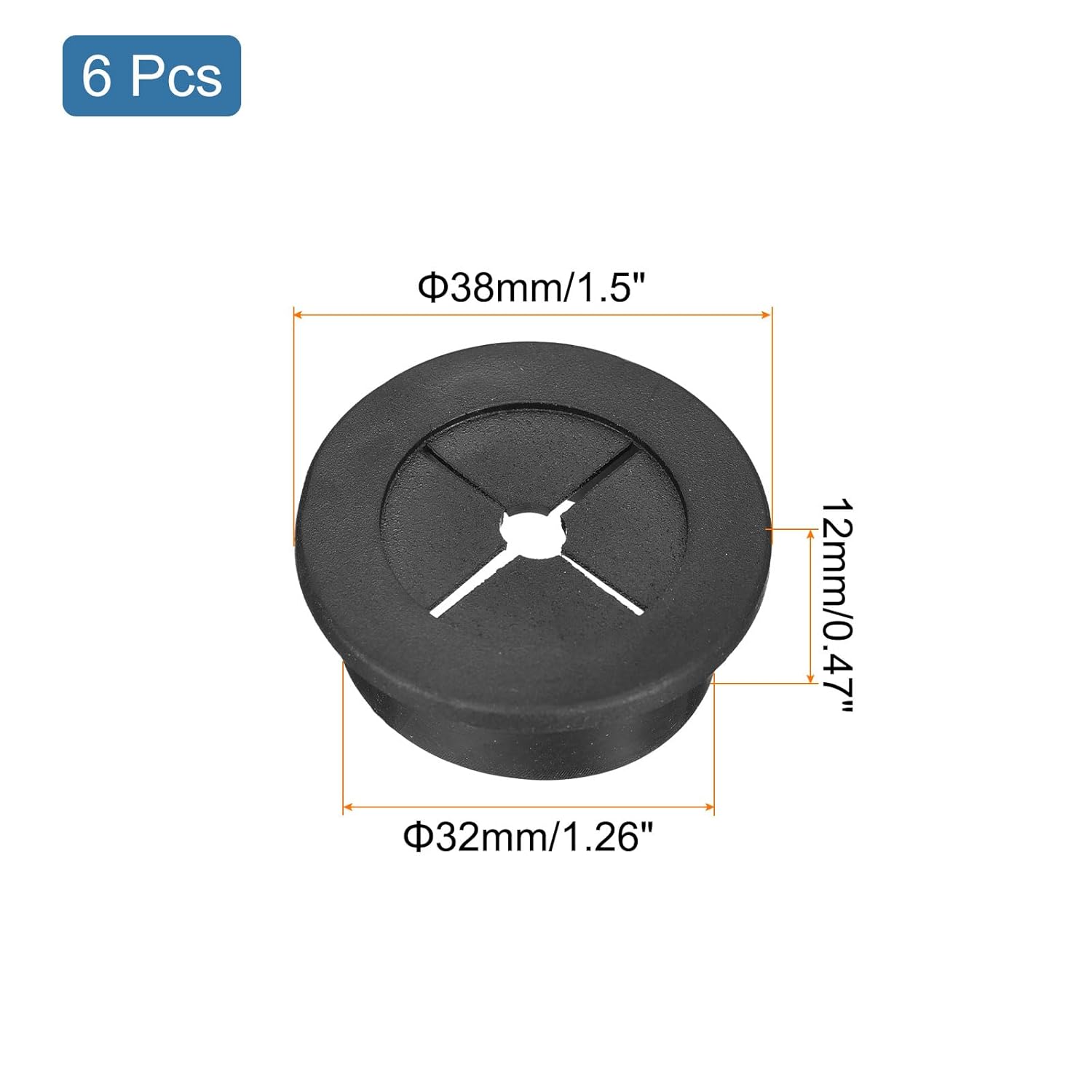
Figure 3.1: Dimensional diagram of the uxcell Cable Cord Grommet, indicating a fit hole diameter of 32mm (1.26 inches).
4. Installation
Follow these steps for proper installation of the cable cord grommet:
- Prepare the Mounting Hole: Ensure the surface where the grommet will be installed has a clean, circular hole with a diameter of 32mm (1.26 inches). Use an appropriate drill bit for the material.
- Insert the Grommet: Gently press the rubber grommet into the prepared hole. The flexible nature of the rubber allows for a snug fit.
- Pass Cables Through: Once the grommet is securely in place, carefully push your cables or wires through the central opening of the grommet. The split design will accommodate various cable sizes.

Figure 4.1: Visual installation steps for the uxcell Cable Cord Grommet. Ensure the hole diameter matches the grommet's specifications for a secure fit.
5. Usage
The uxcell Cable Cord Grommet is designed to facilitate organized and protected cable routing. It is suitable for:
- Organizing computer cables on office desks.
- Managing wires for entertainment systems.
- Protecting cables from sharp edges of drilled holes.
- Maintaining a clean and professional appearance in workspaces.

Figure 5.1: Example of a power cord passing through the grommet, illustrating its function in cable organization.
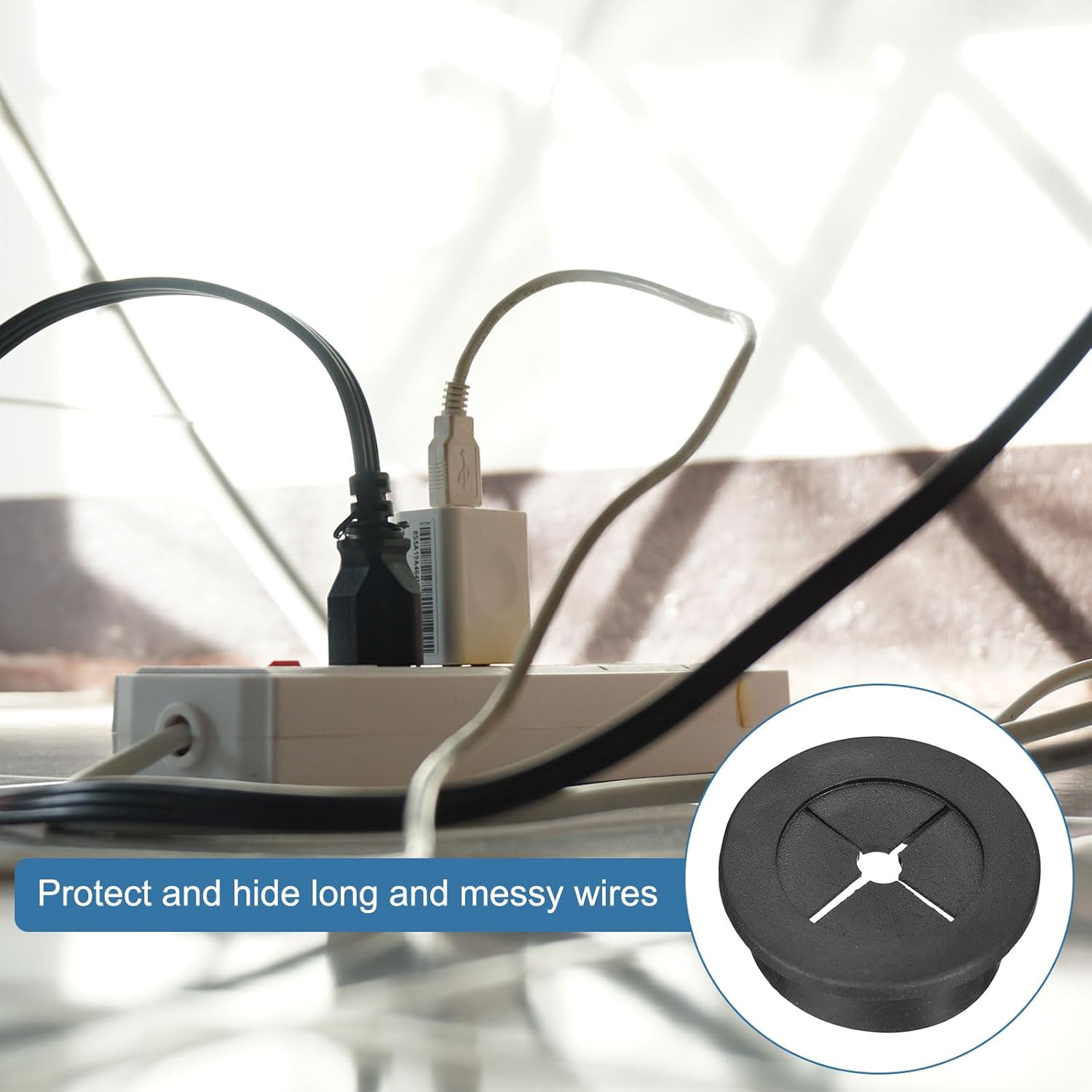
Figure 5.2: The grommet helps protect and hide long and messy wires, contributing to a cleaner setup.

Figure 5.3: The grommets are suitable for use in both office and home environments to maintain cable organization.
6. Maintenance
The uxcell Cable Cord Grommet requires minimal maintenance. To ensure its longevity and continued performance:
- Cleaning: Wipe the grommet with a damp cloth to remove dust or debris. Avoid harsh chemicals that may degrade the rubber material.
- Inspection: Periodically check the grommet for any signs of wear, cracking, or damage, especially if cables are frequently moved or adjusted.
- Environmental Conditions: While resistant to high temperatures, avoid prolonged exposure to extreme heat or direct sunlight, which could affect the rubber's elasticity over time.
7. Troubleshooting
This section addresses common issues you might encounter:
- Grommet does not fit in the hole:
- Ensure the drilled hole diameter matches the grommet's specified fit hole diameter (32mm or 1.26 inches).
- If the hole is too small, carefully enlarge it. If too large, the grommet may not sit securely and a different size grommet may be required.
- Cables are difficult to pass through:
- The grommet's opening is designed to be snug. Gently push cables through one at a time.
- For multiple cables, ensure the total diameter does not exceed the grommet's capacity.
- Grommet appears loose:
- Verify that the grommet is fully seated in the hole.
- If the hole is slightly oversized, a small amount of adhesive suitable for rubber and the surface material can be used to secure it, though this is generally not required for correctly sized holes.
8. Warranty & Support
For information regarding warranty coverage or product support, please refer to the uxcell official website or contact their customer service directly. Details are typically available on the product packaging or the manufacturer's website.
Manufacturer: uxcell
Date First Available: July 9, 2024


