
Introduction
Thank you for purchasing the Socool 20000mAh 8 Inch Portable Fan. This manual provides detailed instructions for the safe and efficient operation, maintenance, and troubleshooting of your new fan. Please read this manual thoroughly before use and retain it for future reference.
Important Safety Instructions
- Always place the fan on a stable, flat surface to prevent tipping.
- Do not insert fingers or any objects into the fan grille when it is operating.
- Keep the fan away from water or other liquids to avoid electric shock.
- Do not use the fan near flammable materials or gases.
- Ensure the charging port is dry before connecting the USB-C cable.
- When charging for the first time, use the fan until the battery is depleted, then charge for an additional hour after the display shows 100% to calibrate the battery sensor.
- Keep out of reach of children.
- Unplug the fan when not in use or before cleaning.
Package Contents
- Socool 8 Inch Portable Folding Fan
- Remote Control
- USB-C Charging Cable
- Travel Case
- Instruction Manual (this document)
Product Overview
Familiarize yourself with the components of your Socool portable fan:
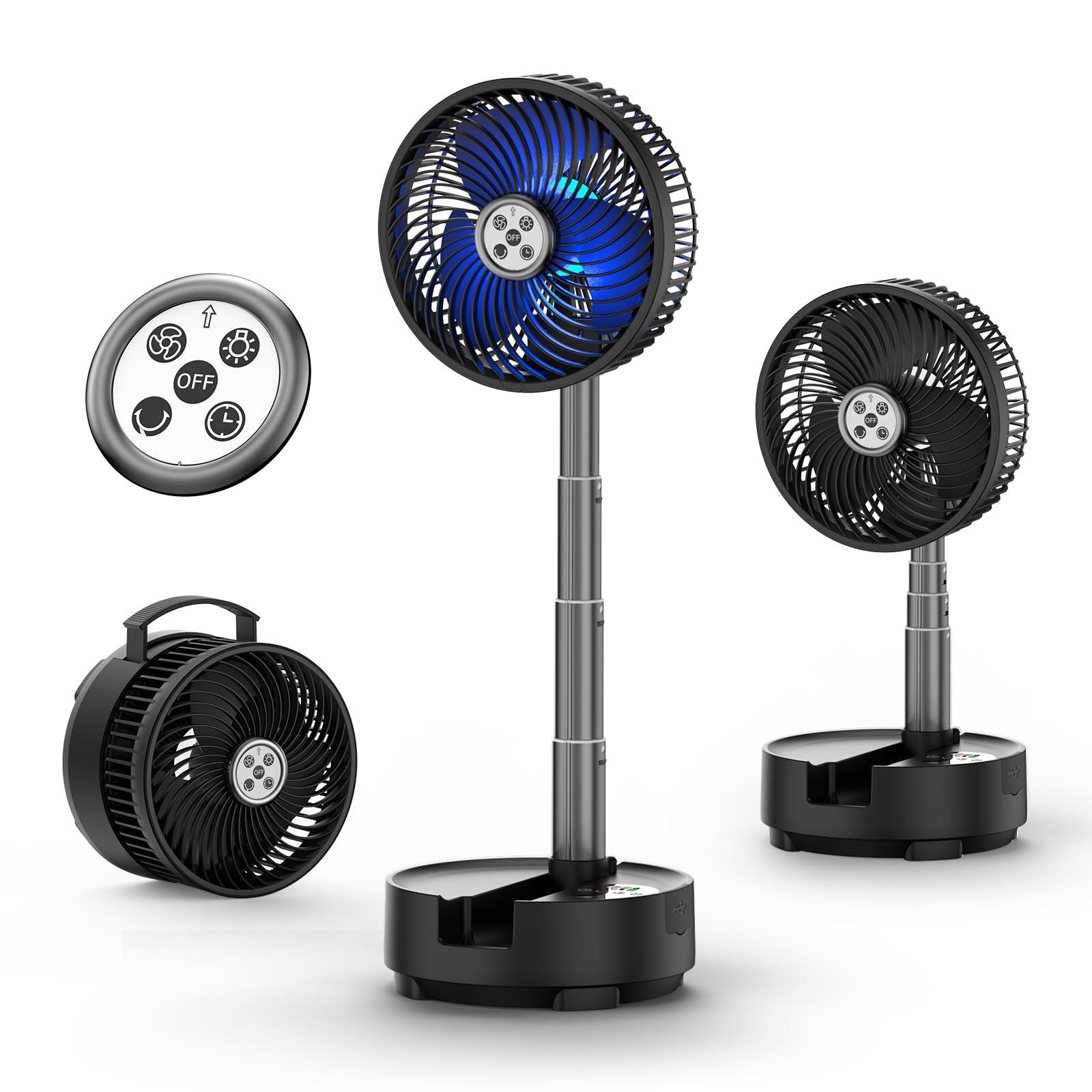
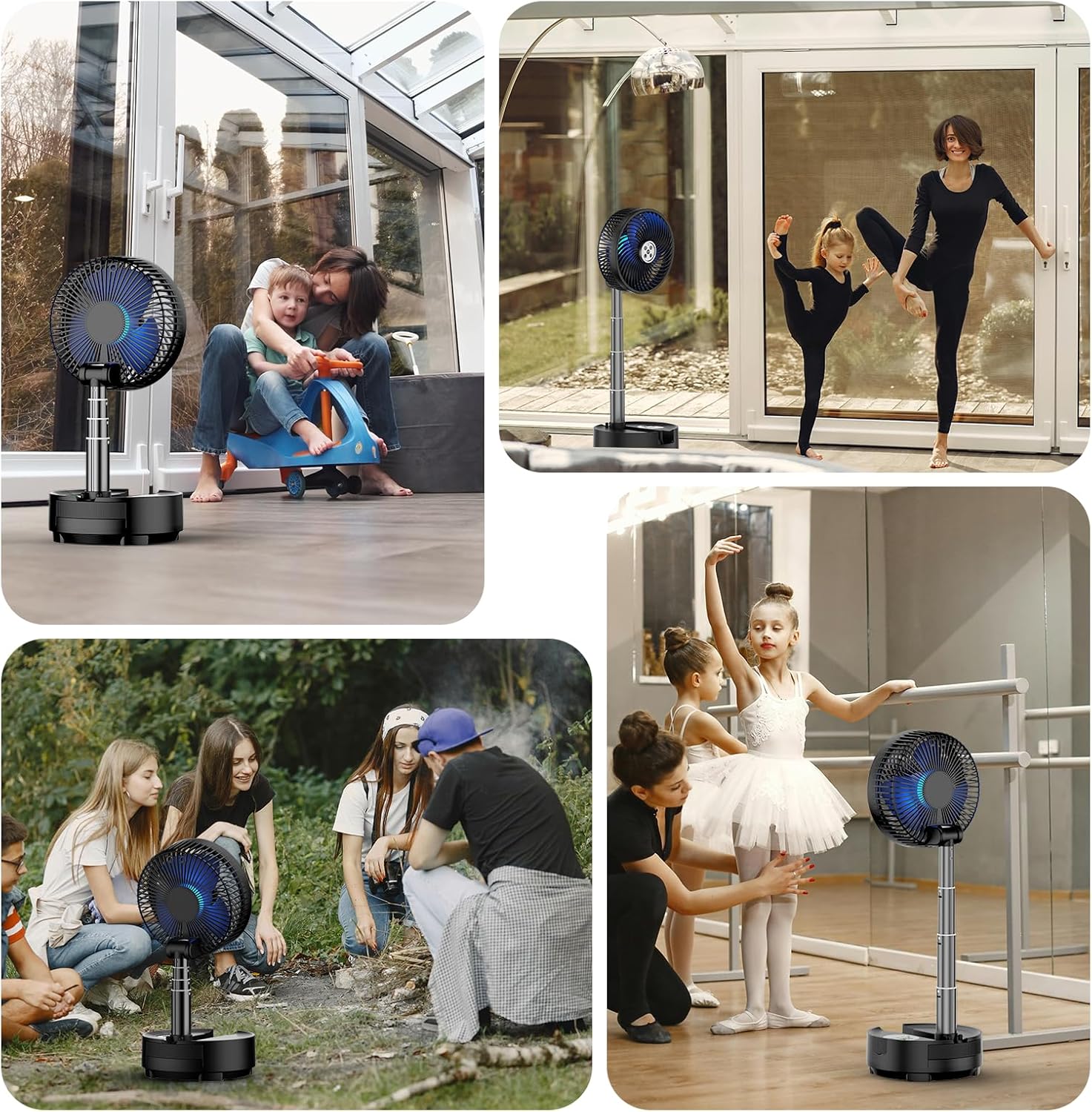

- 1. Fan Head: Contains the fan blades and LED light ring.
- 2. Telescopic Rod: Allows adjustment of fan height.
- 3. Base Unit: Houses the battery, control panel, and charging port.
- 4. Control Panel: Touch-sensitive buttons for fan operation.
- 5. Remote Control: Magnetic remote for convenient operation.
- 6. USB-C Charging Port: For recharging the internal battery.
- 7. USB-A Output Port: Functions as a power bank for charging other devices.
- 8. Hanging Hook: Located on the fan head for versatile placement.
Setup
1. Unpacking and Initial Charge
- Carefully remove all components from the packaging.
- Unfold the fan from its compact state. To do this, gently pull the fan head upwards from the base. The telescopic rod will extend and lock into place.
- For the first use, operate the fan until the battery is fully depleted. This helps calibrate the intelligent chip for accurate battery level display.
- Connect the provided USB-C charging cable to the fan's charging port and a suitable USB power adapter (not included).
- Charge the fan for approximately 10 hours until the battery indicator shows 100%. Continue charging for an additional hour after reaching 100% for optimal calibration.

Operating Instructions
The fan can be operated using the touch control panel on the base or the magnetic remote control.
1. Power On/Off
- Press the power button on the control panel or remote to turn the fan on or off.
2. Fan Speed Adjustment
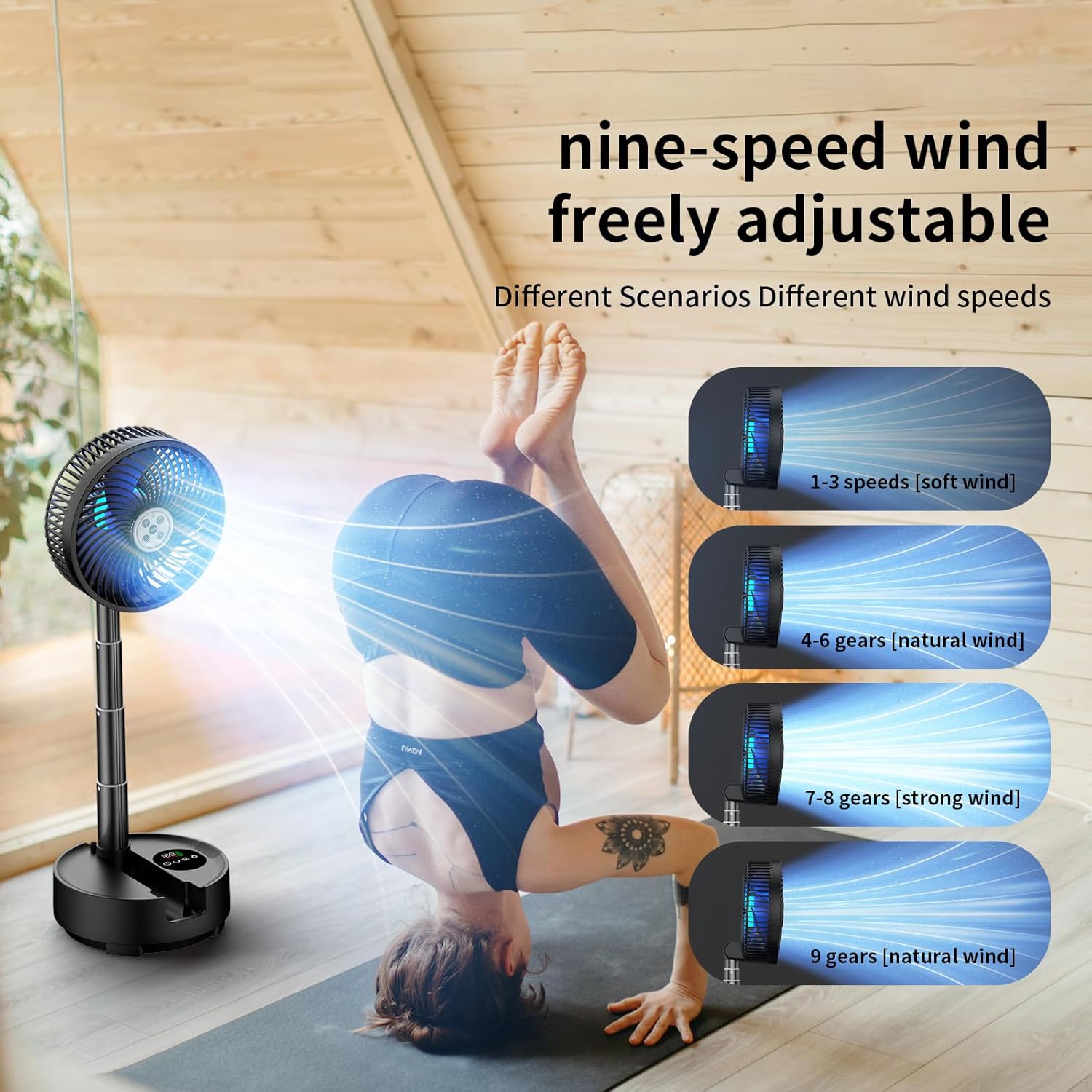
- The fan has 9 adjustable wind speeds.
- Use the fan speed buttons (up/down arrows or fan icon) on the control panel or remote to cycle through speeds 1-8 for a steady breeze.
- Speed 9 activates a natural wind mode, which simulates varying breeze intensities.
3. Oscillation Control
- Press the oscillation button (circular arrow icon) on the control panel or remote to activate automatic 45° or 90° horizontal oscillation.
- The fan head can also be manually adjusted 270° vertically.

4. LED Light Control
- Press the light button (sun icon) on the control panel or remote to turn the LED light on/off and cycle through different color modes.
- The LED light can provide ambient lighting or act as an emergency light.
5. Timer Function
- Press the timer button (clock icon) on the control panel or remote to set an automatic shut-off timer (1-8 hours).

6. Power Bank Function
- The fan's 20000mAh battery can be used as a power bank.
- Connect your device (e.g., smartphone) to the USB-A output port on the base of the fan using a compatible charging cable.

Maintenance
1. Cleaning
- Ensure the fan is turned off and unplugged before cleaning.
- Use a soft, dry cloth to wipe down the exterior surfaces.
- For the fan grille, use a soft brush or vacuum cleaner with a brush attachment to remove dust. Do not use abrasive cleaners or solvents.
2. Storage
- When not in use, fold the fan into its compact form and store it in the provided travel case.
- Store in a cool, dry place away from direct sunlight and extreme temperatures.
Troubleshooting
| Problem | Possible Cause | Solution |
|---|---|---|
| Fan does not turn on. | Battery is depleted. | Charge the fan using the USB-C cable. |
| Fan does not oscillate. | Oscillation function not activated. | Press the oscillation button on the control panel or remote. |
| Weak airflow. | Fan speed is too low or grille is obstructed. | Increase fan speed. Clean the fan grille if dusty. |
| Remote control not working. | Battery in remote is depleted or remote is too far. | Replace remote battery. Ensure remote is within operating range. |
| Battery level display is inaccurate. | Battery sensor requires calibration. | Fully discharge the fan, then charge it for an additional hour after it reaches 100%. |
Specifications
| Feature | Detail |
|---|---|
| Brand | Socool fan |
| Model Name | A10 |
| Power Source | Battery Powered (20000mAh Lithium Polymer) |
| Fan Speeds | 9 levels (8 steady, 1 natural wind) |
| Oscillation | Automatic 45°/90° horizontal, 270° manual vertical tilt |
| Noise Level | 20-30 Decibels |
| LED Light | Multi-color options, emergency power supply function |
| Timer | 1-8 hours auto shut-off |
| Control Method | Remote Control, Touch Panel |
| Charging Port | USB Type-C |
| Power Bank Output | USB Type-A |
| Product Dimensions (Folded) | 7.87"D x 5.6"W x 7.87"H |
| Item Weight | 3.79 Pounds |
| Color | Black |
Warranty and Support
For warranty information or technical support, please refer to the contact details provided with your purchase or visit the official Socool fan website. Keep your purchase receipt as proof of purchase for warranty claims.
