
1. Introduction
The ADAM Audio H200 Closed-Back Headphones are engineered for professional audio monitoring and critical listening environments. Designed with ADAM Audio's 25 years of experience in monitoring solutions, these headphones offer exceptional sound quality, comfort, and durability. Their closed-back design provides excellent sound isolation, making them suitable for studio recording, mixing, and general listening where precise audio reproduction is essential.
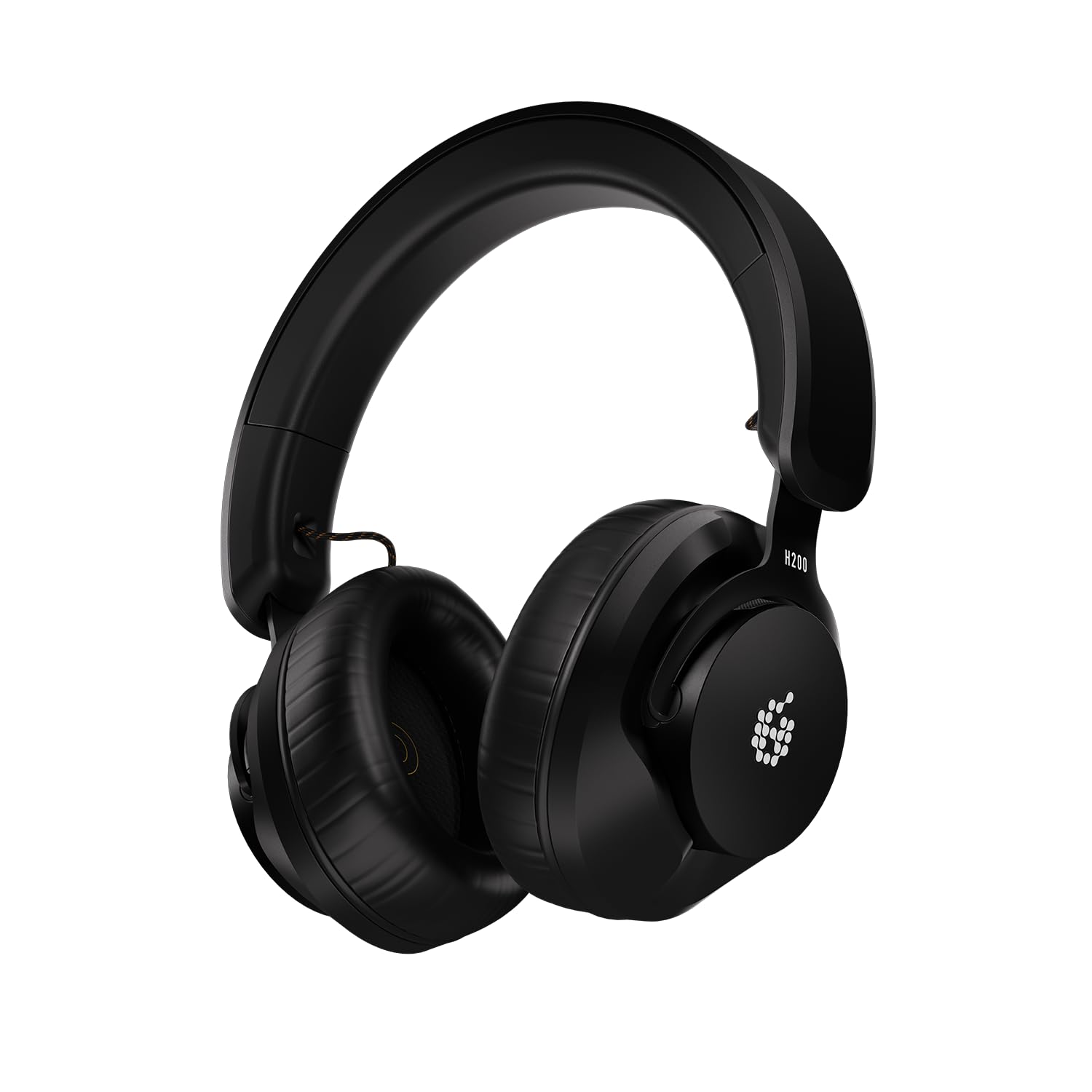
Figure 1: Front view of the ADAM Audio H200 Closed-Back Headphones.
2. What's in the Box
Upon unboxing your ADAM Audio H200 headphones, please ensure all the following items are present:
- ADAM Audio H200 Closed-Back Headphones
- 3-meter detachable audio cable with 3.5mm (aux) connectors
- 1/4" (6.35mm) adapter
- High-quality soft carry bag
- User Guide (this manual)
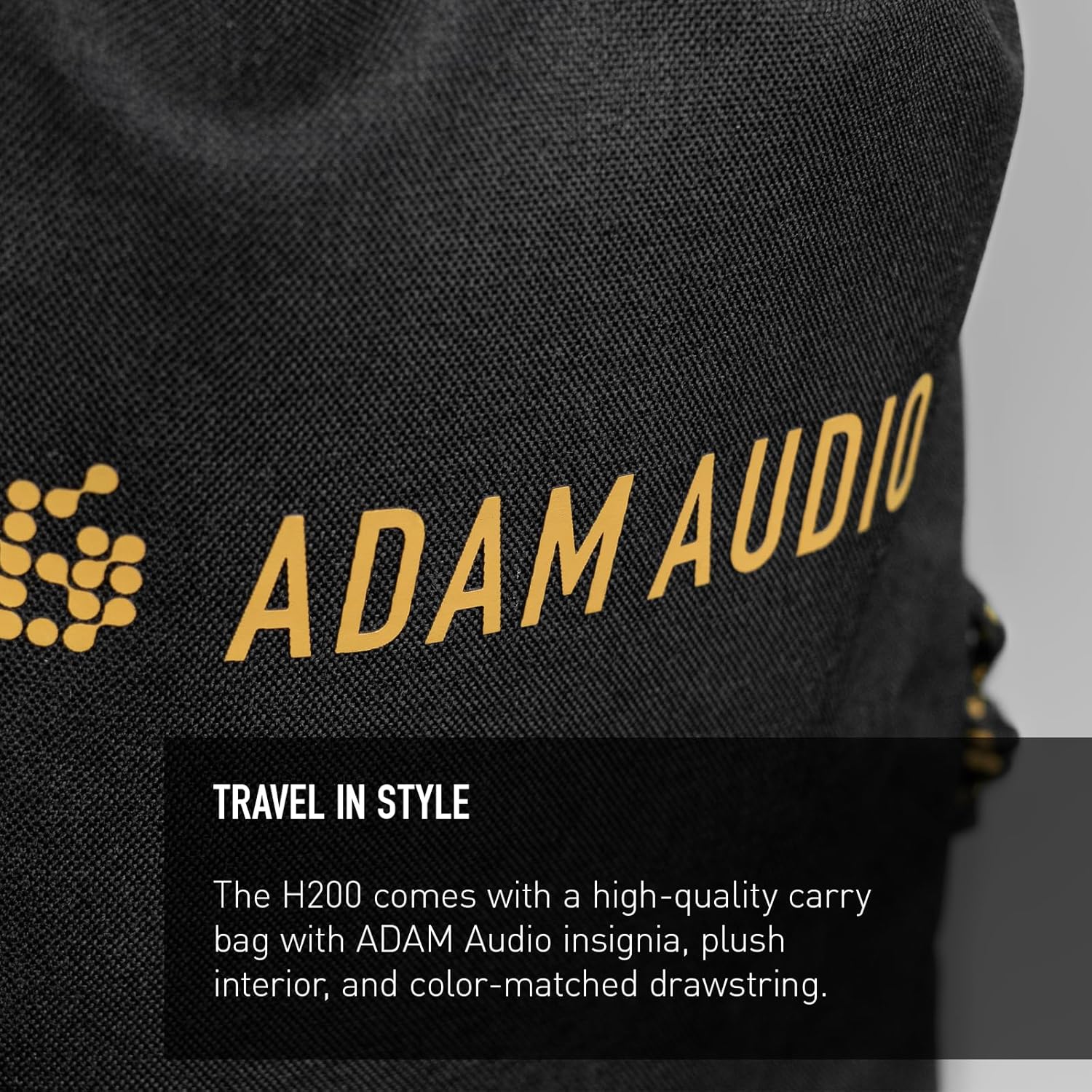
Figure 2: The ADAM Audio H200 headphones with their protective soft carry bag.
3. Setup
- Connect the Audio Cable: The H200 headphones feature dual-sided connectivity. Insert the 2.5mm end of the provided 3-meter audio cable into either the left or right earcup's input jack. The cable is designed to be detachable for convenience and durability.
- Attach 1/4" Adapter (if needed): If your audio device requires a larger connection, screw the included 1/4" adapter onto the 3.5mm end of the audio cable.
- Connect to Audio Source: Plug the audio cable (with or without the adapter) into your desired audio interface, mixing console, or playback device.
- Adjust Headband: Place the headphones on your head and adjust the headband sliders on both sides until the earcups comfortably cover your ears and the headband rests gently on your head. The earcups are marked with 'L' for left and 'R' for right to ensure correct stereo imaging.
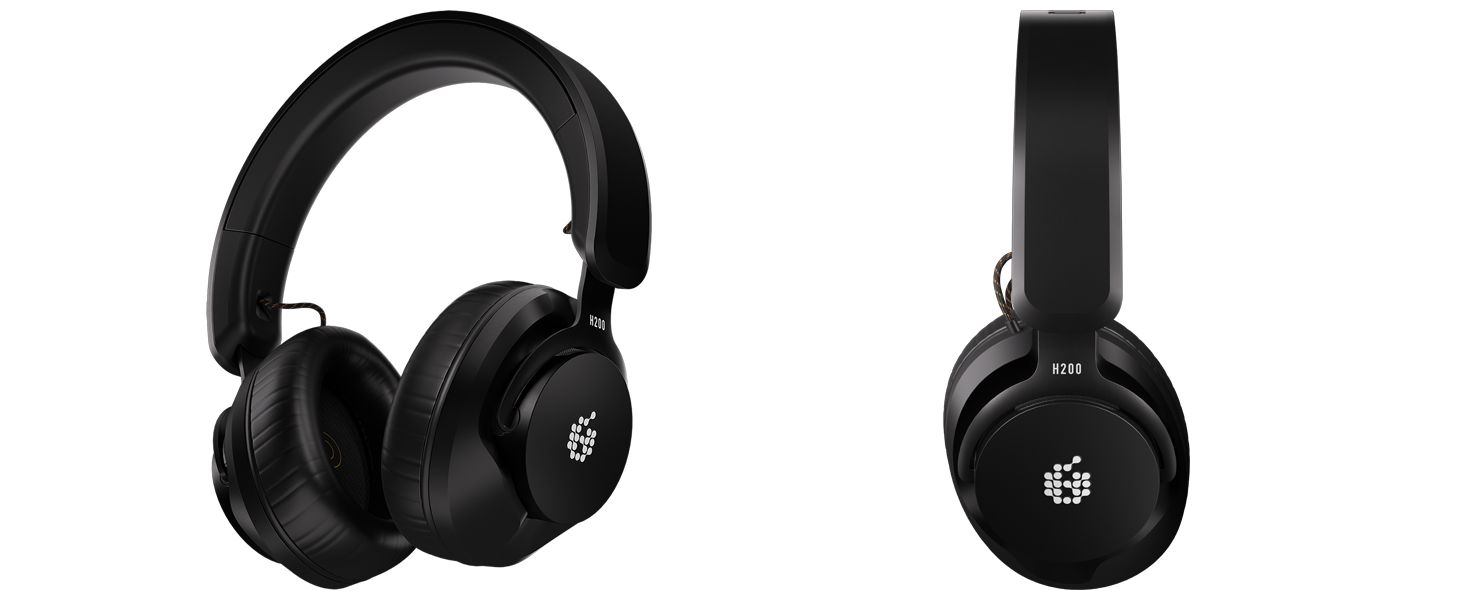
Figure 3: The detachable cable can be connected to either earcup for user preference.
4. Operating Instructions
4.1. General Listening
The H200 headphones are designed for a neutral and accurate sound reproduction, which is crucial for mixing and mastering. This means they aim to present audio as faithfully as possible without artificial enhancements to bass or treble. For casual listening, this provides a clear and detailed sound experience.
4.2. Headphone Utility DAW Plug-in
A distinct advantage of the H200 is the purpose-built ADAM Audio Headphone Utility DAW plug-in. This software is compatible with Mac and Windows operating systems and offers a range of optimization tools and a spatialization feature that uses advanced crossfeed techniques to better simulate how humans perceive sound in space. This can significantly improve headphone mixes by providing a more speaker-like listening experience.
- Installation: Download and install the Headphone Utility plug-in from the official ADAM Audio website.
- Integration: Load the plug-in into your Digital Audio Workstation (DAW) on your master track or monitoring chain.
- Settings: The plug-in allows you to select earpad material (e.g., Faux Leather) and headphone model (H200) for accurate calibration. You can also choose between 'Pure' and 'Uniform Natural Reproduction' (UNR) voicing modes, and activate the 'Externalization' feature for spatial audio simulation.
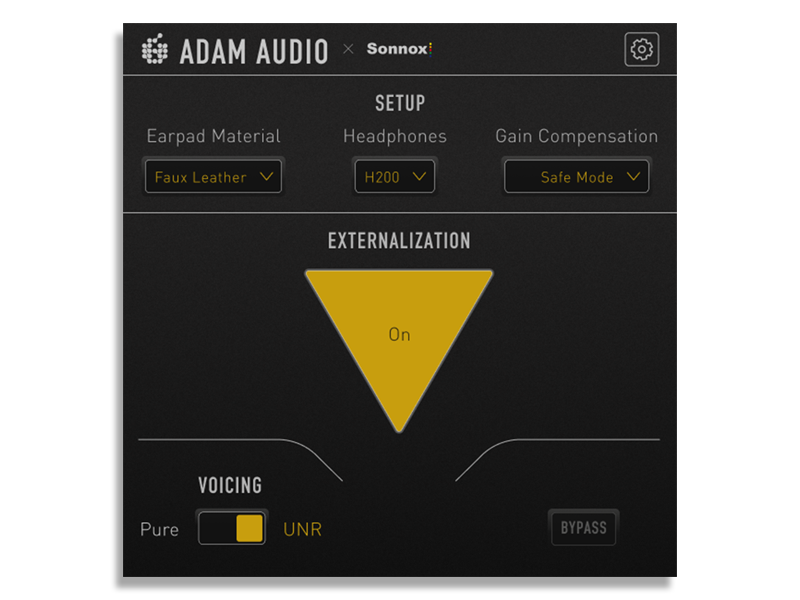
Figure 4: The Headphone Utility DAW plug-in provides advanced sound customization.
4.3. Video Demonstration
Video 1: An overview of the ADAM Audio H200 headphones, highlighting their design and features.
5. Features and Specifications
| Feature | Description |
|---|---|
| Driver Size | 40 mm PEEK Performance Drivers |
| Frequency Response | 2 Hz - 23.5 kHz |
| Sensitivity | 112.5 dB SPL |
| Impedance | 32 Ohms |
| Noise Control | Sound Isolation |
| Connectivity | Wired, Detachable 3m cable (3.5mm jack with 1/4" adapter) |
| Earpads | Faux leather memory foam |
| Headband Material | Durable material, Aluminum yoke |
| Weight | 1.56 Pounds |
| Included Software | ADAM Audio Headphone Utility DAW plug-in |

Figure 5: Side view of the H200 headphones, highlighting the model designation.
6. Maintenance
- Cleaning Earcups and Headband: Use a soft, dry cloth to wipe down the faux leather memory foam earpads and headband. For stubborn dirt, a slightly damp cloth with mild soap can be used, ensuring no moisture enters the driver units. Allow to air dry completely before use.
- Cable Care: The detachable cable is designed for durability. Avoid sharp bends or excessive pulling. When not in use, coil the cable loosely to prevent tangling and damage.
- Storage: Store your H200 headphones in the provided soft carry bag to protect them from dust, scratches, and minor impacts when not in use or during transport.
- Earpad Replacement: The earpads are designed to be changeable, contributing to the longevity of the headphones. Replacement earpads can be purchased separately from authorized ADAM Audio retailers.

Figure 6: The comfortable memory foam earpads are designed for extended use and can be replaced.
7. Troubleshooting
- No Sound:
- Ensure the audio cable is securely connected to both the headphones and the audio source.
- Verify the audio source is powered on and playing audio.
- Check the volume levels on your audio source and any intermediate devices.
- If using the 1/4" adapter, ensure it is fully screwed onto the 3.5mm jack.
- Distorted Sound:
- Reduce the volume level on your audio source.
- Check the audio cable for any damage or loose connections.
- If using the DAW plug-in, ensure settings are appropriate for your listening environment and preferences.
- Uncomfortable Fit:
- Adjust the headband sliders to find the most comfortable position.
- The headphones may feel snug initially; the headband tension tends to loosen slightly with extended use.
- Sound Isolation Issues:
- Ensure the earcups fully enclose your ears, creating a good seal.
- Adjust the fit to minimize gaps around the ears.
8. Warranty and Support
The ADAM Audio H200 Closed-Back Headphones come with a 2-Year Manufacturer Warranty. This warranty covers defects in materials and workmanship under normal use. Please retain your proof of purchase for warranty claims.
For detailed warranty terms, technical support, software updates, or to purchase replacement parts, please visit the official ADAM Audio website or contact their customer service department.
Online Resources:
- ADAM Audio Official Website: www.adam-audio.com
- Product Support Page: Refer to the official website for specific H200 support pages.


