
1. Introduction
Thank you for choosing the Basike BT21 Bluetooth ANC Headphones. This manual provides essential information for setting up, operating, and maintaining your new headphones. Please read it thoroughly to ensure optimal performance and a satisfying audio experience.
2. Product Overview
The Basike BT21 headphones are designed to deliver high-fidelity audio with advanced features for an immersive listening experience. Key features include:
- Active Noise Cancellation (ANC): Adjustable ambient sound modes and adaptive sound control provide up to 30 dB of noise reduction, ensuring an unparalleled quiet experience.
- High-Quality Materials: Soft leather padding and an adjustable headband ensure comfortable wear for extended periods.
- Unmatched Sound: Experience powerful, deep bass with Basike Pure Bass sound, bringing your music to life whether at home, work, or on the go.
- Long-Lasting Battery: The BT21 headphones feature an impressive battery life of up to 30 hours of wireless playback.
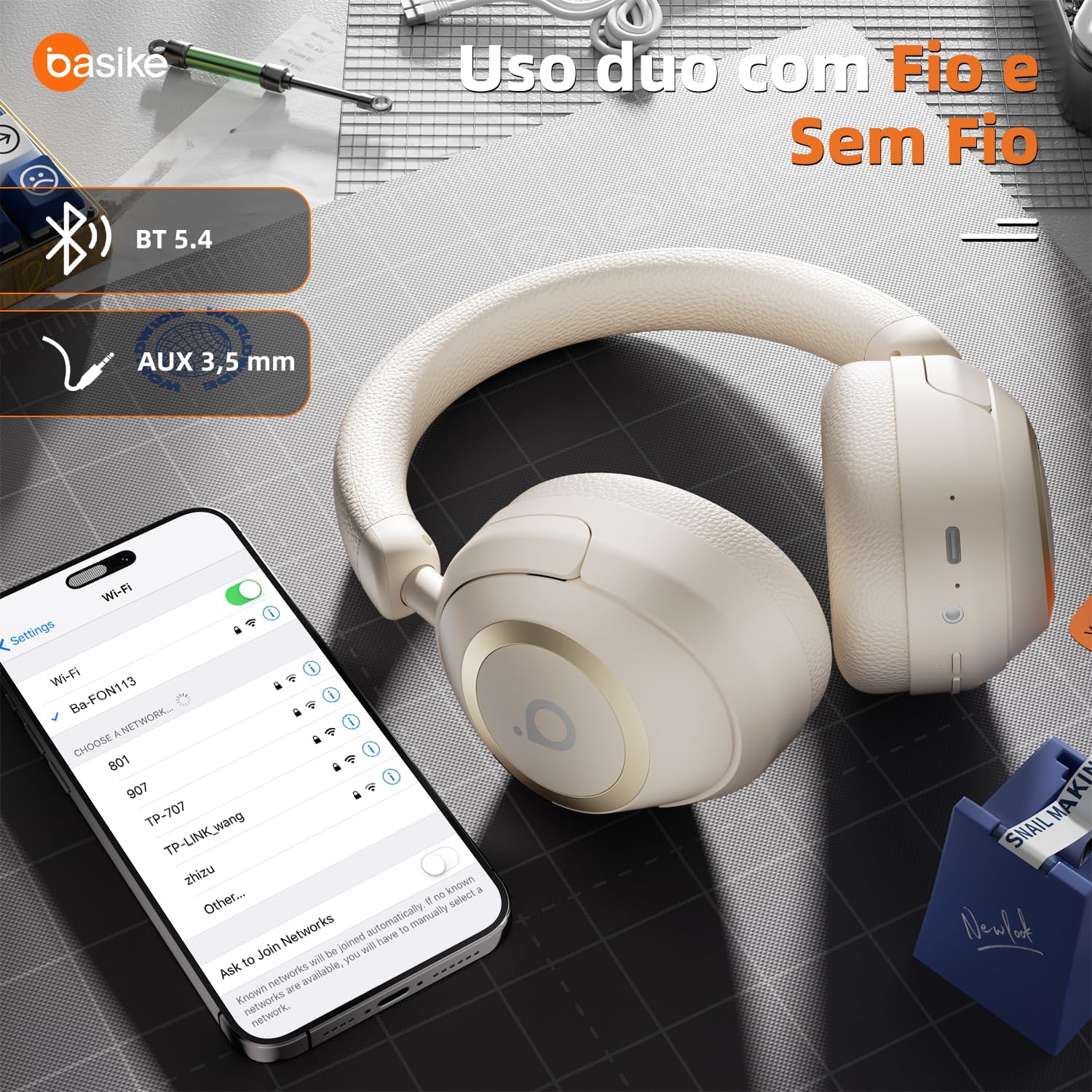
- High-Fidelity Transmission: Wireless 5.4 technology reduces interference and extends the distance between devices.
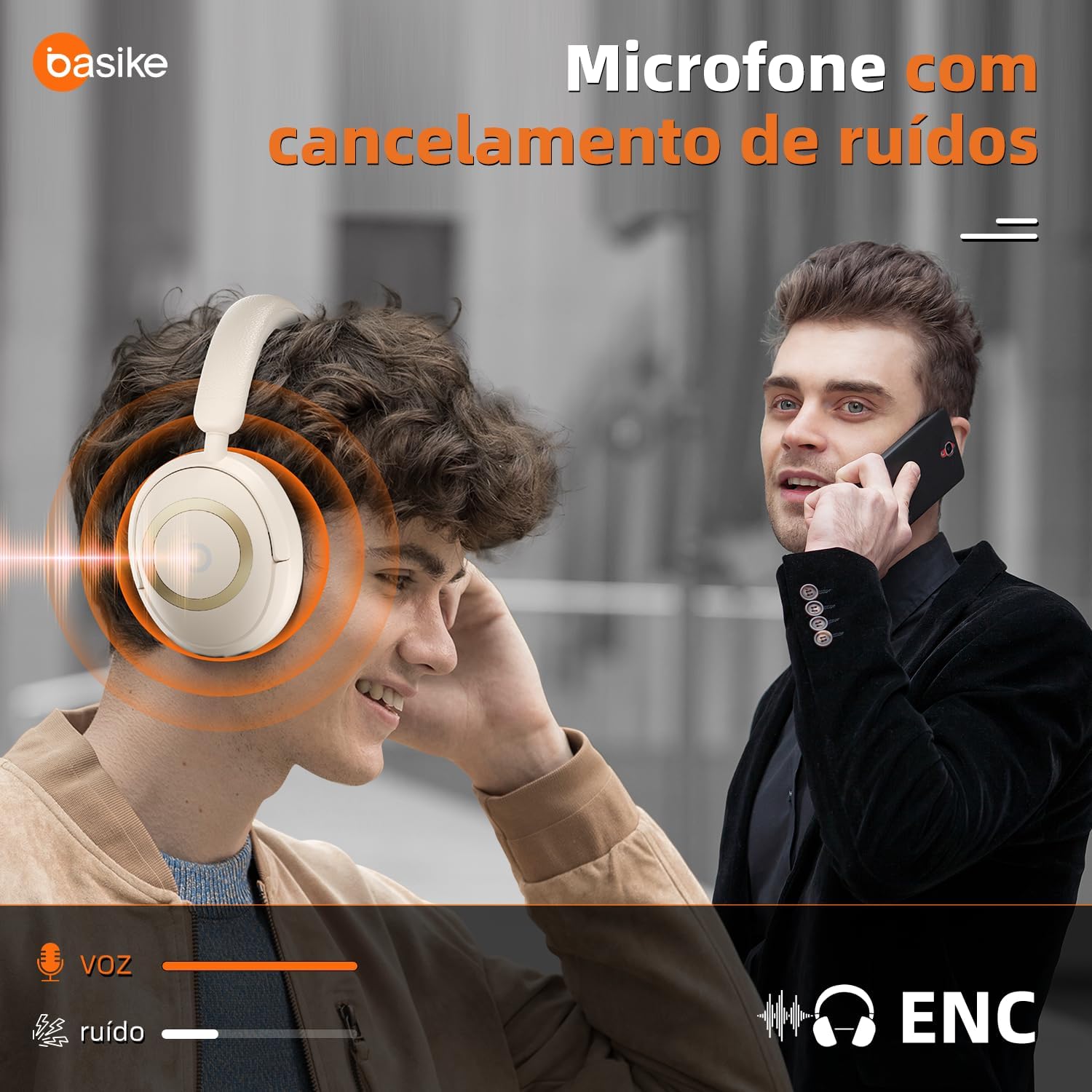
- Clear Calls: Noise-cancelling microphone ensures clear communication.



Official Product Video
Video 2.1: Overview of Basike Bluetooth Headphones with ANC and Hi-Res Audio features.
3. Package Contents
Ensure all items are present in the package:
- Basike BT21 Wireless Stereo Headphones
- AUX Cable
- Charging Cable (Type-C)
- User Manual
4. Setup
4.1 Initial Charge
Before first use, fully charge your headphones. Connect the provided Type-C charging cable to the charging port on the headphones and the other end to a USB power source. The charging indicator light will show the charging status.
4.2 Power On/Off
To power on, press and hold the Power button (refer to Figure 5.1 for button location) until the indicator light illuminates. To power off, press and hold the Power button again until the indicator light turns off.
5. Operating Instructions

5.1 Bluetooth Pairing
- Ensure the headphones are powered off.
- Press and hold the Power button until the indicator light flashes blue and red, indicating pairing mode.
- On your device (smartphone, tablet, computer), enable Bluetooth and search for available devices.
- Select "Basike BT21" from the list.
- Once connected, the indicator light will turn solid blue.
5.2 Active Noise Cancellation (ANC) Control
Press the ANC button (refer to Figure 5.1) to cycle through ANC modes: ANC On, Ambient Sound, and ANC Off. The indicator light will change to reflect the active mode.
5.3 Music Playback
- Play/Pause: Press the Power button once.
- Volume Up: Press the "Vol+" button.
- Volume Down: Press the "Vol-" button.
- Next Track: Press and hold the "Vol+" button.
- Previous Track: Press and hold the "Vol-" button.
5.4 Call Management
- Answer/End Call: Press the Power button once.
- Reject Call: Press and hold the Power button.
5.5 Wired Connection (AUX)
To use the headphones with a wired connection, plug the provided AUX cable into the 3.5mm audio jack on the headphones and the other end into your audio source. The headphones will automatically switch to wired mode.
6. Charging
The Basike BT21 headphones are equipped with a 400mAh battery, providing over 30 hours of playback at medium volume. Charging time is approximately 3-4 hours using the provided Type-C cable.
Important: If storing the headphones for an extended period, it is recommended to charge them at least once a month to maintain battery life.
7. Maintenance
- Avoid using headphones for excessively long periods.
- Clean the earcups and headband with a soft, dry cloth. Do not use harsh chemicals or abrasive materials.
- Store the headphones in a cool, dry place away from direct sunlight and extreme temperatures.
- Do not expose the headphones to water or moisture.
8. Troubleshooting
| Problem | Possible Cause | Solution |
|---|---|---|
| Headphones do not power on | Low battery | Charge the headphones fully. |
| Cannot pair via Bluetooth | Headphones not in pairing mode / Device Bluetooth off | Ensure headphones are in pairing mode (flashing blue/red light). Turn off and on Bluetooth on your device. |
| No sound | Volume too low / Incorrect audio source / Loose AUX cable | Increase volume on headphones and device. Check audio source selection. Reconnect AUX cable securely. |
| ANC not working effectively | Incorrect ANC mode selected | Press the ANC button to cycle through modes and ensure ANC is active. |
9. Specifications
| Feature | Detail |
|---|---|
| Brand | Basike |
| Model Number | FON113-BT21 |
| Color | White |
| Headphone Fit | Circumaural (Over-Ear) |
| Impedance | 32 Ohms |
| Driver Size | 40mm |
| Battery Capacity | 400mAh |
| Battery Life | Up to 30 Hours (medium volume) |
| Charging Time | 3-4 Hours |
| Charging Interface | Type-C |
| Noise Control | Active Noise Cancellation |
| Sensitivity | 98 dB |
| Frequency Range | 2.402 - 2.480 GHz |
| Connectivity Technology | Wireless (Bluetooth) |
| Bluetooth Version | 5.4 |
| Bluetooth Range | Up to 15 Meters |
| Control Type | Button Control |
| Compatible Devices | Smartphones, Tablets, Laptops, Smart Speakers |
| Material | Stainless Steel, Leather, Thermoplastic Elastomer (TPE), Metal, Plastic |
| Item Weight | 240 Grams |
| External Test Certification | ANATEL: 150812114103 |
10. Warranty and Support
The Basike BT21 headphones come with a 1-year warranty against manufacturing defects. For any questions regarding product quality or usage, please contact Basike customer support. We are committed to providing quality after-sales service and will respond within 24 hours to ensure your satisfaction.
For further assistance, please visit the official Basike store or contact your retailer.