
1. Introduction
This manual provides detailed instructions for the proper use, setup, and maintenance of your Monster XKT28 Bluetooth Wireless Headset. Please read this manual thoroughly before using the device to ensure optimal performance and longevity.
2. Safety Information
To prevent damage to your device or injury to yourself and others, please observe the following precautions:
- Do not expose the headset to extreme temperatures, humidity, or corrosive substances.
- Avoid dropping or subjecting the headset to strong impacts.
- Do not disassemble, repair, or modify the device yourself. Contact qualified service personnel for assistance.
- Keep the headset away from children and pets.
- Use only the provided charging cable or a certified equivalent.
- Prolonged listening at high volume levels may cause hearing damage. Adjust volume to a safe level.
3. Package Contents
Verify that all items are present in the package:
- Monster XKT28 Bluetooth Wireless Headset (Left and Right earbuds)
- Charging Case
- USB Charging Cable
- User Manual (this document)
- Ear Tips (various sizes)
4. Product Overview
Familiarize yourself with the components of your Monster XKT28 headset.
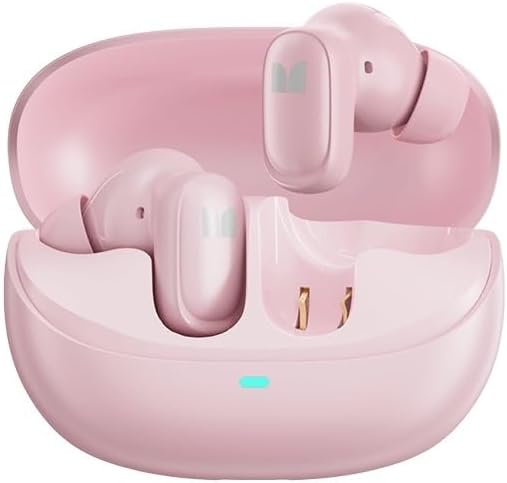
Figure 4.1: Monster XKT28 earbuds inside their charging case. The case is open, revealing the pink earbuds and the charging contacts. A small LED indicator light is visible on the front of the case.
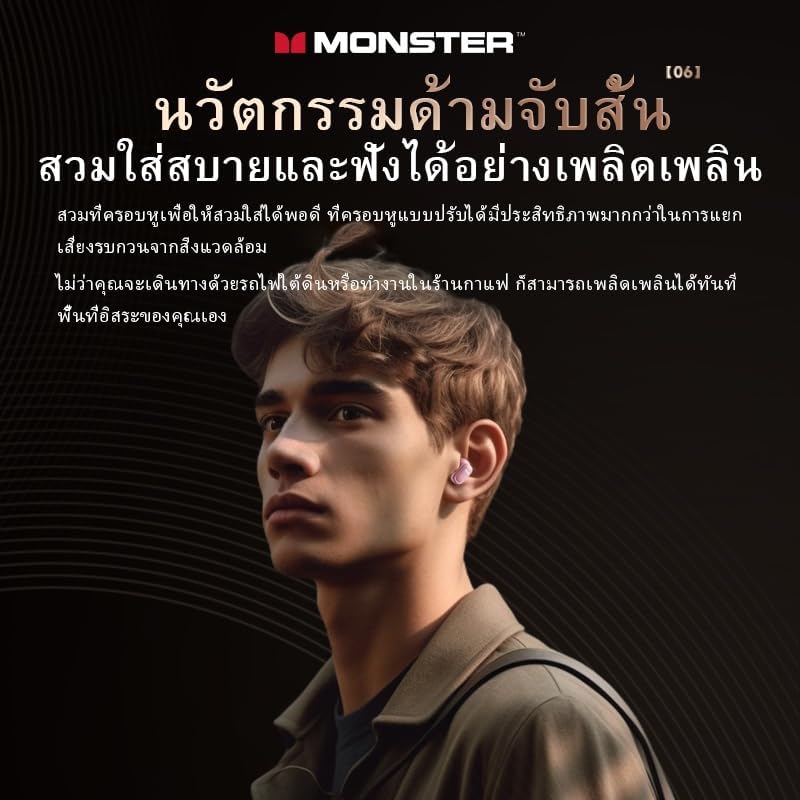
Figure 4.2: A person wearing the Monster XKT28 earbuds. This image highlights the in-ear fit and the compact design of the earbuds.
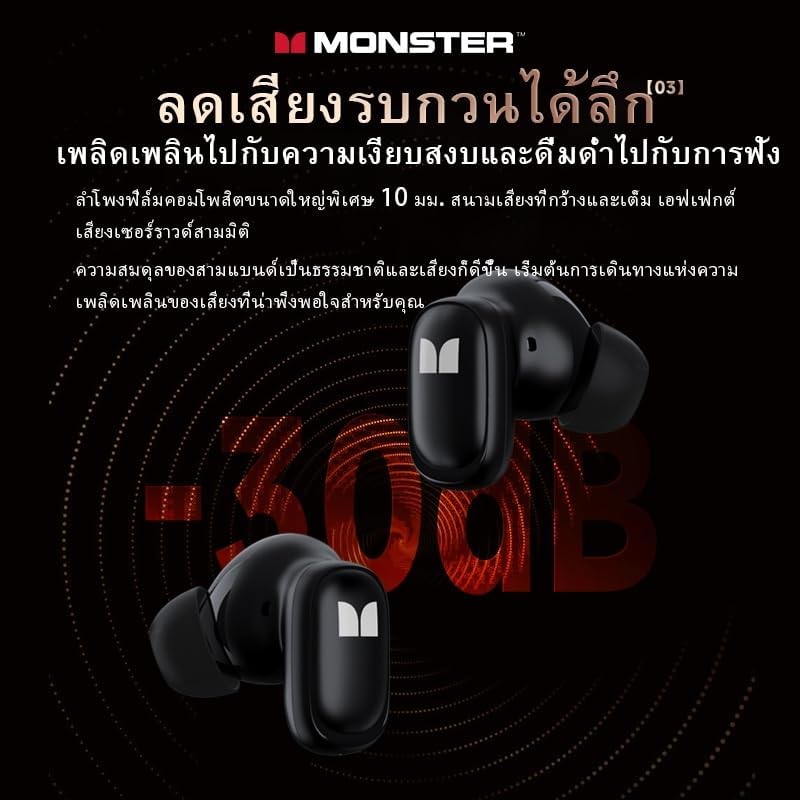
Figure 4.3: A close-up view of two Monster XKT28 earbuds, showcasing their design and the "M" logo. This image emphasizes the sleek, ergonomic shape.
Earbud Components:
- Touch Control Area: For playback, call management, and voice assistant activation.
- Microphone: For calls and noise cancellation.
- Charging Contacts: Located at the bottom of the earbud stem.
- Ear Tip: Silicone tip for comfortable and secure fit.
Charging Case Components:
- Charging Port: USB-C port for charging the case.
- LED Indicator: Shows charging status and battery level of the case.
- Earbud Charging Slots: Securely hold and charge the earbuds.
5. Setup
5.1 Charging the Headset
- Initial Charge: Before first use, fully charge the headset and charging case.
- Charge Case: Connect the USB charging cable to the charging port on the case and to a USB power source (e.g., computer, wall adapter). The LED indicator on the case will show charging progress.
- Charge Earbuds: Place the earbuds into their respective slots in the charging case. Ensure the charging contacts align. The earbuds will begin charging automatically.
- Charging Indicators: Refer to the LED indicators on the case and earbuds for charging status.
5.2 Pairing with a Device
- Power On: Open the charging case. The earbuds will automatically power on and enter pairing mode. The LED indicator on one earbud will flash, indicating it's ready to pair.
- Enable Bluetooth: On your smartphone or device, enable Bluetooth.
- Search for Devices: In your device's Bluetooth settings, search for available devices.
- Select "Monster XKT28": From the list of found devices, select "Monster XKT28".
- Confirm Pairing: Once connected, the earbud LED indicator will stop flashing, and you will hear a confirmation tone.
- Reconnect: The headset will automatically reconnect to the last paired device when taken out of the case, if Bluetooth is enabled on the device.
6. Operating Instructions
6.1 Touch Controls
The Monster XKT28 features intuitive touch controls on each earbud. The functions may vary slightly depending on your device and application.
| Action | Left Earbud | Right Earbud |
|---|---|---|
| Play/Pause | Single Tap | Single Tap |
| Next Track | Triple Tap | Triple Tap |
| Previous Track | Double Tap | Double Tap |
| Answer/End Call | Single Tap | Single Tap |
| Reject Call | Press and Hold (2s) | Press and Hold (2s) |
| Activate Voice Assistant | Press and Hold (2s) | Press and Hold (2s) |
| ANC/Transparency Mode | Long Press (3s) | Long Press (3s) |
Note: Some functions like volume control might be managed directly from your connected device.
6.2 Wearing the Headset
For optimal sound quality and comfort, choose the ear tips that best fit your ears. Gently insert each earbud into your ear canal and rotate slightly until it feels secure and comfortable.
7. Maintenance
7.1 Cleaning
- Use a soft, dry, lint-free cloth to clean the earbuds and charging case.
- Do not use abrasive cleaners, alcohol, or chemical solvents.
- Regularly clean the ear tips and charging contacts to ensure proper function.
7.2 Storage
- When not in use, store the headset in its charging case to protect it and keep it charged.
- Store in a cool, dry place, away from direct sunlight and extreme temperatures.
8. Troubleshooting
If you encounter issues with your Monster XKT28 headset, refer to the following common problems and solutions:
| Problem | Possible Solution |
|---|---|
| Headset does not power on. | Ensure the earbuds and charging case are fully charged. |
| Cannot pair with device. |
|
| No sound or low volume. |
|
| Intermittent connection. |
|
| Microphone not working. |
|
9. Specifications
Technical specifications for the Monster XKT28 Bluetooth Wireless Headset:
- Model Name: Monster XKT28
- Connectivity: Bluetooth Wireless
- Noise Control: Active Noise Cancellation
- Form Factor: In-Ear
- Color: Pink
- Waterproof Rating: Designed for sports and fitness (implies water resistance, not full submersion)
- Compatibility: iOS, Android
- Battery Life: Long battery life (specific hours not provided in input, so keep general)
- Manufacturer: Monster
- Country of Origin: China
10. Warranty and Support
This product comes with a standard manufacturer's warranty. For detailed warranty information, please refer to the warranty card included in your package or visit the official Monster website.
For technical support, troubleshooting assistance beyond this manual, or service inquiries, please contact Monster customer support through their official channels. Keep your purchase receipt as proof of purchase for warranty claims.
Online Support: www.monsterproducts.com/support (Example link, actual link may vary)
