
1. Introduction
Welcome to the user manual for your new Lenovo ThinkPad P14s Gen 5 AMD laptop. This powerful mobile workstation is designed for professionals requiring high performance and reliability. Featuring an AMD Ryzen™ 7 PRO 8840HS Processor, a vibrant 14" WUXGA (1920 x 1200) IPS Anti-Glare display, 1 TB SSD, and 32 GB DDR5 RAM, running on Windows 11 Pro 64, this device is built to handle demanding tasks with ease. This manual provides essential information for setting up, operating, maintaining, and troubleshooting your ThinkPad P14s Gen 5 AMD.
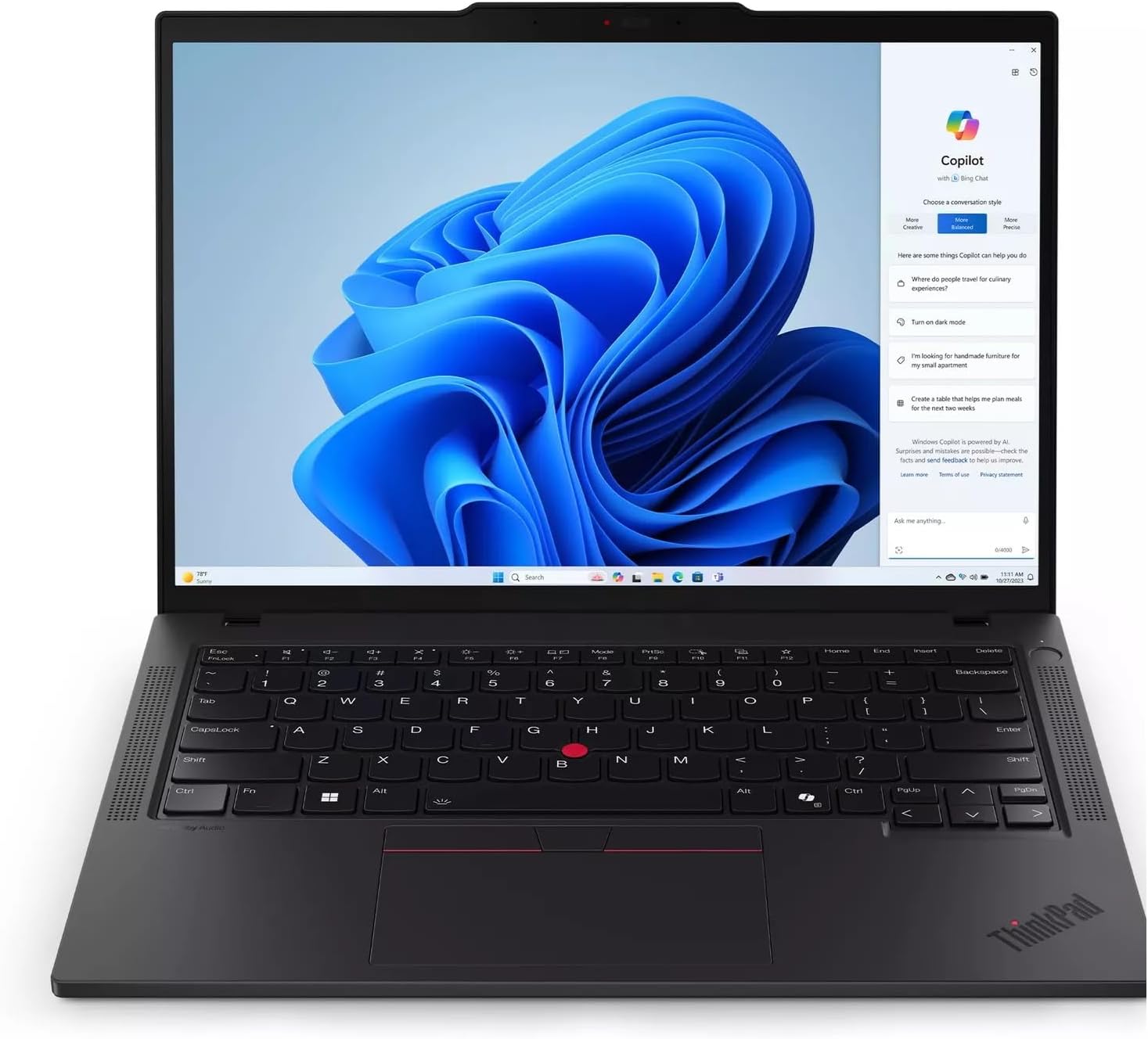
Figure 1.1: Front view of the Lenovo ThinkPad P14s Gen 5 AMD laptop, showcasing its display and keyboard.
2. Setup and First Use
2.1 Unpacking and Initial Inspection
Carefully remove your ThinkPad P14s Gen 5 AMD from its packaging. Inspect the laptop and all included accessories for any signs of damage. The standard package includes the laptop and a power adapter.
2.2 Connecting to Power
Connect the power adapter to the laptop's power input port and then plug it into a wall outlet. It is recommended to fully charge the battery before the first use.
2.3 Initial Boot-up and Windows Setup
Press the power button to turn on your laptop. Follow the on-screen instructions to complete the Windows 11 Pro 64 setup process. This includes selecting your region, language, connecting to a Wi-Fi network, and setting up your user account.
2.4 Connecting Peripherals
Utilize the available ports to connect external devices such as a mouse, external keyboard, or monitor. The laptop features multiple USB 3.0 ports for connectivity.
3. Operating Your ThinkPad P14s Gen 5 AMD
3.1 Key Features Overview
- Processor: Powered by an AMD Ryzen™ 7 PRO 8840HS Processor, offering speeds from 3.30 GHz up to 5.10 GHz for robust performance.
- Operating System: Comes pre-installed with Windows 11 Pro 64, providing a secure and productive computing environment.
- Memory: Equipped with 32 GB of DDR5-5600MHz (SODIMM) RAM, configured as 2 x 16 GB modules for efficient multitasking.
- Storage: Features a 1 TB SSD M.2 2280 PCIe Gen4 Performance TLC Opal drive for fast boot times and ample storage.
- Display: A 14" WUXGA (1920 x 1200) IPS Anti-Glare, Non-Touch display with 100% sRGB color accuracy, 400 nits brightness, 60Hz refresh rate, Low Power, and Low Blue Light features for comfortable viewing.
- Graphics: Integrated AMD Radeon 780M graphics card for excellent visual performance.
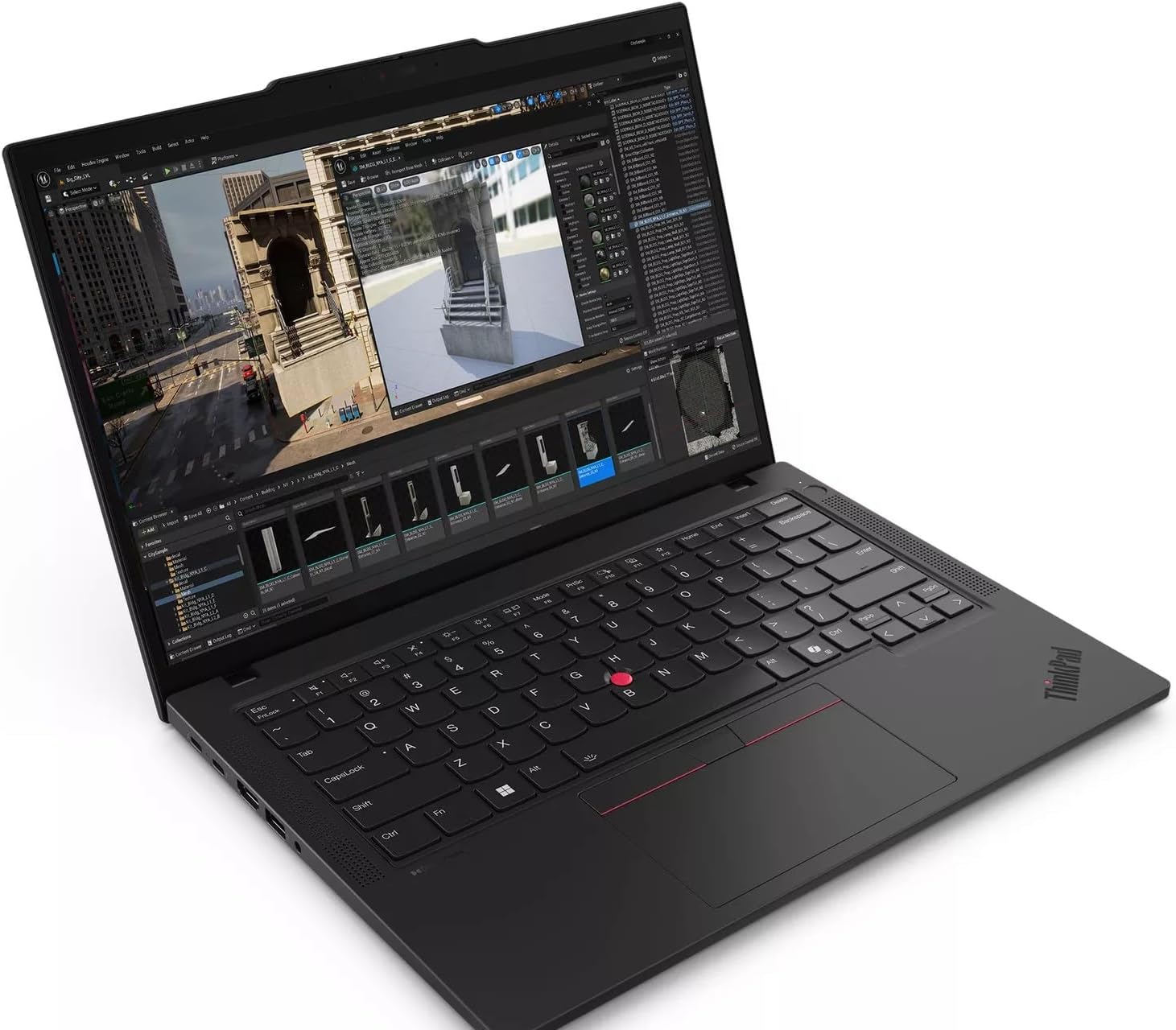
Figure 3.1: Angled view of the Lenovo ThinkPad P14s Gen 5 AMD, highlighting its sleek design and display.
3.2 Using the Keyboard and TrackPoint
The ThinkPad P14s Gen 5 AMD features a full-sized keyboard with a comfortable typing experience. The red TrackPoint in the center of the keyboard allows for precise cursor control without moving your hands from the keyboard. Alternatively, you can use the multi-touch touchpad located below the keyboard.
3.3 Power Management
Your laptop is equipped with a high-capacity Lithium Ion battery, providing an average battery life of up to 8 hours. To optimize battery life, adjust power settings in Windows 11, such as screen brightness and sleep mode duration.
4. Maintenance
4.1 Cleaning Your Laptop
Regularly clean the screen with a soft, lint-free cloth specifically designed for electronics. For the keyboard and chassis, use a slightly damp cloth with a mild cleaning solution. Avoid spraying liquids directly onto the laptop.
4.2 Software Updates
Keep your Windows 11 operating system and drivers updated to ensure optimal performance and security. You can check for updates through Windows Update settings.
4.3 Internal Component Overview (for advanced users)
The Lenovo ThinkPad P14s Gen 5 AMD is designed for user serviceability for certain components. Below is an image showing the internal layout. Please note that opening the laptop may void your warranty if not performed correctly or by authorized personnel.

Figure 4.1: Internal view of the ThinkPad P14s Gen 5 AMD, displaying the main components including the fan, motherboard, and battery.
5. Troubleshooting
5.1 Common Issues and Solutions
- Laptop not turning on: Ensure the power adapter is securely connected and the battery has sufficient charge. Try holding the power button for 10-15 seconds to perform a hard reset.
- No display: Connect an external monitor to check if the issue is with the laptop's screen. Try pressing Fn + F7 (or the corresponding display toggle key) to cycle through display modes.
- Slow performance: Check for background applications consuming high resources using Task Manager. Ensure your system and drivers are up to date. Consider running a disk cleanup.
- Wi-Fi connectivity issues: Verify that Wi-Fi is enabled (check Fn + F5 or network settings). Restart your router and laptop. Update wireless drivers if necessary.
- Battery not charging: Ensure the power adapter is functioning correctly. Check the charging port for debris. If the issue persists, contact support.
5.2 Restoring System
If you encounter persistent software issues, you can use Windows 11's recovery options to reset or reinstall the operating system. Always back up your important data before performing a system restore.
6. Specifications
| Feature | Detail |
|---|---|
| Brand | Lenovo |
| Model Name | 21ME001LUS |
| Processor | AMD Ryzen 7 PRO 8840HS (3.3 GHz up to 5.10 GHz) |
| RAM | 32 GB DDR5-5600MHz (2 x 16 GB) |
| Storage | 1 TB SSD M.2 2280 PCIe Gen4 Performance TLC Opal |
| Screen Size | 14 Inches |
| Screen Resolution | 1920 x 1200 pixels (WUXGA) |
| Display Type | IPS, Anti-Glare, Non-Touch, 100%sRGB, 400 nits, 60Hz, Low Power, Low Blue Light |
| Graphics Coprocessor | AMD Radeon 780M (Integrated) |
| Operating System | Windows 11 Pro 64 |
| Item Weight | 2.87 pounds |
| Product Dimensions | 1.44 x 8.81 x 0.7 inches |
| Average Battery Life | 8 Hours |
| Number of USB 3.0 Ports | 4 |
| Wireless Type | 802.11bgn |
7. Warranty and Support
7.1 Product Warranty
Your Lenovo ThinkPad P14s Gen 5 AMD comes with a standard manufacturer's warranty. Please refer to the warranty card included with your product or visit the official Lenovo support website for detailed warranty terms and conditions. Keep your proof of purchase for warranty claims.
7.2 Customer Support
For technical assistance, troubleshooting, or service inquiries, please contact Lenovo customer support. You can find contact information and additional resources on the official Lenovo support website: www.lenovo.com/support.