
1. Introduction
Thank you for choosing the BRILONER Mini LED Table Lamp, Model 7503012. This compact and versatile lamp is designed for both indoor and outdoor use, featuring a touch-sensitive dimmer, a rechargeable battery, and IP44 splash water protection. Please read this manual carefully before use to ensure proper operation and to maximize the lifespan of your product.
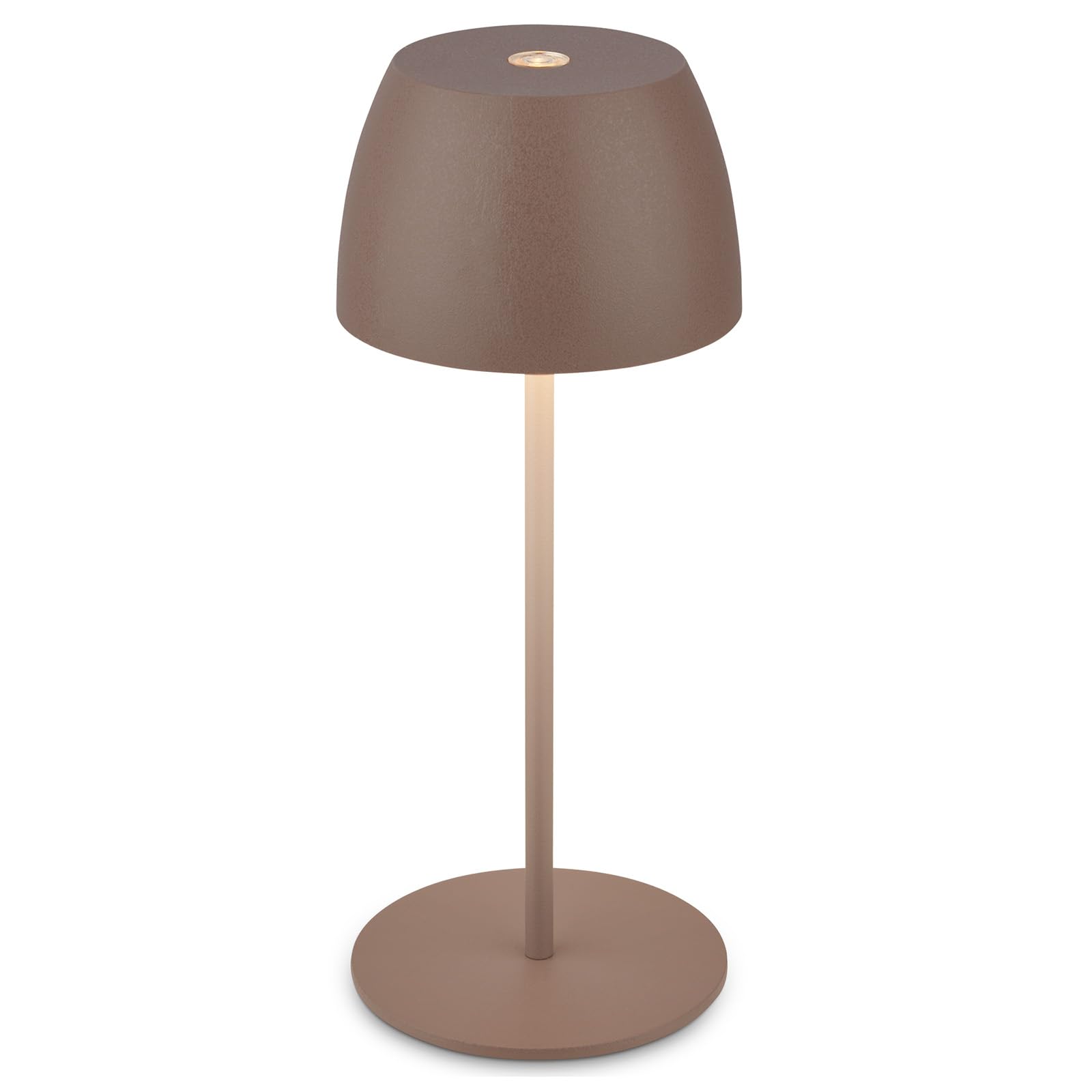
Image 1.1: The BRILONER Mini LED Table Lamp, Model 7503012.
2. Safety Instructions
- Do not expose the lamp to extreme temperatures or direct sunlight for prolonged periods.
- Ensure the USB-C charging cable is connected to a compatible power source (e.g., a standard USB charger or computer USB port).
- Do not attempt to open or repair the lamp yourself, except for replacing the battery or light source as instructed.
- Despite its IP44 rating, avoid submerging the lamp in water or exposing it to heavy rain.
- Keep out of reach of children.
3. Package Contents
Please check that all items are present:
- BRILONER Mini LED Table Lamp (Model 7503012)
- USB-C Charging Cable (0.5m)
- Instruction Manual
- Assembly accessories (if applicable for light source/battery replacement)
4. Setup
4.1 Initial Charging
Before first use, fully charge the lamp. Connect the supplied USB-C cable to the charging port located on the underside of the lamp and to a USB power source. Ensure the mechanical ON/OFF switch on the underside of the lamp is in the 'ON' position for charging to occur. A red LED indicator will illuminate during charging.

Image 4.1: Underside of the lamp with USB-C port and ON/OFF switch.
5. Operating Instructions
5.1 Power On/Off and Dimming
The lamp features a touch-sensitive control on the top of the lampshade. Ensure the mechanical ON/OFF switch on the underside is in the 'ON' position.
- To Turn On/Off: Briefly touch the sensor on the top of the lamp.
- To Dim: Press and hold the touch sensor. The light intensity will smoothly adjust from 100% down to approximately 10%, and vice versa. Release your finger when the desired brightness is reached.

Image 5.1: Touch dimming functionality.
5.2 Deep Discharge Protection Switch
A mechanical ON/OFF switch is located on the underside of the lamp. This switch is designed to prevent deep discharge of the battery, especially when the lamp will not be used for an extended period. Set this switch to 'OFF' when storing the lamp for long durations. Remember to set it to 'ON' for both operation and charging.
6. Maintenance
6.1 Cleaning
Wipe the lamp with a soft, dry cloth. Do not use abrasive cleaners or solvents.
6.2 Battery and Light Source Replacement
The battery and LED light source module are designed to be replaceable, extending the product's lifespan. For replacement instructions, please refer to the detailed guide provided with the replacement parts or contact BRILONER customer support. Ensure the lamp is switched off and disconnected from any power source before attempting replacement.
6.3 Battery Longevity
To maintain optimal battery life, it is recommended to charge the lamp regularly and after each use. Avoid completely draining the battery frequently.

Image 6.1: The lamp features replaceable battery and light source for extended durability.
7. Troubleshooting
- Lamp does not turn on:
- Ensure the mechanical ON/OFF switch on the underside is in the 'ON' position.
- Check if the battery is charged. Connect the lamp to a power source using the USB-C cable.
- Lamp does not charge:
- Verify the mechanical ON/OFF switch on the underside is in the 'ON' position.
- Ensure the USB-C cable is securely connected to both the lamp and the power source.
- Try a different USB-C cable or power adapter.
- Light flickers or is inconsistent:
- The battery might be low. Recharge the lamp.
- Ensure the light source module is correctly seated.
8. Specifications
| Model | 7503012 |
| Brand | BRILONER |
| Dimensions (D x H) | 8 cm x 20 cm |
| Material | Metal, Polycarbonate |
| Light Source | Integrated LED Module (2.5 W) |
| Light Color Temperature | 2700K (Warm White) |
| Luminous Flux | 150 lm |
| Dimming | Stepless Touch Dimmer |
| Power Source | Battery Powered (Rechargeable via USB-C) |
| Voltage | 12.5 Volt (DC) |
| Protection Class | IP44 (Splash Water Protected) |
| Special Features | Dimmable, Replaceable Battery, Replaceable Light Source, Cordless |
| Energy Efficiency Class | G |

Image 8.1: Product dimensions.

Image 8.2: IP44 splash water protection.
9. Warranty and Support
BRILONER products are manufactured with quality and durability in mind. For warranty information, technical support, or to order replacement parts (battery, LED module), please contact your retailer or visit the official BRILONER website. Keep your proof of purchase for warranty claims.