
Introduction
Thank you for choosing the Rapoo VT3PRO MAX Wireless Gaming Mouse. This manual provides detailed instructions on setting up, operating, and maintaining your new gaming mouse to ensure optimal performance and longevity. Designed for competitive gaming, the VT3PRO MAX combines an ultra-lightweight form factor with cutting-edge sensor technology and extensive customization options.
What's in the Box
- 1 x Wireless Gaming Mouse
- 1 x Type-C Cable
- 1 x USB Adapter
- 1 x Anti-Slip Sticker
- 1 x Replacement PTFE Mouse Feet
Setup
Connecting Your Mouse
- Wireless Connection (2.4GHz):
Locate the USB adapter stored in the magnetic compartment on the underside of the mouse. Plug the USB adapter into an available USB port on your PC. Turn on the mouse using the ON/OFF switch on the bottom. The mouse should automatically connect. - Wired Connection:
Connect the provided Type-C cable to the front port of the mouse and the other end to a USB port on your PC. The mouse will function in wired mode and charge simultaneously.
USB Adapter Storage
The USB adapter can be securely stored in a magnetic compartment on the underside of the mouse when not in use, preventing loss during travel or storage.

Image: Top-down view of the Rapoo VT3PRO MAX Wireless Gaming Mouse, highlighting its sleek white design.
Operating Instructions
Buttons and Functions
- Left/Right Click: Standard mouse buttons.
- Scroll Wheel: Scrolls content up/down. Can also be pressed for middle-click functionality.
- DPI Button: Cycles through preset DPI levels.
- Forward/Back Buttons: Located on the side, used for navigation in web browsers or applications.
- DIY Button: A programmable button for custom functions.

Image: Diagram illustrating the 9 programmable buttons on the Rapoo VT3PRO MAX mouse, including left/right click, scroll wheel, DPI button, forward/back buttons, and a DIY button.
DPI Adjustment (Independent X/Y)
The mouse features a PAW 3950 Ultimate Optical Sensor with up to 30,000 DPI. You can adjust DPI settings, including independent X/Y axis sensitivity, via the dedicated software to fine-tune tracking precision for different screen resolutions and in-game preferences.

Image: Screenshot of the Rapoo software interface showing independent X/Y DPI adjustment settings for the VT3PRO MAX mouse.
Polling Rate
Experience ultra-low latency with an 8KHz polling rate in both wireless (via OTA update) and wired modes, providing up to 0.125ms response speed for competitive gaming.
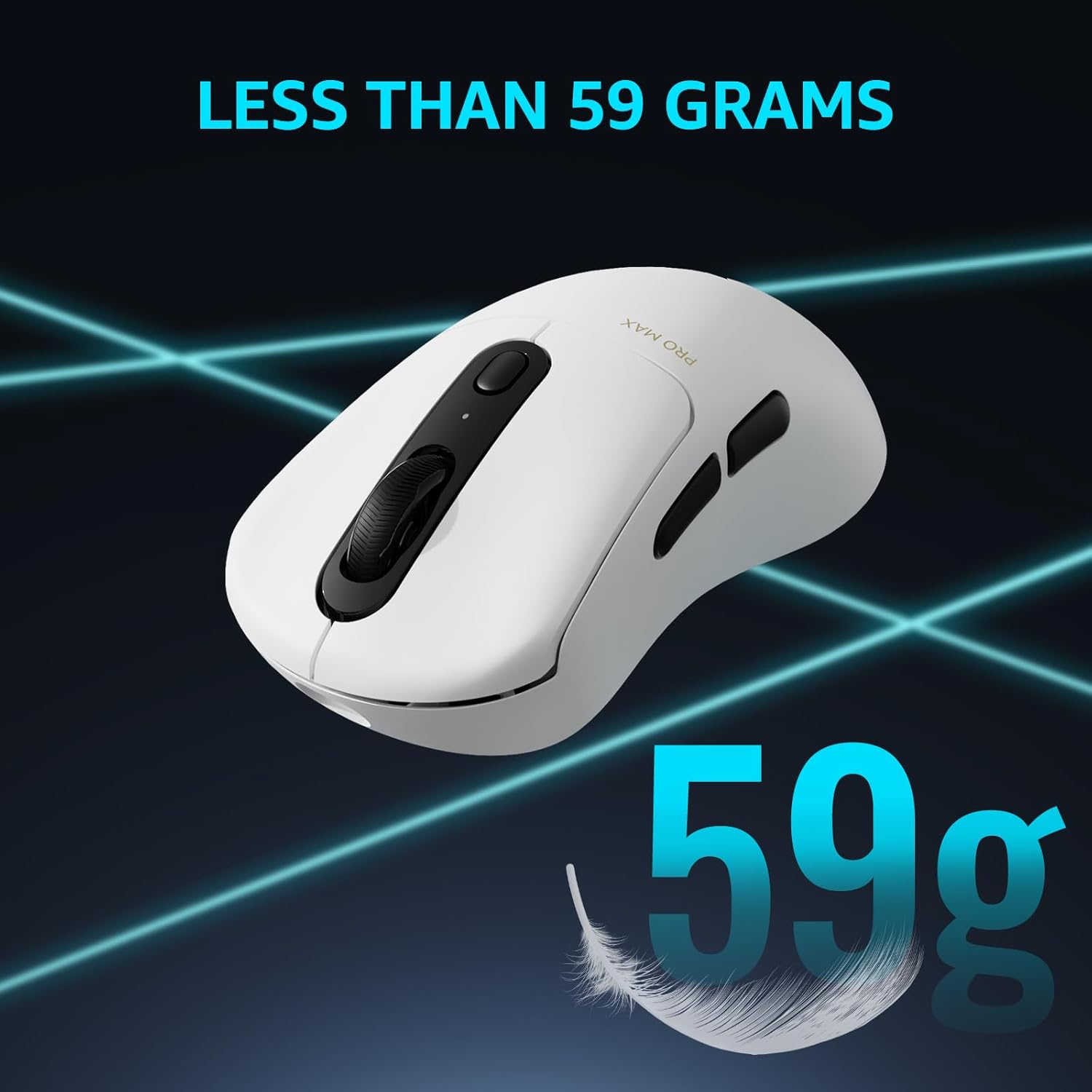
Image: The Rapoo VT3PRO MAX mouse connected wirelessly to a PC, illustrating its 8KHz wireless polling rate with a glowing blue connection line.
Lift-off Distance (LOD)
The mouse offers 11 levels of adjustable lift-off distance, ranging from 0.7mm to 1.7mm, allowing for precise control even when repositioning the mouse.
Software Customization
Utilize the dedicated Rapoo software to customize button assignments, macro settings, DPI levels, and save multiple profiles directly to the mouse's onboard memory or cloud storage.
Video: An official product video showcasing the Rapoo VT3PRO MAX Wireless Gaming Mouse, highlighting its features and design.
Battery Life & Charging
The VT3PRO MAX is equipped with an 800mAh lithium battery, providing up to 200 hours of continuous wireless use at a 1K Polling Rate. Battery life may vary based on usage and settings.

Image: The Rapoo VT3PRO MAX mouse with a large '200h' graphic, emphasizing its long battery life.
Charging
Charge the mouse using the provided Type-C cable. The mouse also supports Qi wireless charging (P3 Wireless Charging Module sold separately).

Image: The Rapoo VT3PRO MAX mouse being charged wirelessly on a Qi-compatible charging pad, with a note indicating the P3 Wireless Charging Module is sold separately.
Specifications
| Feature | Detail |
|---|---|
| Product Dimensions | 4.84 x 2.6 x 0.1 inches |
| Item Weight | 2.08 ounces |
| Item Model Number | VT3PRO MAX |
| Batteries | 1 Lithium Polymer batteries required. (included) |
| Date First Available | July 17, 2024 |
| Manufacturer | Shenzhen Rapoo Technology Co., Ltd. |
| Color | White |
| Connectivity Technology | USB, Radio Frequency |
| Special Feature | Superlight, Wireless, Programmable Buttons, Ergonomic Design, Rechargeable |
| Movement Detection Technology | Optical |
Maintenance
To ensure the longevity and optimal performance of your Rapoo VT3PRO MAX mouse, follow these maintenance guidelines:
- Cleaning: Use a soft, dry cloth to wipe down the mouse regularly. For stubborn dirt, a slightly damp cloth can be used, but ensure no moisture enters the internal components.
- Sensor Care: Keep the optical sensor on the underside of the mouse clean and free from dust or debris. Use a cotton swab or compressed air if necessary.
- Storage: When not in use for extended periods, store the mouse in a cool, dry place away from direct sunlight and extreme temperatures.
- Avoid Drops: While durable, avoid dropping the mouse as this can damage internal components or the sensor.
Troubleshooting
If you encounter any issues with your Rapoo VT3PRO MAX mouse, try the following solutions:
- Mouse Not Responding:
- Ensure the mouse is turned on.
- Check the battery level. Recharge if necessary.
- For wireless mode, ensure the USB adapter is securely plugged into a working USB port.
- Try plugging the USB adapter into a different USB port.
- For wired mode, ensure the Type-C cable is securely connected to both the mouse and the PC. - DPI Not Changing:
- Ensure the mouse software is installed and running correctly.
- Check the button assignments in the software to confirm the DPI button is configured properly. - Lag or Disconnection (Wireless):
- Ensure the mouse is within range of the USB adapter.
- Avoid interference from other wireless devices (e.g., Wi-Fi routers, other wireless peripherals).
- Update the mouse firmware via the Rapoo software (if available). - Cursor Jumps or Inaccurate Tracking:
- Clean the optical sensor on the underside of the mouse.
- Ensure you are using the mouse on a suitable surface (e.g., a mouse pad). Avoid highly reflective or uneven surfaces.
Video: An instructional video demonstrating how to use the driver software to set up and customize the Rapoo VT3PRO gaming mouse.
Warranty and Support
This product is manufactured by Shenzhen Rapoo Technology Co., Ltd. For specific warranty information and support, please refer to the documentation included with your product or visit the official Rapoo website.
Return Policy: This product is eligible for a 30-day refund/replacement policy from the date of purchase.
Seller: RAPOO Official


