
Introduction
The DS Leddess Gaming Monitor Backlight is designed to enhance your visual experience by providing dynamic ambient lighting that synchronizes with your computer screen. This LED backlight system is compatible with Windows operating systems and suitable for 27-34 inch PC monitors. It offers various lighting modes, including screen synchronization, music rhythm, static, and running modes, to create an immersive atmosphere for gaming, movies, or general computer use.
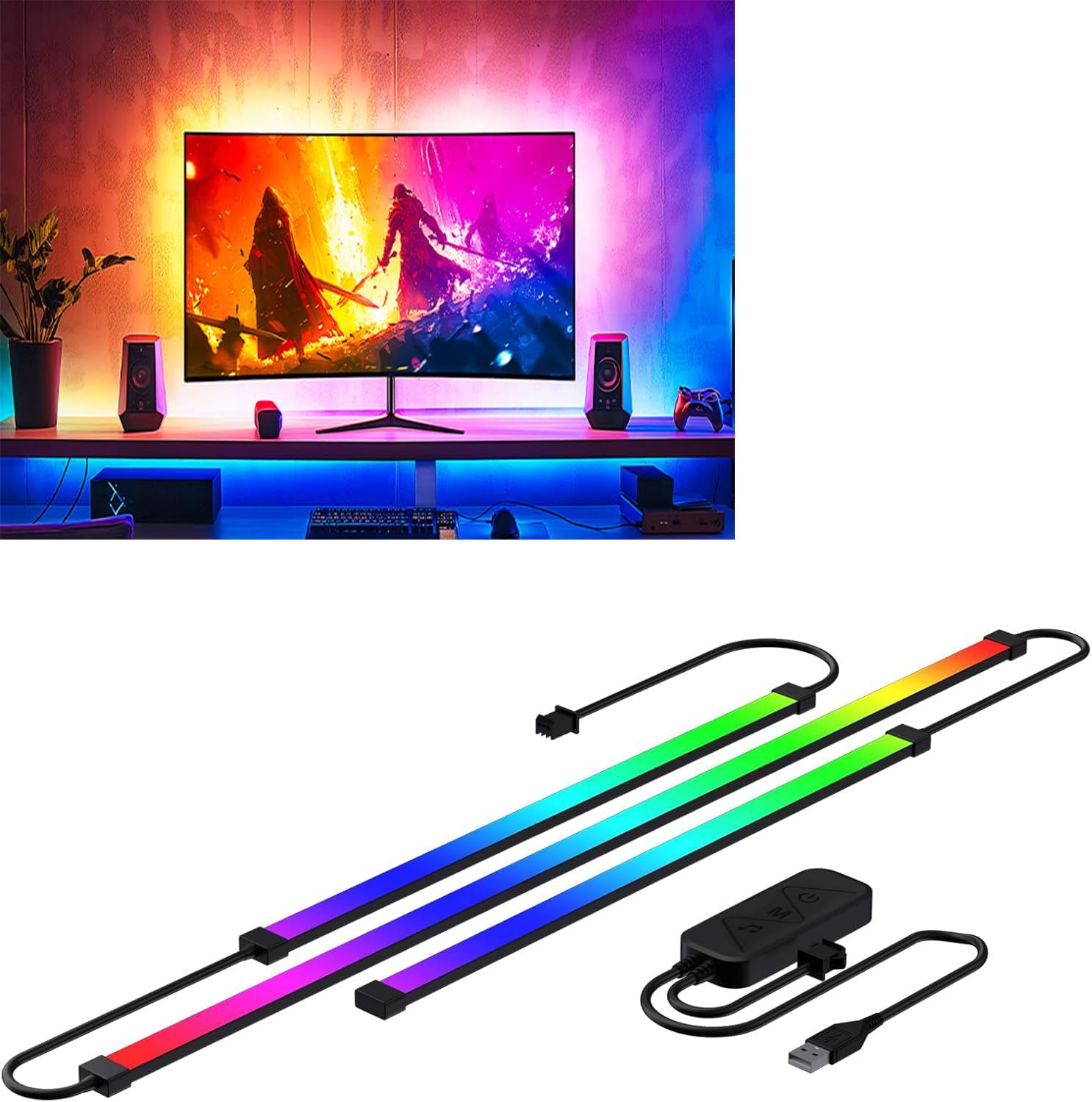
Image: The DS Leddess Gaming Monitor Backlight creating an immersive lighting effect behind a computer monitor.
Package Contents
Please verify that all items are present in your package:
- 1 set of 3-in-1 LED Strip
- 1 USB Controller
Setup and Installation
Follow these steps for proper installation of your DS Leddess Gaming Monitor Backlight:
- Prepare the Monitor: Ensure the back surface of your computer monitor is clean and dry. Wipe it with a clean cloth to remove any dust or debris.
- Apply the LED Strip: Carefully peel off the adhesive backing from the LED strip. Follow the edge of the back of your monitor to install the light strip. The design allows for hassle-free application.
- Connect the USB Controller: Plug the USB controller into an available USB port on your computer.

Image: Visual guide illustrating the three simple steps for installing the LED strip on a monitor.
Installation Video Guide
Video: This video demonstrates the installation process and various lighting modes, including screen synchronization and music rhythm, for the DS Leddess Gaming Monitor Backlight.
Operating Instructions
To fully utilize the features of your monitor backlight, the "DX-Lighting" computer application must be installed and used. This software enables color change synchronization with your computer screen and offers various lighting modes.
Software Control and Modes
- Screen Synchronization Mode: This mode automatically captures screen colors and synchronizes the backlight in real-time, creating an immersive visual experience.
- Music Mode: The lights will follow the rhythm of your music, adding a dynamic audio-visual element to your setup.
- Static Mode: Choose a single color to display consistently.
- Running Mode: Select from various dynamic lighting patterns.
The software is designed for ease of use. It automatically recognizes the number of LEDs, so you do not need to set this manually. You only need to configure the direction of the LED lights (three-side or four-side mode) and select the clockwise or counterclockwise direction of the light strip facing the screen.

Image: A computer monitor with the backlight in 'Sync Mode', showing colors matching the on-screen content.
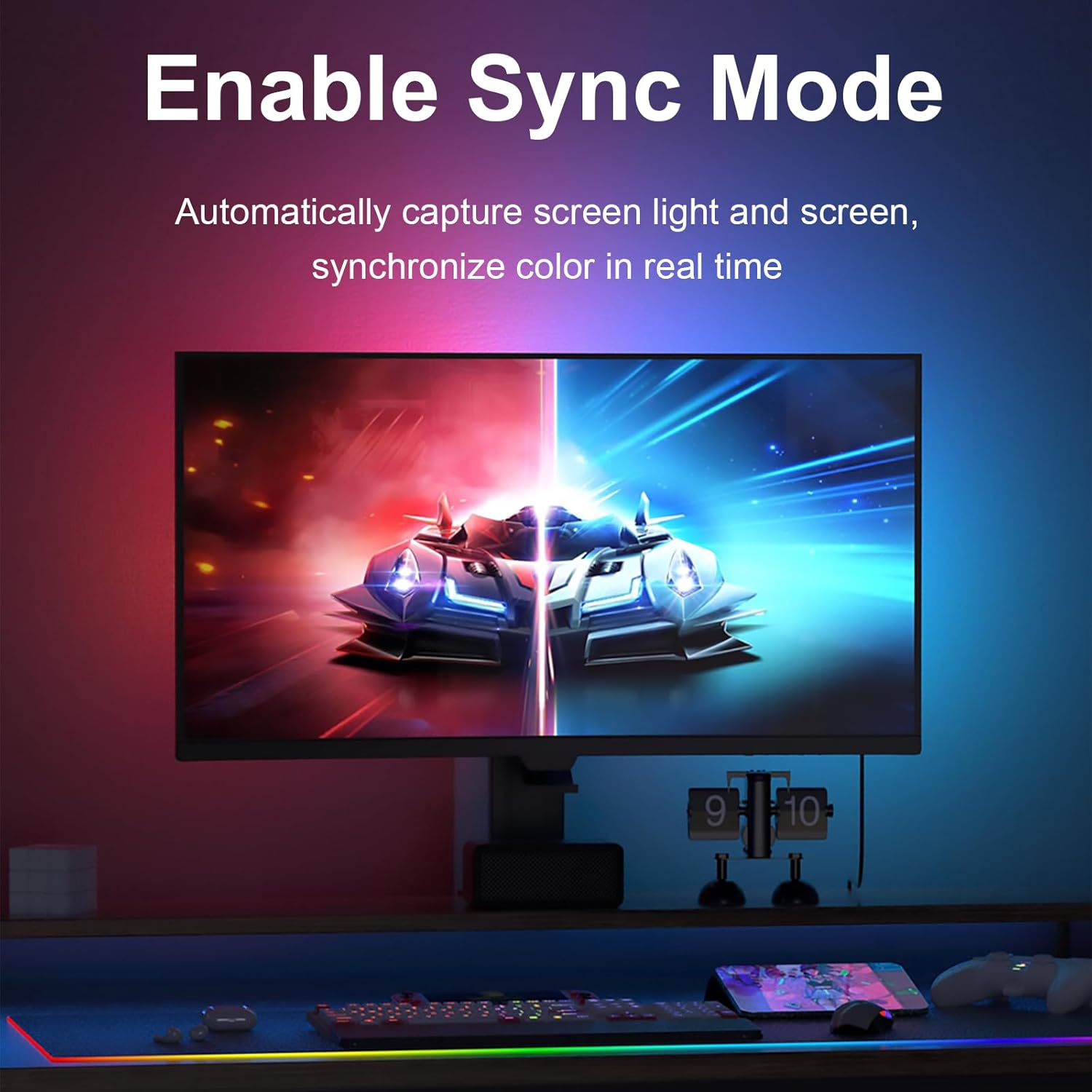
Image: The 'DX-Light' software interface, offering color selection, dynamic modes, and music modes for customization.
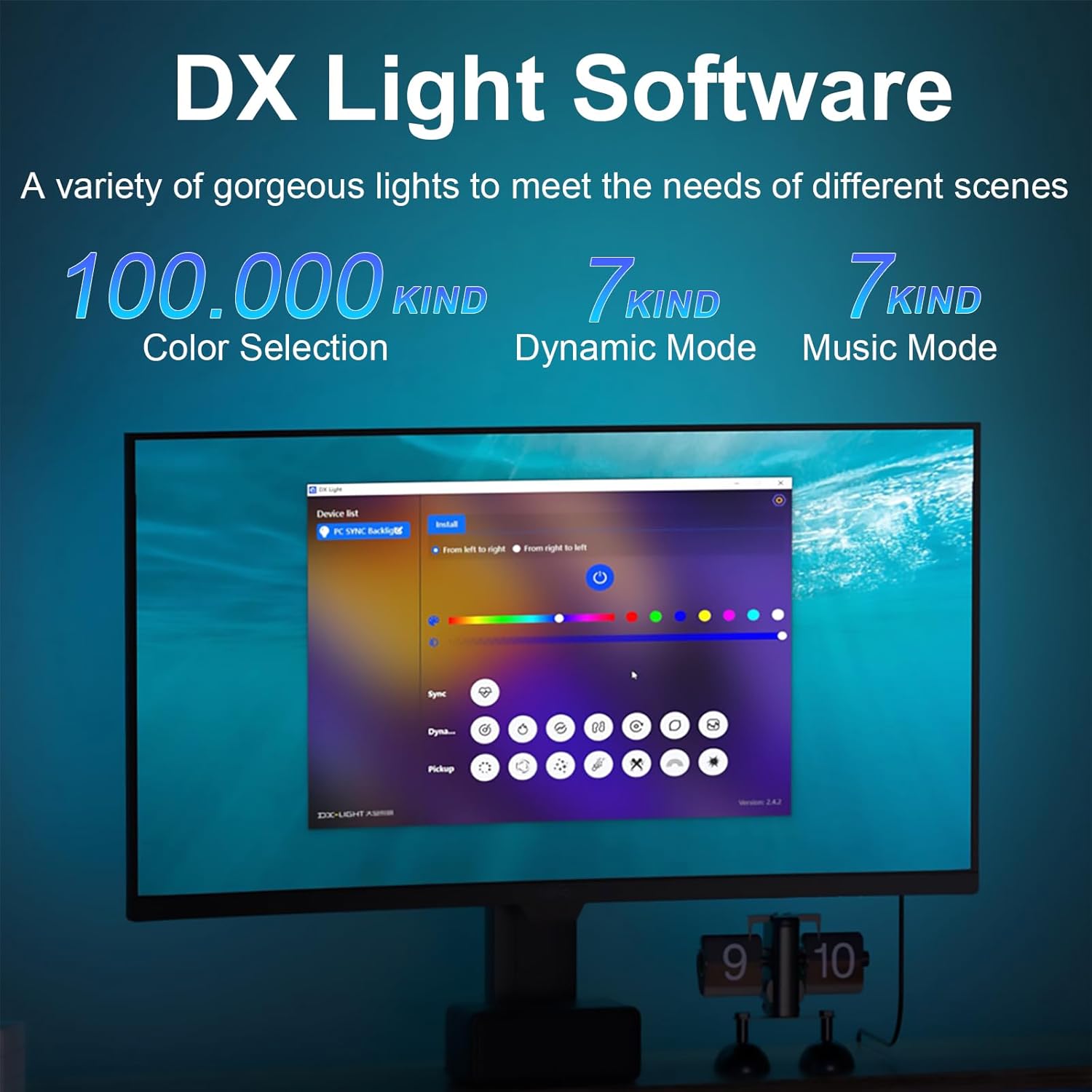
Image: A comparison showing the effect of PC SYNC Backlight, enhancing the visual experience.

Image: A 'Before and After' view demonstrating the stronger immersive experience provided by the monitor backlight.

Image: The monitor backlight operating in 'Music Rhythm Mode', with lights following the beat of the music.
Maintenance
To ensure the longevity and optimal performance of your DS Leddess Gaming Monitor Backlight, follow these simple maintenance guidelines:
- Cleaning: Gently wipe the LED strips with a dry, soft cloth to remove dust. Avoid using liquid cleaners directly on the strips or controller.
- Adhesive Care: If you need to reposition the strips, ensure the new surface is clean and dry for optimal adhesion. Avoid frequent repositioning to maintain adhesive strength.
- Cable Management: Keep all cables neatly organized and free from kinks or excessive tension to prevent damage.
- Storage: If storing the device for an extended period, disconnect it from power and store it in a cool, dry place.
Troubleshooting
If you encounter issues with your DS Leddess Gaming Monitor Backlight, refer to the following common problems and solutions:
- Lights Not Turning On:
- Ensure the USB controller is securely plugged into a functional USB port on your computer.
- Verify that the "DX-Lighting" software is running and the device is recognized.
- Inconsistent or Lagging Sync Lighting:
- Check your computer's system resources. High CPU or GPU usage from other applications might affect software performance.
- Ensure your "DX-Lighting" software is updated to the latest version.
- Confirm that the light strip direction settings in the software (three-side/four-side, clockwise/counterclockwise) are correctly configured to match your physical installation.
- Limited Lighting Options When Not Connected to Computer:
- The full range of features, especially screen synchronization and advanced modes, requires the "DX-Lighting" software running on a connected computer. When powered by a non-computer source, only basic, pre-programmed modes may be available.
- Adhesive Not Sticking:
- Ensure the monitor's back surface was thoroughly cleaned and dried before application. Residue or moisture can prevent proper adhesion.
- Apply firm pressure along the entire length of the strip during installation.
Specifications
| Feature | Detail |
|---|---|
| Model Number | DX23014-27 |
| Brand | DS Leddess |
| Compatible Monitor Size | 27-34 inches |
| Operating System Compatibility | Windows |
| Light Source Type | LED |
| Light Color | Multicolor (RGB) |
| Special Features | Color Changing, Energy Efficient, Screen Sync, Music Mode |
| Power Source | Corded Electric (USB) |
| Voltage | 5 Volts |
| Wattage | 10 watts |
| Control Method | App, Push Button |
| Indoor/Outdoor Usage | Indoor |
| Item Weight | 0.18 Kilograms (6.4 ounces) |
| Material | Silica+ABS |
Warranty and Support
For warranty information or technical support, please refer to the product packaging or contact DS Leddess customer service directly. Keep your purchase receipt for warranty claims.