
eppfun LS003
eppfun Open Ear Bluetooth Headphones User Manual
Model: LS003
Introduction
This manual provides detailed instructions for the eppfun Open Ear Bluetooth Headphones, Model LS003. These headphones feature an open-ear design for comfort, Bluetooth 5.4 connectivity, and a built-in microphone with noise cancellation for clear calls. Please read this manual thoroughly before using the product to ensure proper operation and maintenance.
Package Contents
Before proceeding, please verify that all items are present in the package:
- eppfun Open Ear Bluetooth Headphones (Model LS003)
- Charging Cable (Magnetic)
- User Manual (This document)

Image: eppfun Open Ear Bluetooth Headphones (LS003) with its magnetic charging cable.
Setup
1. Charging the Headphones
Before first use, fully charge the headphones. The headphones utilize a magnetic charging cable.
- Connect the magnetic end of the charging cable to the charging port on the headphones.
- Connect the USB-A end of the cable to a compatible USB power source (e.g., computer USB port, USB wall adapter).
- A full charge takes approximately 1.5 hours. The LED indicator will change color to indicate charging status (refer to LED indicator section for details).
- The headphones provide up to 12 hours of playtime on a full charge.
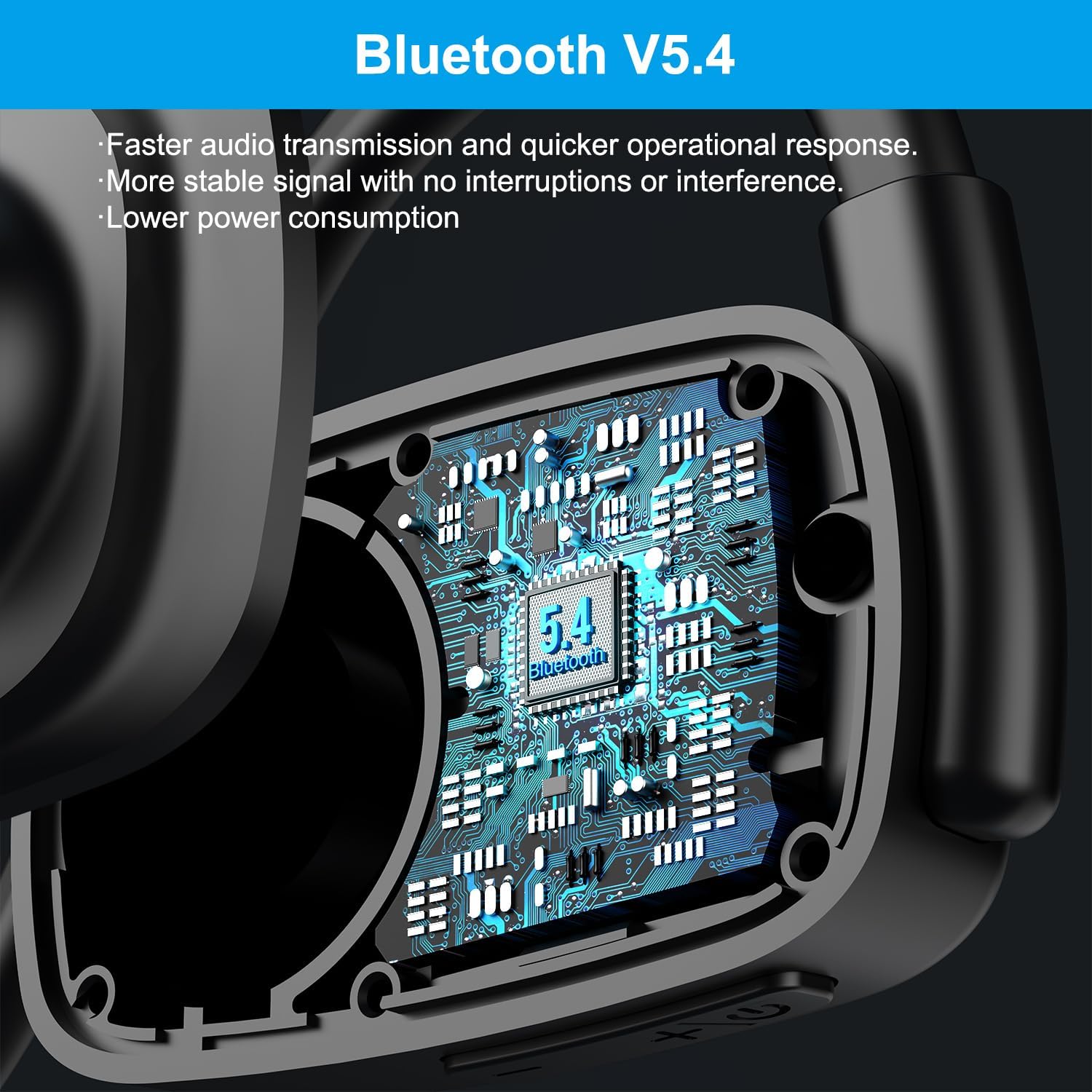
Image: Visual representation of charging time (1.5 hours) and playtime (12 hours) for the headphones.

Image: Detailed view of the magnetic charging interface and battery life indicators.
2. Pairing with a Bluetooth Device
The headphones use Bluetooth 5.4 for stable and efficient wireless connection.
- Ensure the headphones are charged and powered off.
- Press and hold the multi-function button (usually the power button) until the LED indicator flashes red and blue, indicating pairing mode.
- On your device (smartphone, tablet, laptop), enable Bluetooth and search for available devices.
- Select "eppfun LS003" or a similar name from the list of found devices.
- Once connected, the LED indicator will turn solid blue or off, depending on the model.

Image: Illustration of the Bluetooth 5.4 chip inside the headphones, emphasizing faster transmission and lower power consumption.
3. Multipoint Connection
These headphones support multipoint connections, allowing them to be connected to two Bluetooth devices simultaneously.
- Pair the headphones with the first device as described above.
- Disable Bluetooth on the first device. The headphones will re-enter pairing mode.
- Pair the headphones with the second device.
- Re-enable Bluetooth on the first device. The headphones should automatically connect to both devices.
- Audio will play from the device that is actively transmitting sound.
Operating Instructions
Controls Overview
The headphones feature intuitive controls for various functions:
| Function | Action |
|---|---|
| Power On/Off | Press and hold the multi-function button. |
| Play/Pause Music | Single press the multi-function button. |
| Volume Up | Press the Volume + button. |
| Volume Down | Press the Volume - button. |
| Next Track | Press and hold Volume + button. |
| Previous Track | Press and hold Volume - button. |
| Answer/End Call | Single press the multi-function button. |
| Reject Call | Press and hold the multi-function button. |
| Mute Microphone | Press the dedicated mute button on the microphone arm. |
Call Management and Noise Cancellation
The extended microphone design and Environmental Noise Cancellation (ENC) technology enhance call clarity.
- ENC Technology: The headphones are equipped with ENC to reduce ambient noise during calls, making your voice clearer to the recipient. This technology can block up to 90% of ambient noise.
- Mute Function: A dedicated mute button on the microphone arm allows for quick muting and unmuting during calls or online meetings.
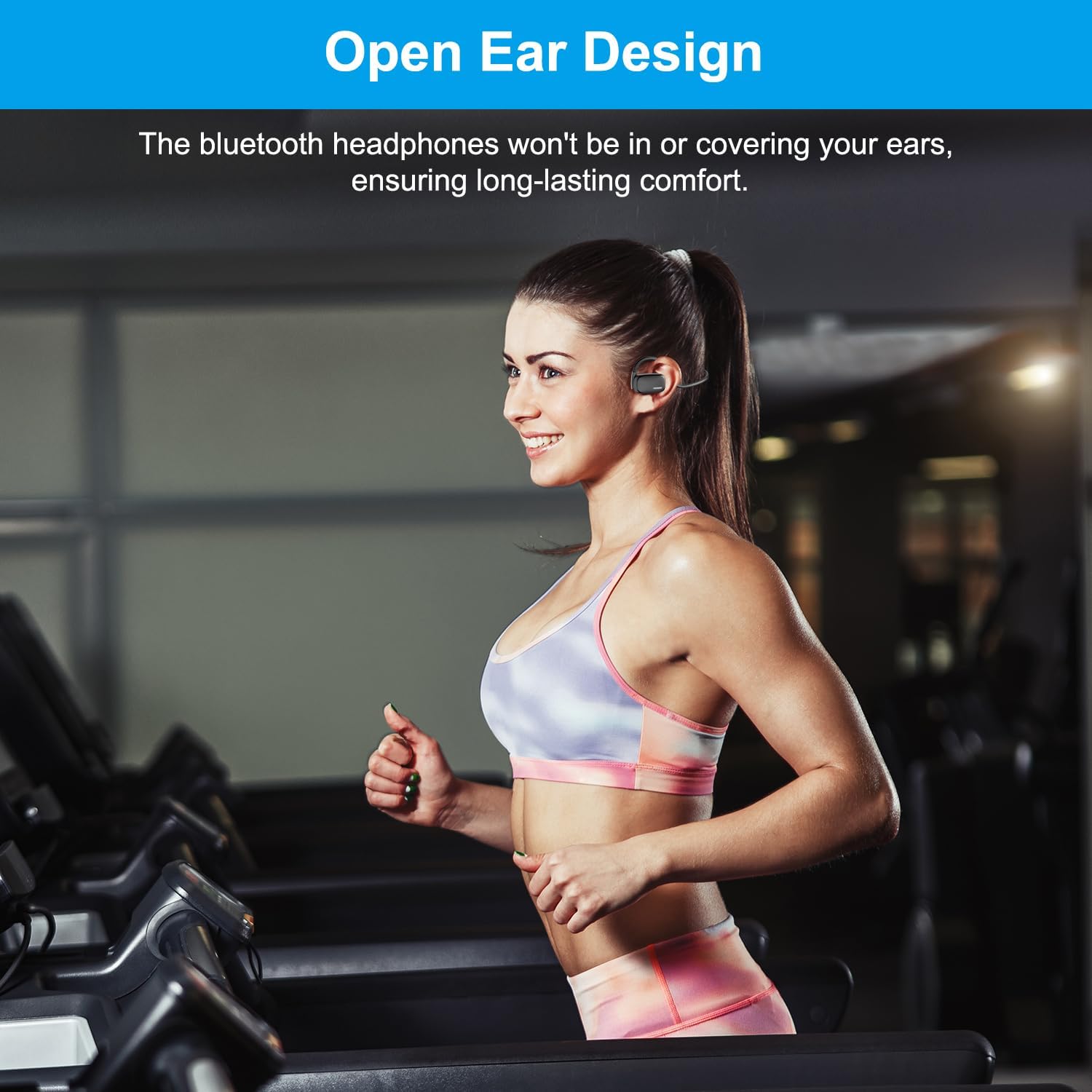
Image: Demonstrates the effect of ENC noise cancellation and the location of the mute button on the microphone arm.

Image: Illustrates the use of headphones in a video conference setting, highlighting the ENC feature.
Wearing the Headphones
The open-ear design ensures comfort and situational awareness.
- Place the headphones over your ears, ensuring the ear hooks rest comfortably behind your ears.
- The speaker units should sit just outside your ear canals, allowing you to hear both audio and your surroundings.

Image: Demonstrates the open-ear design being worn during physical activity, highlighting comfort.
Audio Quality
The headphones are equipped with 15.4mm diaphragm drivers for enhanced audio performance, including heavy bass.

Image: Illustrates the 15.4mm diaphragm drivers responsible for audio output.
Maintenance
- Cleaning: Wipe the headphones with a soft, dry cloth. Do not use abrasive cleaners or immerse in water.
- Storage: Store the headphones in a cool, dry place away from direct sunlight and extreme temperatures.
- Charging: Use only the provided magnetic charging cable. Avoid using damaged cables or chargers.
- Water Resistance: These headphones are not water resistant. Avoid exposure to rain, sweat, or other liquids.
Troubleshooting
| Problem | Possible Cause / Solution |
|---|---|
| Headphones do not power on. | Battery is low. Charge the headphones fully. |
| Cannot pair with device. |
|
| No sound or low volume. |
|
| Poor call quality. |
|
Specifications
| Feature | Detail |
|---|---|
| Model Name | Cutemeet 310 (LS003) |
| Connectivity Technology | Wireless (Bluetooth) |
| Bluetooth Version | 5.4 |
| Bluetooth Range | 10 Meters |
| Noise Control | Active Noise Cancellation (ENC for microphone) |
| Audio Driver Size | 15.4 Millimeters |
| Battery Life | Up to 12 Hours |
| Charging Time | Approx. 1.5 Hours |
| Charging Type | Magnetic |
| Earpiece Shape | Ear hook or wing (Open Ear) |
| Material | Plastic |
| Item Weight | 4.6 ounces |
| Water Resistance Level | Not Water Resistant |
Warranty and Support
For warranty information and customer support, please refer to the official eppfun website or contact their customer service directly. Keep your purchase receipt for warranty claims.
Manufacturer: eppfun
Date First Available: July 12, 2024
For further assistance, visit the eppfun Store on Amazon.