1. Introduction
The BRAIDOL M2 Wireless HDMI Transmitter and Receiver system provides a convenient solution for wirelessly streaming high-definition video and audio from your devices to a larger display. Utilizing a Type-C 3.1 port for the transmitter and an HDMI interface for the receiver, this system offers plug-and-play functionality without the need for complex software installations or network configurations. It supports 1080P Ultra HD resolution and operates on 5G transmission for stable, low-latency performance up to 100 feet (30 meters).

Image 1.1: The BRAIDOL M2 Wireless HDMI Transmitter (left, with Type-C connector) and Receiver (right, with HDMI connector).
2. Package Contents
Please verify that all items listed below are included in your package:
- 1 x Type-C Transmitter (TX)
- 1 x HDMI Receiver (RX)
- 1 x User Manual
- 1 x HDMI Cable (for power or extension)
- 1 x Type-C Cable (for power or extension)
- 1 x Power Adapter (USB wall adapter)
- 1 x Operation Guide
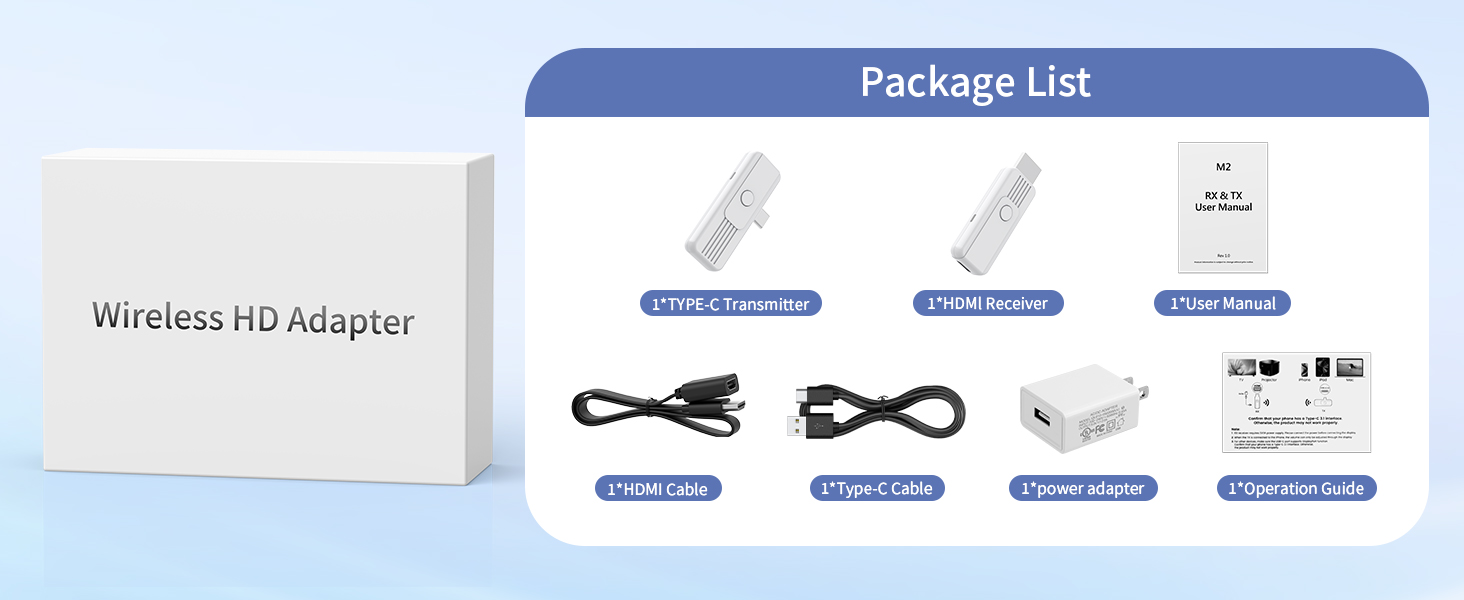
Image 2.1: Visual representation of the BRAIDOL M2 Wireless HDMI Adapter package contents.
3. Setup Instructions
Follow these steps to set up your BRAIDOL M2 Wireless HDMI system:
- Power the Receiver (RX): Connect the provided Type-C cable to the RX unit and the USB end to the power adapter. Plug the power adapter into a wall outlet.
- Connect Receiver to Display: Plug the HDMI connector of the RX unit into an available HDMI port on your HDTV, projector, or monitor.
- Power the Transmitter (TX): Connect the Type-C connector of the TX unit directly into the Type-C 3.1 port of your source device (smartphone, tablet, laptop). Ensure your device's Type-C port supports DisplayPort Alternate Mode (DP Alt Mode) for video output. If your device's Type-C port does not provide sufficient power or support DP Alt Mode, you may need to use the provided Type-C cable to connect the TX to an external power source (e.g., a USB wall adapter or a powered USB hub).
- Pairing: Once both TX and RX units are powered and connected, they should automatically pair. If pairing does not occur automatically, press the button on the RX unit for approximately 2 seconds until the display shows "Ready to pair". Then, press and hold the button on the TX unit for 5 seconds to complete the pairing process.
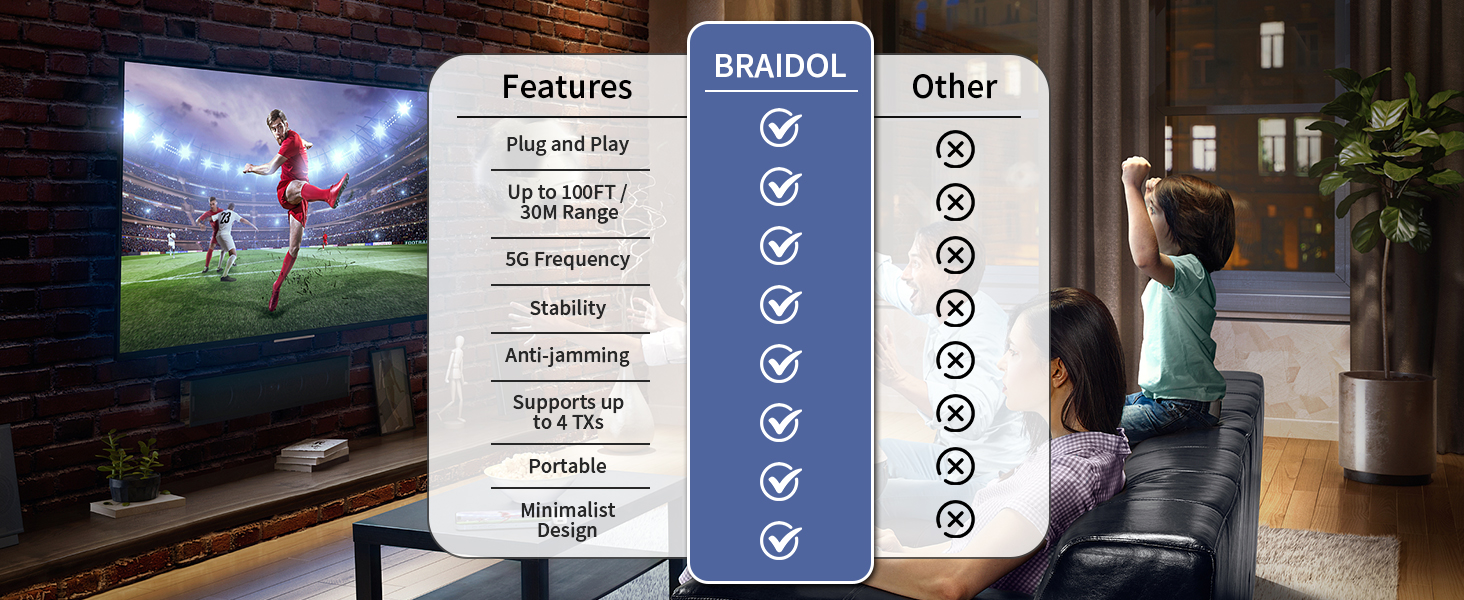
Image 3.1: Step-by-step visual guide for connecting the BRAIDOL M2 system.
Setup Overview Video
Video 3.1: This video demonstrates the basic setup and connection of the Type-C 3.1 Wireless HDMI system.
4. Operating Instructions
4.1. Plug and Play Operation
The BRAIDOL M2 system is designed for immediate use upon connection. No drivers, Wi-Fi, Bluetooth, or additional applications are required. Simply connect the TX to your source device and the RX to your display, and the content will be mirrored automatically.
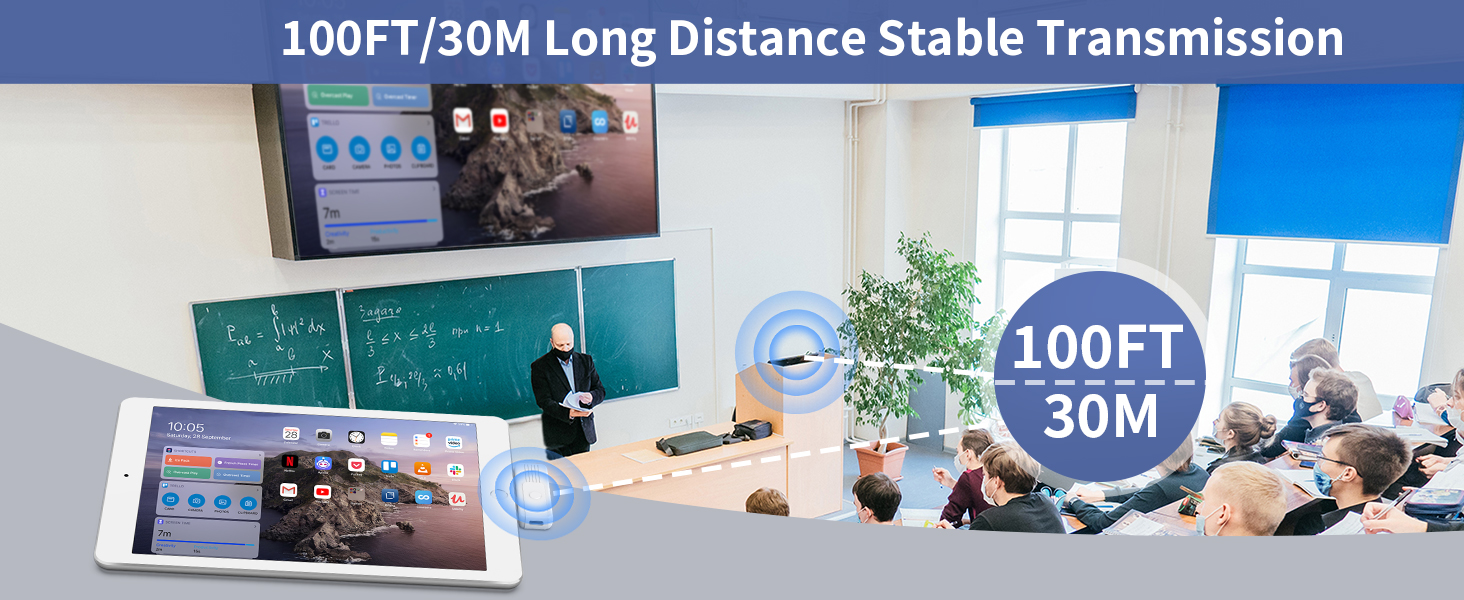
Image 4.1: The system in action, showing a laptop screen mirrored wirelessly to a large display in a meeting environment.
4.2. Mirroring and Extended Modes
The system supports both screen mirroring and extended display functions, offering flexibility for various applications:
- Mirroring Mode: The display connected to the RX unit shows the exact same content as your source device's screen. This is ideal for presentations, sharing videos, or displaying content to a larger audience.
- Extended Mode: Your display acts as a secondary monitor, allowing you to extend your desktop space. This is useful for multitasking, working on multiple applications simultaneously, or maintaining privacy on your primary screen while displaying other content.
Switching between modes is typically managed through your source device's display settings (e.g., Windows Display Settings or macOS System Preferences).

Image 4.2: Illustration of Copy Mode (Mirroring) and Extended Mode functionality.
5. Compatibility
The BRAIDOL M2 Wireless HDMI system is compatible with a wide range of devices and displays:
- Transmitter (TX) Compatibility: Requires a device with a Type-C 3.1 interface that supports DisplayPort Alternate Mode (DP Alt Mode) for video output. This includes many modern smartphones (e.g., iPhone 15 series), tablets (e.g., iPad Air/Pro), and laptops (e.g., MacBook/MacBook Air/MacBook Pro).
- Receiver (RX) Compatibility: Connects to any display device with an HDMI input, such as HDTVs, projectors, and computer monitors.

Image 5.1: Compatible devices for the BRAIDOL M2 Wireless HDMI system.
6. Specifications
| Feature | Specification |
|---|---|
| Model Number | M2 |
| Product Dimensions | 5.3 x 3.9 x 1.9 inches |
| Item Weight | 7.8 ounces |
| Manufacturer | BRAIDOL |
| Connector Type | HDMI (Receiver), Type-C 3.1 (Transmitter) |
| Wireless Frequency | 2.4G/5G |
| Video Resolution | Up to 1080P Ultra HD |
| Transmission Distance | Up to 100 feet (30 meters) |
| Specific Uses | Gaming, Streaming, Presentations, Home Theatre |
| Compatible Devices | Smartphones, Tablets, Laptops with Type-C 3.1 (DP Alt Mode) |
7. Troubleshooting
- No Signal on Display:
- Ensure both TX and RX units are properly powered. The RX unit requires external power via the USB cable and adapter.
- Verify the TX unit is securely connected to a Type-C 3.1 port on your source device that supports DisplayPort Alternate Mode.
- Confirm the display is set to the correct HDMI input source.
- Try re-pairing the TX and RX units as described in Section 3.
- If using a laptop, check its display settings to ensure external display detection is enabled.
- Intermittent Signal or Poor Quality:
- Reduce the distance between the TX and RX units.
- Ensure there are no major obstructions (e.g., thick walls, large metal objects) between the units.
- Minimize interference from other 2.4G/5G wireless devices.
- Check if the TX unit is receiving adequate power. Some devices may require the additional Type-C power cable for stable operation.
- Device Heats Up:
- It is normal for the product to generate some heat during extended use. This does not indicate a malfunction. Ensure adequate ventilation around the units.
- Audio Issues:
- Ensure the volume on both your source device and the display is turned up.
- Check your source device's audio output settings to confirm audio is directed to the wireless display.
8. Maintenance
- Cleaning: Use a soft, dry cloth to clean the surfaces of the transmitter and receiver. Avoid using liquid cleaners or abrasive materials.
- Storage: When not in use, store the devices in a cool, dry place away from direct sunlight and extreme temperatures.
- Handling: Handle the units with care to prevent physical damage to the connectors or internal components.
9. Safety Information
- Do not expose the device to water, moisture, or extreme temperatures.
- Do not attempt to disassemble or modify the device. This may void the warranty and pose a safety risk.
- Keep the device away from strong magnetic fields.
- Use only the provided power adapter and cables to ensure optimal performance and safety.
10. Warranty and Support
For warranty information and technical support, please refer to the documentation included in your product package or visit the official BRAIDOL website. Keep your purchase receipt for warranty claims.


