Introduction
Thank you for purchasing the Gueray ZL2401 Portable CD Player. This manual provides essential information for the safe and efficient operation of your device. Please read it thoroughly before use and retain it for future reference.
Product Overview
The Gueray ZL2401 is a compact and versatile portable CD player designed for various audio formats and playback scenarios. It features anti-skip protection, multiple play modes, and connectivity options.
Key Features
- Wide compatibility with CD, CD-R, CD-RW, and MP3 discs.
- Supports MP3, WMA, and CD-DA audio formats.
- Anti-Skip Protection (ASP) for uninterrupted playback.
- Multiple playback modes: Repeat a track, Repeat all, Shuffle (SHUF), Intro (play first 10 seconds).
- Memory Playback: Resumes from the last interrupted position.
- 3.5mm AUX output for connecting to external speakers or car audio systems.
- Bluetooth connectivity for wireless audio output.
- USB Type-C charging and support for 2x AA batteries.
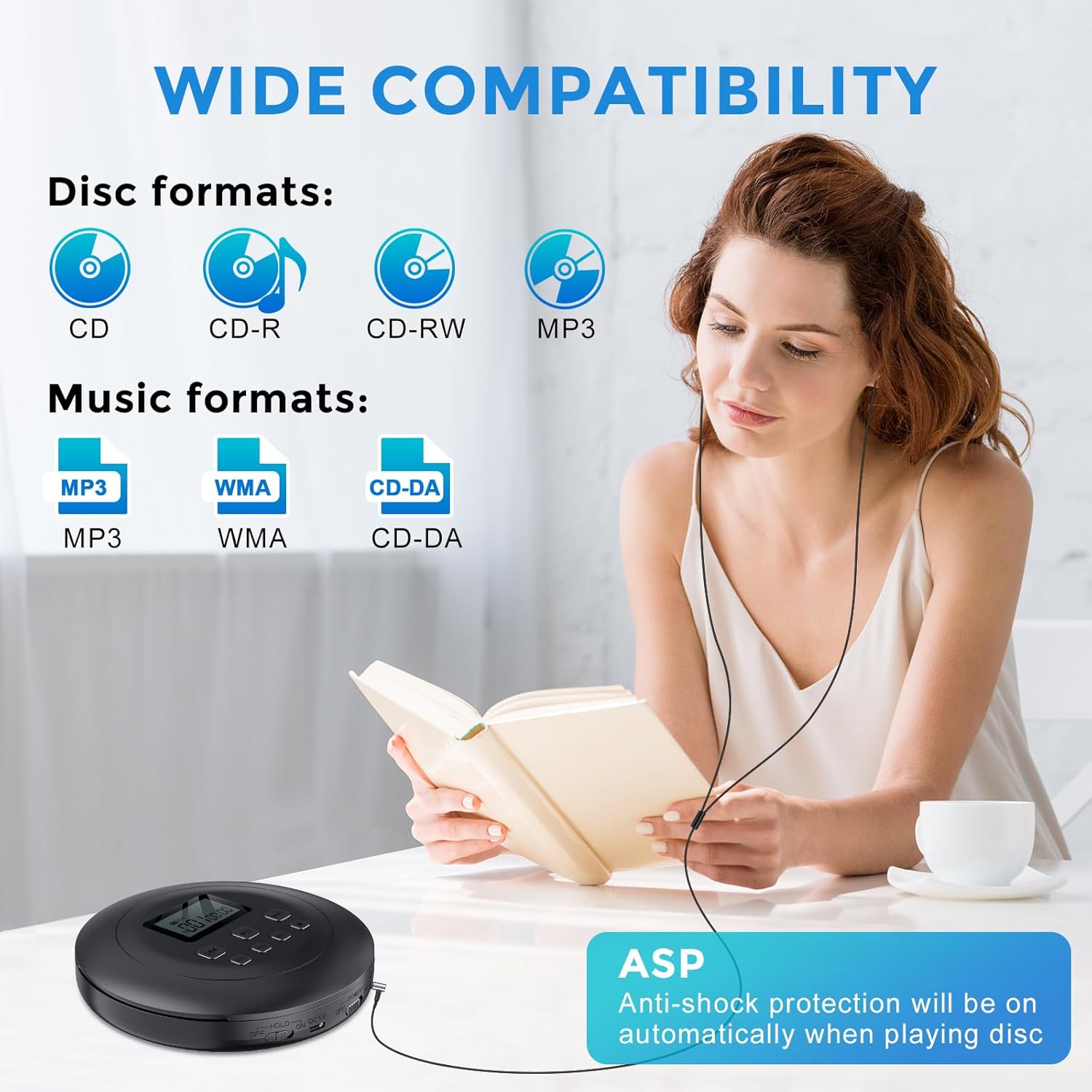
Figure 1: Wide Compatibility and Anti-Shock Protection. The player supports various disc and music formats, ensuring broad usability. Anti-shock protection activates automatically during disc playback.

Figure 2: 3.5mm AUX Connectivity. The player can connect to car audio systems or external speakers using a standard 3.5mm AUX cable for versatile audio output.

Figure 3: Play Modes. The device offers four distinct playback modes, including repeating tracks or albums, shuffling, and an intro scan feature for MP3 discs.

Figure 4: Memory Playback. This feature allows the player to resume audio playback from the exact point where it was last stopped, providing convenience for listeners.
Setup
Powering the Device
The Gueray ZL2401 can be powered by either a USB Type-C connection or two AA batteries.
- USB Power: Connect the provided USB Type-C cable to the "DC 5V" port on the player and the other end to a USB power adapter (not included) or a compatible USB port.
- Battery Power: Open the battery compartment on the underside of the player. Insert two 1.5V AA alkaline dry batteries (not included), ensuring correct polarity (+/-). Close the compartment securely.

Figure 5: Power Options. The player supports both USB Type-C charging (adapter not included) and operation with two AA alkaline batteries.
Inserting a CD
- Slide the "OPEN" switch to open the CD compartment lid.
- Carefully place a CD, CD-R, CD-RW, or MP3 disc onto the spindle with the label side facing up.
- Gently press the disc down until it clicks into place.
- Close the CD compartment lid firmly until it latches.
Connecting Headphones or External Devices
- Headphones: Plug your 3.5mm headphones into the "PHONE" jack.
- External Speaker/Car Audio: Connect a 3.5mm AUX cable from the "AUX OUT" jack on the player to the AUX input of your speaker or car audio system.
- Bluetooth: To connect via Bluetooth, ensure the player is powered on. Refer to the operating instructions for Bluetooth pairing.
Operating Instructions
Basic Playback
- Ensure the player is powered on and a disc is inserted.
- Slide the "HOLD" switch to the OFF position if it is engaged.
- Press the PLAY/PAUSE button (►▮▮) to start playback.
- Press PLAY/PAUSE again to pause playback. Press it once more to resume.
- To stop playback, press the STOP button (■).
Track Navigation
- Press the NEXT button (►►) to skip to the next track.
- Press the PREVIOUS button (◄◄) to go back to the beginning of the current track. Press it again to go to the previous track.
- Hold the NEXT or PREVIOUS button to fast-forward or rewind within a track.
Volume Control
Adjust the volume using the VOL + and VOL - buttons located on the side of the player.
Playback Modes
Press the MODE button repeatedly to cycle through the following playback options:
- Repeat 1: Repeats the current track.
- Repeat All: Repeats all tracks on the disc.
- SHUF (Shuffle): Plays tracks in a random order.
- INTRO: Plays the first 10 seconds of each track (for MP3 discs only).
Program Playback
The player allows you to program a specific order of tracks:
- While playback is stopped, press the PROG button.
- Use the NEXT or PREVIOUS buttons to select the desired track number.
- Press PROG again to confirm the track and add it to the program list.
- Repeat steps 2-3 to add more tracks.
- Press PLAY/PAUSE to start programmed playback.
Bluetooth Pairing
To connect the CD player to Bluetooth headphones or speakers:
- Ensure the CD player is powered on and in playback mode.
- Activate pairing mode on your Bluetooth headphones or speaker.
- The CD player will automatically search for and connect to nearby Bluetooth devices. The Bluetooth indicator on the player will confirm connection.
Maintenance
Cleaning the Device
- Wipe the exterior of the player with a soft, dry cloth. Do not use abrasive cleaners or solvents.
- To clean the optical lens, use a specialized CD lens cleaning kit. Avoid touching the lens directly.
Disc Care
- Handle discs by their edges to avoid fingerprints and scratches.
- Store discs in their cases when not in use.
- Clean dirty discs with a soft, lint-free cloth, wiping from the center outwards.
Battery Information
- Remove batteries if the player will not be used for an extended period to prevent leakage.
- Dispose of used batteries responsibly according to local regulations.
Troubleshooting
| Problem | Possible Cause | Solution |
|---|---|---|
| Player does not power on. | No power source or depleted batteries. | Check USB connection or replace AA batteries. Ensure the "ON/OFF" switch is in the "ON" position. |
| Disc does not play. | Disc inserted incorrectly, dirty/scratched disc, unsupported format, "HOLD" switch engaged. | Ensure disc is clean and inserted correctly. Check if the disc format (CD, CD-R, CD-RW, MP3) is supported. Disengage the "HOLD" switch. |
| No sound or distorted sound. | Volume too low, headphones/speakers not connected properly, faulty headphones/speakers. | Increase volume. Check headphone/AUX cable connection. Test with different headphones/speakers. Ensure Bluetooth device is paired and connected. |
| Skipping or intermittent playback. | Disc is dirty or scratched, player is subjected to strong vibrations. | Clean the disc. Ensure the player is on a stable surface. The Anti-Skip Protection (ASP) helps, but extreme movement can still cause skips. |
| Bluetooth connection issues. | Device not in pairing mode, too far from player, interference. | Ensure Bluetooth device is in pairing mode. Keep devices within close range. Turn off other Bluetooth devices to reduce interference. |
Specifications
| Model Number | HJGZL2401 |
| Brand | Gueray |
| Disc Formats | CD, CD-R, CD-RW, MP3 |
| Audio Formats | MP3, WMA, CD-DA |
| Connectivity | Bluetooth, 3.5mm Jack (Headphones, AUX Out), USB (for power) |
| Power Source | USB 5V (Type-C), 2 x 1.5V AA Batteries |
| Special Features | Anti-Skip Protection (ASP), Programmable Playback, Memory Playback, Multiple Play Modes |
| Number of Discs | 1 |
| Number of Channels | 2 |
| Item Weight | 215 Grams |
| Parcel Dimensions | 21.7 x 17.7 x 4.8 cm |
Warranty and Support
Warranty Information
This Gueray ZL2401 Portable CD Player comes with a 12-month warranty from the date of purchase. This warranty covers manufacturing defects and material faults under normal use. It does not cover damage caused by misuse, accidents, unauthorized modifications, or normal wear and tear.
Please retain your proof of purchase for warranty claims.
Customer Support
If you encounter any issues or have questions regarding your Gueray ZL2401 Portable CD Player that are not addressed in this manual, please contact Gueray customer support. Contact details can typically be found on the product packaging or the official Gueray website.