
1. Introduction
Thank you for choosing Donerton W90 Wireless Earbuds. These earbuds are designed to provide a high-quality audio experience with advanced features such as Bluetooth 5.4 connectivity, dynamic drivers, and a long-lasting battery. This manual will guide you through the setup, operation, and maintenance of your new earbuds.
2. What's in the Box

Image: Contents of the Donerton W90 Wireless Earbuds package.
- Wireless Earbuds (L/R)
- Charging Case
- Replacement Ear Caps (S, M, L)
- Type-C Charging Cable
- Instruction Book
3. Product Overview
3.1 Key Features
- Bluetooth 5.4 Technology: Provides faster and more stable connections with lower power consumption.
- 13mm Dynamic Drivers: Delivers rich textures and a wide sound field for a superior audio experience.
- Environmental Noise Cancellation (ENC): Built-in microphones and CVC algorithm filter out surrounding noise for clear calls.
- 40 Hours Total Playtime: 8 hours on a single charge, with an additional 32 hours from the charging case.
- LED Power Display: Accurately shows remaining power for both earbuds and the charging case.
- IP7 Waterproof Rating: Resistant to rainwater, sweat, and splashes.
- Smart Touch Controls: Manage calls, volume, music playback, and voice assistant with simple touches.
- Ergonomic Design: Lightweight (3.9g per earbud) and comfortable for extended wear.
3.2 Bluetooth Technology Comparison
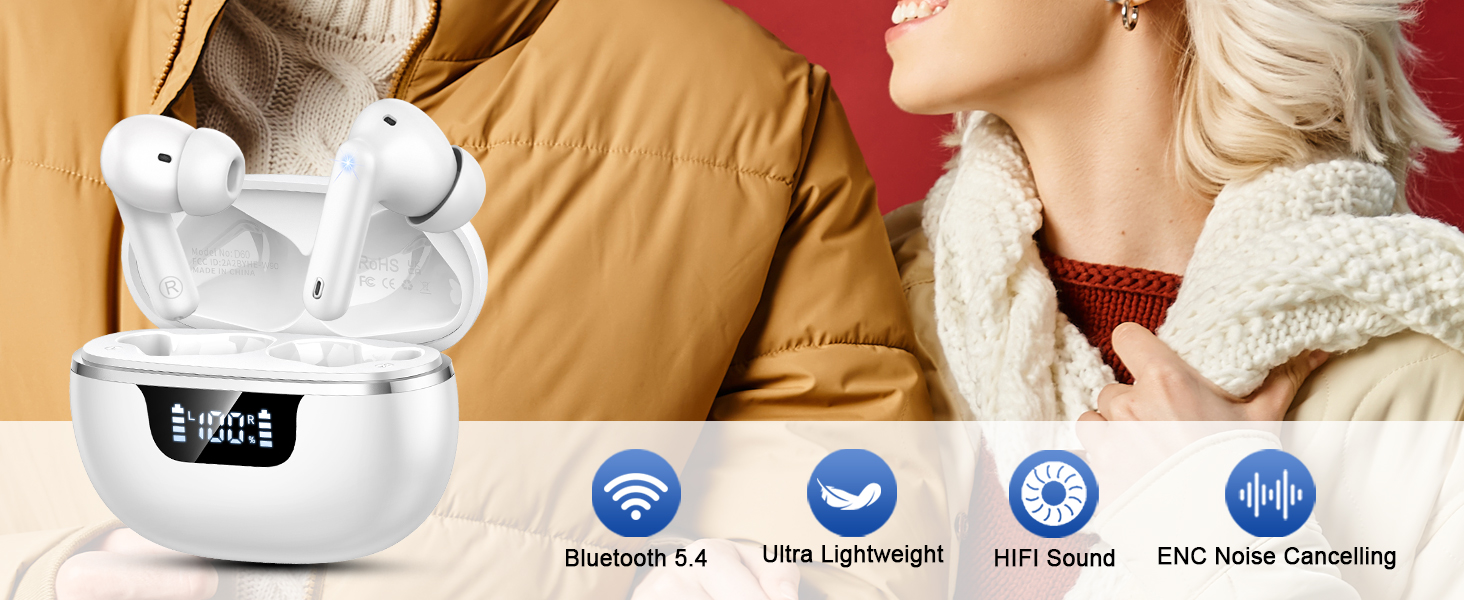
Image: Comparison of Bluetooth 5.3 vs. Bluetooth 5.4, highlighting improvements in latency, anti-interference, and power consumption.
3.3 Audio Quality

Image: Illustration of the 13mm dynamic drivers for Hi-Fi stereo sound.
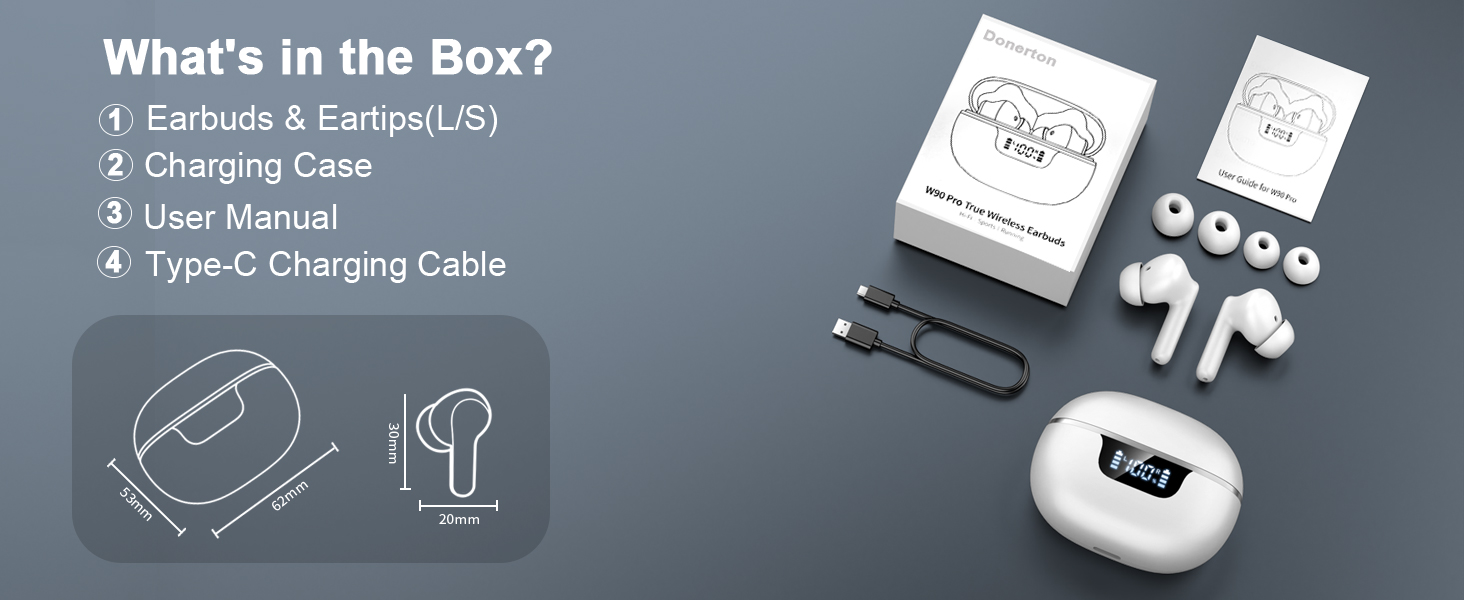
Image: Visual representation of sound delivery with 13mm dynamic drivers.
3.4 Noise Reduction

Image: Earbud with built-in ENC Noise Reduction Chip, illustrating 40 dB noise reduction.
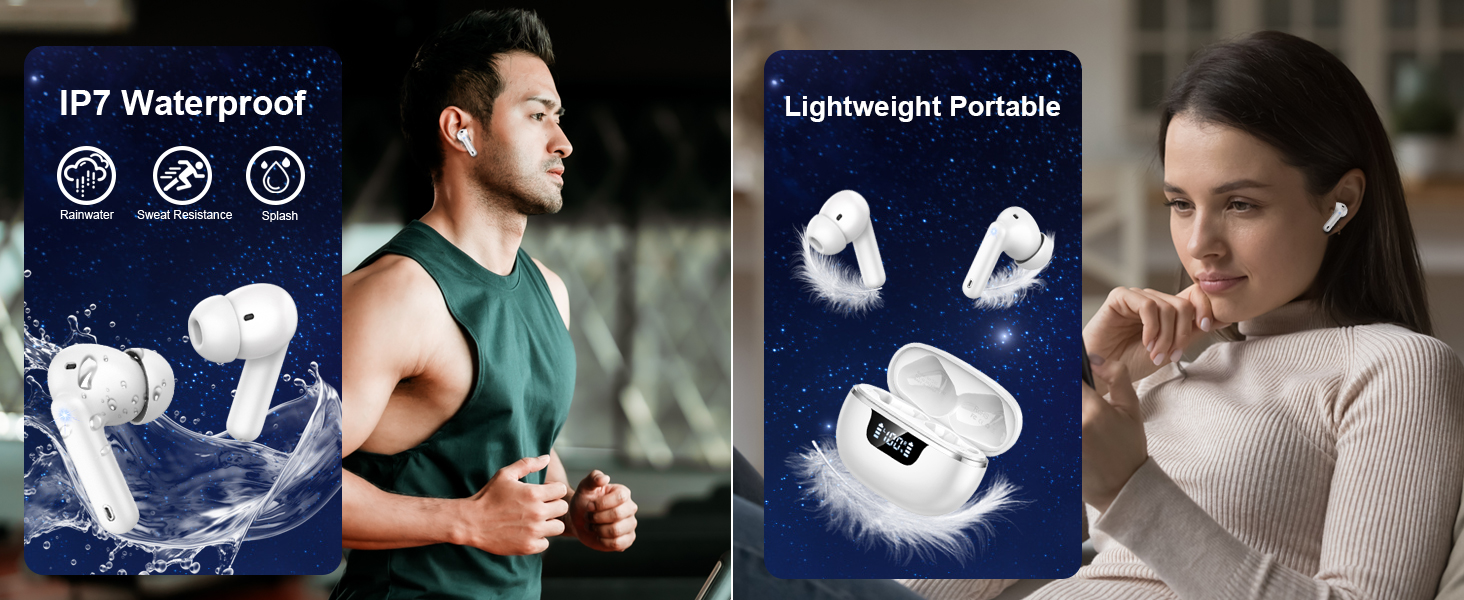
Image: Clear call functionality with built-in 4 microphones and ENC noise reduction.
4. Setup
4.1 Charging the Earbuds and Case
Before first use, fully charge the earbuds and charging case. Connect the provided Type-C charging cable to the charging case and a USB power source. The LED display on the case will indicate the charging status and battery level.
- Charging Time: Approximately 1.5 hours for a full charge.
- Battery Life: Up to 8 hours of playback on a single charge; up to 40 hours total with the charging case.

Image: Charging case with LED display showing battery status and Type-C fast charging.
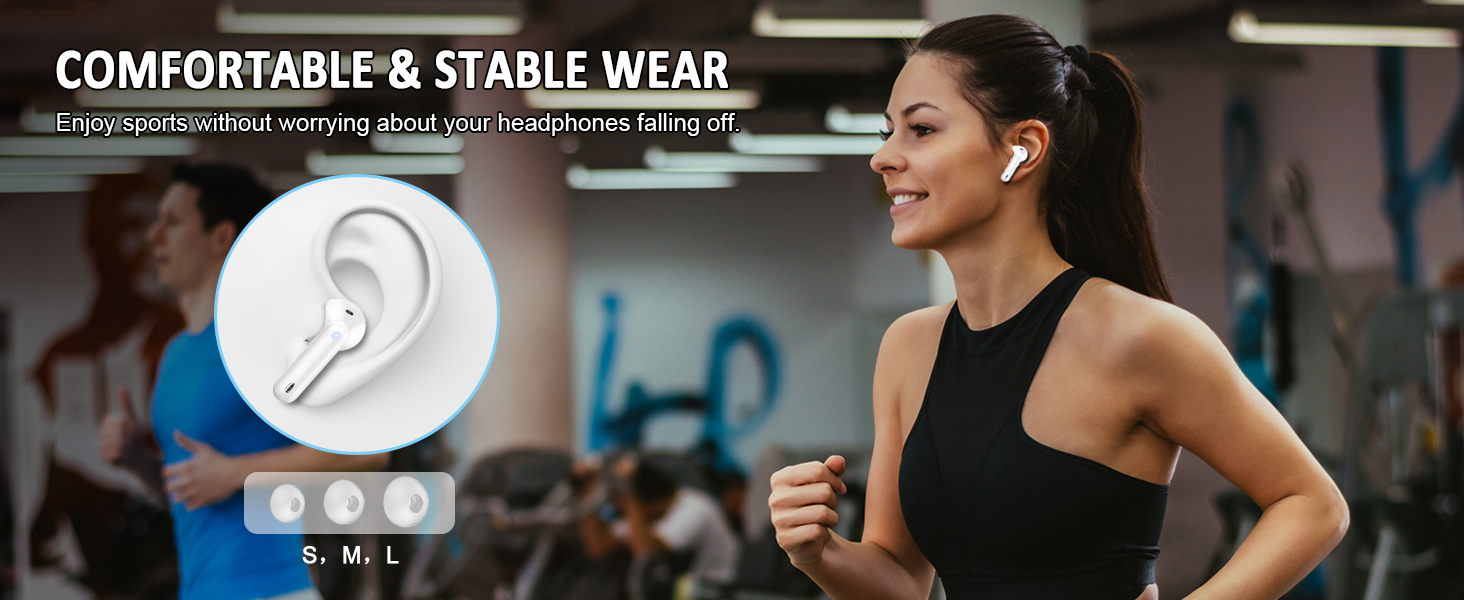
Image: All-day listening capabilities with 8 hours per charge and 40 hours total with the charging case.
4.2 Pairing
The earbuds feature one-step pairing for convenience.
- First-Time Pairing:
- Open the charging case. The earbuds will automatically power on and enter pairing mode.
- On your device (phone, tablet, laptop), enable Bluetooth and search for available devices.
- Select "W90 Pro" from the list of devices to connect.
- Once connected, you will hear a confirmation tone, and the earbuds will be ready for use.
- Automatic Reconnection:
- After the initial pairing, the earbuds will automatically connect to the last paired device when taken out of the charging case.

Image: One-step pairing process with a smartphone.
5. Operating Instructions
5.1 Touch Controls
The earbuds feature highly sensitive touch sensors for various operations.

Image: Ergonomic design and smart touch control functions.
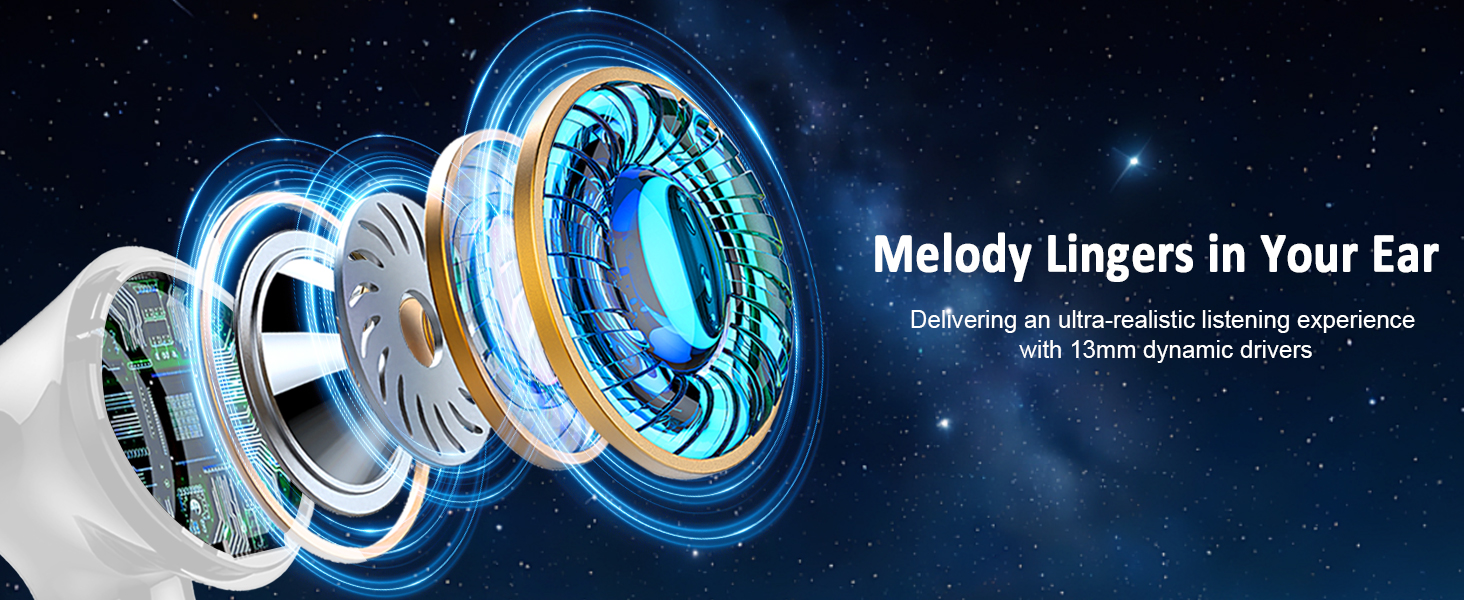
Image: Automatic pairing and detailed smart touch control gestures.
| Action | Function |
|---|---|
| Tap Once (L/R) | Play/Pause Music, Answer/End Call |
| Press and Hold 2s (L) | Previous Track |
| Press and Hold 2s (R) | Next Track |
| Single Tap on L | Volume Down |
| Single Tap on R | Volume Up |
| Tap Twice (L/R) | Reject Call |
| Tap Three Times (L/R) | Activate Voice Assistant |
5.2 Single/Twin Mode
The earbuds can be used individually (Single Mode) or together (Twin Mode).
- Single Mode: Simply take one earbud out of the charging case. It will automatically connect to your device. The other earbud can remain in the case or be used by another person.
- Twin Mode: Take both earbuds out of the charging case. They will automatically pair with each other and then connect to your device.
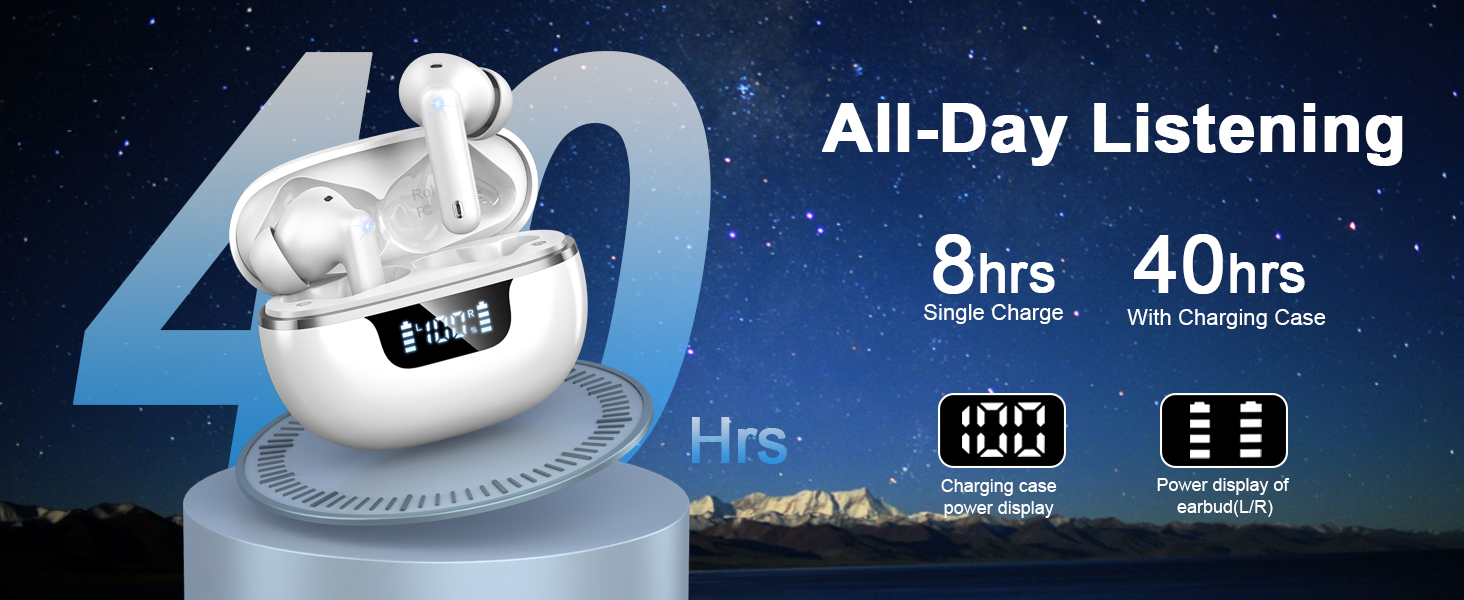
Image: Single/Twin Mode usage scenario.
6. Maintenance
6.1 Cleaning
- Regularly clean the earbuds and charging case with a soft, dry, lint-free cloth.
- Do not use abrasive cleaners, alcohol, or chemical solvents.
- Ensure charging contacts on both earbuds and case are clean and dry for optimal charging.
6.2 Water Resistance
The Donerton W90 earbuds are rated IP7 waterproof, meaning they are protected against immersion in water up to 1 meter for 30 minutes. This makes them suitable for sports and outdoor activities, offering resistance to rainwater, sweat, and splashes.
- Do not intentionally submerge the earbuds in water for extended periods.
- Ensure earbuds are dry before placing them back into the charging case to prevent damage.

Image: IP7 Waterproof rating and lightweight portable design.
7. Troubleshooting
| Problem | Possible Solution |
|---|---|
| Earbuds not pairing with device. |
|
| Only one earbud is working. |
|
| Low volume or poor sound quality. |
|
| Charging case not charging. |
|
| Touch controls not responding. |
|
8. Specifications
| Feature | Specification |
|---|---|
| Model Name | W90 |
| Connectivity Technology | Wireless (Bluetooth) |
| Bluetooth Version | 5.4 |
| Bluetooth Range | 15 Meters |
| Audio Driver Type | Dynamic Driver |
| Audio Driver Size | 13 Millimeters |
| Battery Life (Earbuds) | 8 Hours |
| Total Playtime (with Case) | 40 Hours |
| Charging Time | 1.5 Hours |
| Control Type | Touch Control |
| Water Resistance Level | IP7 (Waterproof) |
| Noise Control Features | Passive Noise Isolation, ENC Noise Reduction |
| Compatible Devices | iOS 9.0/Android 5.0 or later, Bluetooth 5.0 or later devices (Cellphones, tablets, laptops, Windows, iOS, Android) |
| Earbud Weight (Single) | 3.9g (0.14 oz) |
| Power Source | 1 Lithium Polymer battery required |
9. Safety Information
- Do not disassemble, repair, or modify the product.
- Keep the earbuds and charging case away from extreme temperatures, direct sunlight, and open flames.
- Avoid exposing the product to corrosive liquids.
- Do not use the earbuds at high volume for extended periods to prevent hearing damage.
- Keep out of reach of children and pets.
10. Warranty and Support
Donerton products come with a standard manufacturer's warranty. For specific warranty details, please refer to the warranty card included in your package or visit the official Donerton website. If you encounter any issues or have questions not covered in this manual, please contact Donerton customer support through their official channels.
Contact Information: Please refer to the contact details provided on the product packaging or the official Donerton website for customer service.


