
1. Introduction
Thank you for choosing the Apowking R100 Portable Power Station. This device is designed to provide reliable power for your electronic devices during outdoor activities, emergencies, or as a convenient power source at home. With its compact design and versatile output options, the R100 ensures you stay powered wherever you are.
Key features include a 146Wh (39600mAh) battery capacity, 100W rated AC output (200W peak), multiple USB and DC outputs, and a built-in LED flashlight with SOS function. It supports various charging methods including AC wall adapter, car charger, and solar panel (sold separately).
2. What's in the Box
Please check the package contents upon receipt to ensure all items are present:
- Apowking R100 Portable Power Station (146Wh) x 1
- AC Power Adapter x 1
- Car Charging Cable x 1
- Carport Cable (for output only) x 1
- User Manual x 1
3. Product Overview
Familiarize yourself with the various ports, buttons, and indicators on your Apowking R100 Portable Power Station.

Figure 1: Front view of the Apowking R100 Portable Power Station.
Output Ports
- AC Outlets (2x 110V): For appliances up to 100W (200W peak).
- USB-A Outputs (USB1, USB2): 5V/3.1A for standard USB devices.
- USB-A Output (USB3 Quick Charge 3.0): 5V/3A, 9V/2A for fast charging compatible devices.
- USB-C Output (Quick Charge 3.0): 5V/3A, 9V/2A for fast charging compatible devices.
- DC 12V Output: 9-12.6V/10A Max for car appliances.
Indicators and Controls
- Digital Display: Shows remaining battery power, AC/DC output status.
- LED Flashlight: Dual LED lights with Flashlight, Strobe, and SOS modes.
- Power Buttons: Separate buttons for AC, DC, and LED light functions.

Figure 2: The Apowking R100 can power up to 7 devices simultaneously, including phones, laptops, lights, and mini coolers.
4. Setup
Initial Charging
Before first use, fully charge your Apowking R100 Portable Power Station. This ensures optimal battery performance and longevity.
- Connect the provided AC power adapter to the input port on the power station.
- Plug the AC adapter into a standard wall outlet.
- The digital display will indicate charging status. Charge until the display shows 100%.
Alternatively, you can charge using the car charging cable or a compatible solar panel (sold separately).
5. Operating Instructions
Using AC Outputs
- Press the AC power button to turn on the AC output. The AC indicator on the display will light up.
- Plug your AC appliance (within 100W rated power) into one of the 110V AC outlets.
- After use, press the AC power button again to turn off the AC output and conserve battery.
Note: The AC output has a peak power of 200W. Avoid connecting devices that exceed the rated 100W continuous output to prevent overload.
Using USB and DC Outputs
- For USB devices, simply plug your device's USB cable into the appropriate USB-A or USB-C port. The power station will automatically detect and begin charging.
- For 12V DC devices, connect your device to the 12V DC output port.
- The DC output is typically always on when the unit is powered, or can be activated by a dedicated DC button if available. Refer to the digital display for DC output status.
LED Flashlight Functions
- Press the LED light button once to turn on the flashlight mode.
- Press again for strobe mode.
- Press a third time for SOS mode.
- Press a fourth time to turn off the LED light.
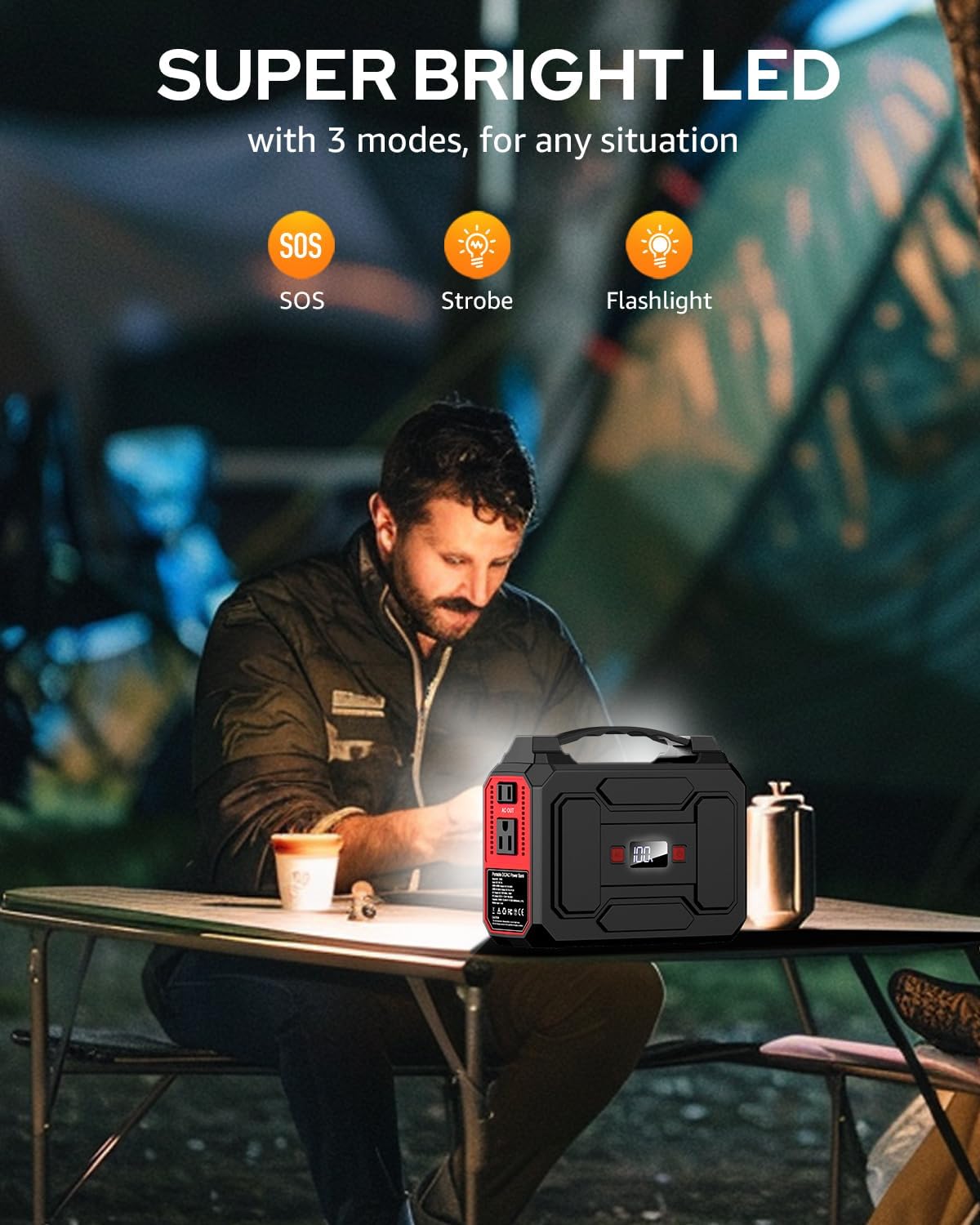
Figure 3: The dual LED flashlight offers three modes: steady, strobe, and SOS for various situations.
6. Charging Methods
Your Apowking R100 Portable Power Station can be recharged using three primary methods:
AC Wall Charging
Use the included AC power adapter to charge the power station from a standard wall outlet. This is the fastest method for a full charge.
Car Charging
Utilize the included car charging cable to recharge the power station from your vehicle's 12V cigarette lighter port. This is convenient for recharging while on the go.
Solar Charging (Optional)
The R100 is compatible with a 13-23V solar panel (not included) for eco-friendly recharging. Connect the solar panel to the designated input port on the power station. Ensure the solar panel is placed in direct sunlight for efficient charging.

Figure 4: The power station can be recharged using an optional solar panel, providing sustainable energy.
7. Safety Precautions
- Do not disassemble, repair, or modify the unit.
- Keep the power station away from fire, water, and extreme temperatures.
- Avoid dropping or subjecting the unit to strong impacts.
- Use only original or certified accessories and cables.
- Keep out of reach of children.
- Ensure proper ventilation during use and charging.
The built-in Battery Management System (BMS) provides voltage control, temperature control, and other advanced safety operations to protect the device and connected electronics.

Figure 5: The advanced Battery Management System (BMS) ensures safe and reliable operation by regulating voltage and temperature.
8. Maintenance
- Clean the exterior with a dry, soft cloth. Do not use abrasive cleaners or solvents.
- Store the power station in a cool, dry place, away from direct sunlight and corrosive materials.
- For long-term storage, recharge the unit every 3-6 months to maintain battery health.
9. Troubleshooting
| Problem | Possible Cause | Solution |
|---|---|---|
| Power station not charging | Charging cable/adapter faulty; outlet not working; unit too hot/cold. | Check connections; try a different outlet/adapter; allow unit to reach optimal temperature. |
| Device not charging from power station | Output port not activated; device incompatible; power station battery low; device requires more power than output. | Ensure output is on; check device compatibility; recharge power station; verify device power requirements. |
| LED flashlight not working | LED button not pressed correctly; unit battery low. | Press LED button multiple times to cycle modes; recharge power station. |
10. Specifications
| Feature | Detail |
|---|---|
| Model Number | R100 |
| Battery Capacity | 146Wh / 39600mAh |
| AC Output | 110V, 100W Rated (200W Peak) |
| USB-A Output | USB1+USB2: 5V/3.1A; USB3 (QC 3.0): 5V/3A, 9V/2A |
| USB-C Output | QC 3.0: 5V/3A, 9V/2A |
| DC Output | 12V (9-12.6V/10A Max) |
| Charging Input | AC Adapter, Car Charger, 13-23V Solar Panel (not included) |
| Item Weight | 3.3 pounds |
| Product Dimensions | 7.6 x 3.7 x 6.1 inches |
| Battery Cell Type | Lithium Ion |

Figure 6: Detailed dimensions of the Apowking R100 Portable Power Station for easy reference.
11. Warranty & Support
The Apowking R100 Portable Power Station is covered by a 12-month warranty from the date of purchase. This warranty covers manufacturing defects and workmanship under normal use.
For any questions, technical assistance, or warranty claims, please contact Apowking Customer Service. Refer to the contact information provided in your purchase documentation or visit the official Apowking website.

Figure 7: Apowking is committed to providing excellent customer service and support for your product.