
Introduction
This manual provides essential information for the safe and effective operation of your HAWK'S WORK 4 Channel RC Plane Cessna 9601. This remote control airplane is designed for both beginners and experienced pilots, featuring a brushless motor, 6-axis gyro stabilizer, and multiple flight modes for versatile flying experiences. Please read this manual thoroughly before operating the aircraft.
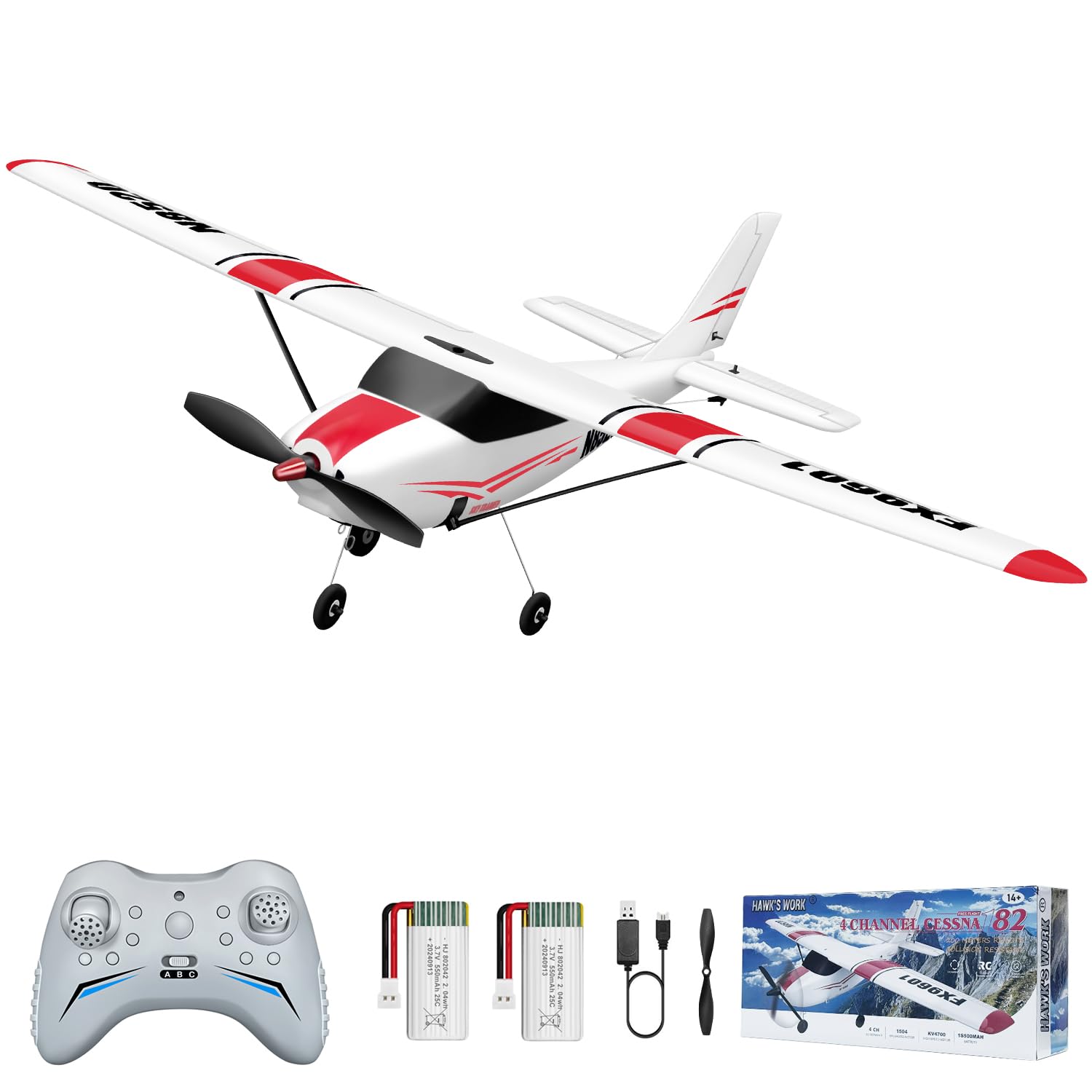
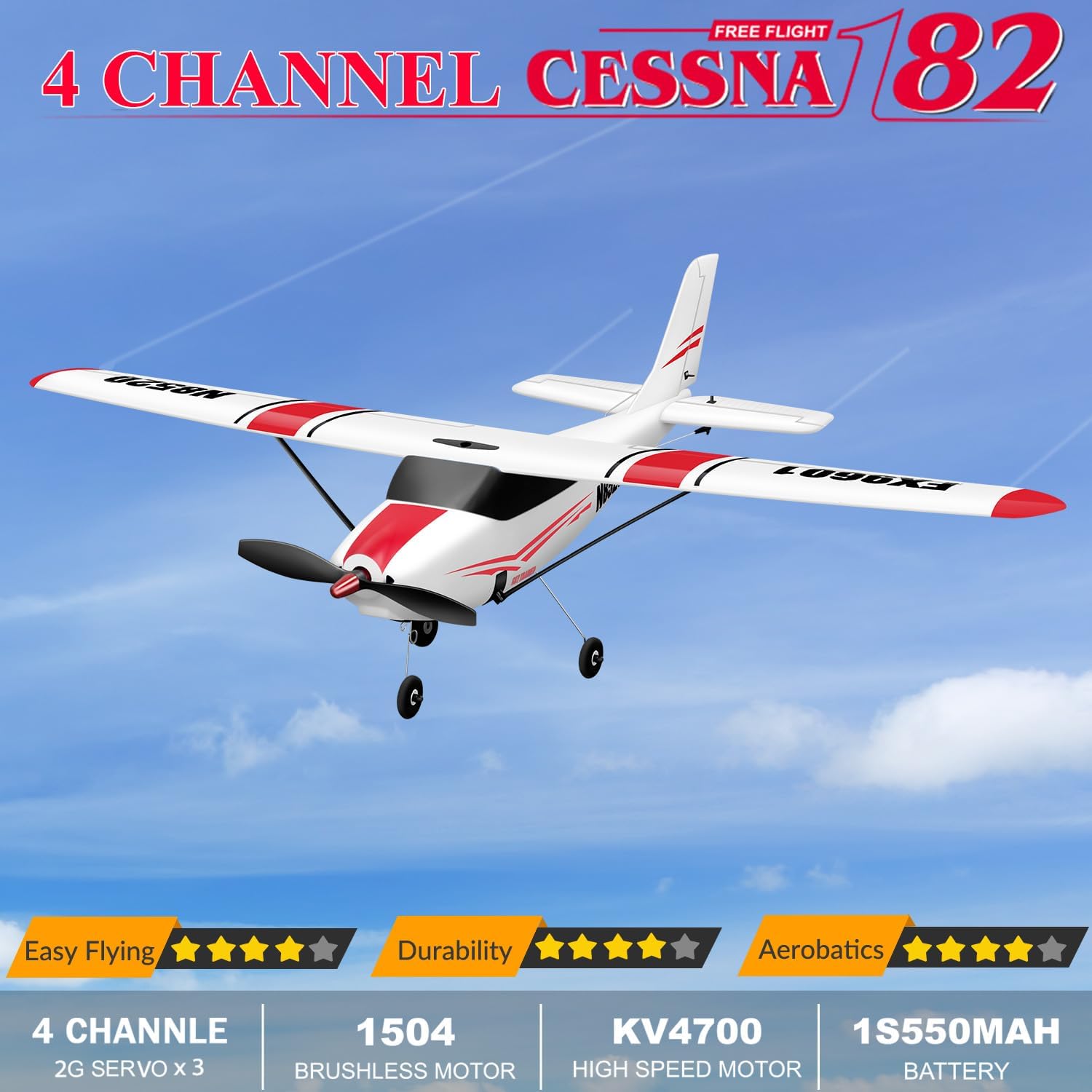
The HAWK'S WORK 4 Channel RC Plane Cessna 9601, a white remote control airplane with red stripes, shown in flight against a clear blue sky. Key features like 4 channels, brushless motor, and 6-axis gyro are highlighted.
Safety Precautions
- Always operate the RC plane in open areas, away from people, buildings, and power lines.
- Do not fly in strong winds or adverse weather conditions.
- Ensure the battery is fully charged before each flight and disconnect it after use.
- Keep hands and loose clothing away from the rotating propeller.
- Supervise children during operation to ensure safe handling.
- Perform pre-flight checks on all controls and components before each flight.
What's in the Box
Your HAWK'S WORK 4 Channel RC Plane Cessna 9601 package includes the following components:
- 1 x Remote Controller
- 2 x Batteries (Lithium Polymer)
- 1 x USB Charger
- 1 x Propeller
- 1 x Screwdriver
- 1 x Stickers

This image shows all the items included in the product box: the main plane body, detachable wings, the remote control, two lithium polymer batteries, a USB charging cable, a spare propeller, a screwdriver, and decorative stickers.
Setup
Follow these steps to prepare your RC plane for its first flight:
1. Install the Wing
- Carefully align the main wing with the fuselage.
- Secure the wing using the provided screws or clips, ensuring it is firmly attached.
2. Install Landing Gear
- Attach the landing gear to the designated slots on the underside of the fuselage.
- Ensure the landing gear is securely in place for ground take-offs and landings.

A visual representation of the 6-axis gyro stabilizer, highlighting its role in providing easy and stable flight, with indicators showing the plane's balanced orientation. This image also shows the landing gear attached.
3. Install Batteries
- For the remote controller: Open the battery compartment and insert 3 AA batteries (not included), ensuring correct polarity.
- For the aircraft: Connect the LiPo battery to the aircraft's power connector inside the battery compartment. Secure the battery to prevent movement during flight.
4. Remote Control Setup and Pairing
- Turn on the remote controller. The indicator light will flash.
- Connect the aircraft's battery. The aircraft's indicator light will flash.
- Move the throttle stick (left joystick) to the highest position, then to the lowest position. The remote and aircraft lights will become solid, indicating successful pairing.
- Test the motor and rudder/servo movements by gently moving the joysticks.

Detailed diagram of the 2.4GHz remote control, indicating the functions of each control element such as the joysticks for rudder, throttle, aileron, and elevator, along with trimmers and the flight mode switch.
This video demonstrates the unboxing and initial assembly steps for the HAWK'S WORK 4 Channel Cessna RC Plane, including attaching the wings and installing the battery in the remote control.
Operating Instructions
Flight Modes
The Cessna 9601 offers three flight modes to accommodate different skill levels:
- 6G Mode (Beginner): Provides maximum stability with a 6-axis gyro stabilizer, ideal for smooth flight and learning basic controls. Limits extreme maneuvers.
- 3D Mode (Advanced): Disables the gyro stabilizer for full control, allowing for aerobatic maneuvers and stunt flying. Recommended for experienced pilots.
This image illustrates the different flight modes available, showing the plane's behavior in stable (6G) and acrobatic (3D) settings.
Take-off Procedures
You can launch your RC plane using two methods:
- Hand Launch: Hold the plane firmly and gently throw it forward while applying throttle.
- Ground Take-off: Place the plane on a flat surface, apply full throttle, and steer with the rudder until it gains enough speed to lift off.

This image illustrates the two primary methods for launching the RC plane: a hand throw for easy initiation and a ground take-off from a flat surface, demonstrating its versatility.
Basic Controls
Familiarize yourself with the primary control surfaces:
- Ailerons: Control the roll of the aircraft (left/right banking).
- Elevator: Controls the pitch of the aircraft (nose up/down for ascent/descent).
- Rudder: Controls the yaw of the aircraft (nose left/right for turning).

An exploded view diagram of the RC plane, clearly labeling its main parts such as the ailerons, rudder, elevator, landing gear, and internal components like the battery compartment, brushless motor, and servos.
Stunt Flying (3D Mode)
In 3D mode, the plane can perform various aerobatic maneuvers:
- Roll: Rotating the aircraft along its longitudinal axis.
- Loop: Performing a vertical circular maneuver.
- Yaw: Pivoting the aircraft around its vertical axis.

The image displays the RC plane executing various aerobatic stunts, including rolls, loops, and yaw movements, showcasing its capability for advanced flight in 3D mode.
This video showcases the HAWK'S WORK 4 Channel RC Plane Cessna in flight, demonstrating various maneuvers, take-off methods, and the plane's stability and agility.
Maintenance
- Cleaning: Wipe the aircraft gently with a soft, dry cloth after each use to remove dirt and debris. Avoid using harsh chemicals.
- Propeller Inspection: Regularly check the propeller for any damage (cracks, bends). Replace damaged propellers immediately to ensure safe and efficient flight.
- Battery Care: Store LiPo batteries in a cool, dry place. Do not overcharge or over-discharge. Disconnect batteries from the aircraft when not in use.
- Structural Integrity: Inspect the foam body for any cracks or damage after crashes. Minor damage can often be repaired with foam-safe glue.
Troubleshooting
| Problem | Possible Cause | Solution |
|---|---|---|
| Plane does not respond to remote. | Not paired, low battery, out of range. | Re-pair the remote and plane. Charge batteries. Ensure within 200m range. |
| Plane flies erratically or is unstable. | Strong wind, damaged propeller, incorrect trim settings. | Fly in calm conditions. Check/replace propeller. Adjust trim on remote. |
| Motor not spinning. | Battery not connected, low battery, motor damage. | Check battery connection. Charge battery. Contact support if motor is damaged. |
| Short flight time. | Battery not fully charged, old battery. | Ensure battery is fully charged. Consider replacing old batteries. |
Specifications
| Feature | Detail |
|---|---|
| Brand Name | HAWK'S WORK |
| Model Name | 9601 |
| Age Range Description | 14 years and above |
| Material Type | Foam |
| Power Source | Battery Powered |
| Operation Mode | Remote Control |
| Battery Description | Lithium-Ion Polymer (2 included) |
| Indoor/Outdoor Usage | Outdoor |
| Item Weight | 0.6 Kilograms |
| Item Dimensions | 20.87 x 16.93 x 4.72 inches |
| Remote Distance | ≥ 200m |
| Motor Type | 1504 Brushless Motor |
| Gyro Stabilizer | 6-axis |
| Flight Modes | 3 (6G for stable, 3D for aerobatic) |
Warranty & Support
HAWK'S WORK offers a 1-year aircraft warranty and a 3-month battery warranty. If you encounter any non-human-caused issues with your product, please contact us for assistance.
For technical support or warranty claims, please reach out via Amazon message or refer to the support email provided in the original product packaging. We are committed to resolving common issues and ensuring a positive experience with your RC plane.


