Introduction
Thank you for choosing the MOFII Wireless Keyboard and Mouse Combo. This manual provides detailed instructions for setting up, operating, maintaining, and troubleshooting your new wireless peripheral set. Please read this manual carefully before use to ensure optimal performance and longevity of your product.
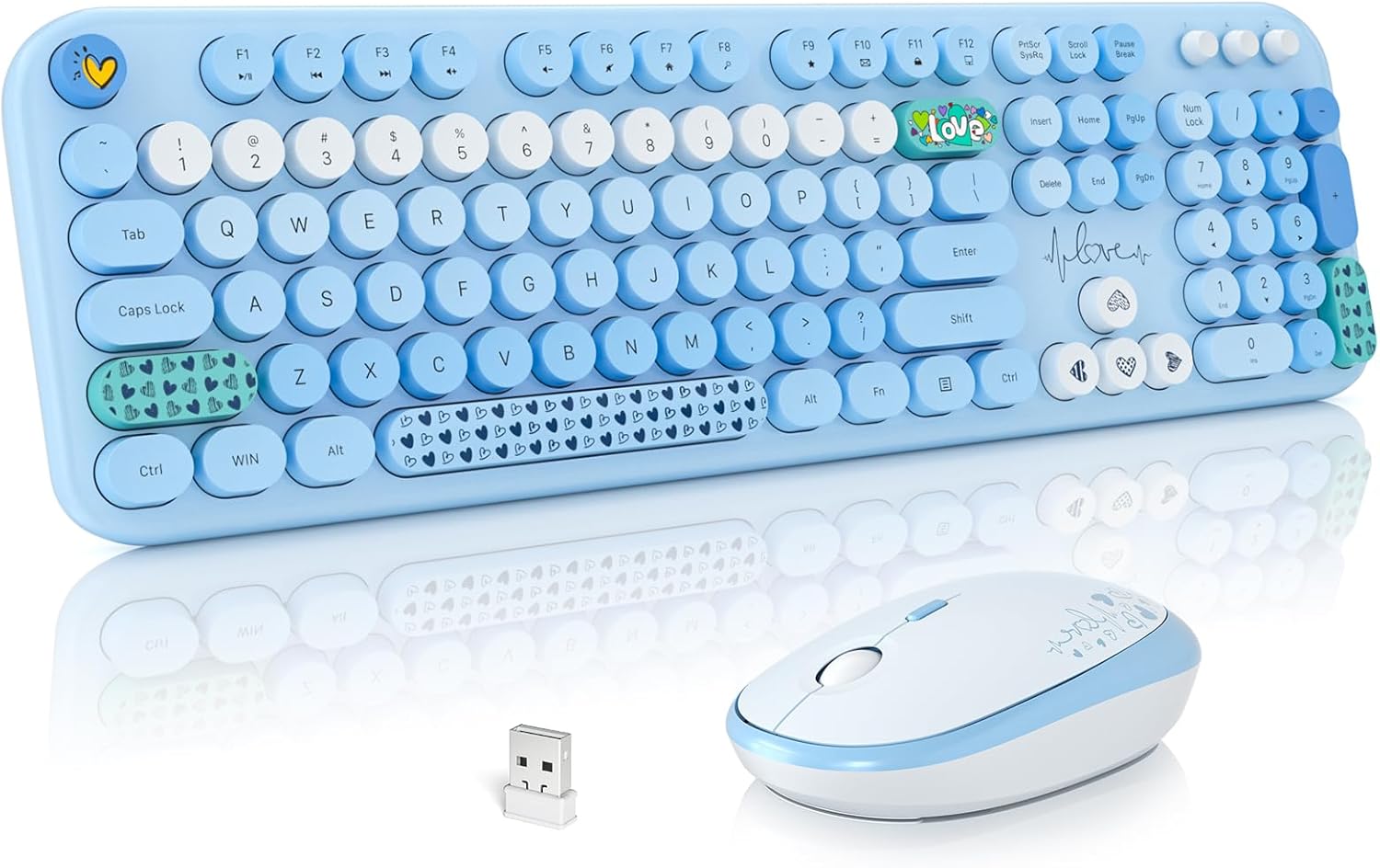
Image: The MOFII Wireless Keyboard and Mouse Combo, featuring a full-size blue keyboard with round, retro-style keycaps, a matching blue and white mouse, and the compact USB receiver.
Setup Guide
Follow these steps to set up your MOFII Wireless Keyboard and Mouse Combo.
1. Install Batteries
- Locate the battery compartments on the underside of both the keyboard and the mouse.
- Open the battery covers.
- Insert one (1) AA battery into the keyboard, ensuring correct polarity (+/-).
- Insert one (1) AA battery into the mouse, ensuring correct polarity (+/-).
- Close the battery covers securely.

Image: Detailed view of the keyboard and mouse undersides, highlighting the battery compartments and indicating the use of 1 AA battery for each device.
2. Connect the USB Receiver
- Locate the 2-in-1 nano USB receiver, typically stored in the mouse's battery compartment or packaged separately.
- Plug the USB receiver into an available USB port on your computer (PC, Desktop, Laptop).
- The system should automatically detect and install the necessary drivers. No additional software installation is required.
- The keyboard and mouse are now ready for use.
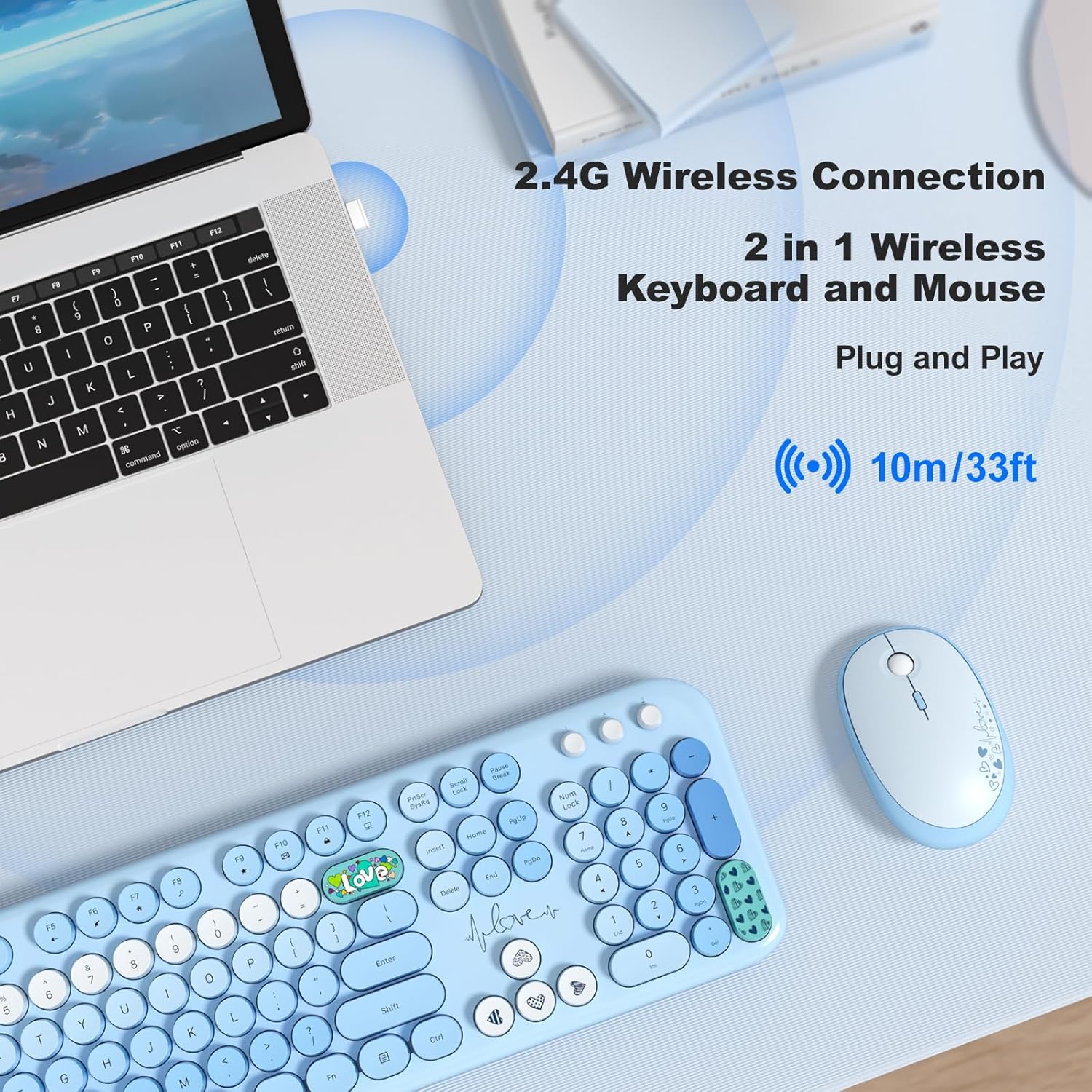
Image: A visual guide demonstrating the 2.4GHz wireless connection, with the USB receiver plugged into a laptop, enabling wireless communication with the keyboard and mouse up to 33 feet (10 meters).
Operating Instructions
Keyboard Features
- Full-Size Layout: The keyboard features a complete layout including a numeric keypad for enhanced productivity.
- Retro Round Keycaps: Designed for a comfortable typing experience with a nostalgic aesthetic.
- Ergonomic Design: Includes foldable stands on the underside to adjust the typing angle for improved comfort and reduced wrist pressure.
- Multimedia Hotkeys: Access 12 dedicated multimedia shortcut keys (F1-F12) for quick control over media playback, volume, web browsing, and email.
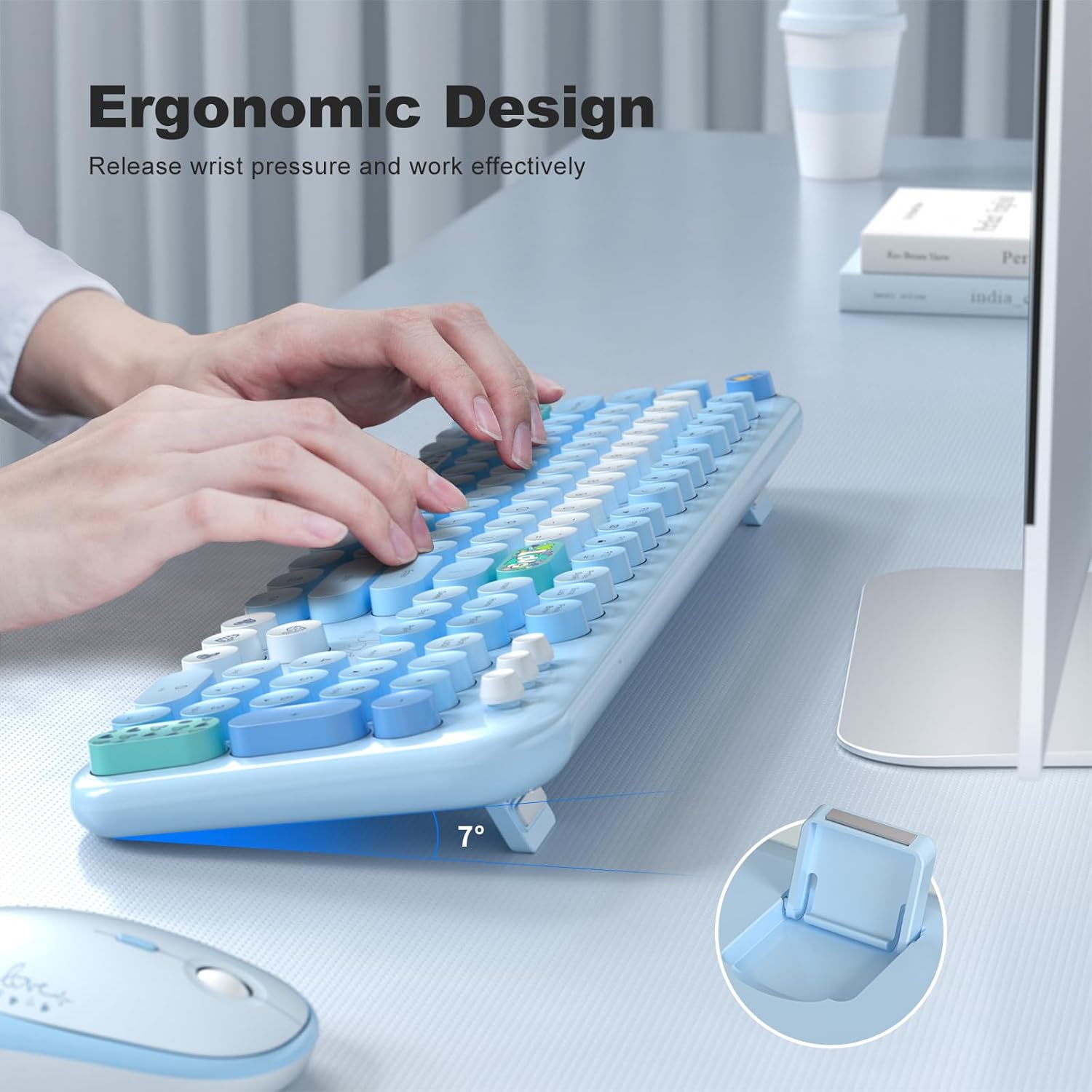
Image: A user's hands positioned on the MOFII keyboard, demonstrating the ergonomic design and the adjustable foldable stand that elevates the keyboard to a comfortable 7-degree angle.

Image: An overhead view of the MOFII keyboard, with a graphic overlay indicating the location and function of the 13 multimedia hotkeys (F1-F12) for one-touch commands.
Mouse Features
- Adjustable DPI: Cycle through 800, 1200, and 1600 DPI settings to adjust cursor sensitivity. Press the DPI button located near the scroll wheel to change settings.
- Silent Click: Designed for quiet operation, reducing click noise.
- Ergonomic Design: Contoured shape for comfortable grip during extended use.

Image: A close-up of the MOFII mouse, illustrating its key features: adjustable DPI settings (800, 1200, 1600) for sensitivity control, silent click buttons, and an ergonomic shape designed for comfortable hand placement.
Auto Sleep Mode
To conserve battery life, both the keyboard and mouse will automatically enter sleep mode after 5 minutes of inactivity. To wake them up, simply press any key on the keyboard or click any button on the mouse.
Maintenance
- Cleaning: Use a soft, dry cloth to clean the surfaces of the keyboard and mouse. For stubborn dirt, a slightly damp cloth with mild soap can be used, ensuring no liquid enters the device. Do not use harsh chemicals or abrasive cleaners.
- Battery Replacement: When the devices stop responding or performance degrades, replace the AA batteries in both the keyboard and mouse. Ensure correct polarity during installation.
- Storage: When not in use for extended periods, remove the batteries to prevent leakage and store the devices in a cool, dry place.
Troubleshooting
| Problem | Solution |
|---|---|
| Keyboard/Mouse not responding |
|
| Lagging or intermittent connection |
|
| Mouse cursor moves erratically |
|
| Keyboard/Mouse enters sleep mode too quickly | This is a normal power-saving feature. Simply press any key on the keyboard or click the mouse to wake the devices. |
Specifications
| Feature | Detail |
|---|---|
| Brand | MOFII |
| Model Number | B0D93F219H |
| Connectivity Technology | 2.4GHz Wireless (USB Receiver) |
| Wireless Range | Up to 35 feet (10 meters) |
| Keyboard Battery | 1 x AA Battery (not included) |
| Mouse Battery | 1 x AA Battery (not included) |
| Mouse DPI Settings | 800 / 1200 / 1600 DPI |
| Special Keyboard Feature | Retro Round Keycaps, Multimedia Hotkeys, Foldable Stand |
| Compatible Devices | Laptop, Personal Computer, Tablet |
| Compatible Operating Systems | Windows 7/8/10/11/XP/Vista/Server, Chrome OS, Mac OS, Linux |
| Color | Blue Colorful |
| Keyboard Dimensions | Approx. 17.71 x 5.31 x 0.78 inches (45 x 13.5 x 2 cm) |
| Mouse Dimensions | Approx. 4.13 x 2.56 x 1.37 inches (10.5 x 6.5 x 3.5 cm) |
| Item Weight | Approx. 2.01 pounds (0.91 kg) |

Image: A diagram illustrating the physical dimensions of the MOFII keyboard and mouse, including length, width, and height measurements for both devices.
Warranty and Support
MOFII products are manufactured under strict quality control standards. This product is covered by a 12-month warranty from the date of purchase.
If you encounter any issues or have questions regarding your MOFII Wireless Keyboard and Mouse Combo, please do not hesitate to contact our customer support team. We are committed to providing prompt assistance, with all inquiries typically responded to within 24 hours.
For support, please refer to the contact information provided with your purchase or visit the official MOFII website.


