
1. Product Overview
The BN-LINK Outdoor Mechanical Pool Timer Switch is a heavy-duty, 24-hour programmable timer designed for various high-power outdoor electrical devices. Its robust metal casing ensures durability and weather resistance.
Key Features:
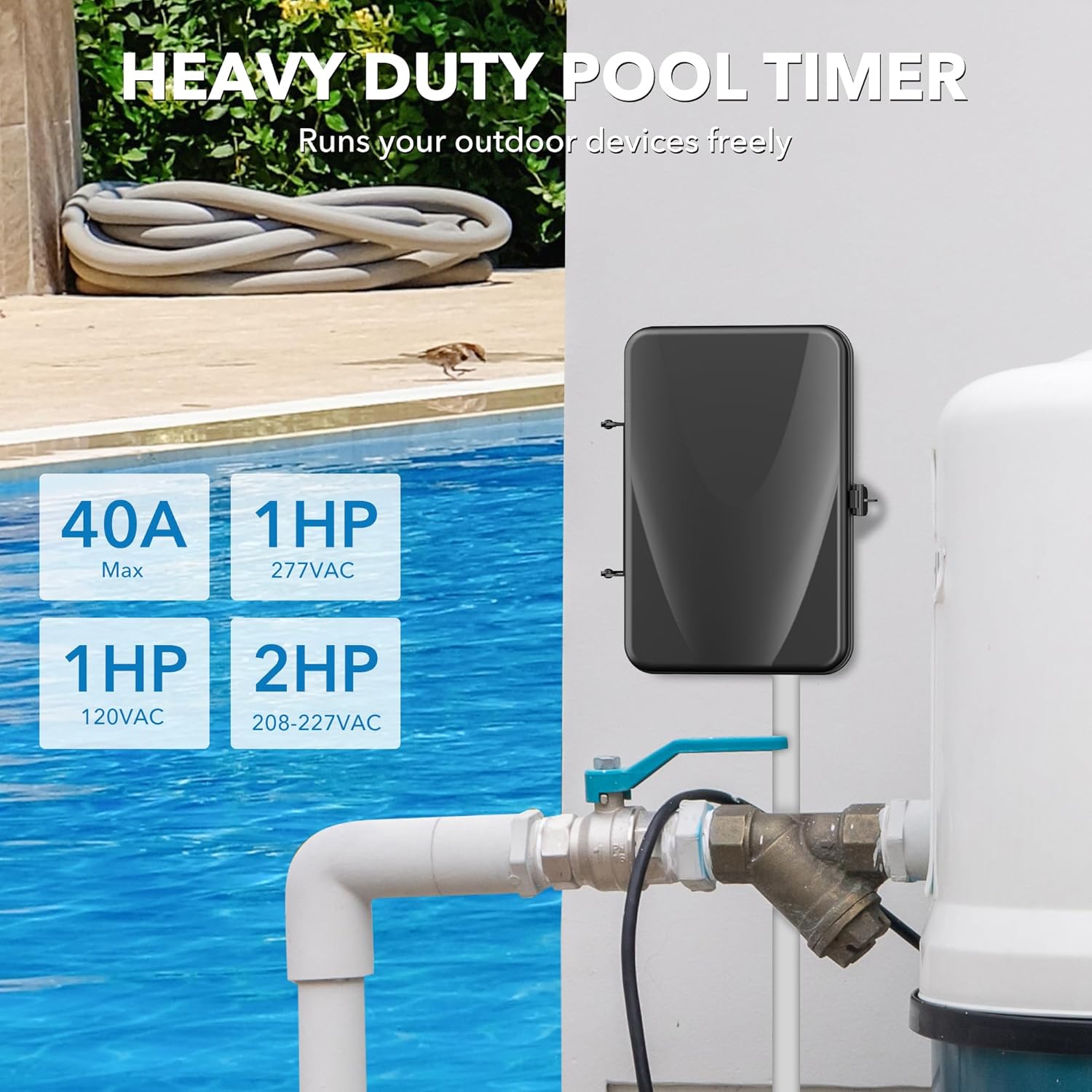
- Heavy Duty 40 AMP Capacity: Supports 120 to 277 VAC, 40A Resistive, 1HP to 2HP for controlling high-power electric devices.
- 24-Hour Daily Repeat Cycle: Features a motorized timer switch with a real-time clock face and 96 pins for up to 48 programs per day. Minimum interval of 15 minutes.
- Durable Metal Casing: Offers exceptional anti-oxidation and waterproof capabilities, suitable for working temperatures from -40℉ to 130℉.
- Versatile Compatibility: Compatible with SPDT and DPDT switches, allowing control of 1 or 2 devices simultaneously with six wiring methods.

2. Safety Information
WARNING: Risk of Electric Shock. More than one disconnect switch may be required to de-energize the device before servicing. For supply connections, use copper wire AWG 8-18 suitable for 90℃ (194℉).
Always close the door after use. Use listed wiring connector for grounding terminals.
Installation and wiring should only be performed by a qualified electrician to ensure safety and compliance with local electrical codes.
3. Specifications
- Brand: BN-LINK
- Model: CP-U49A(FE)
- Color: Black
- Material: Metal, Polycarbonate
- Product Dimensions: 7.08"D x 2.71"W x 8.86"H
- Input Voltage: 120-277 VAC
- Current Rating: 40A Resistive
- Horsepower Rating: 1HP (120VAC), 2HP (208-227VAC)
- Number of Settings: 48 (15-minute minimum interval)
- Operating Temperature: -40℉ to 130℉
- UPC: 810079585939
4. Setup and Installation
This section provides general guidance for installing your BN-LINK Mechanical Pool Timer. Always ensure power is off at the main panel before beginning any electrical work.
4.1 Mounting the Timer Box
The timer box features mounting holes for secure installation on a wall or suitable surface. Ensure the mounting location is protected from direct water exposure where possible, despite its waterproof rating.

4.2 Wiring Instructions
The timer supports various wiring configurations (SPDT and DPDT) for 120V, 208V/240V, and 277V loads. Refer to the detailed wiring diagrams provided on the inner panel of the timer box and in the included guide for specific connections.

Important: Before wiring, ensure the main power supply to the timer and the equipment it controls is turned off at the main panel. Replace the insulating panel after wiring.
Video 1: BN-LINK Outdoor Mechanical Pool Pump Timer Box Installation Guide.
Video 2: Automate Your Pool with DEWENWILS Mechanical Pool Timer - Installation Overview.
5. Operating Instructions
5.1 Setting the Current Time
Rotate the dial clockwise until the arrow indicates the current time. The dial is marked with hours (1-12) and AM/PM indicators. Each pin represents a 15-minute interval.
5.2 Programming ON/OFF Cycles
The timer has 96 pins, each representing 15 minutes. To set an ON period, push the corresponding pins inwards. To set an OFF period, leave the pins in the outward position. You can program up to 48 ON/OFF cycles per day.
5.3 Manual Override Switch
The manual switch allows you to override the programmed settings:
- "Auto" Position: The timer will follow the programmed ON/OFF cycles.
- "ON" Position: The device will remain ON continuously, overriding any programmed OFF times.
- "OFF" Position: The device will remain OFF continuously, overriding any programmed ON times.
Video 3: BN-LINK Outdoor Mechanical Pool Pump Timer Box - Setting and Operation.
6. Maintenance
Regularly inspect the timer box for any signs of damage, wear, or moisture intrusion. Ensure the door is securely latched to maintain its waterproof integrity. For cleaning, use a soft, dry cloth. Do not use abrasive cleaners or solvents.
If the timer is exposed to extreme weather conditions, periodically check the wiring connections for tightness and corrosion. Any repairs or internal servicing should only be performed by a qualified electrician.
7. Troubleshooting
- Timer not turning ON/OFF as programmed:
- Check if the manual switch is in the "Auto" position.
- Verify that the correct pins are pushed in/out for the desired ON/OFF times.
- Ensure the current time on the dial is accurately set.
- No power to the device:
- Check the main circuit breaker for the timer and the connected device.
- Inspect all wiring connections for tightness and proper contact.
- Ensure the input voltage matches the timer's requirements and is correctly wired.
- Timer dial not moving:
- Confirm that power is supplied to the timer.
- If the dial is stuck, it may indicate an internal mechanical issue requiring professional service.
If you encounter any technical problems not covered here, please contact customer support for professional assistance.
8. Warranty and Support
The BN-LINK Outdoor Mechanical Pool Timer Switch comes with a 12-month warranty. For technical problems or warranty claims, please contact BN-LINK customer service. Our friendly customer service team will reply to your correspondence within 24 hours.
For additional information, wiring diagrams, and troubleshooting tips, please refer to the included instruction manual or visit the official BN-LINK website.


