
1. Introduction
Thank you for choosing the Dpofirs Smart Translator Glasses. This innovative device combines the functionality of stylish eyewear with advanced translation capabilities, allowing for seamless communication across 137 languages. Equipped with Bluetooth connectivity and dual HD microphones, these glasses are designed to enhance your travel, business, and learning experiences. This manual provides essential information on setting up, operating, maintaining, and troubleshooting your new smart glasses to ensure optimal performance.
2. Product Features
- Active Lifestyle Companion: Designed as glasses, this wireless Bluetooth translator supports a wide range of outdoor activities, promoting a healthy lifestyle. Ideal for walks, classes, and more.
- System Compatibility: Fully compatible with Android and iOS devices. Features fingerprint touch control for easy switching between functions like track changes and call management. The stereo sound system provides a 360-degree immersive experience for music, calls, and gaming.
- Outgoing Mode Intelligent Translation: Facilitates smoother communication by allowing one person to wear the glasses and the other to hold the phone, breaking down language barriers. Can also be used as sunglasses and for listening to music or making calls.
- Excellent Translation Capabilities: Supports 137 languages, covering over 90% of the global population. Powered by four top-tier translation engines, achieving 97% translation accuracy. Offers low-latency translation of 0.5 seconds for seamless real-time interpretation.
- Superior Sound Quality & Clear Calls: Equipped with dual high-definition microphones for crystal-clear, interference-resistant phone calls. Bluetooth 5.3 chips ensure fast and seamless connection to any device. The ability to switch between left and right ear enhances convenience for translation and music listening.

Image: The Dpofirs Smart Translator Glasses highlighting their core function as a translator.
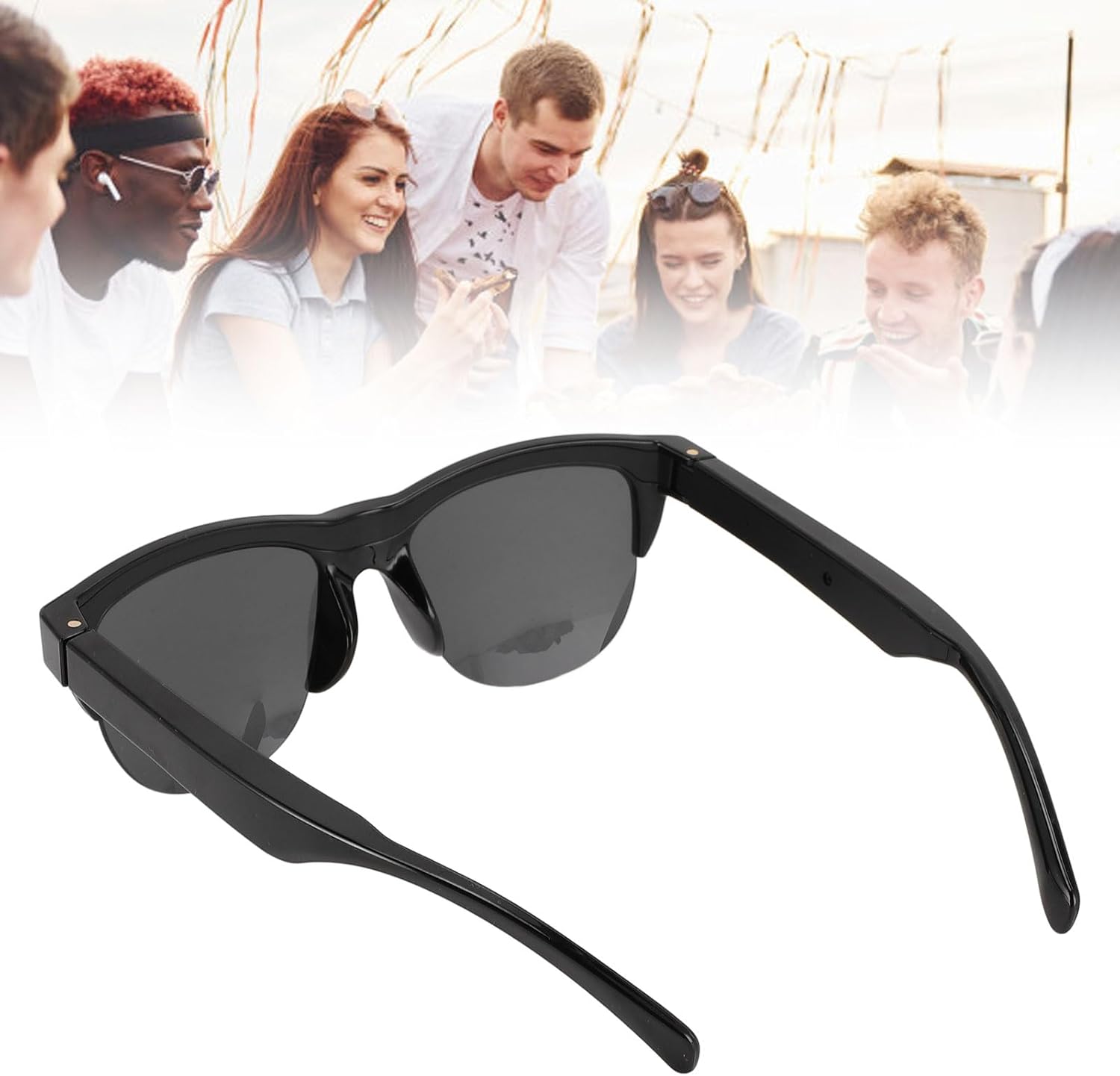
Image: Demonstrates the versatility of the smart glasses in various daily activities, from fitness to professional work.
3. Package Contents
Upon opening your package, please verify that all items listed below are present and in good condition:
- 1 x Smart Translator Glasses
- 1 x Charging Cable
- 1 x Cleaning Cloth
- 2 x User Manuals (one in English, one in Dutch)

Image: All components included in the product package.
4. Specifications
| Feature | Specification |
|---|---|
| Item Type | Smart Translator Glasses |
| Frame Material | TR90 Composite Material |
| Lens Material | PC UV400 |
| Color | Black |
| Wireless Version | V5.3 |
| Wireless Distance | ≥10m |
| Charging Time | Approx. 120 minutes |
| Battery Capacity | Built-in 80mAh lithium-ion battery |
| Sound Channel | Dual speaker, stereo |
| Software Authorization Time | 2 years |
| Supported Languages | 137 languages |
| Translation Accuracy | 97% |
| Low Latency Translation | 0.5 seconds |
| Compatible Devices | Tablets, Smartphone (Android & iOS) |
| Connectivity | Bluetooth, USB (for charging) |
| Product Dimensions | 18 x 7 x 6 cm |
| Weight | 106 g |
5. Setup
5.1 Initial Charging
Before first use, fully charge your Dpofirs Smart Translator Glasses. Connect the provided USB charging cable to the charging port on the glasses and plug the other end into a standard USB power adapter (not included) or a computer's USB port.

Image: Location of the charging port on the smart glasses.
5.2 Bluetooth Pairing
- Ensure the glasses are charged and powered on.
- Activate Bluetooth on your smartphone or tablet.
- Search for available Bluetooth devices. The glasses should appear as "Dpofirs Smart Glasses" or a similar name.
- Select the glasses from the list to pair. A confirmation sound or indicator light on the glasses will confirm successful pairing.
5.3 App Installation (Recommended)
For full translation functionality and language selection, it is highly recommended to download and install the dedicated Dpofirs translation app on your smartphone. Refer to the included quick start guide for QR codes or app store links.
6. Operating Instructions
6.1 Power On/Off
Locate the power button/sensor on the temple of the glasses. Press and hold for a few seconds to power on or off. An audible prompt will indicate the status.
6.2 Translation Mode (Outgoing)
The primary translation mode is designed for one-on-one conversations where you wear the glasses and the other person speaks into your paired smartphone. Ensure the Dpofirs app is open and the correct languages are selected.
- Open the Dpofirs translation app on your paired smartphone.
- Select your native language and the target language for translation within the app.
- Initiate the translation session in the app.
- When the other person speaks, their words will be translated and played through the glasses' speakers in your ear. Your spoken words will be translated and displayed on the phone for the other person.
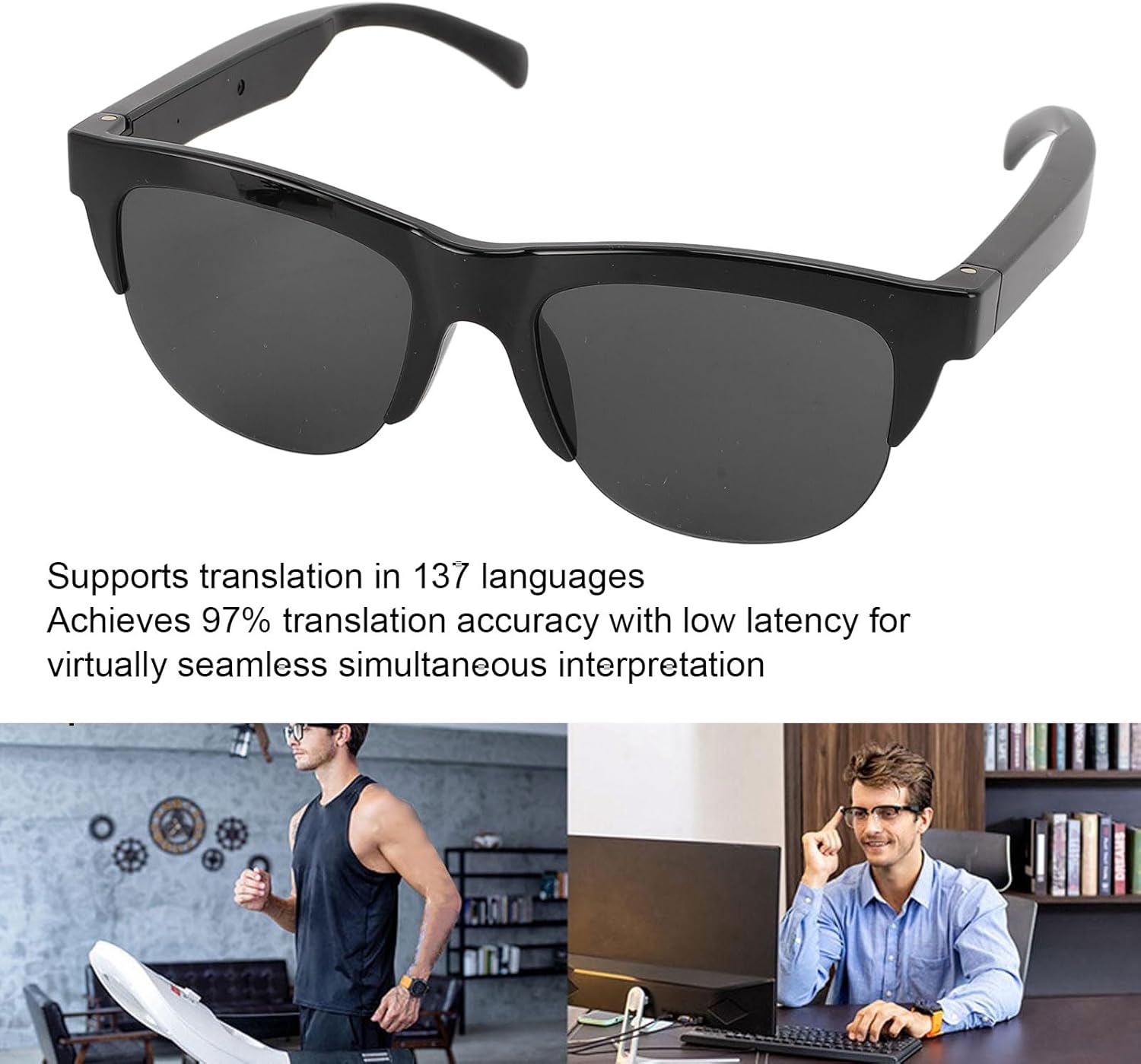
Image: Illustrates the translation capabilities and accuracy of the smart glasses.
6.3 Music Playback
Once paired, you can stream audio from your smartphone to the glasses. Use the touch controls on the temple to:
- Play/Pause: Single tap.
- Next Track: Double tap.
- Previous Track: Triple tap.
- Volume Control: Swipe forward/backward on the temple (if supported by model). Otherwise, control volume via your paired device.
6.4 Call Management
When a call comes in, the glasses will ring. Use the touch controls to:
- Answer Call: Single tap.
- End Call: Single tap during a call.
- Reject Call: Press and hold for 2 seconds.
7. Maintenance
7.1 Cleaning
To maintain the clarity of the lenses and the integrity of the frame, clean your glasses regularly:
- Use the provided cleaning cloth to gently wipe the lenses. For stubborn smudges, use a lens cleaning spray designed for eyewear.
- Wipe the frame and temples with a soft, damp cloth. Avoid harsh chemicals or abrasive materials.
- Ensure the charging port cover is closed when not charging to prevent dust and moisture ingress.
7.2 Storage
When not in use, store your Dpofirs Smart Translator Glasses in their protective case to prevent scratches and damage. Avoid exposing them to extreme temperatures, direct sunlight for prolonged periods, or high humidity.
7.3 Battery Care
To prolong battery life:
- Avoid fully discharging the battery frequently.
- Charge the glasses regularly, even if not used for extended periods.
- Do not leave the glasses connected to the charger for excessively long durations after they are fully charged.
8. Troubleshooting
8.1 Glasses Not Powering On
- Ensure the battery is charged. Connect the charging cable and allow it to charge for at least 30 minutes before attempting to power on again.
- Check the charging cable and adapter for damage.
8.2 Unable to Pair via Bluetooth
- Make sure the glasses are in pairing mode (refer to Section 5.2).
- Ensure Bluetooth is enabled on your device and it is within 10 meters of the glasses.
- Try turning Bluetooth off and on again on your device.
- Forget the device from your phone's Bluetooth settings and attempt to pair again.
- Restart both the glasses and your smartphone.
8.3 Translation Not Working / Inaccurate
- Ensure the Dpofirs translation app is installed and running on your paired smartphone.
- Verify that your smartphone has an active internet connection (Wi-Fi or mobile data), as translation requires cloud processing.
- Check that the correct source and target languages are selected in the app.
- Speak clearly and at a moderate pace into the smartphone's microphone.
- Ensure the glasses' microphones are not obstructed.
8.4 Poor Audio Quality / No Sound
- Check the volume level on both the glasses and your paired smartphone.
- Ensure the glasses are properly positioned on your head for optimal sound delivery.
- Confirm that the glasses are connected as the audio output device on your smartphone.
- Move closer to your paired device to ensure a stable Bluetooth connection.
9. Warranty and Support
The Dpofirs Smart Translator Glasses come with a software authorization period of 2 years, ensuring continued access to translation services and updates for this duration.
For any technical issues, warranty claims, or further assistance, please contact Dpofirs customer support through the contact information provided on the product packaging or the official Dpofirs website. Please have your product model number (Dpofirs6smpoyh5wf) and purchase details ready when contacting support.