
Introduction
Thank you for choosing DEWENWILS Remote Control Outlets. This product allows you to wirelessly control your electronic devices with ease, offering convenience and energy-saving benefits. Designed for simplicity and safety, these pre-programmed outlets are ready to use right out of the box. Please read this manual carefully to ensure proper installation, operation, and maintenance.
Safety Information
To ensure safe operation and prevent damage, please observe the following safety guidelines:
- Fire Retardant Material: The outlets are constructed from high-quality PC flame-retardant material to ensure electrical safety.
- Integrated Safety Cover: Each outlet features an integrated safety cover to prevent accidental contact, especially from children.
- Operating Temperature: The product is designed to operate safely within a temperature range of -25°C to 40°C. Avoid exposing the devices to extreme temperatures outside this range.
- Do not disassemble or modify the device.
- Ensure the total load of connected devices does not exceed the maximum rated power (3680W).
- Keep the device away from water and humid environments.

Package Contents
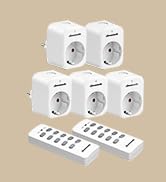
The DEWENWILS Remote Control Outlets package typically includes:
- 5 x Wireless Remote Control Outlets
- 2 x Remote Controls
- User Manual (this document)

Setup Instructions
The DEWENWILS Remote Control Outlets are designed for quick and easy setup, as they come pre-programmed. No tools are required for installation.
Initial Setup (Pre-programmed)
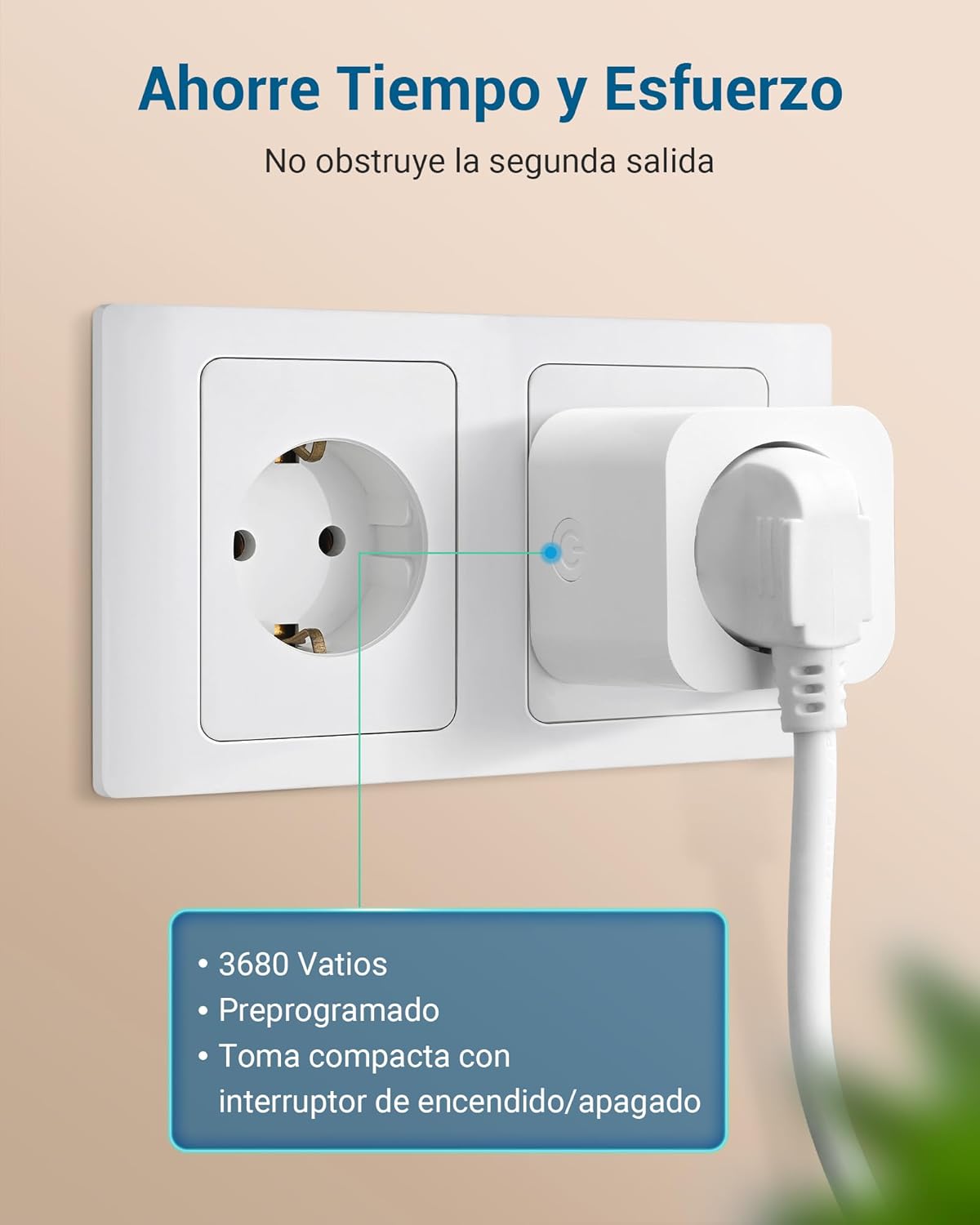
- Plug In: Insert the wireless remote control outlet into a standard wall socket.
- Connect Device: Plug your desired appliance or light into the remote control outlet.
- Control: Use the corresponding button on the remote control to turn the connected device ON or OFF. The outlets are pre-programmed to work with the included remote controls.
The system retains its settings even after a power cut, so you do not need to reconfigure it.
Pairing / Re-programming (Optional)
If you need to re-pair an outlet with a remote button or pair additional outlets/remotes, follow these steps:
- Plug the outlet into a wall socket.
- Press and hold the learning button on the side of the outlet until its indicator light starts flashing.
- Within 5 seconds, press the desired 'ON' or 'OFF' button on the remote control. The outlet's indicator light will stop flashing and remain solid, indicating successful pairing.
- Repeat for other outlets or remote buttons as needed.

Operating Instructions
The remote control allows for convenient operation of your connected devices.
Using the Remote Control
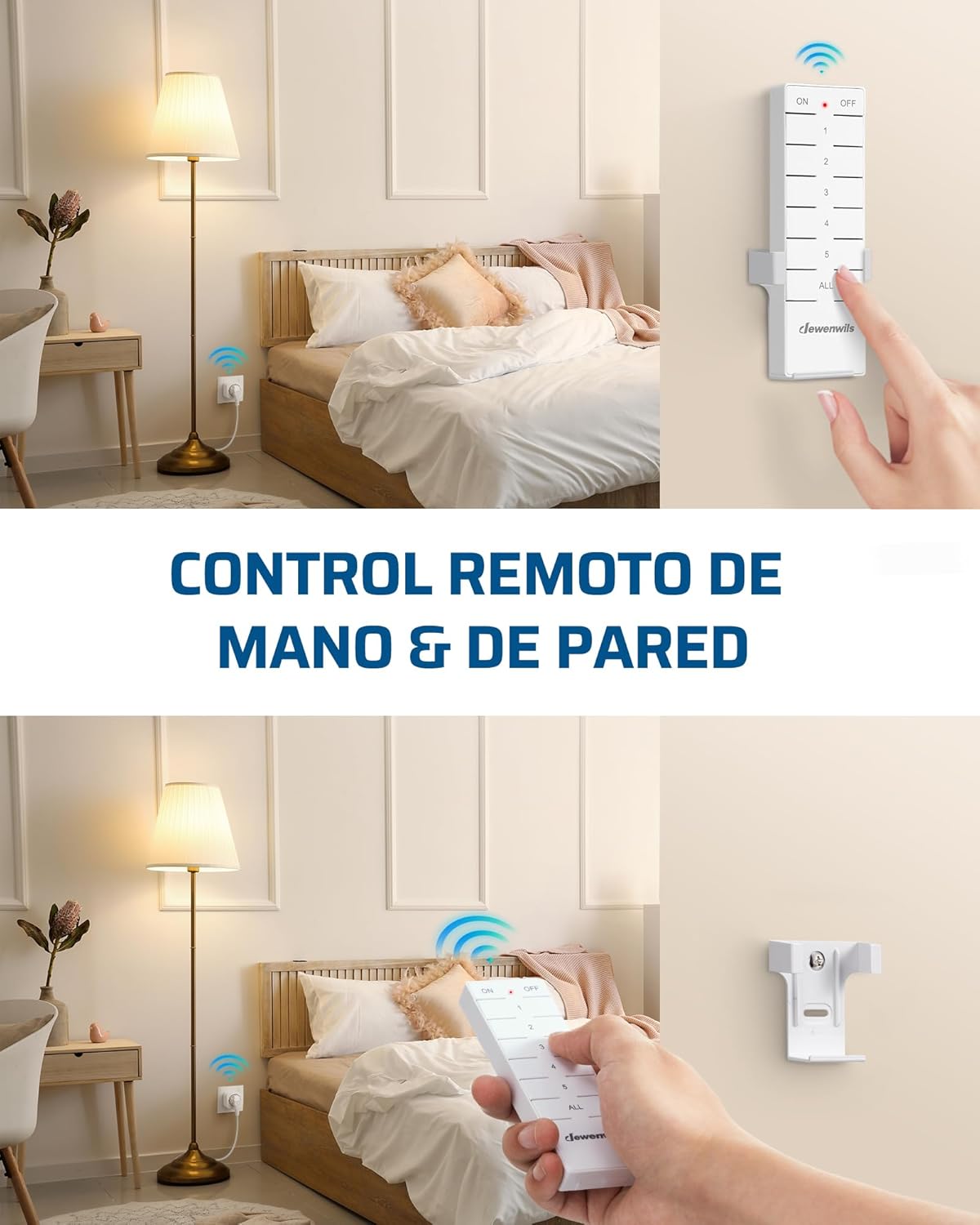
- Each remote control has numbered buttons (1, 2, 3, 4, 5) corresponding to individual outlets.
- Press the 'ON' button for a specific number to turn on the corresponding outlet.
- Press the 'OFF' button for a specific number to turn off the corresponding outlet.
- The 'ALL ON' button will activate all paired outlets simultaneously.
- The 'ALL OFF' button will deactivate all paired outlets simultaneously.

Remote Control Range
The remote control operates on a 433.92 MHz frequency, providing a powerful signal that can penetrate walls and doors. It has an effective range of up to 30 meters (approximately 100 feet) in open areas, allowing you to control devices from different rooms or even floors without interference.

Handheld and Wall-Mounted Control
The remote control is portable and can be used handheld. For added convenience, it can also be mounted on a wall using the included bracket, transforming it into a wall switch.

Energy Saving
The DEWENWILS Remote Control Outlets are designed to help reduce energy consumption.
- Low Standby Power: The standby power consumption of each outlet is only 0.6W.
- Reduce Phantom Load: By completely cutting power to devices when not in use, these outlets help eliminate standby power draw (phantom load), contributing to lower electricity costs.

Usage Examples
These remote control outlets are versatile and can be used in various settings for enhanced convenience:
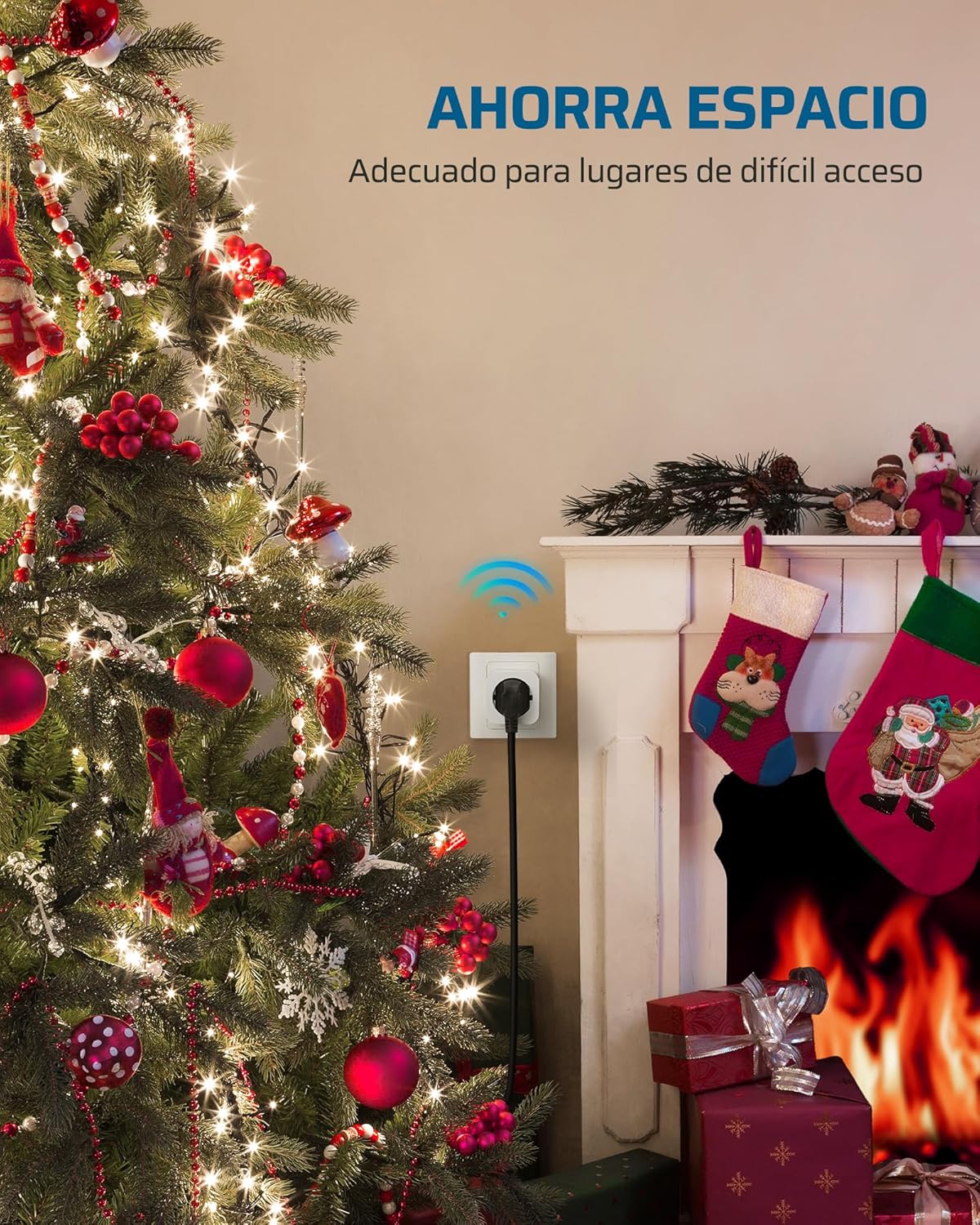
- Home Lighting: Control lamps in bedrooms, living rooms, or hard-to-reach areas.
- Seasonal Decorations: Easily manage Christmas lights and other holiday decorations.
- Kitchen Appliances: Turn on/off small kitchen appliances.
- Fans and Heaters: Conveniently operate fans or portable heaters.
- Accessibility: Provides convenience for the elderly, individuals with limited mobility, or pregnant women.


Specifications
| Feature | Specification |
|---|---|
| Model Number | DHRS205L |
| Operating Mode | ON-OFF |
| Rated Current | 16 Amps |
| Operating Voltage | 230 Volts |
| Max Power Load | 3680 Watts |
| Remote Frequency | 433.92 MHz |
| Remote Range | Up to 30 meters (open area) |
| Standby Power Consumption | 0.6W |
| Product Dimensions (Outlet) | 50 x 50 x 44 mm (5 x 5 x 4.4 cm) |
| Contact Type | Normally open |
| Connector Type | Plug In |
| Switch Type | Push button |
| Terminal | Spade |
| Circuit Type | 16 ways |
| Operating Temperature | -25°C to 40°C |
| Manufacturer | DEWENWILS |
| Country of Origin | China |
Troubleshooting
If you encounter issues with your DEWENWILS Remote Control Outlets, please try the following solutions:
- Outlet Not Responding:
- Ensure the outlet is securely plugged into a live wall socket.
- Check if the connected appliance is properly plugged into the remote outlet and is functioning correctly when plugged directly into a wall socket.
- Verify that the remote control batteries are not depleted. Replace if necessary.
- Re-pair the outlet with the remote control button as described in the 'Pairing / Re-programming' section.
- Reduced Remote Range:
- Ensure there are no significant obstructions (e.g., thick concrete walls, large metal objects) between the remote and the outlet.
- Check for potential sources of interference (e.g., other wireless devices operating on similar frequencies).
- Replace remote control batteries.
- Interference with Other Devices:
- While designed to minimize interference, if you experience issues, try re-pairing the affected outlet to a different remote button.
Maintenance
To maintain the performance and longevity of your DEWENWILS Remote Control Outlets:
- Cleaning: Disconnect the outlet from power before cleaning. Wipe the devices with a soft, dry cloth. Do not use liquid cleaners or solvents.
- Storage: When not in use for extended periods, store the outlets and remote controls in a cool, dry place away from direct sunlight and extreme temperatures.
- Battery Replacement: Replace remote control batteries when the range decreases or the indicator light dims.
Warranty and Support
DEWENWILS products are manufactured to high-quality standards. For warranty information, technical support, or any questions regarding your product, please refer to the contact information provided with your purchase or visit the official DEWENWILS website. Please have your model number (DHRS205L) and purchase details ready when contacting support.