Introduction
This manual provides detailed instructions for the RUIZU X80 Portable MP3 Player. The device features 64GB of storage, Bluetooth 5.3 connectivity, one-click recording, Type-C and USB compatibility, a convenient clip design, FM radio, and independent volume control. Please read this manual carefully to ensure proper use and to maximize your listening experience.
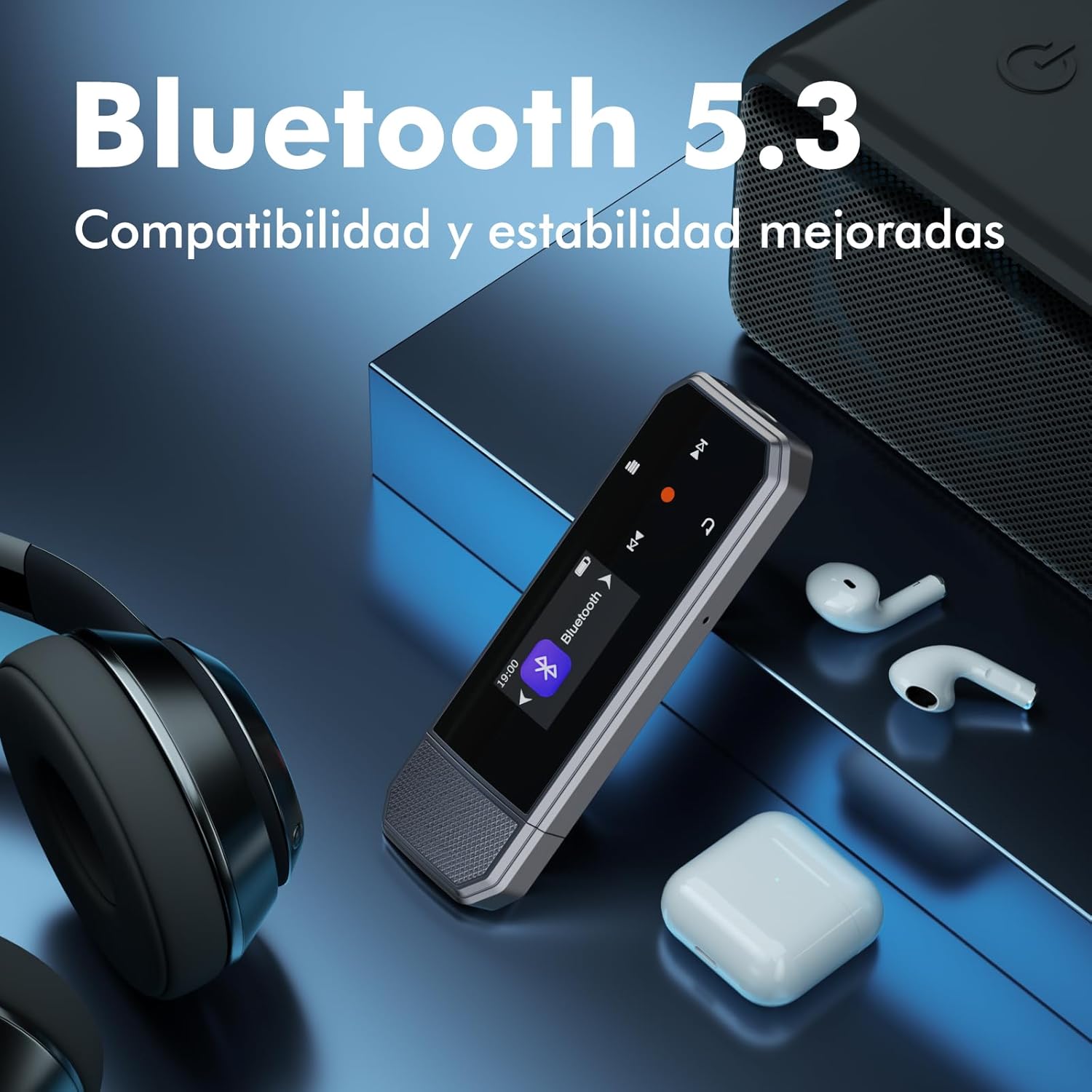
Image: The RUIZU X80 MP3 Player shown with wired headphones, highlighting its compact design.
What's in the Box
Verify that all the following items are included in your package:
- 1 x RUIZU X80 MP3 Player with Clip
- 1 x Type-C to USB Cable
- 1 x Wired Headphones
- 1 x User Manual (this document)

Image: The RUIZU X80 MP3 Player, Type-C to USB cable, wired headphones, and user manual neatly arranged in their packaging.
Product Overview
The RUIZU X80 is designed for portability and ease of use. It features a compact body with a magnetic Type-C connector cover and a sturdy back clip for attachment to clothing.
Key Features:
- Type-C Port: For direct connection to compatible devices and charging.
- Back Clip: Securely attach the player to your clothes for hands-free use.
- Independent Volume Buttons: Dedicated buttons for easy volume adjustment.
- One-Click Recording Button: Quickly start and save voice recordings.
- Display Screen: Clear LCD for navigation and information.

Image: An exploded view of the RUIZU X80 MP3 Player highlighting its portable clip design and various functions like Music, Bluetooth, Folder, Recordings, FM Radio, Settings, and Pedometer.
Setup
1. Charging the Device
Before first use, fully charge the MP3 player. Connect the included Type-C to USB cable to the player's Type-C port and the other end to a USB power adapter (not included) or a computer's USB port. The battery recharges in approximately 2 hours.
2. Transferring Files
The RUIZU X80 supports direct connection to phones and laptops with Type-C ports. For devices with traditional USB ports, use the provided Type-C to USB adapter cable.
- Direct Type-C Connection: Plug the MP3 player directly into a Type-C port on your smartphone or laptop. The device will appear as a removable drive.
- USB Connection: Use the Type-C to USB adapter cable to connect the player to a desktop computer or car audio system with a standard USB port.
Drag and drop your music files (MP3, WMA, APE, FLAC, WAVE, M4A, AAC, etc.) into the player's storage folder. The device can store approximately 6,000 high-quality songs or 1,500 lossless music files.

Image: The RUIZU X80 MP3 Player connected to a smartphone via its USB-C port, illustrating direct file transfer capabilities.
3. Car Audio Connection
You can connect the MP3 player to your car's audio system using either a 3.5mm audio cable (not included) for auxiliary input or the included USB adapter cable for USB input, if supported by your car stereo.

Image: The RUIZU X80 MP3 Player connected to a car's audio system, showing both auxiliary (3.5mm) and USB connection options.
Operating Instructions
1. Power On/Off
To power on the device, press and hold the power button (location not specified in data, assume standard). To power off, press and hold the power button again.
2. Music Playback
Navigate through the menu using the control buttons to select 'Music'. Browse your stored files by folder or playlist. The player supports MP3, WMA, APE, FLAC, WAVE, M4A, and AAC formats.
3. Bluetooth Connection
The RUIZU X80 features an upgraded Bluetooth 5.3 chip for stable and fast connections. To pair with Bluetooth headphones or speakers:
- Ensure your Bluetooth device is in pairing mode.
- On the MP3 player, navigate to the 'Bluetooth' menu.
- Select 'Search for devices' and choose your device from the list.
- Once connected, audio will stream wirelessly to your paired device.

Image: The RUIZU X80 MP3 Player's screen showing the Bluetooth connection interface, with headphones and a speaker in the background.
4. One-Click Recording
The device includes a dedicated red button for quick voice recording:
- To start recording, slide the red button on the side of the player to the left.
- To stop and save the recording, press the red button.

Image: A finger pressing the red one-click recording button on the side of the RUIZU X80 MP3 Player, with a recording interface visible on the screen.
5. FM Radio
To access the FM radio function:
- Navigate to the 'FM Radio' option in the main menu.
- Use the controls to scan for available stations or manually tune to a frequency.

Image: The RUIZU X80 MP3 Player showing the FM radio interface with a woman listening to music through wired headphones.
6. Volume Control
Adjust the volume using the independent volume buttons located on the side of the device.
Maintenance
- Cleaning: Use a soft, dry cloth to clean the device. Avoid liquid cleaners or abrasive materials.
- Storage: Store the MP3 player in a cool, dry place away from direct sunlight and extreme temperatures.
- Battery Care: To prolong battery life, avoid fully discharging the battery frequently. Charge it regularly.
- Water Resistance: This device is not waterproof. Avoid exposure to water or high humidity.
Troubleshooting
Device Not Turning On
- Ensure the battery is charged. Connect the player to a power source and try again.
- If the device is unresponsive, try performing a reset (refer to the device's specific reset procedure if available, or hold the power button for an extended period).
Bluetooth Connection Issues
- Make sure both the MP3 player and the Bluetooth device are in pairing mode and within range.
- Turn off and on Bluetooth on both devices.
- Clear previous pairings on both devices and attempt to pair again.
Files Not Transferring
- Ensure the cable is securely connected to both the player and the computer/phone.
- Verify that the computer/phone recognizes the MP3 player as a storage device.
- Check if the file formats are supported by the player.
Poor Sound Quality
- Check the headphones for damage or loose connections.
- Ensure the audio files are of good quality.
- Adjust the equalizer settings on the player if available.
Specifications
| Brand | RUIZU |
| Model Number | X80 |
| Color | Black |
| Memory Storage Capacity | 64 GB |
| Connectivity Technology | Bluetooth 5.3, USB Type-C |
| Special Features | Voice Recorder, FM Radio, Equalizer |
| Compatible Devices | Smartphone, Personal Computer, Speaker, Headphones |
| Battery Composition | Lithium Polymer |
| Rechargeable Battery | Yes |
| Music Playback Time | Up to 20 hours |
| Charging Time | Approx. 2 hours |
| Supported Audio Formats | MP3, WMA, APE, FLAC, WAVE, M4A, AAC |
| Dimensions (L x W x H) | 8.2 cm x 2.2 cm x 1.8 cm |
| Weight | 26 g |
| Display Technology | LCD |

Image: The RUIZU X80 MP3 Player displaying its physical dimensions, weight, battery life, charging time, and supported audio formats.
Warranty and Support
The RUIZU X80 MP3 Player comes with a 12-month warranty from the date of purchase. This warranty covers manufacturing defects and malfunctions under normal use. Please retain your proof of purchase for warranty claims.
For technical assistance, troubleshooting, or warranty inquiries, please contact RUIZU customer service. We offer friendly 24-hour customer support to assist you with any questions or issues you may encounter.
Contact information for support can typically be found on the product packaging or the official RUIZU website.


