
Conambo K18
Conambo K18 Bluetooth Headset V5.1 User Manual
Model: K18
Brand: Conambo
1. Introduction
Thank you for choosing the Conambo K18 Bluetooth Headset. This wireless headset is designed to provide clear communication with its advanced noise-canceling technology and comfortable fit. This manual will guide you through the setup, operation, and maintenance of your new headset to ensure optimal performance.
2. Package Contents
Please check the box for the following items:
- Conambo K18 Bluetooth Headset
- Charging Case
- USB-C Charging Cable
- Multiple Sizes of Ear Tips (9pcs)
- User Manual

3. Product Overview
The Conambo K18 Bluetooth Headset features advanced technology for superior call quality and user comfort.
Key Features:
- Dual Mic Noise Canceling: Equipped with Qualcomm QCC3020 chip and advanced ENC & CVC8.0 Dual Mic Noise Canceling technology, effectively eliminating up to 96% of ambient noise for clear calls.
- Stable Bluetooth V5.1 Connection: Ensures stable connectivity, high-quality audio, and an extended transmission range of up to 59ft (18m).
- Multi-point Connectivity: Connects to up to two devices simultaneously.
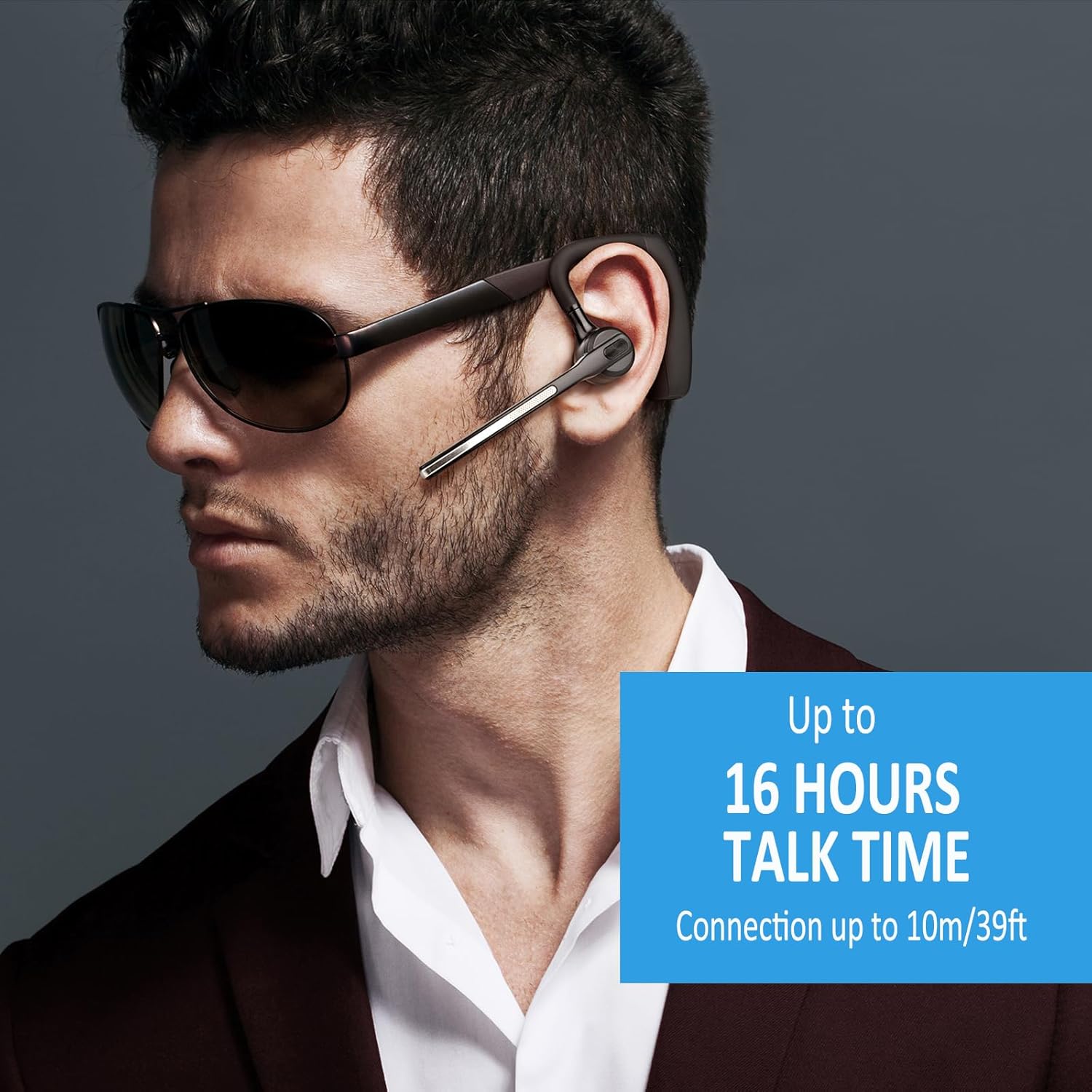
- Long Battery Life: Up to 16 hours of talk time and 20 days of standby time on a single charge (110mAh battery).
- Comfortable Design: Rigorously tested for stability and comfort, includes 9 different sizes of ear tips for a secure fit.
- Hands-Free Calling & Mute Button: Easy-to-reach buttons for call management (answer/reject/end/redial), music control (play/pause), and an individual mute button.
- Voice Assistant Activation: Hold the mute button for 2 seconds to activate Siri or Google Assistant.


4. Setup
4.1 Charging the Headset
- Connect the USB-C charging cable to the headset's charging port.
- Connect the other end of the cable to a USB power source (e.g., computer, wall adapter).
- The indicator light will show charging status. A full charge takes approximately 1.5 hours.
4.2 Pairing with Your Device
- Ensure the headset is fully charged.
- Turn on the headset by sliding the power switch to the 'ON' position. The indicator light will flash, indicating it's in pairing mode.
- On your device (smartphone, tablet, laptop), go to Bluetooth settings and enable Bluetooth.
- Search for available devices. Select 'Conambo K18' from the list.
- Once connected, the indicator light on the headset will stop flashing.
The headset supports multi-point pairing, allowing connection to two devices simultaneously. After pairing with the first device, disable its Bluetooth, then pair with the second device. Re-enable Bluetooth on the first device, and the headset should connect to both.

5. Operating Instructions
5.1 Wearing the Headset
The headset is designed for comfortable wear on either ear. Adjust the ear hook and microphone boom for the best fit and microphone positioning.
5.2 Call Management
- Answer/End Call: Press the Multi-Function Button (MFB) once.
- Reject Call: Press and hold the MFB for 2 seconds.
- Redial Last Number: Double-press the MFB.
- Mute/Unmute Microphone: Press the dedicated mute button once during a call.

5.3 Music Playback
- Play/Pause: Press the MFB once.
- Next Track: Press and hold the Volume Up button.
- Previous Track: Press and hold the Volume Down button.
5.4 Volume Control
- Increase Volume: Press the Volume Up button.
- Decrease Volume: Press the Volume Down button.
5.5 Voice Assistant
To activate your device's voice assistant (Siri, Google Assistant), press and hold the mute button for 2 seconds.
6. Maintenance
- Clean the headset regularly with a soft, dry cloth.
- Avoid exposing the headset to extreme temperatures, humidity, or corrosive substances.
- Store the headset in its charging case when not in use to protect it from damage.
- Do not attempt to disassemble or repair the headset yourself, as this will void the warranty.
7. Troubleshooting
| Problem | Possible Solution |
|---|---|
| Headset won't turn on | Ensure the headset is fully charged. |
| Cannot pair with device | Ensure Bluetooth is enabled on your device and the headset is in pairing mode. Move the headset closer to your device. Try restarting both devices. |
| No sound or poor audio quality | Check the volume levels on both the headset and your device. Ensure the headset is within the Bluetooth range (59ft/18m). Disconnect and reconnect the headset. |
| Microphone not working | Ensure the microphone is not muted. Check microphone settings on your connected device. |
| Headset disconnects frequently | Ensure no obstacles are between the headset and your device. Move away from sources of interference (e.g., Wi-Fi routers, other Bluetooth devices). |
8. Specifications
| Feature | Detail |
|---|---|
| Model Name | K18 |
| Brand | Conambo |
| Connectivity Technology | Wireless (Bluetooth) |
| Bluetooth Version | 5.1 |
| Bluetooth Range | 59 Feet (18 meters) |
| Noise Cancellation | Dual Mic CVC8.0 & ENC |
| Battery Life (Talk Time) | Up to 16 Hours |
| Battery Life (Standby) | Up to 20 Days |
| Charging Time | 1.5 Hours |
| Charging Port | USB Type-C |
| Earpiece Shape | In Ear, Hook |
| Control Type | Button Control |
| Compatible Devices | Cellphones, Laptops, Tablets, iPhone, Android |
| Item Weight | 0.002 ounces (approx. 0.05 grams) |
| Product Dimensions | 5.91 x 3.94 x 1.57 inches |
| Water Resistance Level | Water Resistant |
9. Warranty and Support
Conambo products are designed for reliability and performance. For warranty information and technical support, please refer to the warranty card included in your package or visit the official Conambo website. You can also contact Conambo customer service through the platform where you purchased the product.
For more information, visit the Conambo Store on Amazon.
Related documentsK18


Ask a question about this manual
Ask about setup, troubleshooting, compatibility, parts, safety, or missing instructions. Manuals+ will review the question and use this page’s manual context to help answer it.