
1. Introduction
Thank you for choosing the Pangootek Portable Power Bank Station 99Wh. This compact and versatile power solution is designed to keep your devices charged and powered during outdoor adventures, travel, or unexpected power outages. With multiple output options and a built-in flashlight, it's an essential companion for modern life.
What's in the Box:
- 1x 27000mAh Portable Power Bank Station (99Wh)
- 1x Charging Cable
- 1x User Manual
2. Product Features
- 99Wh Capacity with Built-in Cables: Features two built-in charging cables (Type-C and Lightning) and a substantial 27,000mAh 99Wh capacity, offering approximately 8 full charges for most phones.
- 7 Outputs & 3 Inputs: Equipped with 7 output ports (including built-in Type-C and Lightning cables, USB-A, and PD fast charging ports) and 3 input options for versatile charging.
- PD 22.5W Rapid Charging: The Type-C port delivers 22.5W fast charging, boosting phone battery to 60% in just 30 minutes.
- LCD Digital Display: Intelligent LCD display accurately shows remaining power and wattage usage.
- Emergency Flashlight: Built-in flashlight offers 4 modes (Strong, Soft, Strobe, SOS) activated by a double-click of the button.
- Multi-Protect Safety System: Premium batteries and advanced safety features provide complete protection for you and your devices.
3. Product Overview & Components
Familiarize yourself with the various ports and controls on your power bank station.

Figure 1: Front view of the Pangootek Portable Power Bank Station 99Wh.
Ports and Controls:
- DC ON/OFF Button: Activates/deactivates the 12V DC output ports.
- 12V 10A DC Output Ports: Two DC output ports for compatible devices.
- Input Port: For recharging the power bank via AC adapter, car charger, or solar panel.
- USB ON/OFF Button: Activates/deactivates the USB output ports.
- USB-A Output Ports (QC 3.0): Two Quick Charge 3.0 USB-A ports.
- USB-C PD Output Ports (PD30W, PD60W): Two Power Delivery USB-C ports for fast charging.
- AC ON/OFF Button: Activates/deactivates the AC 110V 300W outlets.
- AC 110V 300W Pure Sine Wave Outlets: Two standard AC outlets.
- Power ON/OFF Button: Main power button for the unit.
- LCD Digital Display: Shows battery percentage, wattage, and remaining usage time.
- Built-in Cables: Integrated Type-C and Lightning cables for convenient device charging.
- Emergency Flashlight: Located on the side, with multiple modes.
- Portable Handle: Integrated handle for easy carrying.

Figure 2: Built-in Type-C and Lightning charging cables.

Figure 3: Detailed view of all input and output ports.
4. Setup
Charging the Power Bank:
Before first use, fully charge your power bank. The unit supports three charging methods:
- AC Wall Outlet: Use the provided charging cable and AC adapter to plug into a standard wall outlet.
- 12V Car Charger: Use the provided car charging cable to plug into your vehicle's 12V cigarette lighter port.
- Solar Panel (Sold Separately): Connect a compatible solar panel to the input port for solar charging.
Note: The built-in cables are for charging your devices and cannot be used to recharge the power bank itself.
Video 1: Official product overview demonstrating charging and features. This video provides a visual guide to the power bank's functionalities and charging methods.
Initial Use Tip:
The new product may initially show an inaccurate remaining power display. This is normal. Fully discharge the unit and then fully charge it once or twice to calibrate the display for accurate readings.
5. Operating Instructions
Powering On/Off:
- To turn the unit ON, press and hold the Power ON/OFF button for 3 seconds.
- To turn the unit OFF, press and hold the Power ON/OFF button for 3 seconds.
Using Output Ports:
Each set of output ports (DC, USB, AC) has its own ON/OFF button. Press the corresponding button to activate the desired output.
- DC Output: Press the DC ON/OFF button to activate the 12V DC ports.
- USB Output: Press the USB ON/OFF button to activate the USB-A and USB-C ports.
- AC Output: Press the AC ON/OFF button to activate the AC 110V 300W outlets.
You can charge up to 7 devices simultaneously using various ports.
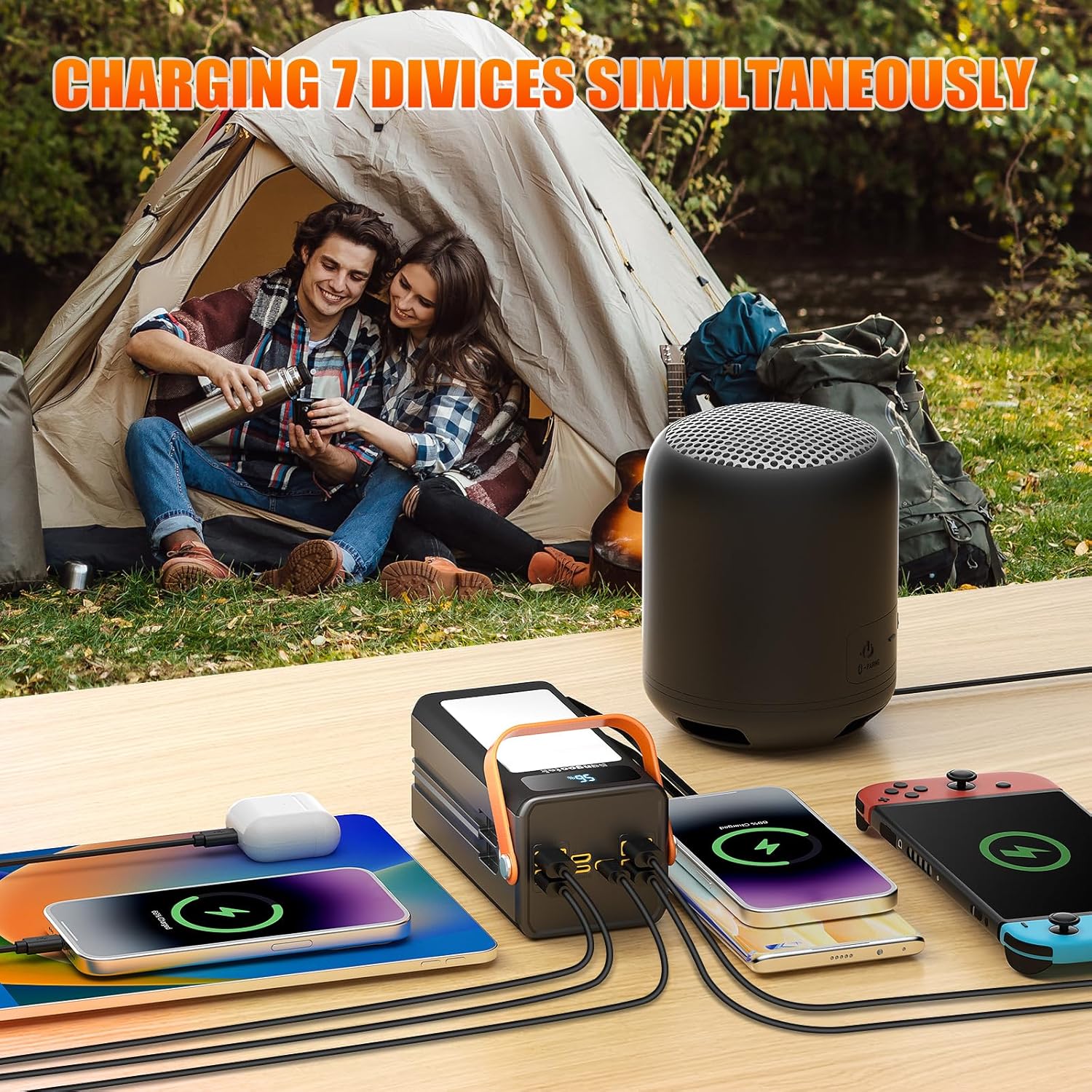
Figure 4: The power bank can charge multiple devices simultaneously, ideal for camping.
Using the Emergency Flashlight:
The built-in flashlight offers 4 modes:
- Double-click the flashlight button to turn it ON (Strong Light Mode).
- Press once to cycle through modes: Strong Light > Soft Light > Strobe > SOS.
- Double-click again to turn the flashlight OFF.

Figure 5: The emergency flashlight features Strong, Soft, Strobe, and SOS modes.
6. Safety Information
Your Pangootek Portable Power Bank Station is equipped with an advanced Multi-Protect safety system to ensure safe operation:
- Over-voltage protection
- Over-power protection
- Over-discharge protection
- Short circuit protection
- Over-charge protection
- High temperature protection

Figure 6: Visual representation of the multi-protect safety features.
General Warnings:
- Do not overcharge the internal battery.
- Do not smoke, use a match, or cause a spark in the vicinity of the power station.
- Only charge the internal battery in a well-ventilated area.
- Connect only to properly grounded outlets.
- Do not use this product if the power cord or battery cables are damaged.
- Operating Temperature: 0°C-40°C.
Airplane Travel:
With its 99Wh capacity, this power bank is generally safe for air travel, complying with most airline regulations for carry-on luggage. Always check with your specific airline before traveling.

Figure 7: The 99Wh capacity makes the power bank suitable for air travel.
7. Maintenance
To ensure the longevity and optimal performance of your power bank station, follow these maintenance guidelines:
- Keep the unit dry and away from moisture.
- Clean the exterior with a soft, dry cloth. Avoid using harsh chemicals or abrasive materials.
- Store in a cool, dry place when not in use.
- Recharge the unit at least once every 3-6 months to maintain battery health, even if not in active use.
8. Troubleshooting
Inaccurate Power Display:
If the LCD display shows an inaccurate remaining power percentage, this is a normal occurrence, especially during initial use. To recalibrate:
- Fully discharge the power bank until it turns off.
- Fully charge the power bank to 100%.
- Repeat this cycle once or twice. The display should then show accurate readings.
9. Specifications
| Feature | Specification |
|---|---|
| Brand | pangootek |
| Model Name | PGK100L |
| Capacity | 27000mAh / 99Wh |
| Output Wattage | 88W (Running), 300W (AC) |
| Power Source | Battery Powered |
| Special Feature | 27000Mah, 99Wh Portable Power Station, Fast Charging PD 22.5W, Portable Charger for Laptop |
| Included Components | 1*charging cable, 1*instruction, 1*portable power station |
| Item Weight | 1.46 Pounds |
| Product Dimensions | 2.84"L x 2.6"W x 5.87"H |
| Material | Plastic, Copper, Lithium-Ion |
| UPC | 797422331880 |
10. Warranty and Support
Warranty Information:
This Pangootek Portable Power Bank Station comes with a 1 Year Warranty from the date of purchase.
Customer Support:
If you encounter any problems or have questions regarding your product, please do not hesitate to reach out to us for assistance. We are committed to providing excellent customer service and will reply within 24 hours.