
1. Introduction
Thank you for choosing the ARROWMAX Mini Electric Screwdriver. This precision tool is designed for delicate tasks such as repairing electronics, assembling small components, and various DIY projects. This manual provides essential information on product features, setup, operation, maintenance, and troubleshooting to ensure safe and efficient use.
2. Safety Information
- Read all instructions: Before using the screwdriver, thoroughly read and understand all instructions and safety warnings.
- Keep away from children: This product contains small parts and is not a toy. Keep out of reach of children.
- Use appropriate bits: Always select the correct bit size and type for the screw to prevent damage to the screw head or the bit.
- Avoid water exposure: Do not expose the screwdriver to water or operate it in damp conditions.
- Proper charging: Only charge the device using the provided USB-A to USB-C cable and a compatible USB-A power adapter. USB-C to USB-C charging is not supported.
- Do not disassemble: Do not attempt to disassemble or modify the screwdriver, as this may void the warranty and pose safety risks.
- Store safely: When not in use, store the screwdriver and bits in their protective case to prevent loss or damage.
3. Package Contents
The ARROWMAX Mini Electric Screwdriver kit includes the following items:
- ARROWMAX Mini Electric Screwdriver
- Magnetic Storage Case
- 60 Precision S2 Steel Screwdriver Bits
- USB-A to USB-C Charging Cable
- Magnetizer/Demagnetizer
- Tool Bag

Image 3.1: Complete ARROWMAX Mini Electric Screwdriver kit, including the screwdriver, magnetic bit case, USB-C cable, magnetizer, and carrying pouch.

Image 3.2: Detailed view of the 60 extended S2 steel screwdriver bits, organized in their storage trays.
4. Product Overview
The ARROWMAX Mini Electric Screwdriver is designed for ergonomic handling and precise control. Key components include:
- Status Display: Shows battery level and selected torque mode.
- Torque Selection Button: Adjusts between 5 torque modes.
- Forward Key: Activates clockwise rotation for tightening screws.
- Reverse Key: Activates counter-clockwise rotation for loosening screws.
- Bit Installation Port: Where screwdriver bits are inserted.
- LED Lights: Illuminates the work area for better visibility.
- Type-C Charging Port: For recharging the internal battery.

Image 4.1: Labeled components of the ARROWMAX Mini Electric Screwdriver.

Image 4.2: The aluminum alloy case features a pop-up mechanism for easy access to the screwdriver.
5. Setup
5.1 Initial Charging
Before first use, fully charge the screwdriver. Connect the provided USB-A to USB-C charging cable to the Type-C port on the screwdriver and a USB-A power adapter (not included). The status display will indicate charging progress. A full charge typically allows for tightening up to 900 screws.
Note: Only use a USB-A to USB-C cable for charging. USB-C to USB-C cables are not compatible for charging this device.

Image 5.1: The screwdriver being charged via its USB-C port.
5.2 Bit Installation
- Select the appropriate S2 steel bit from the magnetic storage case.
- Insert the bit firmly into the Bit Installation Port until it is securely seated.
5.3 Using the Magnetizer
The included magnetizer can be used to enhance or reduce the magnetic properties of the screwdriver bits. To magnetize a bit, slide it through the '+' section. To demagnetize, slide it through the '-' section.

Image 5.2: Illustration of the magnetizer for screwdriver bits.
6. Operating Instructions
6.1 Powering On/Off
The screwdriver powers on automatically when a key is pressed and powers off after a period of inactivity to conserve battery.
6.2 Adjusting Torque Settings
The screwdriver offers 5 adjustable torque modes to suit various applications. Press the Torque Selection Button to cycle through the modes. The selected mode (1-5) will be displayed on the status screen.
- Mode 1 (Min): 0.1 N.m (1.0 kgf.cm) - For very delicate tasks.
- Mode 2 (Low): 0.2 N.m (2.0 kgf.cm)
- Mode 3 (Med): 0.3 N.m (3.0 kgf.cm)
- Mode 4 (High): 0.4 N.m (4.0 kgf.cm)
- Mode 5 (Max): 0.5 N.m (5.0 kgf.cm) - For tasks requiring more force.

Image 6.1: The 5 adjustable torque levels and their corresponding values.
6.3 Forward and Reverse Operation
Press the Forward Key to tighten screws (clockwise rotation). Press the Reverse Key to loosen screws (counter-clockwise rotation).
6.4 Application Examples
This precision screwdriver is suitable for a wide range of applications, including:
- Repairing smartphones, tablets, and laptops.
- Servicing watches and electronic wearables.
- Assembling small electronic devices and toys.
- General DIY tasks requiring precision.

Image 6.2: Screwdriver in use for precision assembly on a model.

Image 6.3: Screwdriver being used for electronic repair on a speaker.
7. Maintenance
7.1 Cleaning
Wipe the screwdriver body and bits with a soft, dry cloth. Do not use abrasive cleaners or solvents. Ensure no dust or debris accumulates in the bit installation port.
7.2 Bit Care
Store bits in their designated slots within the magnetic case to prevent loss and damage. Replace worn or damaged bits to maintain optimal performance.
7.3 Battery Care
To prolong battery life, avoid fully discharging the battery frequently. Recharge the screwdriver when the battery indicator is low. If storing for an extended period, charge the battery to approximately 50% and recharge every few months.
8. Troubleshooting
- Screwdriver not turning on:
- Check battery level on the status display. Recharge if necessary.
- Ensure the bit is correctly installed.
- Screwdriver not charging:
- Verify that you are using the provided USB-A to USB-C cable. USB-C to USB-C cables are not supported for charging.
- Ensure the charging cable is securely connected to both the screwdriver and the power adapter.
- Try a different USB-A power adapter.
- Bits not holding screws:
- Use the magnetizer to enhance the magnetic properties of the bit (refer to Section 5.3).
- Ensure the correct bit size is selected for the screw.
- Insufficient torque:
- Adjust the torque setting to a higher mode (refer to Section 6.2).
- Ensure the battery is sufficiently charged.
9. Specifications
| Feature | Specification |
|---|---|
| Model Name | SES Nano Plus |
| Model Number | AM-230413 |
| Material | Metal |
| Battery Type | Lithium-polymer |
| Battery Capacity | 500 mAh |
| Charging Port | USB Type-C (USB-A to USB-C cable required) |
| Voltage | 5 Volts |
| Torque Range | 0.1 N.m to 0.5 N.m (5 modes) |
| Rotation Speed | 250 RPM |
| Number of Bits | 60 |
| Bit Material | S2 Steel |
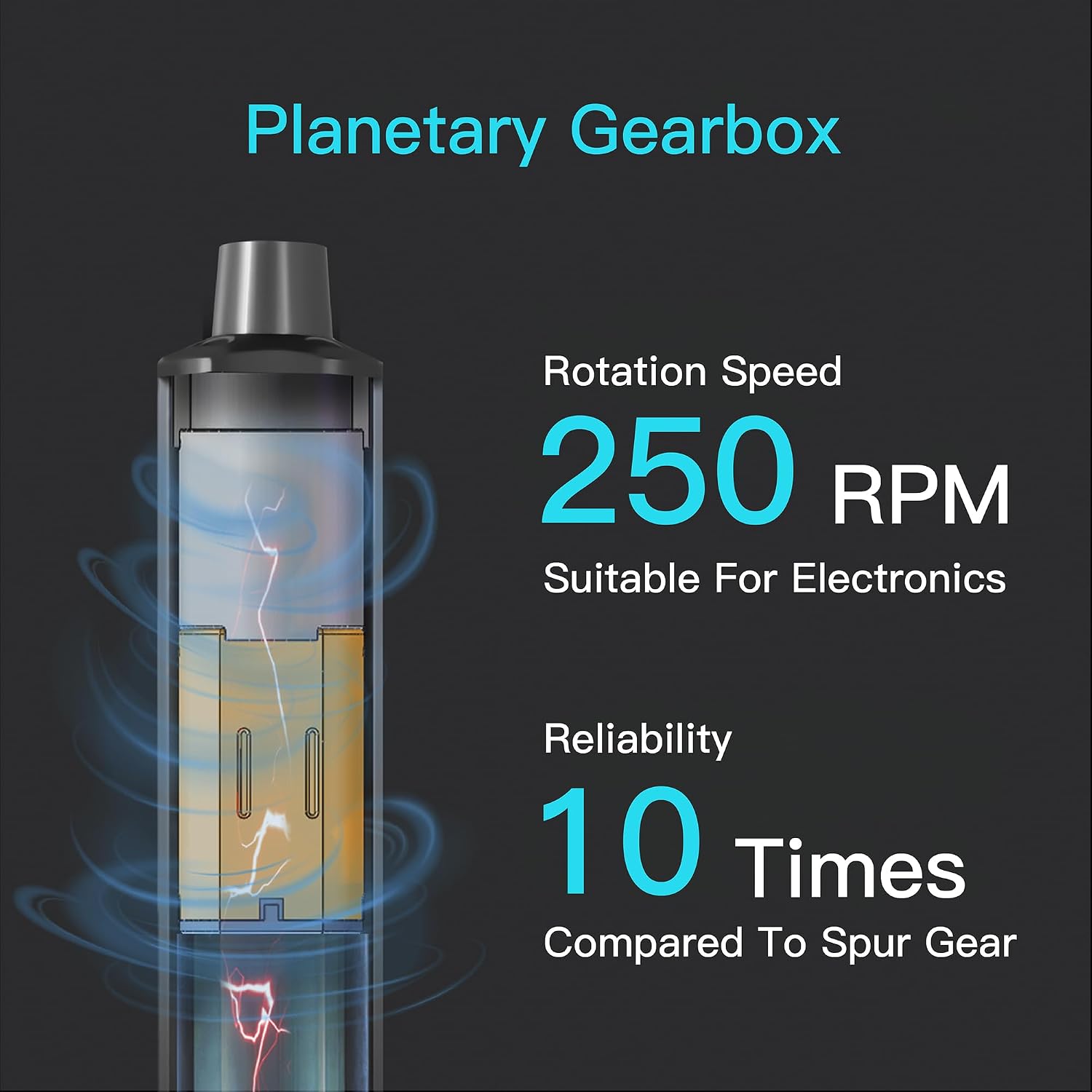
Image 9.1: Illustration of the internal planetary gearbox, indicating a rotation speed of 250 RPM.
10. Warranty and Support
ARROWMAX products are manufactured to high-quality standards. For warranty information or technical support, please refer to the product packaging or contact ARROWMAX customer service through your retailer or the official ARROWMAX website. Please retain your proof of purchase for warranty claims.


