Introduction
This manual provides detailed instructions for the proper use and maintenance of your Lorus R2383PX9 Digital Quartz Watch. Please read this manual thoroughly to ensure optimal performance and longevity of your timepiece. Keep this manual for future reference.
Product Overview
The Lorus R2383PX9 is a digital quartz watch designed for reliability and functionality. It features a clear digital display, a durable silicone strap, and multiple functions including time, date, and chronograph. The watch is water-resistant up to 100 meters.
Watch Components and Controls
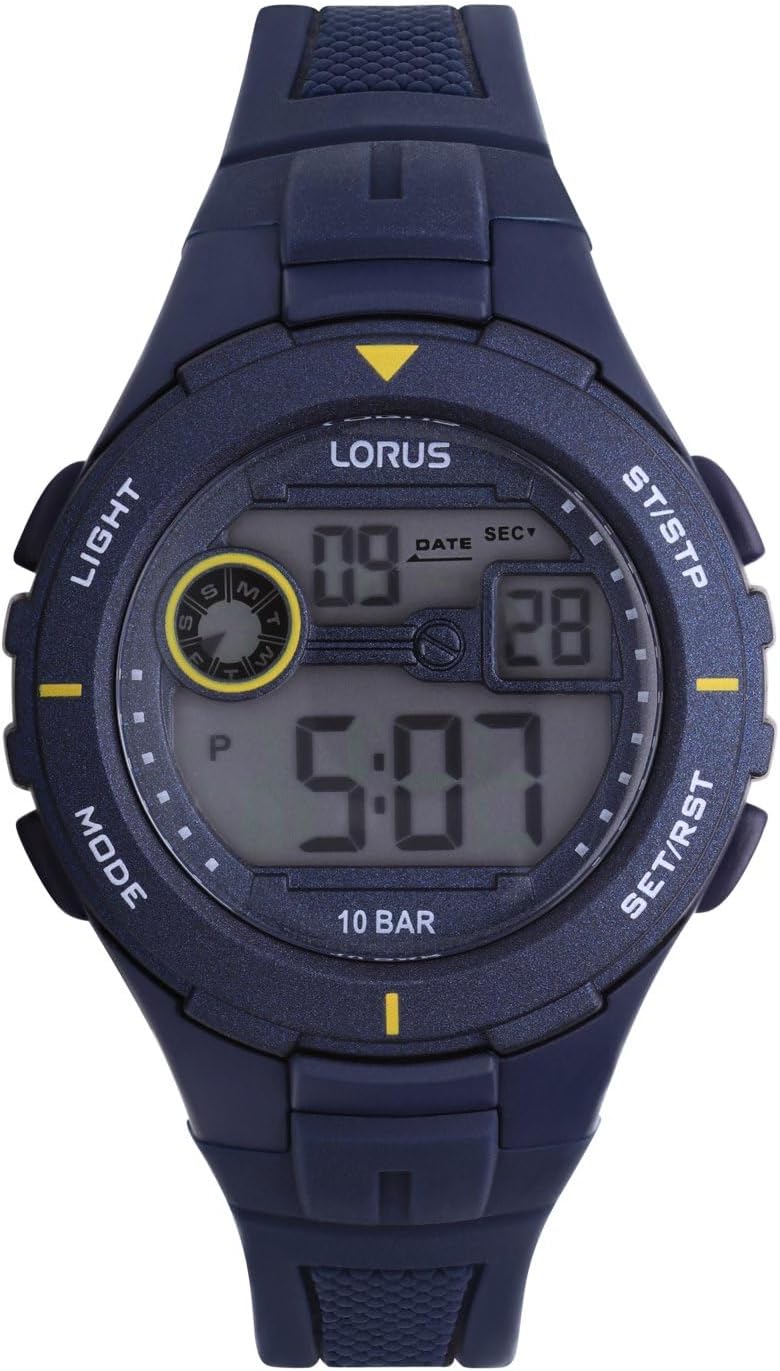
Figure 1: Front View of Lorus R2383PX9 Watch
This image displays the watch face with its digital display showing time and date. Visible buttons are labeled 'LIGHT' (top left), 'MODE' (bottom left), 'ST/STP' (top right), and 'SET/RST' (bottom right).
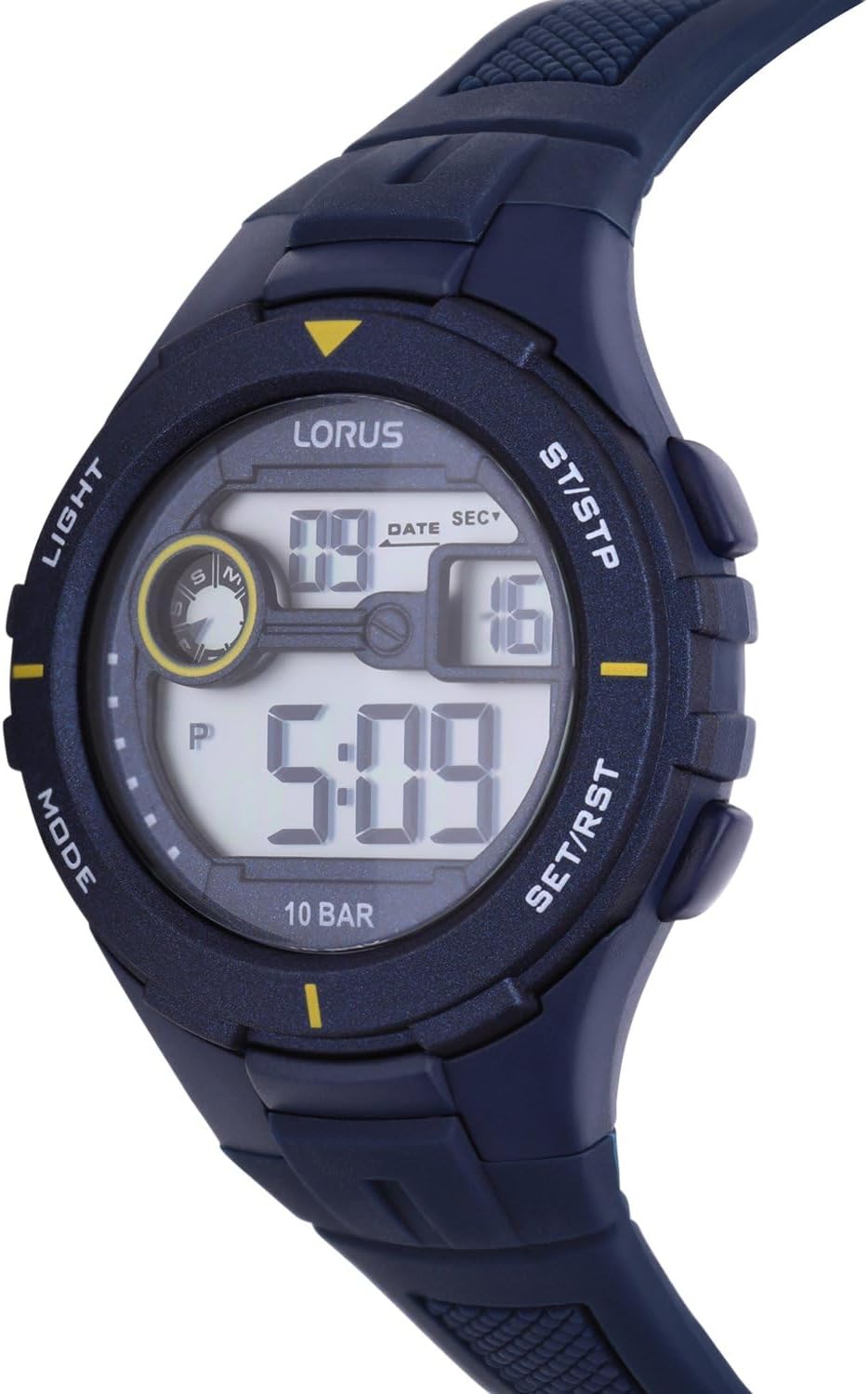
Figure 2: Side View of Lorus R2383PX9 Watch
This image shows the watch from a side angle, providing a clearer view of the watch case thickness and the ergonomic design of the buttons.

Figure 3: Back View of Lorus R2383PX9 Watch with Strap
This image illustrates the rear of the watch, focusing on the comfortable silicone strap and the classic buckle closure mechanism.
- LIGHT Button (Top Left): Activates the backlight for visibility in low-light conditions.
- MODE Button (Bottom Left): Cycles through different display modes (Time, Chronograph).
- ST/STP Button (Top Right): Used to start and stop the chronograph function.
- SET/RST Button (Bottom Right): Used to reset the chronograph or adjust settings in time-setting mode.
Setup
Setting Time and Date
- From the normal time display, press the MODE button repeatedly until the seconds begin to flash. This indicates you are in time-setting mode.
- Press the SET/RST button to cycle through the settings: seconds, hours, minutes, month, date, day of the week. The currently adjustable value will flash.
- Use the ST/STP button to increase the flashing value. Hold the button to advance rapidly.
- Once all settings are correct, press the MODE button to exit the time-setting mode and return to the normal time display.
Operating
Using the Chronograph (Stopwatch)
- From the normal time display, press the MODE button once to enter chronograph mode. The display will show '00:00:00'.
- Press the ST/STP button to start the stopwatch.
- Press the ST/STP button again to stop the stopwatch.
- While the stopwatch is stopped, press the SET/RST button to reset it to '00:00:00'.
- Press the MODE button to return to the normal time display.
Activating the Backlight
Press the LIGHT button (top left) to illuminate the display for a few seconds. This feature is useful in dark environments.
Water Resistance
Your Lorus R2383PX9 watch is water-resistant up to 100 meters (10 BAR). This means it is suitable for swimming, snorkeling, and showering. However, it is not recommended for scuba diving. Do not operate buttons while the watch is submerged in water, as this can compromise the water seal.
Maintenance
Cleaning Your Watch
To maintain the appearance of your watch, wipe the case and strap regularly with a soft, dry cloth. For stubborn dirt, a slightly damp cloth can be used, followed by drying. Avoid using harsh chemicals or abrasive cleaners, as these can damage the watch's finish or strap material.
Battery Replacement
The Lorus R2383PX9 watch is powered by a battery. When the display becomes dim or the watch stops functioning, the battery may need replacement. It is recommended to have the battery replaced by a qualified watch technician to ensure the water resistance is maintained and to prevent damage to the internal components.
Troubleshooting
- Display is blank or dim: The battery may be low or depleted. Refer to the "Battery Replacement" section.
- Buttons are unresponsive: Ensure the watch is not in a locked mode (if applicable, though not a feature of this model). If the issue persists, a battery replacement or professional inspection may be required.
- Time is inaccurate: Re-set the time according to the "Setting Time and Date" instructions. If inaccuracy continues, the watch may require servicing.
- Condensation under the crystal: This indicates a breach in the watch's water resistance. Stop using the watch immediately and seek professional repair to prevent further damage.
Specifications
- Model Number: R2383PX9
- Display Type: Digital
- Movement: Quartz
- Case Dimensions: Approximately 36 mm x 13 mm
- Weight: Approximately 40 grams
- Strap Material: Silicone
- Water Resistance: 100 meters (10 BAR)
- Special Features: Chronograph, Backlight
- Power Source: Battery powered (Battery included)
- Manufacturer: Seiko (Brand: Lorus)
Warranty and Support
Your Lorus R2383PX9 watch is covered by a manufacturer's warranty. For specific warranty terms, duration, and to register your product, please refer to the warranty card included with your purchase or visit the official Lorus website. For technical support or service inquiries, please contact Lorus customer service through their official channels.


