
1. Product Overview
This manual provides instructions for the Cloudpower washable HEPA filter, designed as a replacement for compatible Rowenta X-Force Flex 8.60 and RH96xx series cordless vacuum cleaners. The filter is engineered to capture fine particles and maintain air quality during vacuuming. Its washable and reusable design offers a cost-effective and environmentally conscious maintenance solution.
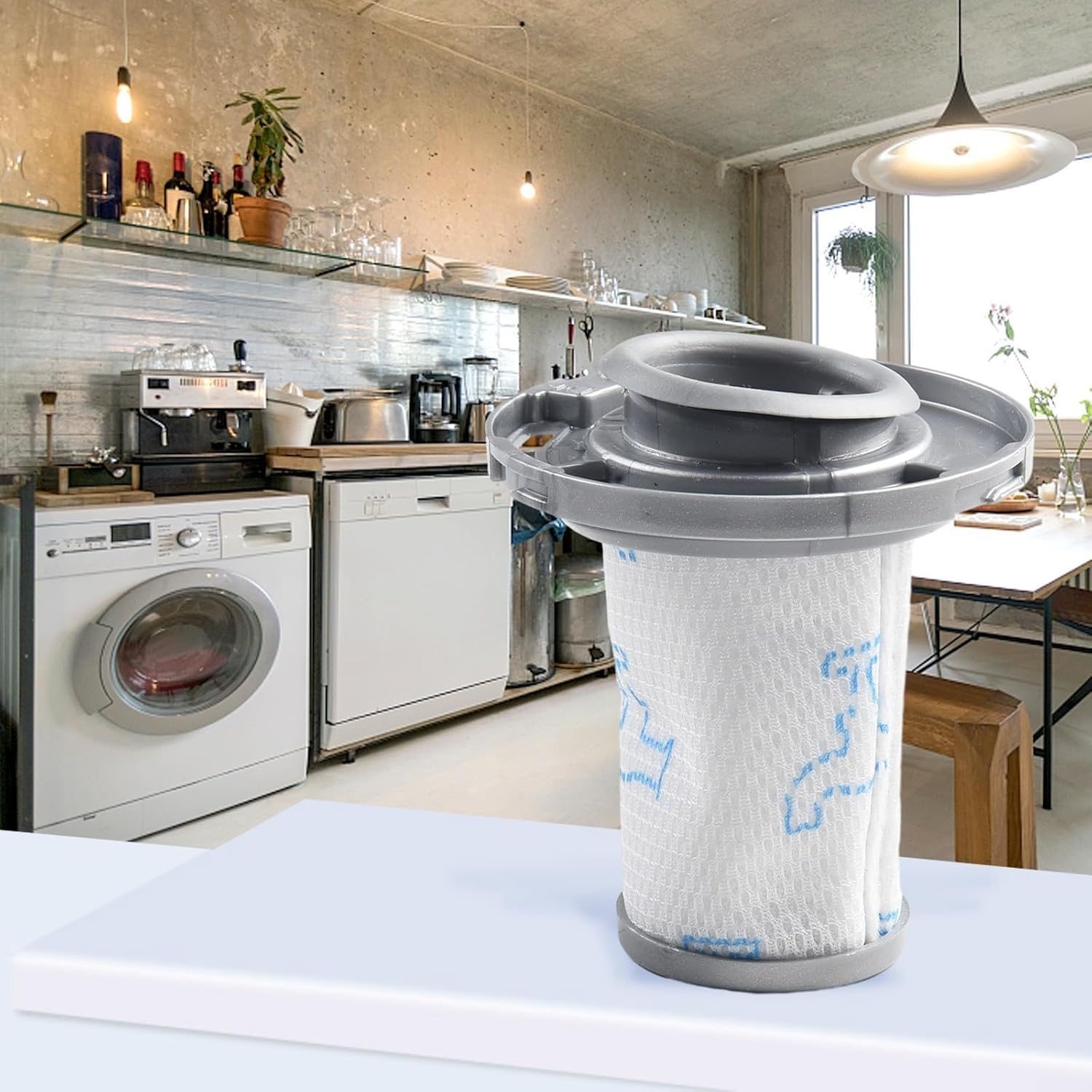
Image 1.1: Cloudpower HEPA filter shown in a typical home environment.
Key Features:
- High-Quality Material: Constructed from robust and durable materials for extended lifespan.
- Efficient Filtration: Designed to block 97% of dirt, dust, pet dander, and particles as small as 0.3 micrometers.
- Washable and Reusable: Allows for easy cleaning and repeated use, promoting economical and eco-friendly maintenance.
- Perfect Fit: Precisely engineered to match the original equipment for seamless compatibility.
- Easy Installation: Can be easily removed and replaced during routine maintenance.
2. Installation
Follow these steps to install or replace the HEPA filter in your compatible Rowenta X-Force Flex 8.60 or RH96xx vacuum cleaner.
- Power Off: Ensure your vacuum cleaner is turned off and unplugged from any power source before beginning installation.
- Locate Filter Compartment: Refer to your vacuum cleaner's original manual to locate the filter compartment. This is typically found within the dust bin assembly.
- Remove Old Filter: Carefully twist or pull out the existing filter. Dispose of the old filter responsibly if it is no longer usable.
- Insert New Filter: Align the Cloudpower HEPA filter with the compartment. Gently push or twist it into place until it is securely seated. Ensure there are no gaps around the filter.
- Close Compartment: Reassemble the dust bin and close the filter compartment cover securely.

Image 2.1: Various views of the filter, illustrating its structure for correct installation.
A correctly installed filter ensures optimal vacuum performance and air filtration.
3. Operating Instructions
Once the Cloudpower HEPA filter is correctly installed, your vacuum cleaner is ready for operation. The filter functions passively to capture airborne particles as air passes through it.
- Regular Use: Use your vacuum cleaner as you normally would. The filter will continuously work to trap dust and allergens.
- Check Filter Condition: Periodically inspect the filter for visible dirt accumulation. Heavy dirt buildup can reduce suction power and filtration efficiency.
4. Maintenance
To maintain the performance and longevity of your Cloudpower HEPA filter, regular cleaning is recommended. The filter is designed to be washable and reusable.
- Remove Filter: Turn off and unplug the vacuum. Remove the filter from its compartment as described in the installation section.
- Tap to Remove Loose Debris: Gently tap the filter over a waste bin to dislodge any loose dust and debris.
- Rinse with Water: Rinse the filter under cool, running water. Avoid using hot water or harsh detergents, as these can damage the filter material. Continue rinsing until the water runs clear.
- Air Dry Completely: Crucially, allow the filter to air dry completely for at least 24 hours before reinstallation. Do not use a dryer, heater, or direct sunlight, as this can deform or damage the filter. Ensure it is bone dry to prevent mold growth and damage to your vacuum.
- Reinstall: Once completely dry, reinstall the filter into your vacuum cleaner.

Image 4.1: Close-up of the filter, highlighting areas for thorough rinsing.
The frequency of cleaning depends on usage and the environment. For optimal performance, clean the filter every 2-4 weeks or as needed.
5. Troubleshooting
If you experience reduced suction or unusual noise from your vacuum cleaner after filter installation or cleaning, consider the following:
- Reduced Suction: Ensure the filter is completely dry before reinstallation. A damp filter can restrict airflow. Also, check that the filter is correctly seated and the dust bin is properly closed.
- Unusual Noise: Verify that the filter is securely installed and not loose within its compartment.
- Persistent Issues: If problems persist, consult your vacuum cleaner's original instruction manual or contact the vacuum cleaner manufacturer's support.
6. Specifications
| Brand | Cloudpower |
| Model Reference | ZR009006 |
| Compatibility | Rowenta X-Force Flex 8.60, RH96xx series |
| Product Dimensions (L x W x H) | Approximately 8.9 x 8.9 x 10.5 cm |
| Item Weight | Approximately 48 g |
| Material | High-quality, durable filtration material |
| Filtration Efficiency | Blocks 97% of dirt, dust, pet dander, and particles as small as 0.3 µm |
7. Warranty and Support
Information regarding specific warranty terms for Cloudpower filters is not available in this document. For warranty claims or product support, please refer to the retailer where the product was purchased or contact Cloudpower customer service directly if contact information is provided on the product packaging.