1. Introduction
This manual provides detailed instructions for the Vurkcy LHJ011 3-Button Key Fob Replacement. It covers product compatibility, programming procedures, operational functions, maintenance, troubleshooting, and technical specifications. Please read this manual thoroughly before attempting to program or use your new key fob.
2. Compatibility
The Vurkcy LHJ011 key fob is designed as a replacement for specific vehicle models and part numbers. Ensure your vehicle's make, model, year, and original FCC ID match the information below for proper functionality.

Image: Visual guide detailing compatible vehicles, FCC ID, and part numbers for the LHJ011 key fob.
Compatible Vehicles:
- 2003-2006 Cadillac Escalade
- 2003-2006 Chevrolet Avalanche 1500 2500
- 2003-2006 Chevrolet Equinox
- 2003-2006 Chevrolet Silverado 1500 2500 3500
- 2003-2006 Chevrolet SSR
- 2003-2006 Chevrolet Suburban 1500 2500
- 2003-2006 Chevrolet Tahoe
- 2003-2006 GMC Sierra 1500 2500 3500
- 2003-2006 GMC Yukon
- 2003-2006 GMC Yukon XL
- 2003-2006 Hummer H2
- 2006 Pontiac Torrent
- 2004-2007 Saturn Vue
FCC ID and Part Numbers:
FCC ID: LHJ011
Compatible Part Numbers:
- 15186203
- 21997127
- 15186200
- 15186201
- 15132197
- 15132198
- 10377295
- 22730827
Frequency: 315 MHZ
Important: Please verify that your original remote has the same button configuration as this replacement fob.
3. Setup & Programming Instructions
The Vurkcy LHJ011 key fob can often be self-programmed. Follow the instructions carefully. If you do not have an existing working remote or find the process difficult, professional assistance from a locksmith or dealership is recommended.
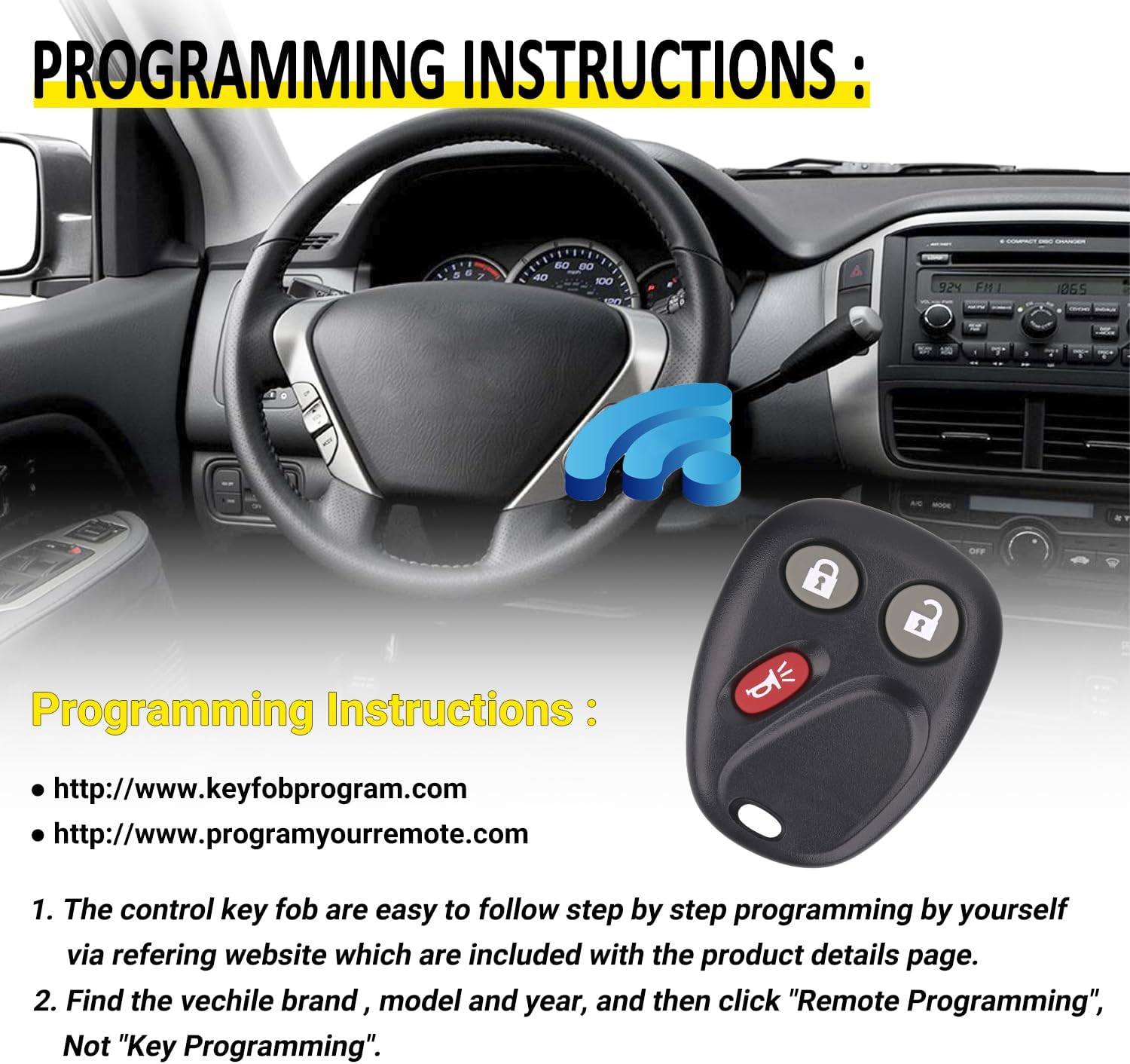
Image: Visual guide indicating programming resources and steps.
Self-Programming Method:
- Access the programming instructions provided on the following websites:
- On the chosen website, locate your vehicle's specific brand, model, and year.
- Select the option for "Remote Programming" (do not select "Key Programming").
- Follow the step-by-step instructions provided on the website to program your new key fob.
Note: If you are programming a new key fob and do not have any existing working key fobs, or if the self-programming method fails, professional programming by a certified locksmith or dealership may be required.
4. Operation
The Vurkcy LHJ011 key fob features three primary buttons for convenient vehicle access and security functions.
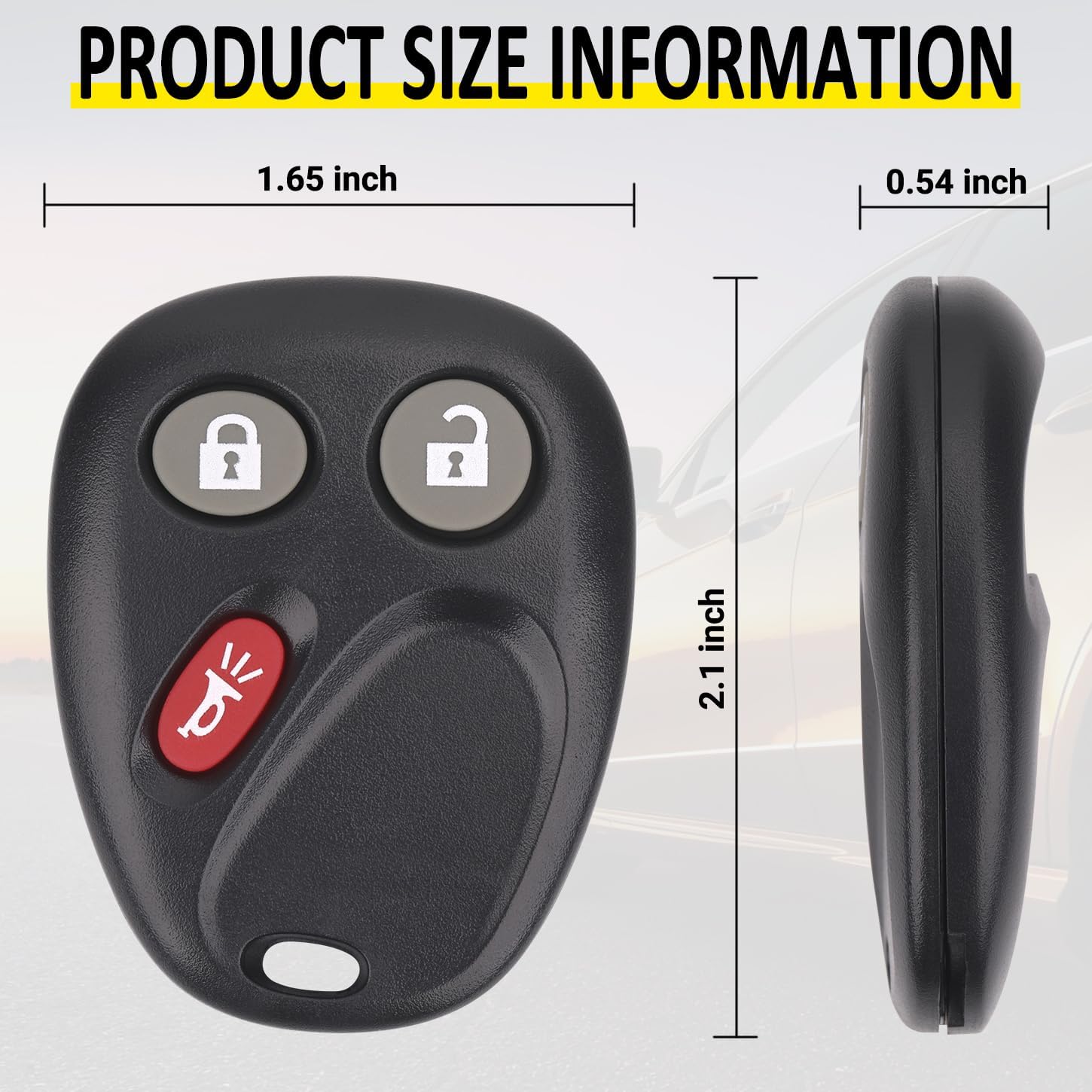
Image: Diagram illustrating the Lock, Unlock, and Alarm Bell button functions.
Button Functions:
- Lock Button: Press once to lock all vehicle doors.
- Unlock Button: Press once to unlock the driver's door. Press twice to unlock all vehicle doors.
- Panic/Alarm Button: Press and hold to activate the vehicle's alarm system. Press again to deactivate.

Image: Key fob highlighting features such as sensitive signal, durability, accurate key matching, and smooth edge design.
5. Maintenance
The Vurkcy LHJ011 key fob is designed for durability. The internal battery is pre-installed and typically lasts for several years. When the remote's range decreases or it becomes unresponsive, the battery may need replacement.
Battery Replacement:
The key fob uses one CR2 battery. To replace the battery:
- Carefully open the key fob casing using a small flat-head screwdriver or a prying tool.
- Note the orientation of the existing CR2 battery.
- Remove the old battery and insert a new CR2 battery with the correct polarity.
- Snap the key fob casing back together securely.
Note: Ensure proper battery installation to avoid damage to the key fob.
6. Troubleshooting
If you encounter issues with your Vurkcy LHJ011 key fob, refer to the following common problems and solutions:
Common Issues & Solutions:
- Key Fob Not Working After Programming:
- Verify that the programming steps were followed precisely.
- Ensure your vehicle's battery is not low, as this can affect remote functionality.
- If you programmed the fob yourself, and it's the only one, consider seeking professional assistance from a locksmith or dealership.
- Reduced Range or Intermittent Functionality:
- The battery in the key fob may be low. Refer to the Maintenance section for battery replacement instructions.
- Ensure there are no strong radio frequency interferences in the area.
- Key Fob Does Not Match Vehicle:
- Double-check the compatibility section to confirm your vehicle's make, model, year, and FCC ID are listed.
- Ensure the original remote had the same button configuration.
7. Specifications
Detailed technical specifications for the Vurkcy LHJ011 3-Button Key Fob Replacement.
Image: Dimensions of the Vurkcy LHJ011 key fob, showing length and width.
| Feature | Detail |
|---|---|
| Brand | Vurkcy |
| Model Name | LHJ011 (Avalanche, Equinox, Silverado, Sierra, Hummer H2, Saturn Vue, Escalade) |
| Manufacturer Part Number | 0811-0060 |
| FCC ID | LHJ011 |
| Frequency | 315 MHZ |
| Number of Buttons | 3 (Lock, Unlock, Panic) |
| Material | Metal, Plastic |
| Item Weight | 1.44 ounces (0.04 Kilograms) |
| Package Dimensions | 2.24 x 1.5 x 0.55 inches |
| Battery Type | 1 CR2 battery (included) |
| Automotive Fit Type | Vehicle Specific Fit |
8. Warranty and Support
Vurkcy stands behind the quality of its products.
Warranty Information:
- This product comes with a 24-Months Warranty.
- Lifetime Support is provided for all Vurkcy key fobs.
Customer Support:
If you encounter any issues, such as the key fob not working or any other problems, please do not hesitate to contact Vurkcy customer support. We are committed to arranging a free refund or return for you if necessary.
For support, please refer to the contact information provided with your purchase or on the official Vurkcy website.


