
1. Product Overview
The RadioShack IPX6 Waterproof Bluetooth Speaker is designed to deliver immersive sound with dynamic RGB lighting. It features a robust 3600mAh battery for extended playback and an IPX6 water-resistant rating, making it suitable for various environments. The built-in microphone allows for hands-free calls, and True Wireless Stereo (TWS) functionality enables pairing with a second speaker for enhanced audio.

Image 1.1: The RadioShack IPX6 Waterproof Bluetooth Speaker.
Key Features:
- Immersive Sound: 14W power output with crisp highs and deep bass.
- Dynamic RGB Lighting: Ambiance-enhancing lighting for various settings.
- Weather-Resistant Design: IPX6 rating protects against splashes and minor inclement weather.
- True Wireless Stereo (TWS): Pair two speakers for stereo sound.
- Built-In Microphone: For hands-free calling.
- Multiple Connectivity Options: Bluetooth, AUX input, and USB.
- FM Radio: Listen to local stations without needing your phone.
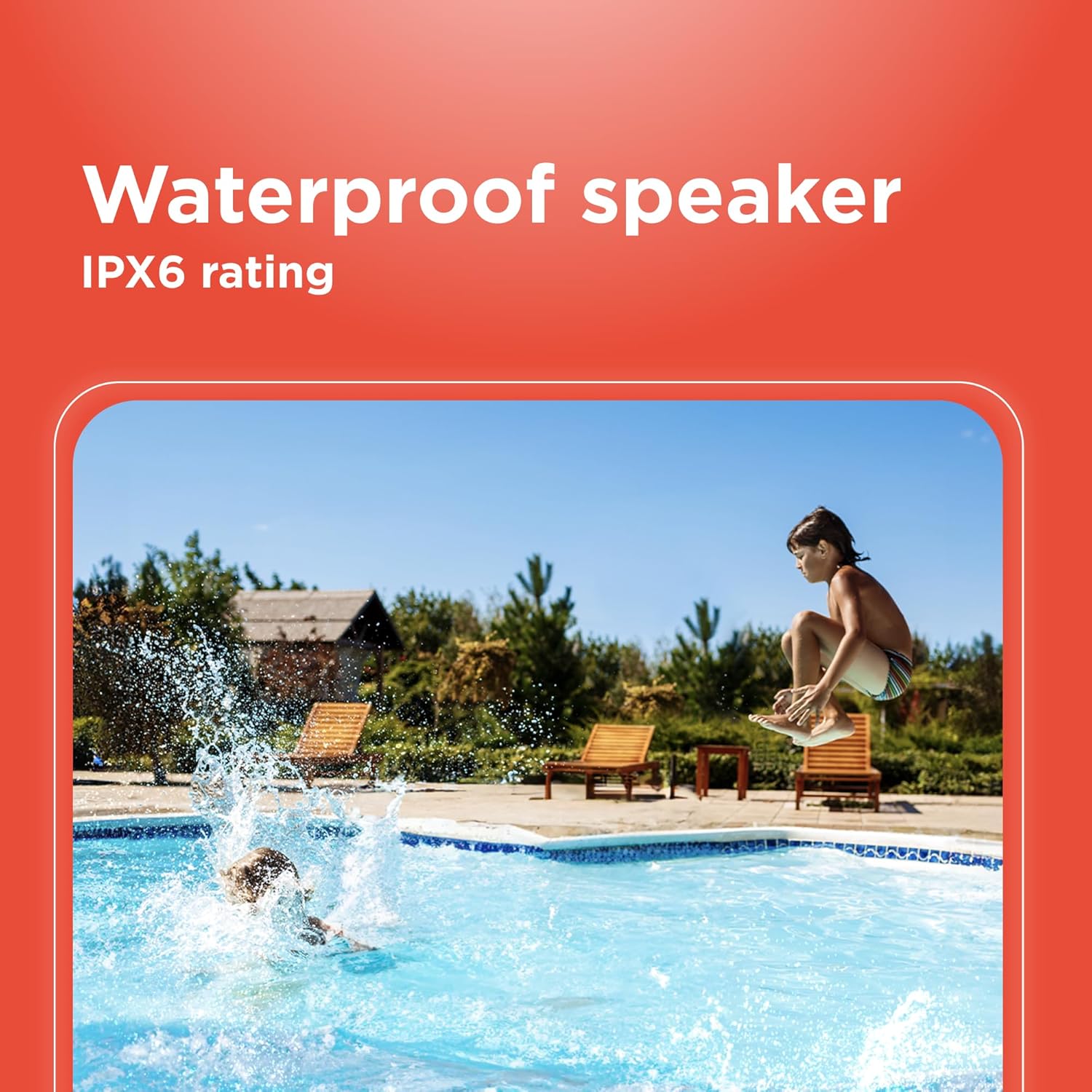
Image 1.2: Visual representation of key features including wireless range, power, Bluetooth version, and water resistance.
2. Setup
2.1 What's in the Box
- RadioShack IPX6 Waterproof Bluetooth Speaker
- User Manual (this document)
- Charging Cable
- AUX Cable
- Shoulder Strap
2.2 Charging the Speaker
- Locate the charging port on the speaker, typically covered by a rubber flap for water resistance.
- Connect the provided charging cable to the speaker's DC 5V port.
- Plug the other end of the charging cable into a compatible USB power adapter (not included) or a USB port on a computer.
- The LED indicator lights will show the charging status. A full charge is indicated when all lights are solid.

Image 2.1: Charging and connectivity ports on the speaker.
2.3 Powering On/Off
- To power on, press and hold the Power button (O) for a few seconds until you hear an audible cue and the indicator lights illuminate.
- To power off, press and hold the Power button (O) again until the lights turn off.
2.4 Bluetooth Pairing
- Ensure the speaker is powered on and in Bluetooth pairing mode (indicated by a flashing blue LED).
- On your mobile device, enable Bluetooth and search for available devices.
- Select "RadioShack Speaker" from the list of devices.
- Once paired, the LED indicator will turn solid blue, and you will hear a confirmation sound.
3. Operating Instructions
3.1 Controls Overview

Image 3.1: Speaker control panel.
- Power Button (O): Press and hold to power on/off. Short press to change RGB light modes.
- Mode Button (M): Short press to switch between Bluetooth, FM Radio, AUX, and USB modes.
- Play/Pause Button (►): Short press to play or pause music.
- Volume Up (+): Short press to increase volume. Press and hold for next track.
- Volume Down (-): Short press to decrease volume. Press and hold for previous track.
- Call Button (Phone Icon): Short press to answer/end calls. Press and hold to reject calls. Double press to redial last number.
- TWS Button (Infinity Symbol): Press to initiate True Wireless Stereo pairing.
3.2 RGB Lighting
The speaker features dynamic RGB lighting. To cycle through different lighting modes or turn the lights off, short press the Power button (O).

Image 3.2: Customizable RGB lighting on the speaker.
3.3 True Wireless Stereo (TWS) Pairing
To pair two RadioShack IPX6 Waterproof Bluetooth Speakers for a stereo experience:
- Ensure both speakers are powered on and not connected to any other Bluetooth device.
- On one speaker (this will be the primary speaker), short press the TWS button (infinity symbol). It will enter TWS pairing mode.
- The primary speaker will automatically search for the secondary speaker. Once connected, you will hear a confirmation sound.
- Now, connect your mobile device to the primary speaker via Bluetooth as described in Section 2.4.
3.4 FM Radio Operation
- Press the Mode button (M) to switch to FM Radio mode.
- Press the Play/Pause button (►) to automatically scan and save available FM stations.
- Use the Volume Up (+) and Volume Down (-) buttons (long press) to navigate between saved stations.
4. Maintenance
To ensure the longevity and optimal performance of your speaker, follow these maintenance guidelines:
- Cleaning: Use a soft, dry cloth to clean the speaker's exterior. Do not use abrasive cleaners or solvents.
- Water Resistance: Ensure all port covers are securely closed before exposing the speaker to water to maintain its IPX6 rating. Do not submerge the speaker.
- Storage: Store the speaker in a cool, dry place away from direct sunlight and extreme temperatures when not in use for extended periods.
- Battery Care: To preserve battery life, fully charge the speaker before first use and recharge it regularly, even if not used frequently. Avoid completely draining the battery.
5. Troubleshooting
If you encounter issues with your speaker, refer to the following common problems and solutions:
| Problem | Possible Cause | Solution |
|---|---|---|
| Speaker does not power on. | Low battery. | Charge the speaker fully. |
| Cannot pair via Bluetooth. | Speaker not in pairing mode; device Bluetooth off; too far from device. | Ensure speaker is in pairing mode (flashing blue LED). Turn Bluetooth on your device. Move device closer to speaker (within 10m). |
| No sound. | Volume too low; incorrect mode selected; device not playing. | Increase speaker and device volume. Ensure correct mode (Bluetooth, AUX, USB, FM) is selected. Check if music is playing on your device. |
| TWS pairing fails. | Speakers already connected to other devices; too far apart. | Disconnect speakers from other devices. Ensure speakers are close to each other during TWS pairing. |
6. Specifications
| Feature | Specification |
|---|---|
| Brand | RadioShack |
| Model Number | 4001763-PRNT |
| Speaker Maximum Output Power | 8 Watts (Note: Product title states 14W, specifications list 8W. Please refer to product packaging for definitive power output.) |
| Connectivity Technology | Bluetooth |
| Audio Output Mode | Stereo, Mono |
| Mounting Type | Tabletop Mount |
| Speaker Type | Portable |
| Additional Features | Multi Room Audio |
| Antenna Location | Indoor/Outdoor |
| Controller Type | Battery Powered |
| Color | Black |
| Is Waterproof | True (IPX6 rating) |
| Warranty Type | Limited |
| Control Method | Touch |
| Speaker Size | 4.84 Inches |
| MP3 player | No |
| Specific Uses For Product | Outdoor/Portable Audio Setups, Home Entertainment Systems |
| Number of Audio Channels | 2.0 |
| Wireless Technology | Bluetooth |
| Connectivity Protocol | Bluetooth |
| Power Source | Battery Powered |
| Number of Batteries | 1 Lithium Ion batteries required. (included) |
| Audio Driver Type | Dynamic Driver |
| Model Name | RadioShack Bluetooth Speaker RGB Light 14W |
| Number of Items | 1 |
| Manufacturer | RadioShack |
| Number of Power Levels | 1 |
| Unit Count | 1.0 Count |
| Item Dimensions (D x W x H) | 4.84"D x 11.14"W x 4.96"H |
| Item Weight | 2 Kilograms |
| Compatible Devices | Desktop, Laptop, MP3 Player, Projector, Smartphone, Tablet, Television |
| Battery Capacity | 3600 Milliamp Hours |
7. Warranty and Support
7.1 Warranty Information
This RadioShack product comes with a Limited Warranty for 6 Months from the date of purchase. Please retain your proof of purchase for warranty claims. The warranty covers manufacturing defects under normal use. It does not cover damage caused by misuse, accidents, unauthorized modifications, or normal wear and tear.
7.2 Customer Support
For technical assistance, troubleshooting, or warranty inquiries, please contact RadioShack customer support. Refer to the official RadioShack website or your purchase documentation for the most current contact information.