
Introduction
This manual provides detailed instructions for the safe and efficient operation of your Philips Portable Radio RL384/94. Please read this manual thoroughly before using the device and retain it for future reference. The Philips RL384/94 is a portable radio designed for versatile listening, offering reception across MW, SW, and FM bands. It features a 500mW RMS sound output, a telescopic antenna for enhanced signal reception, and a 4-inch loudspeaker for clear audio. The radio can be powered by three R20 batteries or an external 4.5V DC source.
What's in the Box
Carefully unpack the contents and ensure all items are present:
- Philips Portable Radio RL384/94
- Quick Start Guide
Product Overview
Familiarize yourself with the main components and controls of your Philips Portable Radio RL384/94.
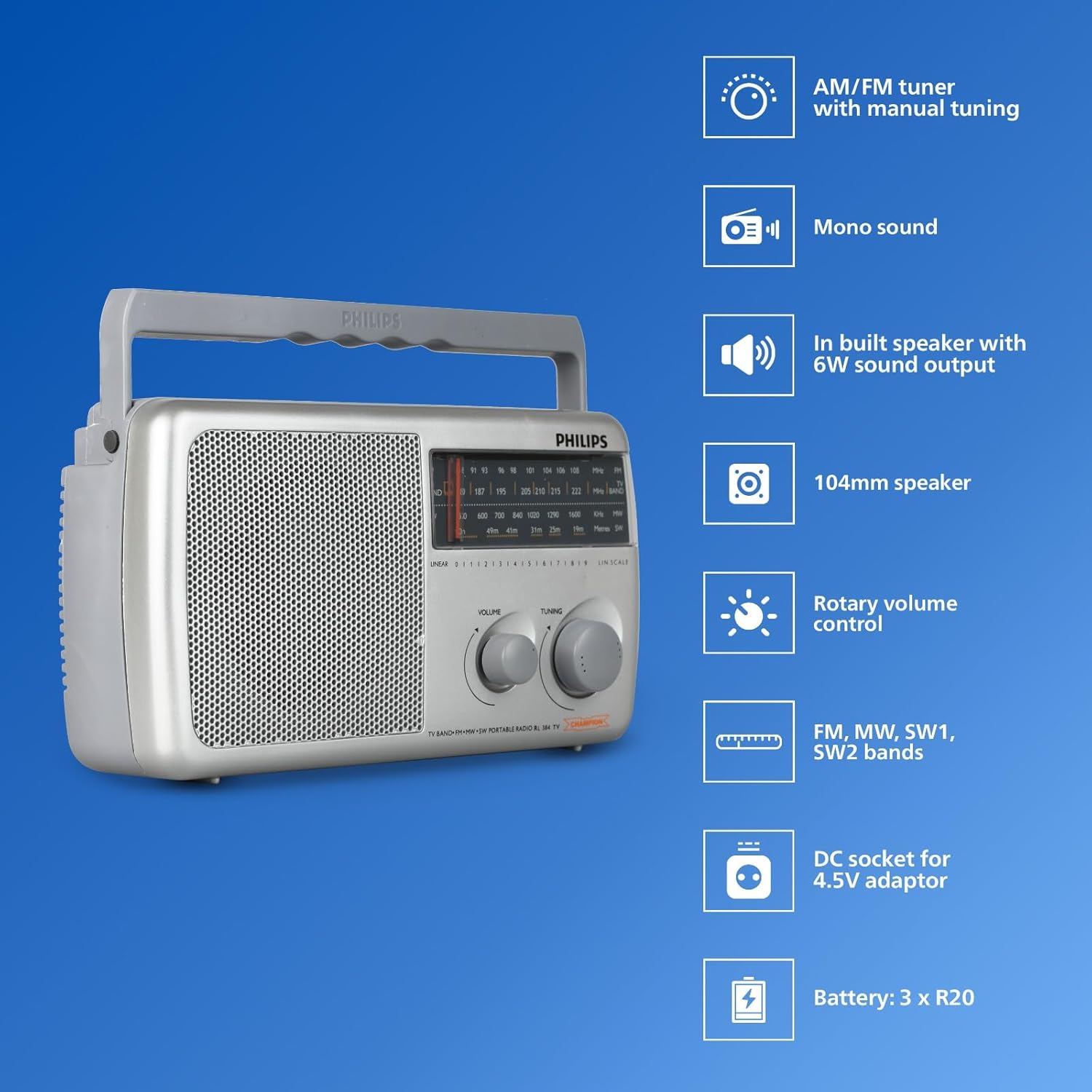
Image: Front view of the Philips Portable Radio RL384/94 highlighting key features such as AM/FM tuner, mono sound, built-in speaker, 104mm speaker, rotary volume control, FM, MW, SW1, SW2 bands, DC socket for 4.5V adaptor, and battery compartment for 3 x R20 batteries.
- Telescopic Antenna: Extendable antenna for improved radio signal reception, particularly for FM and SW bands.
- Band Selector: Switch to select between FM, MW (Medium Wave), and SW (Shortwave) bands.
- Tuning Knob: Used to precisely tune into desired radio frequencies.
- Volume Control: Rotary knob to adjust the audio output level.
- Loudspeaker: Integrated 4-inch (104mm) loudspeaker for audio output.
- Battery Compartment: Located at the rear, holds three R20 (D-size) batteries.
- DC Socket: Input for an external 4.5V DC power adapter (not included).
Video: An overview of the Philips Portable Radio RL384/94, showcasing its multi-band reception (MW, SW, FM), telescopic antenna, 500mW RMS sound output, 4-inch loudspeaker, and flexible power options (battery or external DC).
Setup
Powering the Radio
The Philips RL384/94 can be powered by batteries or an external DC adapter.
Using Batteries
- Locate the battery compartment cover on the rear of the radio.
- Slide or unclip the cover to open it.
- Insert three R20 (D-size) batteries, ensuring the correct polarity (+/-) as indicated inside the compartment.
- Close the battery compartment cover securely.
Using an External DC Adapter
An external 4.5V DC adapter (not supplied) can be used to power the radio.
- Ensure the DC adapter output is 4.5V.
- Insert the DC adapter plug into the 4.5V DC socket on the radio.
- Plug the adapter into a suitable wall outlet.
Operating the Radio
Turning On and Off
Rotate the volume control knob clockwise to turn the radio on. Rotate it counter-clockwise until it clicks to turn the radio off.
Adjusting Volume
Rotate the volume control knob to increase or decrease the sound level.
Selecting a Radio Band
Use the band selector switch to choose between FM, MW, or SW bands.

Image: The Philips Portable Radio RL384/94 shown outdoors with a person stretching, illustrating its portability and multi-band (AM/FM/SW) reception capabilities.
Tuning to a Station
- Select the desired radio band (FM, MW, or SW).
- Extend the telescopic antenna for optimal FM and SW reception. For MW, the radio has a built-in antenna, but repositioning the radio may improve reception.
- Slowly rotate the tuning knob until you hear a clear broadcast.
- Adjust the antenna position and radio orientation for the best possible signal.
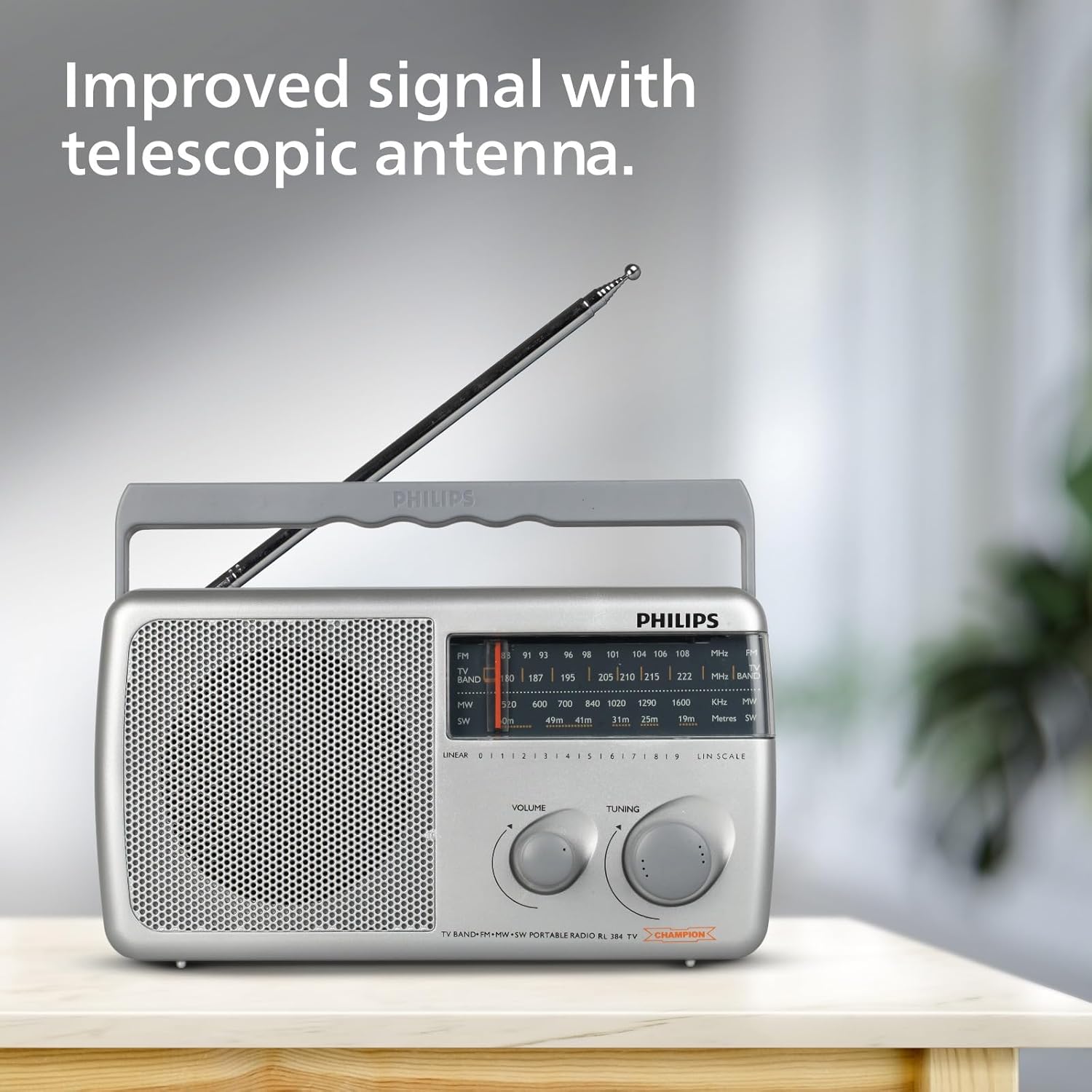
Image: The Philips Portable Radio RL384/94 with its telescopic antenna fully extended, demonstrating how to improve signal reception.
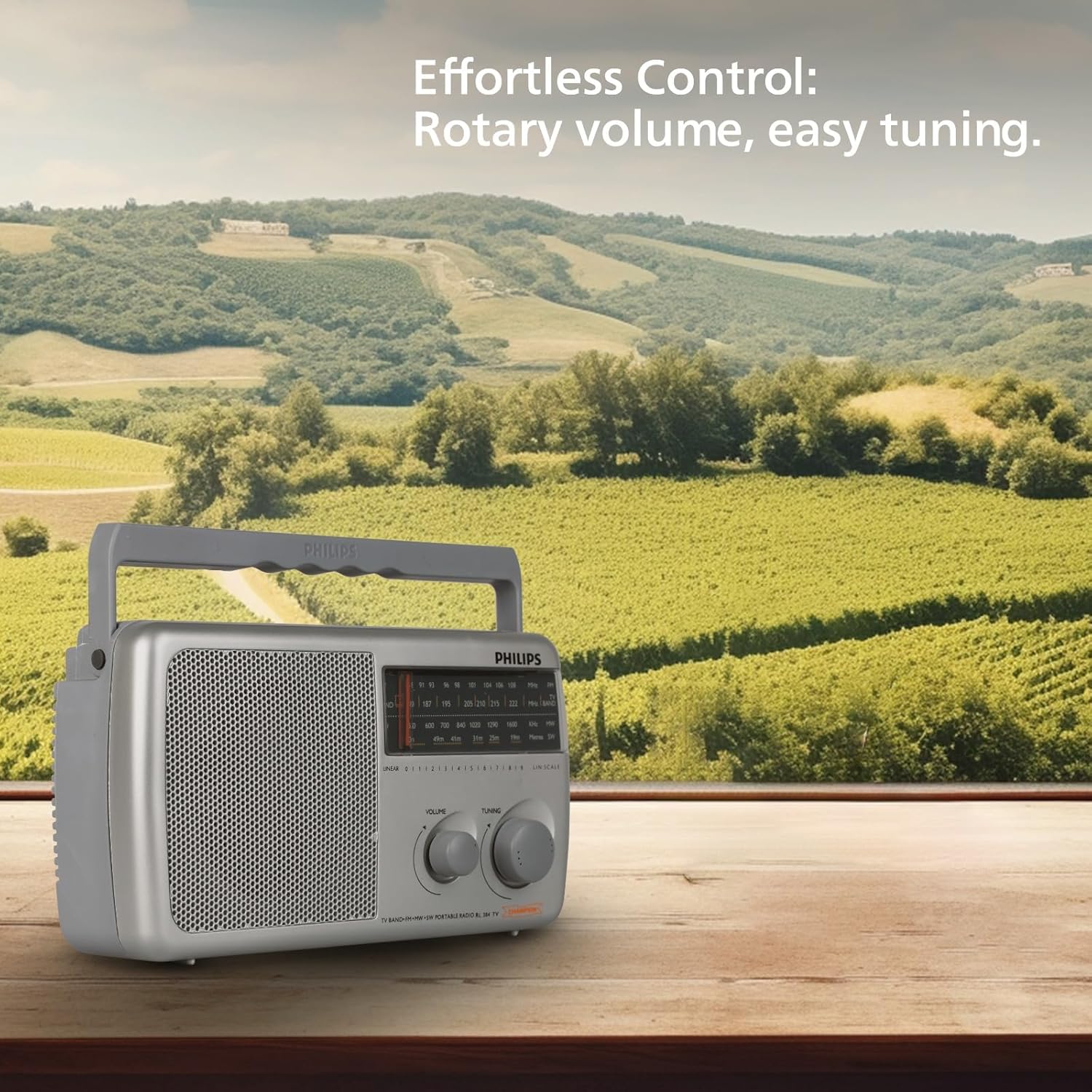
Image: The Philips Portable Radio RL384/94 on a wooden table, highlighting its rotary volume and tuning controls for effortless operation.
Maintenance
Cleaning
- Wipe the radio with a soft, damp cloth. Do not use abrasive cleaners or solvents.
- Ensure no liquid enters the radio's openings.
Battery Care
- Remove batteries if the radio will not be used for an extended period to prevent leakage.
- Replace all batteries at the same time with new ones of the same type.
Troubleshooting
| Problem | Possible Cause | Solution |
|---|---|---|
| No sound or very low sound. | Volume is too low. Batteries are depleted or incorrectly inserted. External DC adapter is not connected or faulty. | Increase the volume. Check and replace batteries if necessary, ensuring correct polarity. Verify external DC adapter connection and functionality. |
| Poor radio reception. | Antenna not extended. Weak signal in the area. Interference from other electronic devices. | Fully extend the telescopic antenna. Reposition the radio to a different location. Move the radio away from other electronic devices. |
| Radio does not turn on. | No power source. Batteries are dead. External DC adapter is not working. | Ensure batteries are inserted or external DC adapter is connected. Replace batteries. Check external DC adapter. |
Specifications
| Feature | Detail |
|---|---|
| Brand | Philips |
| Model Number | RL384/94 |
| Colour | Grey |
| Product Dimensions (L x W x H) | 30.3L x 17.8W x 13.4H Centimeters |
| Item Weight | 870 Grams |
| Tuner Technology | FM |
| Radio Bands Supported | MW, SW, FM (4-Band) |
| Frequency | Up to 108 MHz (FM) |
| Sound Output | 500mW RMS |
| Loudspeaker | 4-inch (104mm) round loudspeaker, 8 Ohms impedance |
| Power Source | Battery Powered (3xR20) or External DC (4.5V) |
| Special Features | Built-In AM Antenna, Lightweight, Portable |
| Country of Origin | India |
Warranty and Support
Warranty Information
This Philips Portable Radio RL384/94 comes with a 6 Months Warranty from the date of purchase. Please retain your purchase receipt as proof of warranty.
Customer Support
For any product-related queries, technical assistance, or warranty claims, please contact the manufacturer:
- Manufacturer: TPV Technology India Pvt. Ltd.
- Contact Information: TPV Technology India Pvt. Ltd. 501 - 508, 5th Floor, Bestech Chambers, B Block, Sushant Lok Phase - 1, Sector- 27, Gurgaon-122002, Haryana, India
Please refer to the official Philips website or your local service center for the most up-to-date support information.


