
1. Introduction
The Club 3D CSV-1586 is a Thunderbolt 3 to DisplayPort Dual Monitor adapter designed to expand your display capabilities. This adapter allows you to connect two DisplayPort monitors to a single Thunderbolt 3 or Thunderbolt 4 port on your host device, supporting resolutions up to 4K at 60Hz for each display. It also supports a single display at up to 8K 60Hz or 4K 120Hz. This manual provides essential information for the proper setup, operation, and maintenance of your adapter.
2. Product Overview
2.1 Key Features
- Dual 4K60Hz Output: Connect two DisplayPort screens simultaneously, each supporting up to 4K (3840x2160) resolution at 60Hz.
- Single 8K60Hz/4K120Hz Output: Supports a single display with up to 8K (7680x4320) resolution at 60Hz or 4K (3840x2160) at 120Hz.
- Plug & Play: No driver installation is required for most operating systems, ensuring easy setup.
- Slim and Portable Design: Compact size (15 mm / 0.59 inches thickness) and durable brushed aluminum casing make it ideal for travel and business use.
- Cross-Platform Compatibility: Compatible with Mac OS Sierra and Windows operating systems.
2.2 Package Contents
- 1 x Club 3D CSV-1586 Thunderbolt 3 to DisplayPort Dual Monitor 4K60Hz Adapter

Image: The Club 3D CSV-1586 adapter, showing its compact design and Thunderbolt 3 connector.
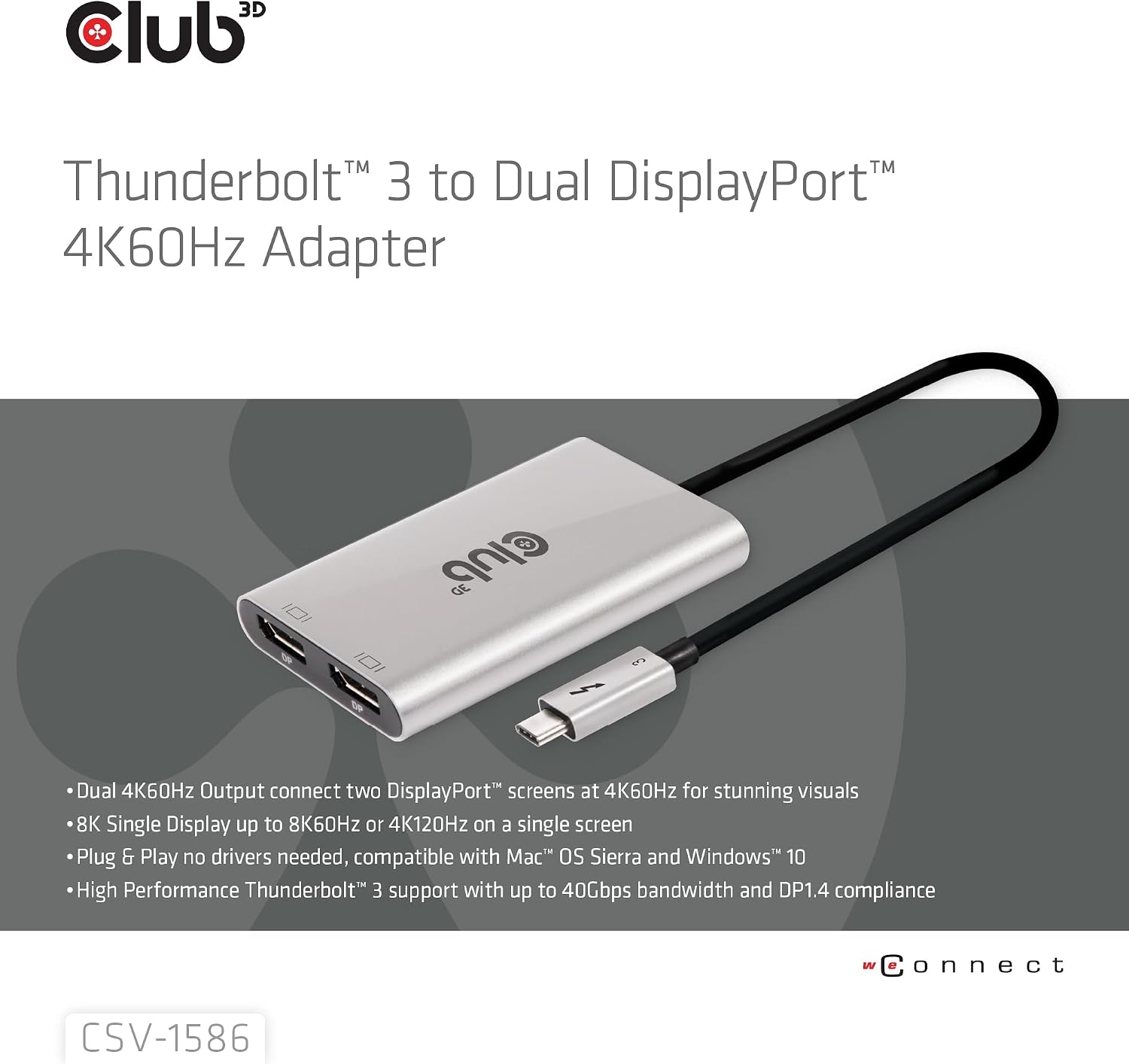
Image: The Club 3D CSV-1586 adapter with a graphic highlighting its dual 4K60Hz output, 8K60Hz/4K120Hz single display support, plug & play functionality, and Thunderbolt 3 performance.
3. Setup Instructions
Follow these steps to set up your Club 3D CSV-1586 adapter:
- Connect the Adapter to your Host Device: Plug the Thunderbolt 3 (USB-C) connector of the CSV-1586 adapter into an available Thunderbolt 3 or Thunderbolt 4 port on your laptop or PC.
- Connect DisplayPort Monitors: Connect your DisplayPort cables from your monitors to the DisplayPort outputs on the CSV-1586 adapter.
- Power On Devices: Ensure your host device and monitors are powered on. The adapter is plug-and-play, so your operating system should automatically detect the connected displays.
- Configure Display Settings: Adjust your display settings within your operating system (e.g., Windows Display Settings or macOS System Preferences) to extend or duplicate your desktop across the connected monitors.

Image: A diagram illustrating the connection of the CSV-1586 adapter to a laptop and two external DisplayPort monitors for an extended desktop setup.
4. Operating Instructions
The Club 3D CSV-1586 adapter operates automatically once connected. Your operating system will manage the display output.
- Extended Desktop Mode: This mode allows you to have separate content on each connected monitor, increasing your workspace.
- Mirrored/Duplicated Mode: This mode displays the same content on all connected monitors.
- Single Display High Resolution: When only one DisplayPort monitor is connected, the adapter can support higher resolutions such as 8K 60Hz or 4K 120Hz, provided your monitor and host device support these resolutions.
To switch between display modes or adjust resolution and refresh rates, access your computer's display settings:
- Windows: Right-click on the desktop and select 'Display settings'.
- macOS: Go to 'System Preferences' > 'Displays'.
5. Maintenance
To ensure the longevity and optimal performance of your Club 3D CSV-1586 adapter, follow these maintenance guidelines:
- Cleaning: Use a soft, dry cloth to clean the adapter. Avoid liquid cleaners or abrasive materials.
- Storage: Store the adapter in a cool, dry place away from direct sunlight and extreme temperatures.
- Handling: Avoid dropping the adapter or subjecting it to strong impacts. Do not bend the cable excessively.
- Connections: Always grasp the connector ends when plugging or unplugging cables. Avoid pulling on the cable itself.
6. Troubleshooting
If you encounter issues with your Club 3D CSV-1586 adapter, refer to the following troubleshooting steps:
- No Display Signal:
- Ensure all cables (Thunderbolt 3/4 and DisplayPort) are securely connected.
- Verify that your host device's USB-C port supports Thunderbolt 3 or Thunderbolt 4. Not all USB-C ports support video output.
- Check your monitor's input source settings to ensure the correct DisplayPort input is selected.
- Try connecting only one monitor to isolate if the issue is with a specific monitor or cable.
- Restart your computer and monitors.
- Incorrect Resolution or Refresh Rate:
- Adjust the display settings in your operating system. Ensure your monitors and graphics card support the desired resolution and refresh rate.
- Ensure you are using high-quality DisplayPort cables that support the required bandwidth for 4K60Hz or higher resolutions.
- Flickering or Unstable Display:
- Check for loose connections.
- Reduce the resolution or refresh rate to see if stability improves.
- Ensure your graphics drivers are up to date.
- Adapter Not Recognized by Computer:
- Ensure the Thunderbolt 3/4 port on your computer is functional. Test with another Thunderbolt device if possible.
- Try connecting the adapter to a different Thunderbolt 3/4 port on your computer, if available.
- Update your computer's Thunderbolt drivers and firmware.
If the problem persists after trying these steps, please contact Club 3D customer support for further assistance.
7. Specifications
| Feature | Description |
|---|---|
| Model Number | CSV-1586 |
| Brand | Club 3D |
| Connector Type (Input) | Thunderbolt 3 (USB-C) |
| Connector Type (Output) | DisplayPort (2 ports) |
| Max Resolution (Dual Display) | 2x 4K (3840x2160) @ 60Hz |
| Max Resolution (Single Display) | 8K (7680x4320) @ 60Hz or 4K (3840x2160) @ 120Hz |
| Compatible Devices | Monitors, Laptops/PCs with Thunderbolt 3/4 |
| Operating System Compatibility | Mac OS Sierra, Windows |
| Color | Silver |
| Finish | Brushed Aluminum |
| Power Plug Type | No Plug (Bus-powered) |
| Dimensions (Approx.) | 10.8 cm (L) x 6 cm (W) x 1.5 cm (H) / 4.25" (L) x 2.36" (W) x 0.59" (H) |
| GTIN | 08719214473082 |

Image: Technical drawing showing the approximate dimensions of the Club 3D CSV-1586 adapter.
8. Warranty and Support
Club 3D products are designed for reliability and performance. For information regarding warranty coverage, please refer to the warranty card included with your product or visit the official Club 3D website. If you require technical assistance or have questions about your CSV-1586 adapter, please contact Club 3D customer support through their official channels.