
Introduction
Thank you for choosing the Amazon Basics 10000mAh 22.5W Fast Charging Power Bank. This manual provides essential information for the safe and efficient operation of your device. Please read it thoroughly before use and retain it for future reference.

Image: Front view of the Amazon Basics 10000mAh 22.5W Fast Charging Power Bank, showcasing its sleek black metal body.
Safety Information
To ensure safe operation and prevent damage, observe the following precautions:
- Do not expose the power bank to extreme temperatures, direct sunlight, or fire.
- Avoid dropping, disassembling, or attempting to repair the device yourself.
- Keep the power bank away from water and other liquids.
- Use only compatible charging cables and adapters.
- This power bank is equipped with BIS Certified safety features including overcharge, overcurrent, and overheat protection. However, always monitor charging processes.
- Not compatible with laptops.
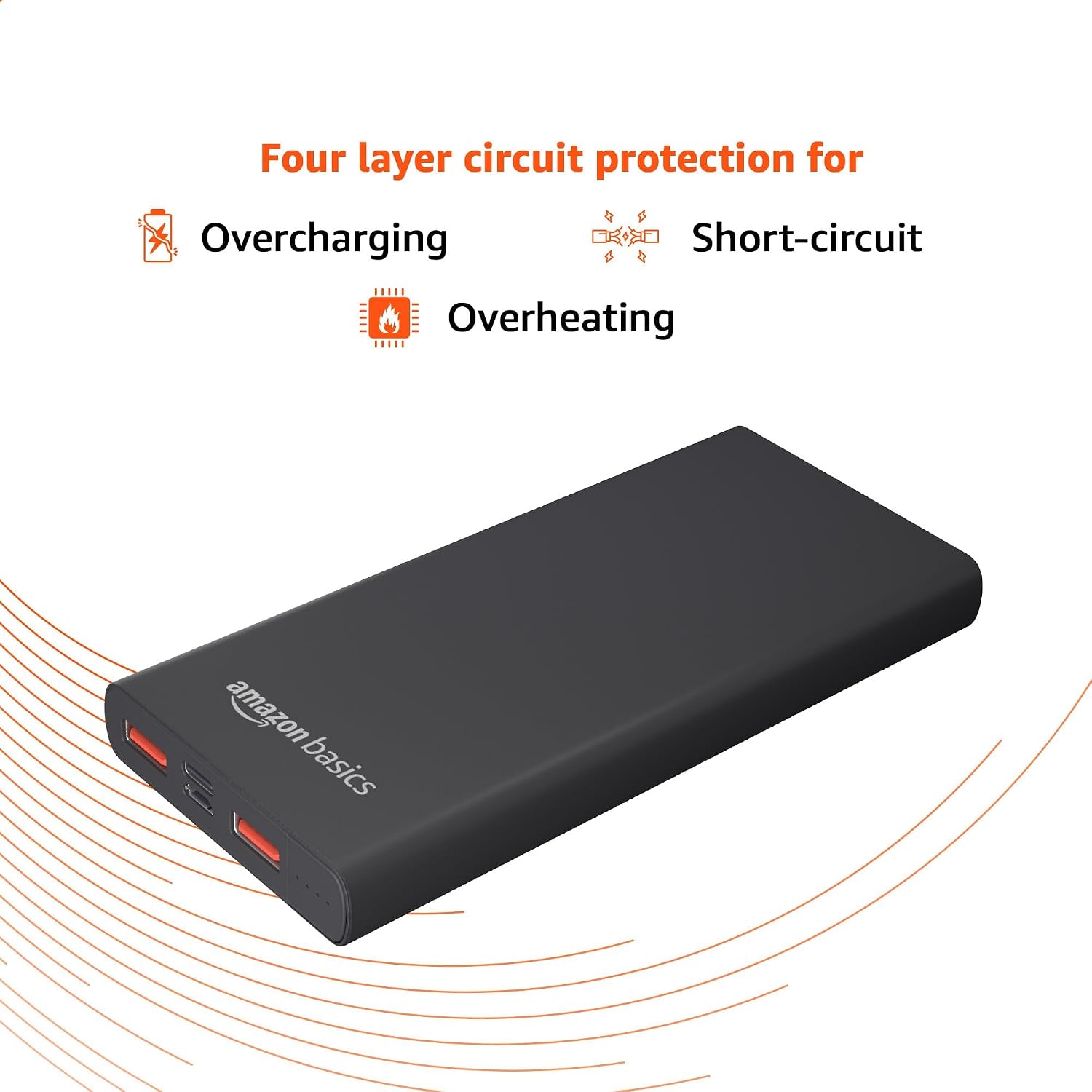
Image: Diagram illustrating the four-layer circuit protection against overcharging, short-circuiting, and overheating, ensuring device safety.
Package Contents
Verify that all items are present in the package:
- Amazon Basics 10000mAh 22.5W Fast Charging Power Bank
- Charging Cable
Product Overview
Familiarize yourself with the power bank's features and ports:
- Capacity: 10000mAh Lithium Polymer battery.
- Output: Maximum 22.5W fast charging.
- Dual Input Ports: Micro USB and Type-C for recharging the power bank.
- Triple Output Ports: Two USB-A ports and one Type-C port for charging devices.
- LED Indicator Lights: Display remaining battery level.

Image: Close-up view of the power bank's end, highlighting the Micro USB and Type-C dual input ports, and the two USB-A plus one Type-C triple output ports.

Image: The power bank displaying its LED indicator lights, which provide a real-time battery percentage for accurate charge monitoring.
Setup
Charging the Power Bank
- Connect the provided charging cable to either the Micro USB or Type-C input port on the power bank.
- Connect the other end of the cable to a compatible USB wall charger (not included). A standard 18W charger is recommended for optimal charging speed.
- The LED indicator lights will illuminate to show the charging status. The power bank will be fully charged in approximately 4.3 hours with an 18W charger.
- Once fully charged, disconnect the power bank from the charger.
Operating Instructions
Charging Your Devices
- Identify the appropriate charging cable for your device.
- Connect one end of your device's charging cable to one of the power bank's output ports (USB-A or Type-C).
- Connect the other end of the cable to your device.
- The power bank will automatically begin charging your device. The LED indicators will show the power bank's remaining charge.
- You can charge up to three devices simultaneously using the available output ports.

Image: The power bank connected to and charging multiple devices, such as a smartphone and a tablet, demonstrating its triple output port capability.
Maintenance
- Clean the power bank with a soft, dry cloth. Do not use abrasive cleaners or solvents.
- Store the power bank in a cool, dry place away from direct sunlight and extreme temperatures.
- If not used for extended periods, charge the power bank at least once every three months to maintain battery health.
Troubleshooting
- Power bank is not charging:
- Ensure the charging cable is securely connected to both the power bank's input port and the wall charger. Verify the wall charger is functioning correctly and providing sufficient power (e.g., 18W). Try a different cable or charger.
- Device is not charging from the power bank:
- Check if the power bank has sufficient charge. Ensure the cable connecting your device to the power bank is securely connected and not damaged. Try a different output port or cable. Confirm your device is compatible with the power bank's output specifications.
- Slow charging:
- Ensure you are using a fast-charging compatible cable and that your device supports fast charging. The power bank's output may be shared if multiple devices are connected, potentially reducing individual charging speeds.
- LED indicators are not working:
- The power bank might be completely discharged or fully charged. Try charging the power bank to see if the indicators respond. If the issue persists, contact customer support.
Specifications
| Feature | Detail |
|---|---|
| Model Number | AG-DM-PB-10-22 |
| Battery Type | Lithium Polymer |
| Battery Capacity | 10000 mAh |
| Max Output Power | 22.5W |
| Input Ports | Micro USB, USB Type-C |
| Output Ports | 2 x USB Type-A, 1 x USB Type-C |
| USB-A Output (Port 1) | 12V/1.5A, 9V/2.0A, 5V/4.5A (Total 22.5W shared) |
| USB-A Output (Port 2) | 12V/1.8A, 9V/2.2A, 5V/4.5A |
| USB Type-C Output (PD) | 5V/2.5A, 9V/2A, 12V/1.5A, 12.2V/2.09A |
| Charging Time (Power Bank) | Approx. 4.3 hours (with 18W charger) |
| Special Features | Fast Charging, LED Indicator Lights, BIS Certified Safety (Overcharge, Overcurrent, Overheat Protection) |
| Dimensions | 21.1 x 9.3 x 2.3 cm |
| Weight | 250 g |
Warranty and Support
This Amazon Basics Power Bank comes with a 1-Year Warranty from the date of purchase. Please retain your proof of purchase for warranty claims.
For technical support, troubleshooting assistance, or warranty inquiries, please visit the Amazon Basics support page or contact Amazon customer service.
Manufacturer: Datamini Technologies (India) limited


