
1. Introduction
Thank you for choosing the RIZIZI A12 Wireless Bluetooth Headphones. This manual provides detailed instructions for the proper use, setup, and maintenance of your new earbuds. Please read this manual carefully before use to ensure optimal performance and longevity of your device. Keep this manual for future reference.
2. Package Contents
Please check the package for the following items:
- RIZIZI A12 Wireless Bluetooth Earbuds (Left and Right)
- Charging Case with LED Digital Display
- USB-C Charging Cable
- Multiple Sizes of Eartips (S/M/L)
- User Manual
3. Product Overview
The RIZIZI A12 earbuds are designed for comfort and secure fit, featuring over-ear earhooks and soft eartips. The included charging case provides extended battery life and features an LED display for convenient battery monitoring.

The RIZIZI A12 wireless Bluetooth earbuds are shown with their charging case, highlighting their compact design.
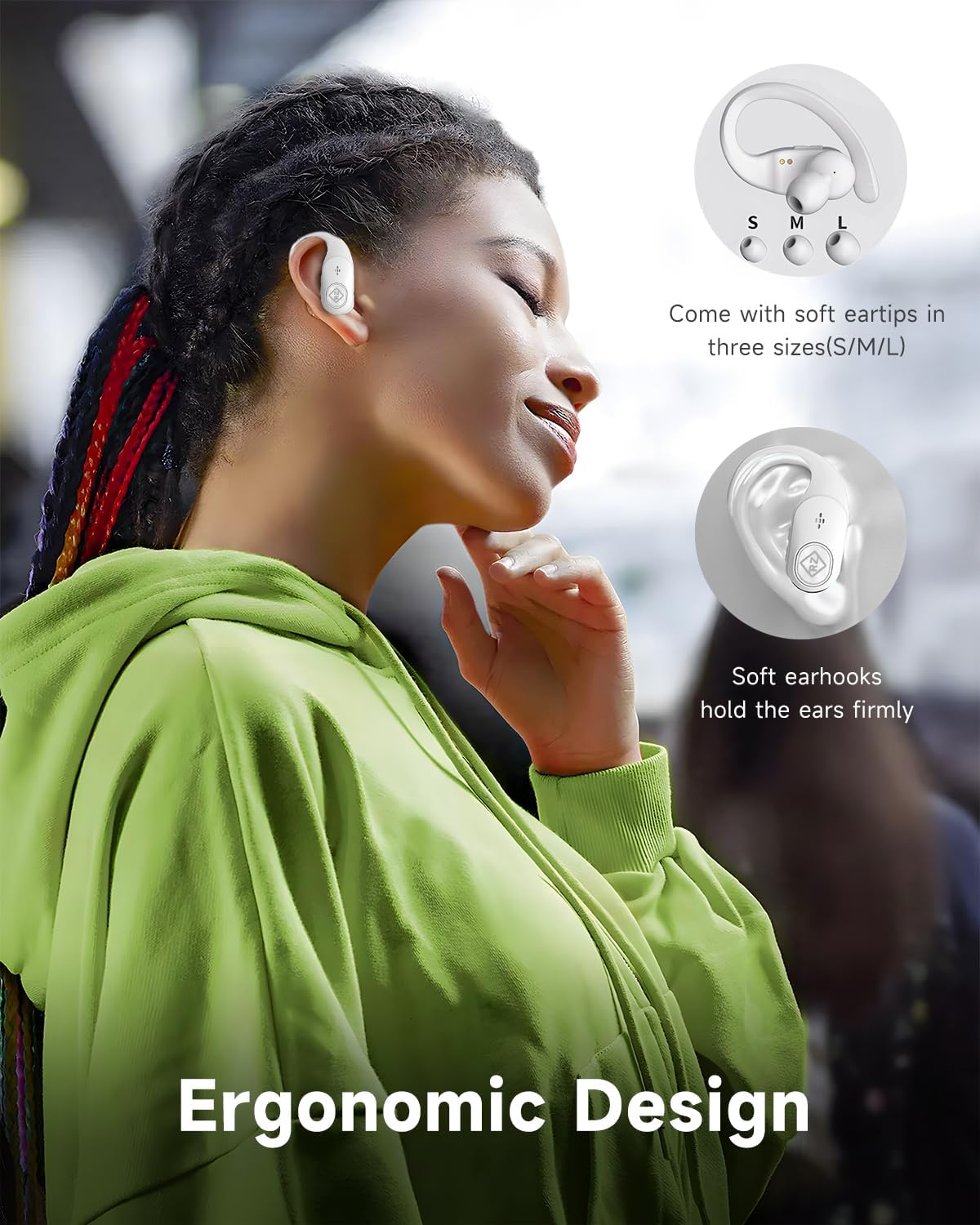
This image highlights the ergonomic design of the RIZIZI A12 earbuds, featuring soft earhooks for a secure fit and illustrating the availability of soft eartips in small, medium, and large sizes.
4. Setup
4.1 Charging the Earbuds and Case
Before first use, fully charge the earbuds and the charging case.
- USB-C Charging: Connect the provided USB-C cable to the charging case and a power source.
- Wireless Charging: Place the charging case on a compatible wireless charging pad (not included).
The LED digital display on the charging case will show the battery percentage of the case and the individual charge levels of the left (L) and right (R) earbuds.
This image illustrates the LED digital display on the charging case, which indicates the battery percentage of the case and the individual charge levels of the left and right earbuds.
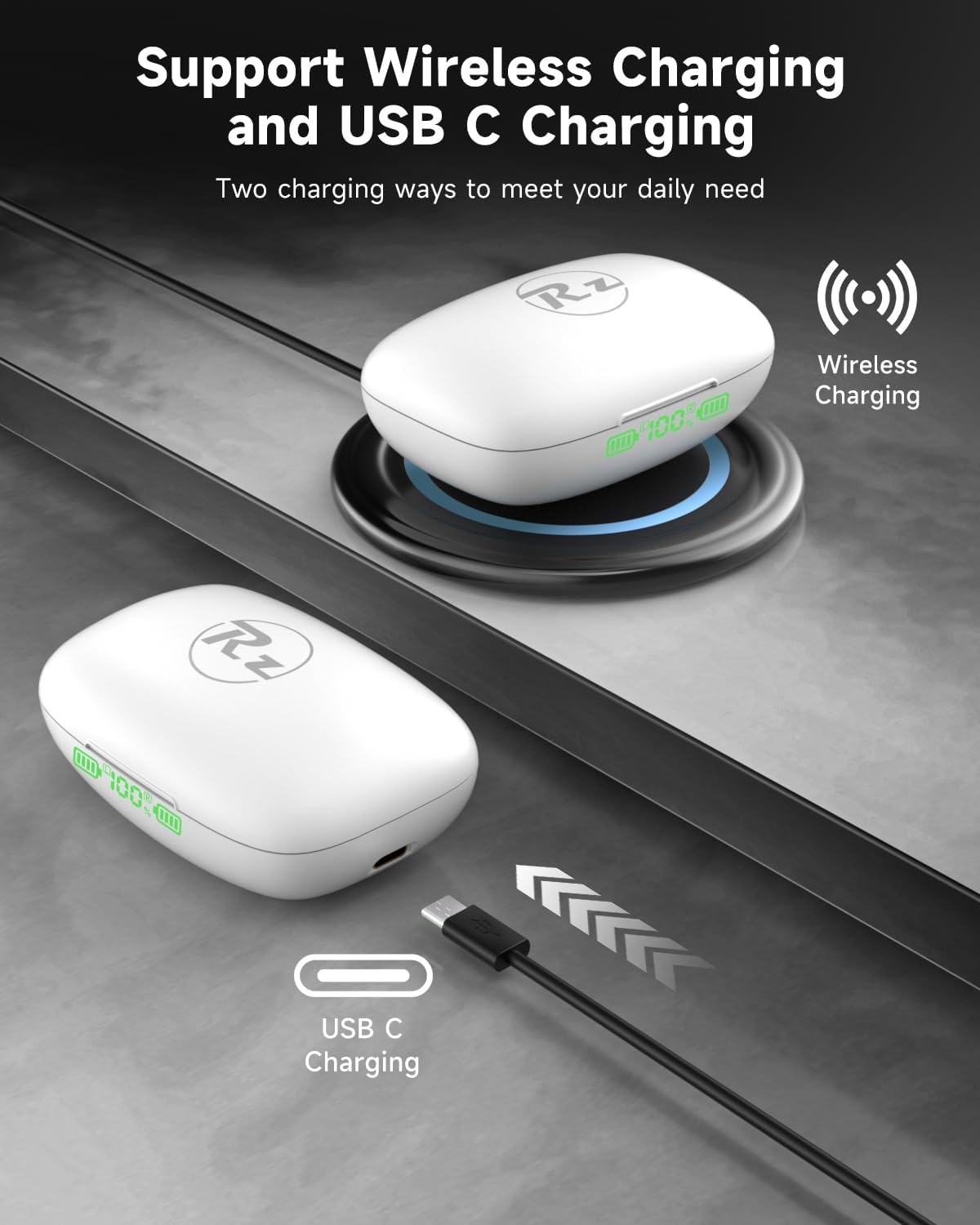
The image demonstrates the dual charging capabilities of the RIZIZI A12 charging case, showing it being charged wirelessly on a pad and via a USB-C cable.
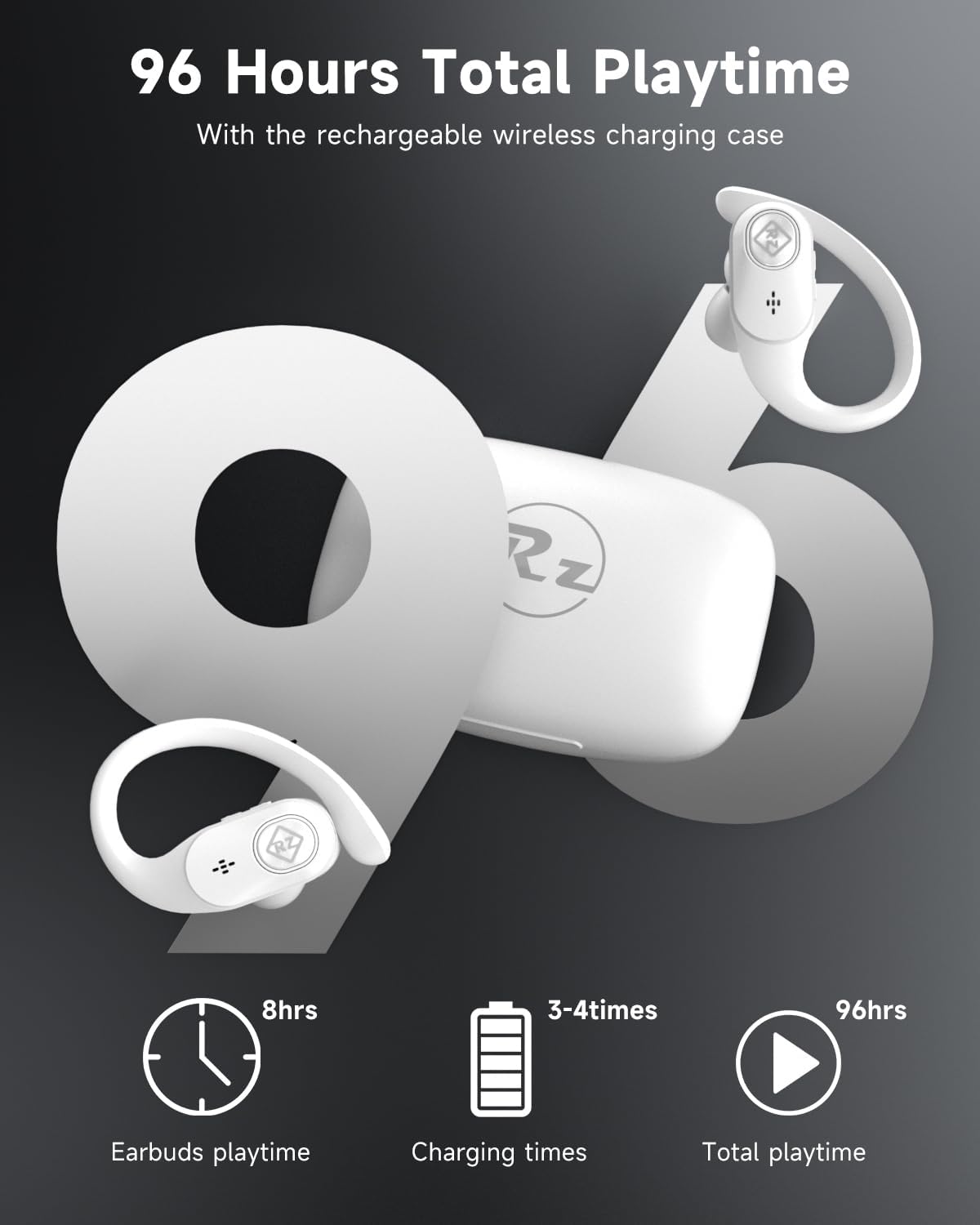
A full charge provides approximately 8 hours of playtime for the earbuds, and the charging case can recharge the earbuds up to 4 times, offering a total of about 40 hours of playtime.
4.2 Pairing with Your Device
Follow these steps to pair your RIZIZI A12 earbuds with your Bluetooth-enabled device:
- Open the charging case and remove both earbuds. They will automatically enter pairing mode.
- On your smartphone, tablet, or laptop, go to the Bluetooth settings.
- Search for available devices and select "A12" from the list.
- Once connected, the earbuds will automatically connect to the last paired device when removed from the case.
The image depicts the simple one-step pairing process for the RIZIZI A12 earbuds, showing them connecting to a smartphone via Bluetooth settings.
5. Operating Instructions
5.1 Basic Controls
The RIZIZI A12 earbuds feature physical buttons for control, designed to prevent accidental touches during activities.
- Play/Pause: Press the button on either earbud once.
- Next Track: Double-press the button on the right earbud.
- Previous Track: Double-press the button on the left earbud.
- Volume Up: Triple-press the button on the right earbud.
- Volume Down: Triple-press the button on the left earbud.
5.2 Phone Calls
The earbuds are equipped with a noise-reduction microphone for clear calls.
- Answer/End Call: Press the button on either earbud once.
- Reject Call: Press and hold the button on either earbud for 2 seconds.
5.3 Voice Assistant
To activate your device's voice assistant (e.g., Siri, Google Assistant), press and hold the button on either earbud for 3 seconds.
6. Maintenance
To ensure the longevity and optimal performance of your RIZIZI A12 earbuds, follow these maintenance guidelines:
- Cleaning: Regularly clean the earbuds and charging case with a soft, dry, lint-free cloth. Do not use harsh chemicals or abrasive materials.
- Eartips: Remove and clean the eartips periodically with a damp cloth. Ensure they are completely dry before reattaching.
- Water Resistance: The earbuds are IPX5 sweatproof, making them suitable for exercise. However, they are not designed for swimming or submersion in water. Avoid exposing them to excessive moisture.
- Storage: When not in use, store the earbuds in their charging case to protect them from dust and damage. Store in a cool, dry place.
7. Troubleshooting
If you encounter issues with your RIZIZI A12 earbuds, refer to the following common solutions:
- Earbuds not pairing: Ensure both earbuds are fully charged. Turn off and on your device's Bluetooth, then try pairing again. If issues persist, try resetting the earbuds (refer to manufacturer's website for specific reset instructions if not in manual).
- Only one earbud working: Place both earbuds back into the charging case, close the lid, wait a few seconds, then remove them. This often re-syncs them.
- No sound: Check the volume level on both your device and the earbuds. Ensure the earbuds are properly connected to your device.
- Charging issues: Ensure the charging cable is securely connected and the power source is active. For wireless charging, ensure the case is correctly positioned on the charging pad. Clean charging contacts if necessary.
- Poor sound quality: Ensure the earbuds are securely fitted in your ears. Try different eartip sizes for a better seal. Move closer to your connected device to avoid interference.
If these steps do not resolve the issue, please contact customer support.
8. Specifications
| Brand | RIZIZI |
| Model Number | A12 |
| Connectivity Technology | Wireless (Bluetooth 5.0) |
| Ear Placement | In Ear |
| Form Factor | Over Ear (with earhooks) |
| Water Resistance | IPX5 Sweatproof |
| Earbud Playtime | Up to 8 hours on a single charge |
| Total Playtime (with case) | Up to 40 hours |
| Charging Type | USB-C, Wireless Charging |
| Microphone | Built-in Noise Reduction Mic |
| Material | Plastic |
| Compatible Devices | Cellphones, Tablets, Laptops |
9. Warranty and Support
For warranty information and customer support, please refer to the documentation included with your purchase or visit the official RIZIZI website. If you have any questions or require assistance, do not hesitate to contact our customer service team.
