
1. Introduction
The coioc S25 Wireless Earbuds offer an enhanced audio experience with advanced features. These earbuds utilize Bluetooth 5.3 technology for stable and low-latency connections, ensuring a seamless listening experience. They are equipped with 14.5mm high-efficiency speakers for powerful sound and ENC noise-cancelling technology to minimize external ambient noise during calls. Designed for comfort and durability, the S25 earbuds are IPX7 waterproof and provide up to 50 hours of total playtime with their charging case, along with intuitive touch controls for easy operation.
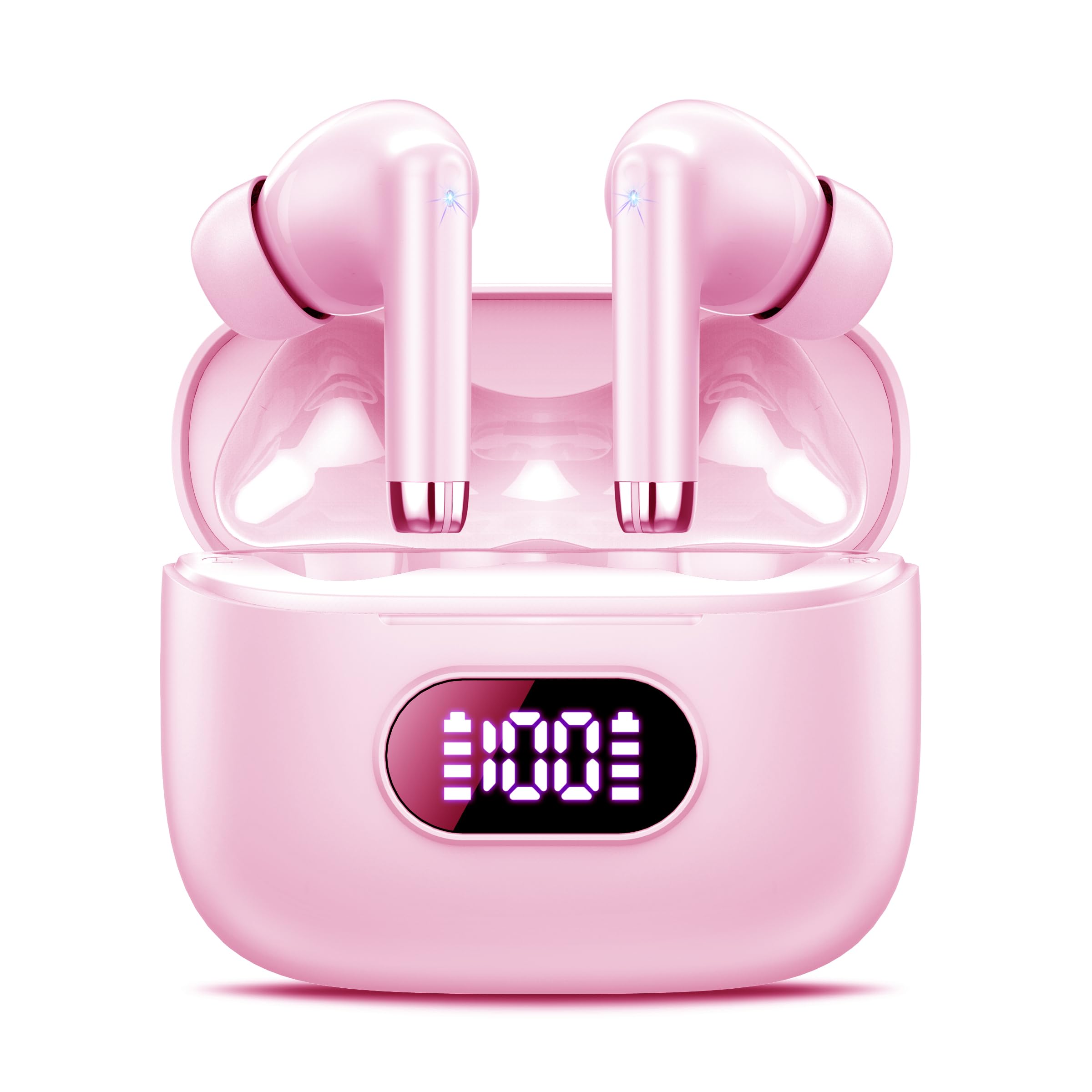
Image: coioc S25 Wireless Earbuds and their charging case.
2. What's in the Box
Upon opening your coioc S25 Wireless Earbuds package, you will find the following components:
- Wireless Earbuds (Left and Right)
- Charging Case
- Eartips (various sizes for optimal fit)
- Type-C Charging Cable
- User Manual
3. Setup
3.1 Charging the Earbuds and Case
Before first use, fully charge the earbuds and charging case. The charging case features a smart LED digital display that indicates the battery consumption of both the earbuds and the case, allowing you to monitor charge levels. Use the provided USB-C cable to connect the charging case to a power source. A full charge for the case and earbuds typically takes approximately 1.5 hours.

Image: coioc S25 Wireless Earbuds in their charging case, displaying battery levels on the LED screen.
3.2 Pairing with Your Device
The coioc S25 earbuds offer one-step auto pairing for convenience:
- Ensure your device's Bluetooth is turned on.
- Open the lid of the charging case. The earbuds will automatically enter pairing mode or connect to the last paired device.
- For first-time pairing, search for 'coioc S25' in your device's Bluetooth settings and select it to connect.
Video: Official product video showcasing the features of the coioc S25 Wireless Earbuds, including Bluetooth 5.3, 50-hour playtime, one-step auto pairing, 14.5mm big driver for enhanced bass, smart touch controls, and IPX7 waterproof rating.
4. Operating the Earbuds
4.1 Comfortable Fit
Each coioc S25 earbud weighs only 4.2g, making them lightweight and comfortable for extended wear. Their ergonomic design ensures a secure fit that stays in place during various activities.

Image: Diagram illustrating the ergonomic design of coioc S25 earbuds for a secure and comfortable fit.
4.2 Touch Controls
The coioc S25 earbuds feature sensitive touch controls, allowing you to manage your audio and calls without needing to access your phone. Specific touch gestures enable functions such as:
- Play/Pause: Single tap on either earbud.
- Next Track: Double tap on the right earbud.
- Previous Track: Double tap on the left earbud.
- Answer/End Call: Single tap on either earbud.
- Reject Call: Press and hold either earbud.
- Activate Voice Assistant (Siri, Google Assistant): Triple tap on either earbud.
5. Maintenance
5.1 Water Resistance
The coioc S25 earbuds boast an IPX7 waterproof rating, providing protection against sweat, splashes, and rain. This makes them ideal for workouts and outdoor activities. However, they are not designed for submersion in water or prolonged exposure to heavy rain.
5.2 Cleaning and Storage
To ensure the longevity and optimal performance of your earbuds:
- Regularly clean the earbuds and charging case with a soft, dry, lint-free cloth.
- Avoid using abrasive materials or harsh chemicals.
- Store the earbuds in their charging case when not in use to protect them from dust and damage.
- Keep the charging contacts on both the earbuds and the case clean and dry.
6. Troubleshooting
If you encounter any issues with your coioc S25 Wireless Earbuds, consider the following common troubleshooting steps:
- No Sound/Connection Issues: Ensure both earbuds are charged and within Bluetooth range of your device. Turn off and on your device's Bluetooth, then try re-pairing.
- Earbuds Not Charging: Check that the charging cable is securely connected and the power source is active. Ensure the charging contacts on the earbuds and case are clean and free of debris.
- Unresponsive Touch Controls: Ensure your fingers are clean and dry. A quick reset by placing the earbuds back in the case and closing the lid, then reopening, can often resolve minor glitches.
For more detailed troubleshooting or persistent issues, please refer to the comprehensive user manual included in the packaging or contact customer support.
7. Specifications
| Feature | Specification |
|---|---|
| Model Name | S25 |
| Bluetooth Version | 5.3 |
| Playtime (Earbuds) | Up to 8 hours (single charge) |
| Total Playtime (with Charging Case) | Up to 50 hours |
| Charging Time | Approx. 1.5 hours |
| Driver Size | 14.5mm |
| Noise Control | ENC Noise Cancelling (up to 40dB external ambient noise elimination) |
| Water Resistance Rating | IPX7 |
| Earbud Weight | 4.2g (each) |
| Control Type | Touch Control |
| Compatible Devices | Cellphones, Tablets, Computers, TVs |
| Product Dimensions | 1.89 x 0.91 x 1.89 inches |
| Item Weight | 3.34 ounces |
| Manufacturer | coioc |
8. Warranty and Support
For detailed warranty information, product registration, or customer support inquiries, please refer to the contact information provided in your product packaging or visit the official coioc website. Keep your proof of purchase for warranty claims.
