
Introduction
This manual provides instructions for the ORICO 2TB External SSD R3700. Please read this manual carefully before using the product to ensure proper operation and to maximize its performance and lifespan.
Setup
Package Contents
- ORICO 2TB External SSD R3700
- USB-C to USB-C cable
- User Manual (this document)
Connecting the SSD
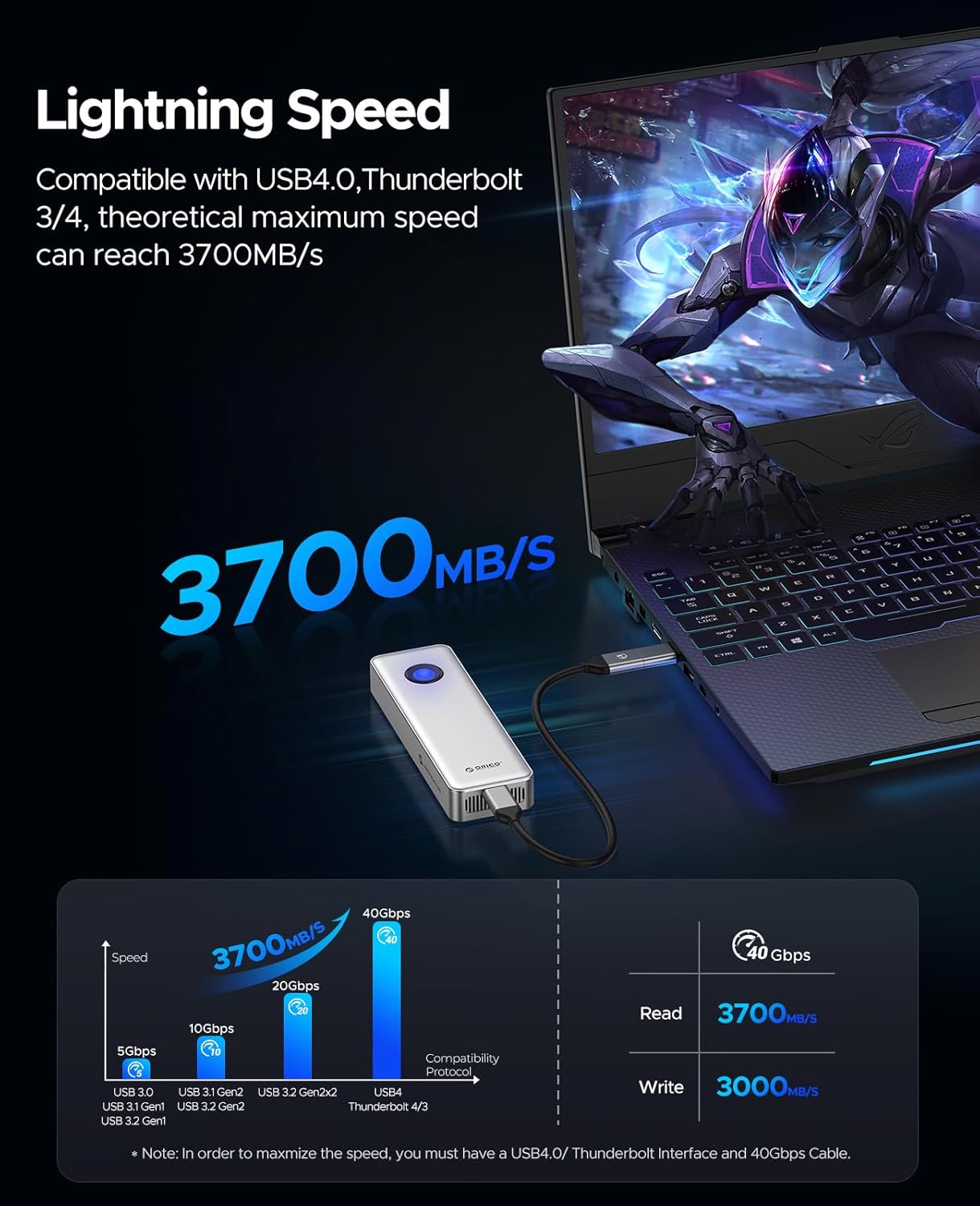
The ORICO R3700 External SSD is designed for plug-and-play operation with a wide range of devices. It is compatible with Thunderbolt 3, Thunderbolt 4, and USB4.0 interfaces.
- Connect one end of the provided USB-C cable to the ORICO R3700 External SSD.
- Connect the other end of the USB-C cable to a compatible port on your computer or device (Thunderbolt 3/4 or USB4.0 recommended for optimal performance).
- The SSD will be automatically detected by your operating system.

Operating the SSD
Data Transfer
To transfer files, drag and drop them to and from the ORICO R3700 SSD as you would with any other external drive. For maximum transfer speeds of up to 3700MB/s, ensure your device supports Thunderbolt 3/4 or USB4.0 and you are using a compatible 40Gbps cable.
Using for Gaming and Multimedia
The high read/write speeds of the ORICO R3700 make it suitable for running demanding applications, including AAA games and video editing software, directly from the drive. This can significantly reduce load times and improve overall performance.

Capacity Expansion
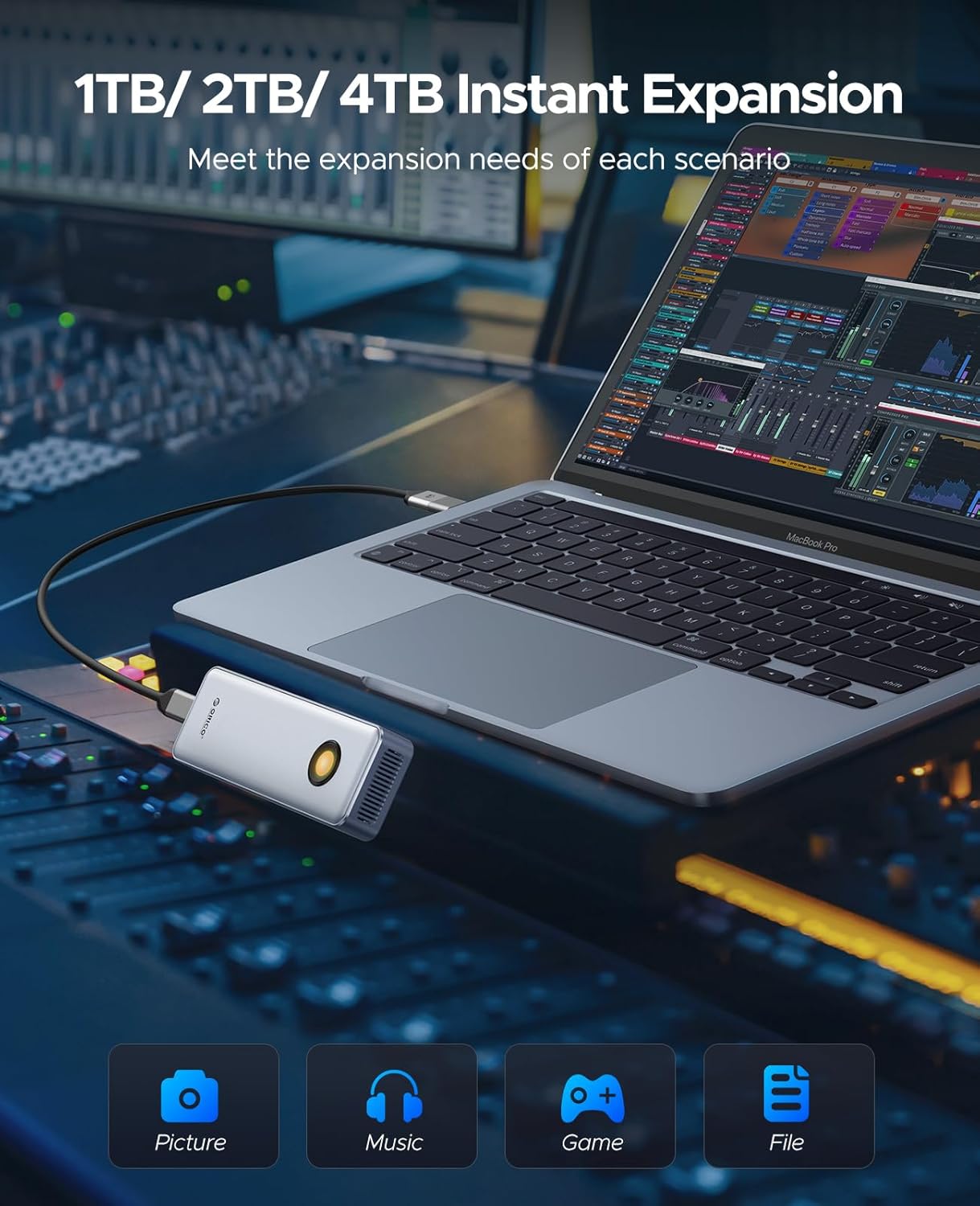
The 2TB capacity provides ample space for storing large files, including pictures, music, games, and documents, meeting various expansion needs.
Maintenance
Optimal Performance and Cooling
The ORICO R3700 features a built-in cooling fan and an aluminum alloy housing to dissipate heat and ensure efficient operation. To maintain optimal performance, especially during extended high-load use, ensure the SSD's ventilation ports are not obstructed.

Safe Removal
Always safely eject the SSD from your operating system before disconnecting the cable to prevent data corruption or loss.
Troubleshooting
SSD Not Detected
- Ensure the USB-C cable is securely connected to both the SSD and your device.
- Try a different USB-C port on your device.
- Test with a different compatible USB-C to USB-C cable (40Gbps recommended).
- Verify your device's operating system is up to date.
Slow Transfer Speeds
- Confirm your device's port supports Thunderbolt 3/4 or USB4.0. Older USB standards will result in lower speeds.
- Ensure you are using a 40Gbps compatible cable.
- Close other applications that might be using system resources or the drive.
- Check if the SSD is overheating. Ensure proper ventilation.
Data Corruption
Always safely eject the SSD before disconnecting. If data corruption occurs, consider reformatting the drive (this will erase all data).
Specifications
| Feature | Detail |
|---|---|
| Digital Storage Capacity | 2 TB |
| Connectivity Technology | Thunderbolt |
| Brand | ORICO |
| Special Feature | Portable |
| Hard Disk Description | Solid State Drive |
| Specific Uses for Product | Gaming, Multimedia, Personal |
| Read Speed | 3700 Megabytes Per Second |
| Cache Size | 40 GB |
| Data Transfer Rate | 3700 Megabytes Per Second |
| Model Number | R3700-2TB |
Warranty and Support
Warranty Information
ORICO products typically come with a standard manufacturer's warranty. Please refer to the warranty card included with your product or visit the official ORICO website for detailed warranty terms and conditions.
Customer Support
For technical assistance, troubleshooting, or product inquiries, please contact ORICO customer support through their official website or the contact information provided in your product packaging.


