
1. Introduction
Thank you for choosing the Langsdom Theta Pro TG12B Wireless Earbuds. This manual provides essential information for setting up, operating, and maintaining your earbuds. Please read it carefully to ensure optimal performance and longevity of your device.
2. Package Contents
Ensure all items are present in your package:
- Langsdom Theta Pro TG12B Wireless Earbuds
- Charging Case
- Charging Cable
- User Manual
3. Product Overview
The Langsdom Theta Pro TG12B earbuds are designed for an immersive audio experience, featuring advanced Bluetooth connectivity, environmental noise cancellation, and a comfortable, lightweight design.
Key Features:
- Bluetooth 5.3: Provides stable, low-latency wireless connection.
- 10mm Composite Diaphragm Drivers: Delivers clear audio with deep bass.
- Environmental Noise Cancellation (ENC): Reduces ambient noise for clearer calls and audio.
- Dual Audio Modes: Optimized settings for gaming and music.
- Ultra-Low Latency (45ms): Ensures synchronized audio and video, ideal for gaming.
- Lightweight Design: Each earbud weighs approximately 3.6 grams for comfortable wear.
- Long Battery Life: Up to 10 hours of playback on a single charge, with additional charges from the case.

Image: Illustration of Bluetooth 5.3 technology, highlighting its low power consumption, fast data transmission, wide coverage, and stable signal.

Image: Diagram showing the internal structure of a 10mm composite diaphragm driver, designed to deliver crisp sounds with deep bass, solid mid-ranges, and clear highs.
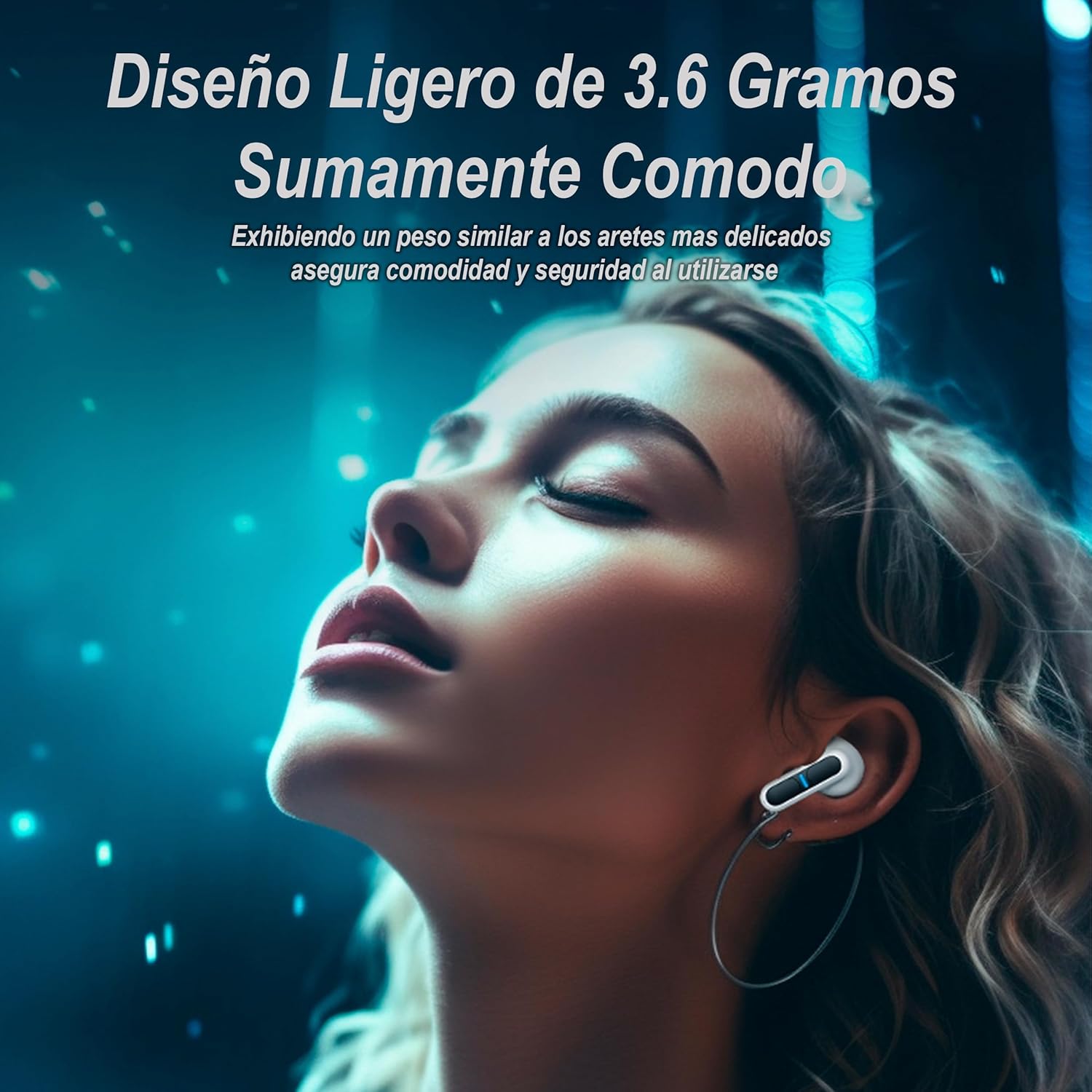
Image: A person wearing the earbuds, illustrating their lightweight and comfortable fit, similar to delicate earrings, ensuring security during use.
4. Setup
4.1 Charging the Earbuds and Case
Before first use, fully charge the earbuds and charging case. The case has a 400mAh battery, capable of recharging each earbud more than four times.
- Place the earbuds into the charging case.
- Connect the charging cable to the case's charging port and a USB power source.
- The indicator lights on the case and earbuds will show charging status. They will turn off or change color when fully charged.
A full charge provides approximately 10 hours of continuous playback for the earbuds, with the case extending total usage time significantly.
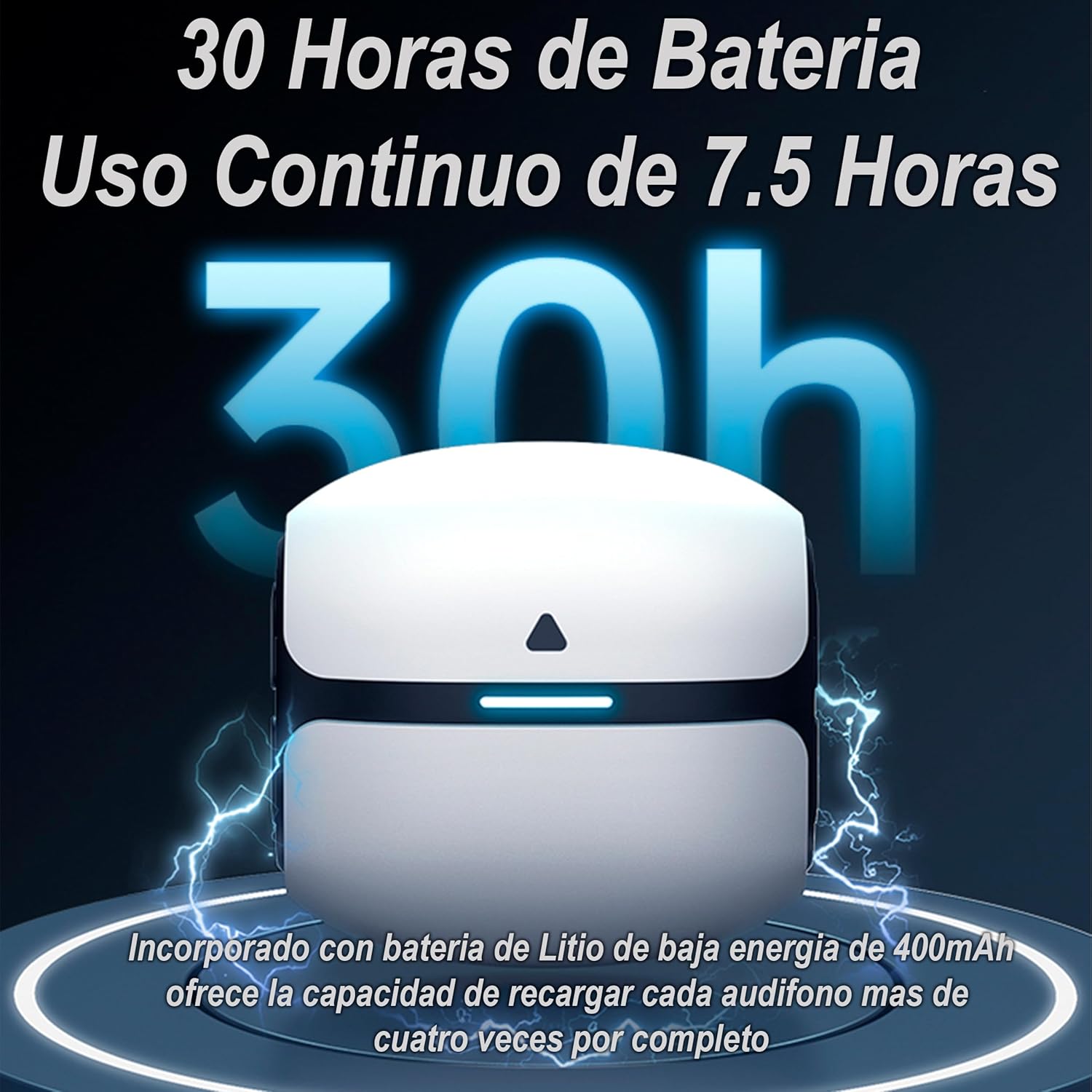
Image: Illustration of the charging case and earbuds, indicating a total battery life of 30 hours with the case, and 7.5 hours of continuous use per earbud charge. The 400mAh low-energy lithium battery in the case can fully recharge each earbud over four times.
4.2 Bluetooth Pairing
Follow these steps to pair your earbuds with a Bluetooth-enabled device:
- Open the charging case. The earbuds will automatically enter pairing mode.
- On your device (smartphone, tablet, laptop), enable Bluetooth.
- Search for available Bluetooth devices and select "Langsdom Theta Pro TG12B" from the list.
- Once connected, a voice prompt will confirm successful pairing.
5. Operating the Earbuds
5.1 Touch Controls
The earbuds feature touch-sensitive controls for managing playback, calls, and modes. Refer to the quick start guide included in the package for specific touch gestures.
5.2 Audio Modes
The Theta Pro TG12B earbuds offer specialized audio modes:
- Gaming Mode: Enhances stereo ambient sound for an immersive gaming experience.
- Music Mode: Maintains frequency balance and delivers clean audio for music listening.
Switch between modes using the touch controls as indicated in the quick start guide.

Image: Visual representation of the dual immersive audio experience, complemented by the LSD2.0 chip. It shows icons for 'Gaming Mode' (enhanced stereo ambient sound) and 'Music Mode' (maintains frequency balance and clean sound).
5.3 Environmental Noise Cancellation (ENC)
The ENC feature actively blocks environmental noise, providing clear sound for calls and an undisturbed listening experience, similar to a face-to-face conversation.

Image: Close-up of an earbud, illustrating the Environmental Noise Cancellation (ENC) technology that blocks noise and provides clean sound.
5.4 Ultra-Low Latency
Equipped with the new LSD2.0 chip, the earbuds achieve an ultra-low latency of 45ms. This ensures superior synchronization between audio and video, making them ideal for gaming and media consumption where timing is critical.

Image: Graphic illustrating the 45ms ultra-low latency feature, enabled by the new LSD2.0 chip, which reduces data transmission time for superior audio-visual synchronization.
6. Maintenance
6.1 Cleaning
Regular cleaning helps maintain sound quality and hygiene:
- Use a soft, dry, lint-free cloth to wipe the earbuds and charging case.
- Gently remove any earwax or debris from the earbud tips and speaker mesh using a small brush or cotton swab.
- Do not use abrasive cleaners or immerse the earbuds or case in water.
6.2 Storage
When not in use, store the earbuds in their charging case to protect them from dust and damage.
6.3 Water Resistance
The earbuds are water-resistant, making them suitable for sports and active lifestyles. However, they are not waterproof. Avoid submerging them in water or exposing them to heavy rain for extended periods.
7. Troubleshooting
If you encounter issues with your earbuds, try the following solutions:
- No Sound: Ensure earbuds are charged, properly paired, and volume is up on both earbuds and device.
- Pairing Issues: Turn off Bluetooth on your device, then turn it back on. Forget the device in your Bluetooth settings and try pairing again. Ensure earbuds are in pairing mode.
- Charging Problems: Check the charging cable and power source. Ensure earbuds are correctly seated in the charging case.
- Unresponsive Touch Controls: Ensure your fingers are clean and dry. Try restarting the earbuds by placing them in the case and closing it, then reopening.
If problems persist, refer to the official Langsdom support resources.
8. Specifications
| Model Name | Theta PRO |
| Connectivity Technology | Wireless |
| Wireless Communication Technology | Bluetooth |
| Material | Silicone, Plastic |
| Specific Product Uses | Sports, Video Gaming |
| Recommended Product Uses | Gaming |
| Compatible Devices | Cell Phones, Tablets, Laptops, Game Consoles |
| Control Type | Call Control, Touch Control |
| Cable Feature | Cable-free |
| Water Resistance Level | Water Resistant |
| Style | Gaming |
| Control Method | Voice |
| Manufacturer | LANGSDOM |
| Special Features | Noise Cancellation, Fast Charging, Touch Control |
| Average Battery Life | 10 Hours |
| Ear Placement | In-Ear |
| Form Factor | In-Ear |
| Impedance | 16 Ohms |
9. Warranty and Support
Langsdom products are covered by a limited warranty. For detailed warranty information, please refer to the warranty card included with your purchase or visit the official Langsdom website.
For technical support, troubleshooting assistance, or to inquire about replacement parts, please contact Langsdom customer service through their official channels. Contact information can typically be found on the product packaging or the brand's website.
