1. Introduction
This manual provides essential information for the safe and effective use of your CYCYHEAT 3.7V2A 4000mAh DC Port Battery Pack. This battery pack is designed to provide continuous and stable power output for various heated clothing items such as gloves, scarves, socks, slippers, and heating coats. It features a Type-C input/output and a DC output port, along with a temperature control button for easy heat adjustment.
Please read this manual thoroughly before using the product and retain it for future reference.

Image: The CYCYHEAT 3.7V2A 4000mAh Battery Pack, a compact black device with LED indicators and multiple ports.
2. Safety Information
Your CYCYHEAT battery pack has obtained UL2056 certification, ensuring safety with features like overcharge protection, short circuit protection, and temperature control. It is permitted for onboard use during flights. However, please observe the following safety guidelines:
- Do not disassemble, crush, or puncture the battery pack.
- Avoid exposing the battery pack to extreme temperatures (high or low).
- Keep away from fire and water.
- Use only recommended charging adapters (a 10W adapter is highly recommended for optimal charging efficiency).
- Do not use if the battery pack is damaged or swollen.
- This battery is not recommended for gloves or socks with on/off buttons. It is designed for garments without integrated on/off buttons.
3. Setup
3.1 Charging the Battery Pack
- Connect the provided Type-C charging cable to the Type-C input port on the battery pack.
- Connect the other end of the charging cable to a compatible USB power adapter (10W recommended).
- The LED indicators on the battery pack will illuminate to show the charging progress. Four grids of brightness indicate a fully charged battery.

Image: A close-up of the battery pack displaying its four LED charge indicators, showing the current battery level.
Video: This video demonstrates how to charge two 5V 5000mAh Li-Polymer batteries simultaneously using a Y-shaped charging cable and a wall adapter.
3.2 Connecting to Heated Garments
- Locate the DC output port on the battery pack.
- Connect the DC plug of your heated garment (e.g., gloves, socks, scarf) into the DC output port of the battery pack. Ensure a secure connection.
- Note: The DC port is a 3.5mm connector. Ensure your heated garment is compatible with this size.

Image: The CYCYHEAT 3.7V2A battery pack shown alongside various heated clothing items like socks, scarves, and gloves, indicating its compatibility.
Video: This video demonstrates the process of connecting the battery pack to various heated clothing items and activating the heating function.
4. Operating Instructions
4.1 Powering On/Off
- To turn on the battery pack, press and hold the power button for approximately 3 seconds. The LED indicators will light up.
- To turn off the battery pack, press and hold the power button again for approximately 3 seconds until the LED indicators turn off.
4.2 Temperature Control
The battery pack features a temperature control button for adjusting the heat level of your connected garment:
- Press the power button once: A red light will turn on, indicating the high temperature level.
- Press the power button again: A blue light will turn on, indicating the medium temperature level.
- Press the power button a third time: A green light will turn on, indicating the low temperature level.
- Press the power button once more to turn off the battery pack.
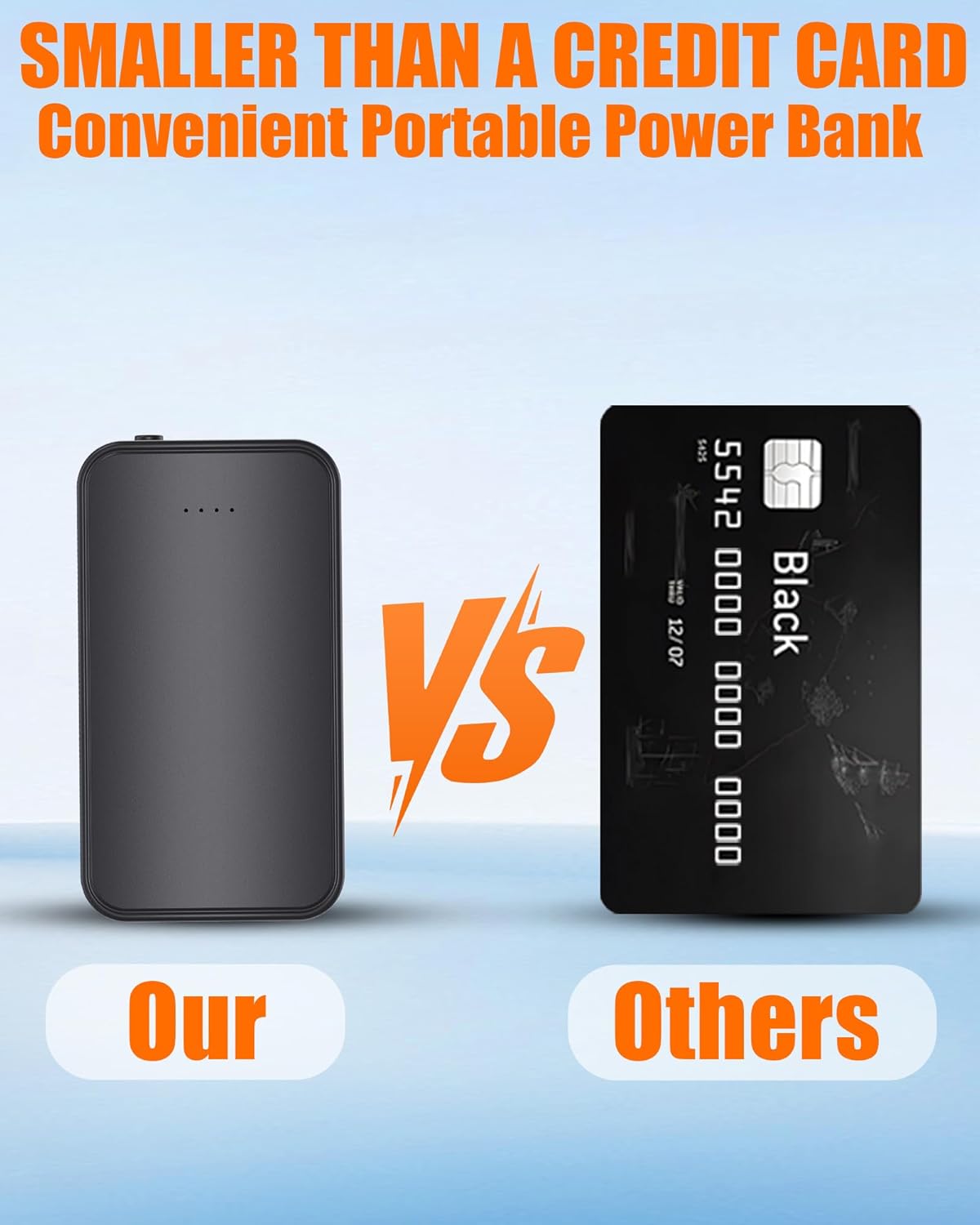
Image: A close-up view of the battery pack's temperature control button, showing the red, blue, and green light indicators for different heat settings.

Image: A graph illustrating the battery life duration at different temperature settings: approximately 6 hours on low, 3 hours on medium, and 2 hours on high.
Video: This short video demonstrates how to connect the battery pack to heating socks and cycle through the temperature settings using the power button.
Video: This video illustrates connecting the 5V2A DC Port and USB 4000mAh battery pack to a heated scarf and adjusting its heat settings.
5. Maintenance
5.1 Storage
- Store the battery pack in a cool, dry place away from direct sunlight and extreme temperatures.
- If storing for an extended period, charge the battery pack to approximately 50% capacity every three months to maintain battery health.
5.2 Cleaning
- Wipe the exterior of the battery pack with a soft, dry cloth.
- Do not use harsh chemicals or abrasive cleaners.
6. Troubleshooting
| Problem | Possible Cause | Solution |
|---|---|---|
| Battery pack not charging | Loose cable connection, faulty adapter, damaged cable. | Ensure cables are securely connected. Try a different charging cable or adapter. |
| Heated garment not heating | Battery pack is off, low battery, incompatible garment, loose connection. | Turn on the battery pack. Charge the battery. Ensure the garment's DC plug is 3.5mm and securely connected. |
| Short battery life | High temperature setting, aging battery, extreme cold environment. | Use a lower temperature setting. Ensure the battery is fully charged before use. Battery performance may decrease in very cold conditions. |
7. Specifications
- Model Number: RTPB-009
- Battery Capacity: 4000mAh
- Voltage: 3.7V (DC Port Output)
- Input/Output: Type-C
- DC Port: 3.5mm (Output)
- Dimensions: 3.4 x 1.6 x 0.7 inches (approx.)
- Weight: 0.17 lbs (approx.)
- Certifications: UL2056
- Special Features: Temperature Control (High, Medium, Low), Pocket Size, Flight Approved
8. Warranty and Support
If you encounter any problems with your CYCYHEAT battery pack or require replacement parts, please contact us through your Amazon order details page. Navigate to Your Orders > Order Problems > Contact Seller. We are committed to responding to your inquiries and resolving any issues within 24 hours.


