
Introduction
This manual provides detailed instructions for the setup, operation, and maintenance of your Taiquinix Wireless HDMI Transmitter and Receiver. This device is designed to transmit high-definition audio and video signals wirelessly, offering a flexible solution for various display needs.
Key features include:
- Plug-and-Play Operation: No drivers, apps, or network connection required.
- Extended Range: Up to 165 feet (50 meters) in open areas, 100 feet (30 meters) indoors.
- High-Quality Output: Supports 4K decoding and 1080P/60Hz Full HD output.
- Dual Mode Flexibility: Mirroring and extending display modes.
- Wide Compatibility: Compatible with various devices including PCs, laptops, TV boxes, gaming consoles, and cameras.
What's in the Box
Please verify that all items are present in your package:
- HDMI Transmitter x1
- HDMI Receiver x1
- User Manual x1
- Charging Cables x2
- Micro HDMI Adapter x1
- Mini HDMI Adapter x1
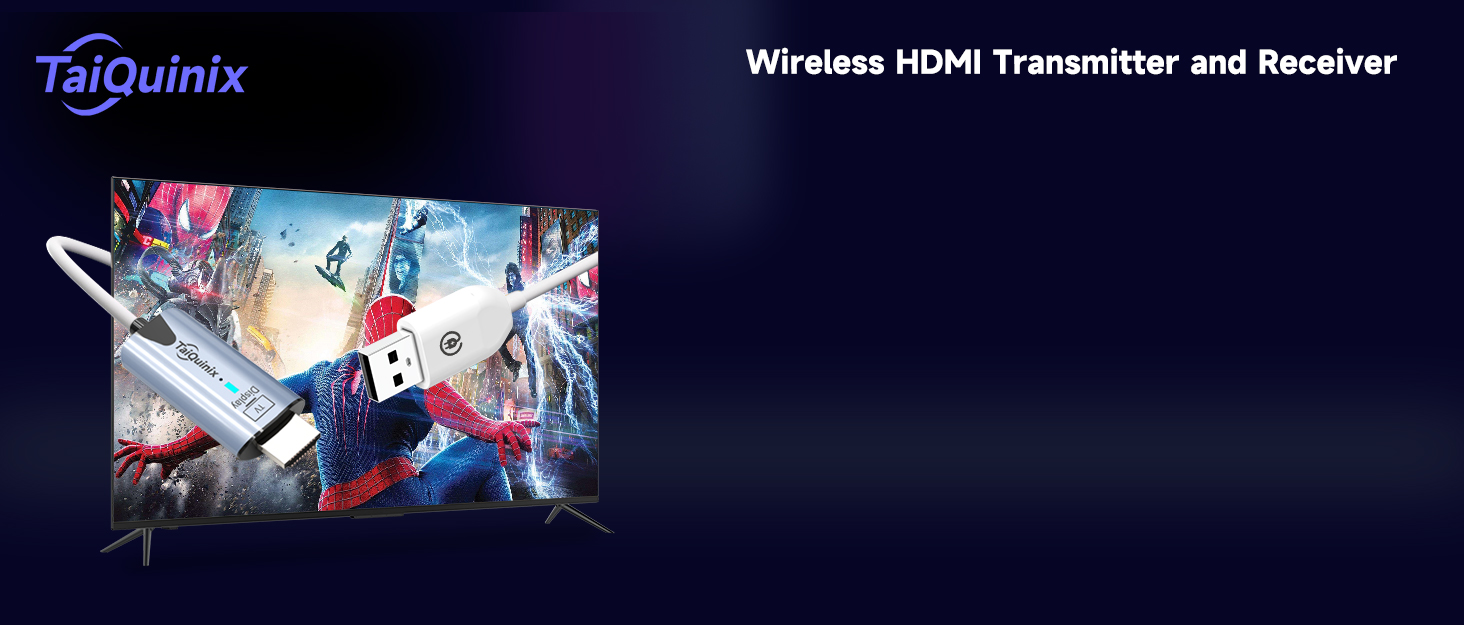
Image: Taiquinix Wireless HDMI Transmitter and Receiver kit components.
Setup Instructions
- Connect the Receiver (RX):
- Connect the HDMI end of the Receiver (RX) to an HDMI input port on your display device (TV, monitor, or projector).
- Connect the USB power cable from the Receiver (RX) to a USB power source (e.g., a USB port on your TV or a USB wall adapter). Ensure the RX unit is powered on.
- Connect the Transmitter (TX):
- Connect the HDMI end of the Transmitter (TX) to the HDMI output port of your source device (PC, laptop, gaming console, TV box, camera).
- Connect the USB power cable from the Transmitter (TX) to a USB power source (e.g., a USB port on your laptop or a USB wall adapter). Ensure the TX unit is powered on.
- Automatic Connection: The transmitter and receiver are pre-paired from the factory. Once both units are powered on and connected, they should automatically establish a connection within a few seconds. The blue light on the transmitter will blink first, then become steady when connected.

Image: Visual guide for connecting the Wireless HDMI Transmitter and Receiver.
Video: Demonstrates the plug-and-play installation process for the wireless HDMI system, showing how to connect the transmitter to a laptop and the receiver to a TV, and the automatic synchronization of the display.
Operating Instructions
Dual Mode Flexibility: Mirroring and Extending
The device supports two display modes to suit your needs:
- Mirroring Mode: In this mode, the content displayed on your source device (e.g., laptop screen) is replicated exactly on the target display (TV, monitor, projector). This is ideal for presentations, sharing videos, or gaming on a larger screen.
- Extending Mode: This mode expands your desktop workspace, allowing you to display different content on each screen. For example, you can work on a document on your laptop while displaying a video or reference material on the extended screen, enhancing multitasking and productivity.
To switch between mirroring and extending modes, you typically adjust the display settings on your source device (e.g., Windows Display Settings or macOS System Preferences).

Image: Examples of mirroring and extending display modes for various devices.
Transmission Range and Performance
The Taiquinix Wireless HDMI system offers a robust transmission range:
- Open Areas: Up to 165 feet (50 meters).
- Indoors: Up to 100 feet (30 meters).
It utilizes dual-band 2.4G/5G transmission protocols for strong anti-interference capabilities and high signal stability, minimizing issues like flickering, black screens, and latency. Please note that the transmission range may be reduced by obstacles such as walls, floors, and ceilings. Signal penetration through enclosed floors or ceilings may be limited.

Image: Illustration of the 165ft/50m long-range transmission capability.
Specifications
| Feature | Detail |
|---|---|
| Model Number | wireless hdmi 50M |
| Brand | Taiquinix |
| Compatible Devices | Smartphone, Speaker (via adapters), PC, Laptop, TV Box, PS5/4, TV, Monitor, Projector |
| Specific Uses For Product | Projector, TV, Monitor |
| Connector Type | HDMI |
| Color | White, Black |
| Number of Ports | 2 (HDMI In, HDMI Out) |
| Input Voltage | 5 Volts |
| Current Rating | 2 Amps |
| Power Plug Type | Type A - 2 pin (North American) |
| Item Weight | 47 Grams |
| Built-In Media | Wireless HDMI Extender Kit |
Troubleshooting
- No Signal/Black Screen:
- Ensure both the Transmitter (TX) and Receiver (RX) are properly powered via their USB cables.
- Verify that the HDMI connections are secure on both the source device and the display device.
- Check if the display device is set to the correct HDMI input source.
- Reduce the distance between the TX and RX units, or remove any major obstructions (thick walls, metal objects) that might interfere with the signal.
- If using adapters (Micro HDMI, Mini HDMI), ensure they are correctly attached and functional.
- Flickering or Unstable Image:
- This can be caused by signal interference. Try to minimize other wireless devices operating on 2.4G or 5G frequencies nearby.
- Ensure the TX and RX units have a clear line of sight if possible, or are within the recommended indoor range.
- Verify that the power supply for both units is stable and sufficient (5V/2A recommended).
- Pairing Issues:
The units are pre-paired. If re-pairing is necessary:
- Connect the Receiver (RX) to a display and power it on. Wait for the pairing interface to appear (may show a QR code).
- Connect the Transmitter (TX) to a power source.
- Use a paperclip to press and hold the PAIR button on the RX unit for about 2 seconds (not too long). Release the button when the screen displays "Release the button to pair with Mate".
- Immediately after, use a paperclip to press and hold the PAIR button on the TX unit for 5 seconds. Release the button when the signal light goes off.
- Wait for the screen to show a checkmark (✓) to indicate successful pairing.
Video: A tutorial demonstrating the re-pairing process for the Taiquinix Wireless HDMI Transmitter and Receiver units.
Maintenance
- Keep the devices clean and free from dust. Use a soft, dry cloth for cleaning.
- Avoid exposing the devices to extreme temperatures, humidity, or direct sunlight.
- Do not attempt to disassemble or repair the devices yourself, as this will void the warranty.
- Store the devices in a cool, dry place when not in use.
Warranty and Support
This product comes with a 1-year warranty. Our products undergo rigorous testing before leaving the factory. If you encounter any issues during use, please contact Taiquinix Offcial Store US for support.
For further assistance, please refer to the official Taiquinix store or contact customer service through your purchase platform.