Introduction
This instruction manual provides important information for the safe and efficient operation of your RadioShack 9V USB Dual Battery Charger. This device is designed to simultaneously charge two 9V rechargeable batteries, specifically NiMH and Lithium types. Its compact design and USB power input offer convenience for both home and travel use. Please read this manual thoroughly before using the charger and retain it for future reference.
Safety Information
- Read all instructions: Before operating the charger, read and understand all safety and operating instructions.
- Use only specified batteries: This charger is designed exclusively for 9V NiMH and Lithium rechargeable batteries. Attempting to charge other types of batteries, such as alkaline or carbon-zinc, may cause explosion, battery ruptures, or leakage, leading to personal injury or property damage.
- Indoor use only: Do not expose the charger to rain or moisture. Use it in a dry environment.
- Avoid extreme temperatures: Do not operate the charger in excessively hot or cold environments. Keep it away from direct sunlight and heat sources.
- Proper ventilation: Ensure adequate ventilation around the charger during operation. Do not cover the charger.
- Unplug when not in use: Disconnect the charger from the power source when not in use or before cleaning.
- Do not disassemble: Do not attempt to disassemble, repair, or modify the charger. Refer all servicing to qualified service personnel.
- Children and pets: Keep the charger and batteries out of reach of children and pets.
- Damaged units: Do not operate the charger if it has been damaged in any way.
Package Contents

This image displays the typical contents found within the product packaging. It includes the main dual USB battery charger unit and its accompanying power cable, ready for immediate use.
- 1x RadioShack 9V USB Dual Battery Charger
- 1x USB Power Cable
Product Overview
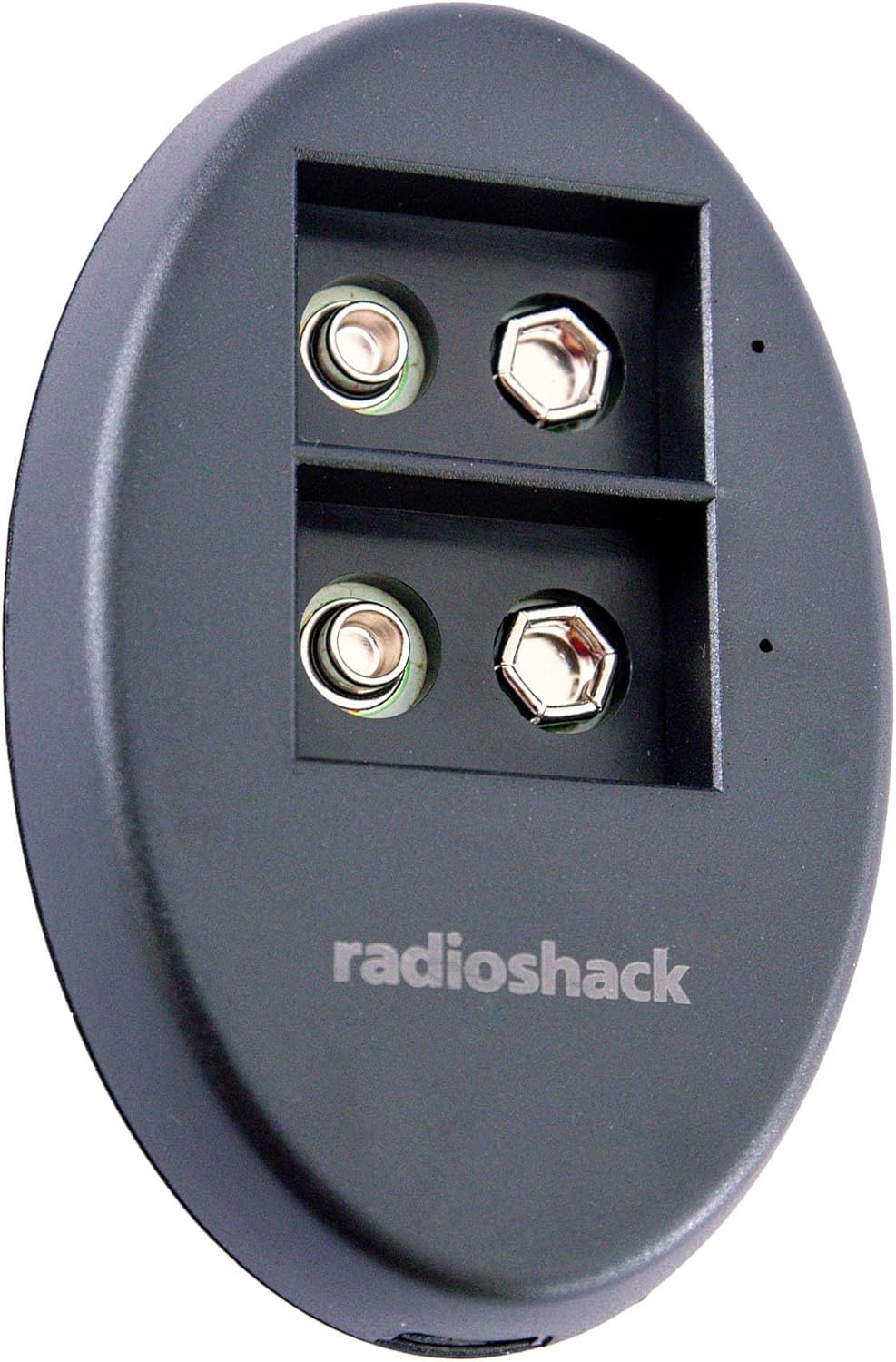
This image provides a clear front view of the RadioShack 9V USB Dual Battery Charger. The charger features two dedicated slots for 9V batteries, allowing for simultaneous charging. The RadioShack logo is prominently displayed on the front surface.

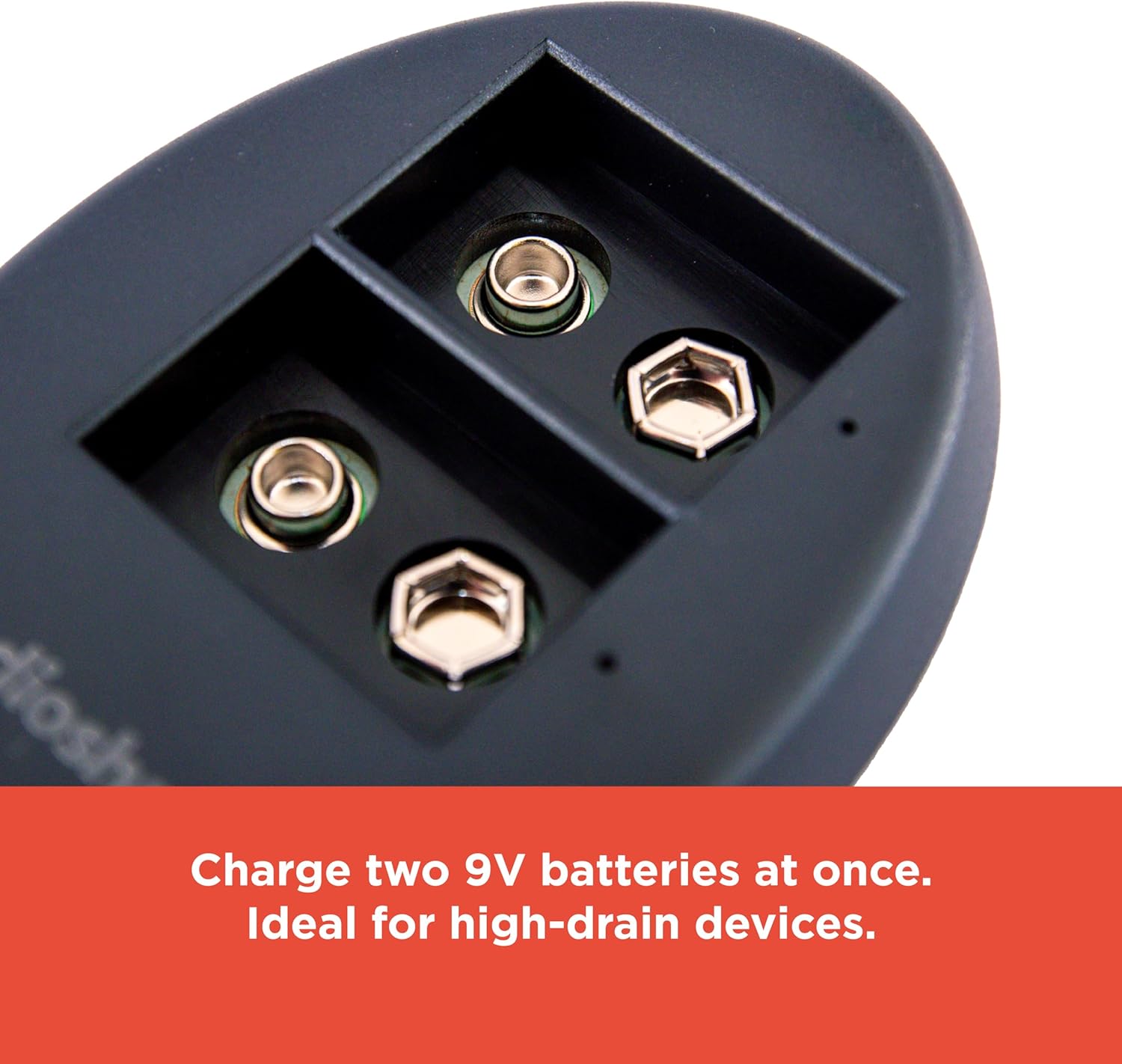
This close-up image emphasizes the robust construction of the charger. It is manufactured with durable ABS plastic and incorporates strong metal components, ensuring reliable performance and longevity.
The RadioShack 9V USB Dual Battery Charger is a compact and efficient device designed for charging 9V rechargeable batteries. It features:
- Dual Charging Slots: Allows for simultaneous charging of two 9V batteries.
- USB Power Input: Conveniently powered via any standard USB-A port (5V/1A).
- LED Indicators: Individual LED indicators for each charging slot to show charging status.
- Durable Construction: Built with robust ABS plastic and metal components for extended durability.
- Compact Design: Portable and easy to store or transport.
Setup
- Unpack the Charger: Carefully remove the charger and USB power cable from the packaging.
- Connect Power: Insert the small end of the included USB power cable into the USB input port on the side of the charger.
- Connect to Power Source: Plug the standard USB-A end of the cable into a compatible USB power source, such as a computer USB port, a USB wall adapter (5V/1A recommended), or a power bank.
This image illustrates the charger being powered from a USB port. The design allows for flexible charging from various USB power sources, eliminating the need for bulky, dedicated power adapters.
Operating Instructions
- Insert Batteries: Carefully insert one or two 9V rechargeable batteries (NiMH or Lithium) into the charging slots. Ensure the positive (+) and negative (-) terminals of the battery align correctly with the charger's terminals.
- Observe LED Indicators:
- A red LED indicator will illuminate next to each battery slot to confirm that charging is in progress.
- When a battery is fully charged, its corresponding LED indicator will turn green.
- Remove Batteries: Once the LED indicator turns green, the battery is fully charged. Carefully remove the charged battery from the slot.
- Unplug Charger: Disconnect the charger from the USB power source when all batteries are charged or when the charger is not in use.
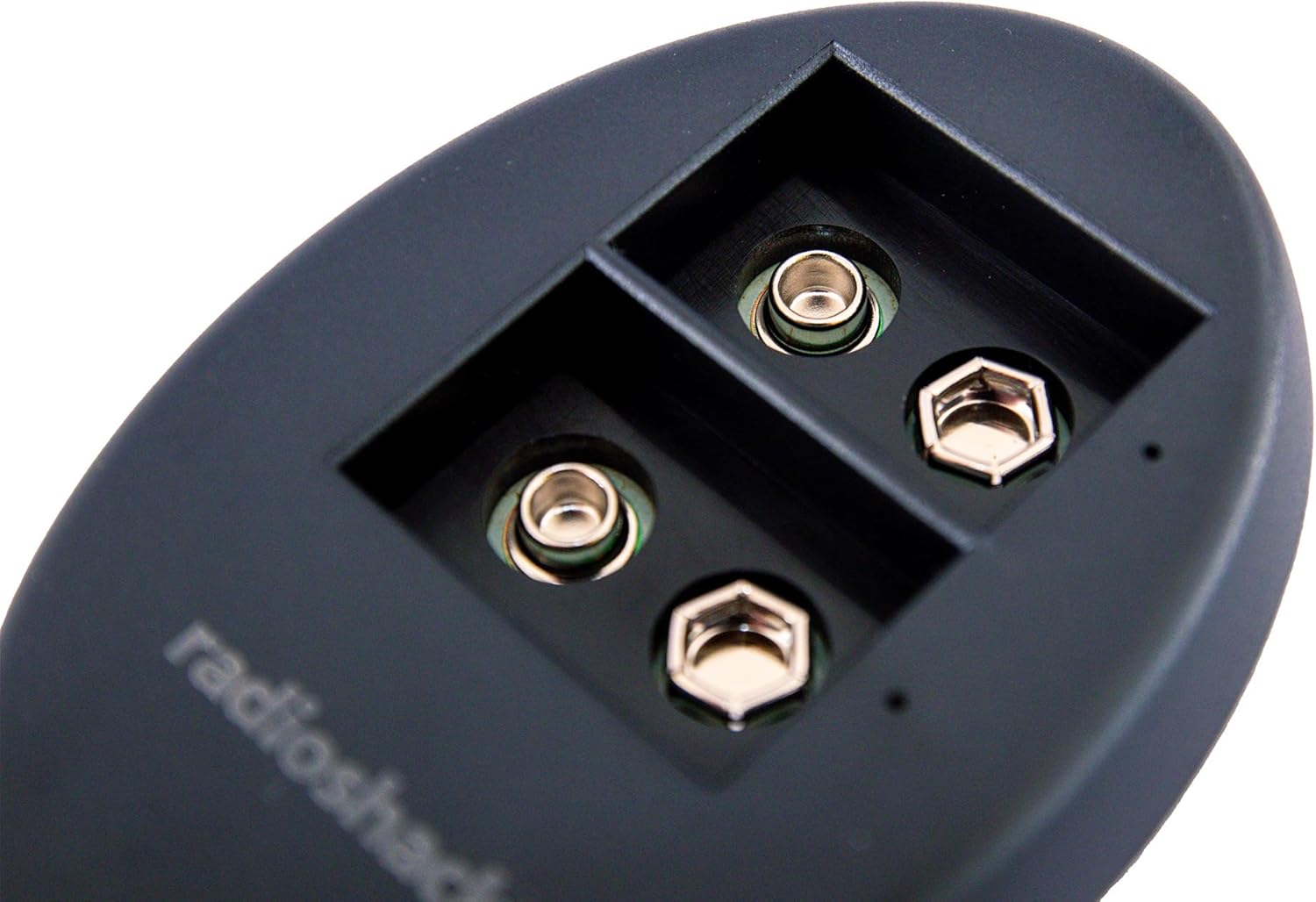
This image provides a detailed view of the two charging slots, highlighting the positive and negative terminals where the 9V batteries are inserted. Proper alignment of battery terminals is crucial for safe and effective charging.

This overhead shot shows the charger with two 9V batteries correctly inserted into their respective charging bays. The design allows for efficient, simultaneous charging of both batteries, making it suitable for devices that require multiple 9V power sources.
Maintenance
- Cleaning: Before cleaning, ensure the charger is unplugged from the power source. Use a soft, dry cloth to wipe the exterior of the charger. Do not use liquid cleaners or abrasive chemicals.
- Storage: Store the charger in a cool, dry place away from direct sunlight and extreme temperatures.
- Handling: Avoid dropping the charger or subjecting it to strong impacts.
Troubleshooting
| Problem | Possible Cause | Solution |
|---|---|---|
| LED indicator does not light up when battery is inserted. |
|
|
| LED indicator flashes red and green. |
|
|
| Battery does not charge fully (LED stays red). |
|
|
Specifications

This image displays the rear of the charger, featuring the product label. The label provides essential information including the model number (2309331), input and output electrical specifications, and regulatory certifications such as FCC and RoHS, confirming compliance with safety and environmental standards.
| Feature | Detail |
|---|---|
| Model Number | 2309331 |
| Input | DC 5V / 1A |
| Output (Charging) | DC 9V 90mA +/- 15% |
| Output (Full Charge) | DC 8.4V 250mA +/- 15% |
| Compatible Battery Types | 9V NiMH, 9V Lithium rechargeable batteries |
| Product Dimensions | 3.6 x 2.3 x 0.66 inches (9.14 x 5.84 x 1.68 cm) |
| Item Weight | 1.44 ounces (40.82 grams) |
| Material | Durable ABS Plastic, Metal Components |
| Certifications | FCC, RoHS, Prop 65 |
| Color | Black |
Warranty and Support
For warranty information or technical support, please refer to the contact details provided with your purchase or visit the official RadioShack website. Keep your proof of purchase for any warranty claims.
You can visit the RadioShack Store on Amazon for more information and product updates.


