
Introduction
This manual provides detailed instructions for the setup, operation, maintenance, and troubleshooting of your kurdene K6 Wireless Earbuds. Please read this manual thoroughly before using the product to ensure proper function and longevity.
Package Contents
- kurdene K6 Wireless Earbuds (Left and Right)
- Charging Case with LED Full Color Touchscreen
- USB Charging Cable
- User Manual
- Multiple sizes of ear tips
Product Overview
The kurdene K6 Wireless Earbuds feature a compact design with a full-color touchscreen charging case. The earbuds are designed for comfortable in-ear wear and provide audio playback and call functionality.

Image: kurdene K6 Wireless Earbuds shown inside their open charging case, highlighting the compact design and the touchscreen on the case.
Charging Case Touchscreen Functions
The charging case features an LED full-color touchscreen that allows control over various functions without needing to access your connected device. These functions include:
- Displaying battery levels for both earbuds and the case.
- Controlling music playback (play, pause, skip tracks).
- Managing noise cancellation modes.
- Locating left and right earbuds.
- Activating camera functions (taking photos).
- Switching EQ settings.
- Screen lock.
- Light level adjustment.
- Flashlight function.

Image: The kurdene K6 charging case touchscreen showing multiple interface options for controlling the earbuds and other features.
Setup
1. Initial Charging
Before first use, fully charge the earbuds and the charging case. Connect the provided USB charging cable to the charging port on the case and a power source. The touchscreen will indicate charging status.

Image: A USB-C cable being inserted into the charging port of the kurdene K6 charging case, illustrating the charging process.
2. Pairing with a Device
- Ensure the earbuds are in the charging case and the case is open.
- On your device (smartphone, tablet, laptop), navigate to the Bluetooth settings.
- Enable Bluetooth and search for available devices.
- Select "K6" from the list of discovered devices.
- Once connected, the device will indicate "Connection Successful". The earbuds will automatically pair with your device upon opening the case after the initial pairing.
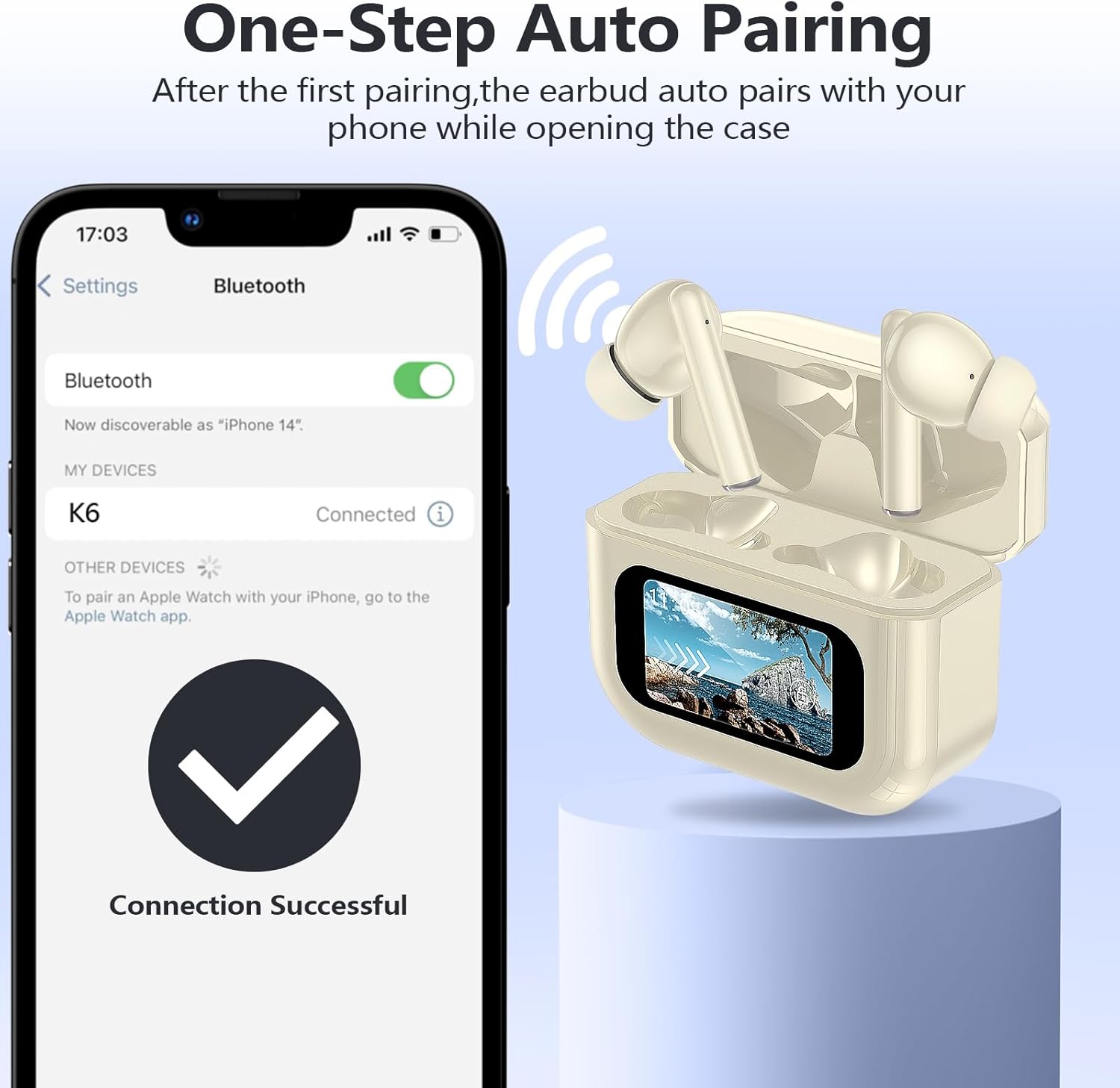
Image: A smartphone displaying a "Connection Successful" message after pairing with the kurdene K6 earbuds, which are shown in their open charging case.
3. Dual Device Connection
The K6 earbuds support simultaneous connection to two Bluetooth devices, such as a phone and a tablet. This allows for seamless switching between audio sources for work and entertainment without re-pairing.

Image: kurdene K6 earbuds shown connected to both a laptop and a smartphone, illustrating the dual device connection capability.
Operating Instructions
Earbud Touch Controls
Both earbuds feature touch controls for managing calls and music playback. The following actions can be performed:
| Action | Function | Earbud |
|---|---|---|
| 2x Tap | Play/Pause | L/R Earbud |
| 1x Tap | Accept Call | L/R Earbud |
| 2S Hold | Reject Call | L/R Earbud |
| 2x Tap | Decline Call | L/R Earbud |
| 4x Tap | Voice Assistant | L/R Earbud |
| 3x Tap | Previous Track | L Earbud |
| 3x Tap | Next Track | R Earbud |
| 1x Tap | Volume + | R Earbud |
| 1x Tap | Volume - | L Earbud |

Image: Visual guide detailing the various touch control gestures on the kurdene K6 earbuds for music and call management.
Noise Cancellation
The earbuds feature intelligent active noise cancellation, capable of blocking up to 99% of external noise. Noise cancellation modes can be adjusted via the charging case touchscreen.

Image: A woman wearing kurdene K6 earbuds, with the charging case displaying the noise reduction interface, indicating active noise cancellation.
Maintenance
- Cleaning: Regularly clean the earbuds and charging case with a soft, dry cloth. Avoid using abrasive materials or harsh chemicals.
- Storage: When not in use, store the earbuds in their charging case to protect them and ensure they remain charged.
- Battery Care: To prolong battery life, avoid fully discharging the earbuds and case frequently. Charge them regularly.
- Water Resistance: The product may have some level of water resistance. Avoid submerging the earbuds or charging case in water.
Troubleshooting
| Problem | Possible Cause | Solution |
|---|---|---|
| Earbuds not pairing | Bluetooth off, earbuds out of charge, not in pairing mode. | Ensure Bluetooth is on. Charge earbuds. Place earbuds in case, open lid to enter pairing mode. Forget device on phone and re-pair. |
| No sound from one earbud | Low battery, earbud not connected, dirty speaker mesh. | Charge both earbuds. Re-pair. Clean speaker mesh gently. |
| Charging case touchscreen unresponsive | Low battery, temporary software glitch. | Charge the case. Restart the case by closing and opening the lid, or if possible, a soft reset (refer to manufacturer support if issue persists). |
| Poor sound quality | Improper fit, low battery, interference, dirty ear tips/speaker. | Adjust earbud fit. Ensure full charge. Move away from other wireless devices. Clean ear tips and speaker mesh. |
| Earbuds falling out | Incorrect ear tip size. | Try different sizes of ear tips to find the most secure and comfortable fit. |
Specifications
- Model Name: K6
- Connectivity Technology: Wireless (Bluetooth 5.3)
- Bluetooth Version: 5.3
- Bluetooth Range: 10 Meters
- Battery Life (Earbuds): Up to 10 hours (Bluetooth on + noise cancellation off)
- Total Playback Time (with Charging Case): Up to 60 hours
- Charging Time (Case): Approximately 2 hours
- Control Method: Touch (Earbuds), Touchscreen (Charging Case)
- Noise Control: Active Noise Cancellation
- Audio Driver Type: Dynamic Driver (10mm)
- Earpiece Shape: Rounded Tips
- Item Weight: 0.035 ounces (earbuds)
- Product Dimensions: 2.36 x 1.57 x 1.57 inches (Charging Case)
- Manufacturer: kurdene

Image: Visual representation of the kurdene K6 earbuds' battery life, indicating 60 hours of total playback with the charging case and 2 hours for case charging.

Image: A close-up illustration of a Bluetooth 5.3 chip, representing the advanced connectivity technology of the earbuds.
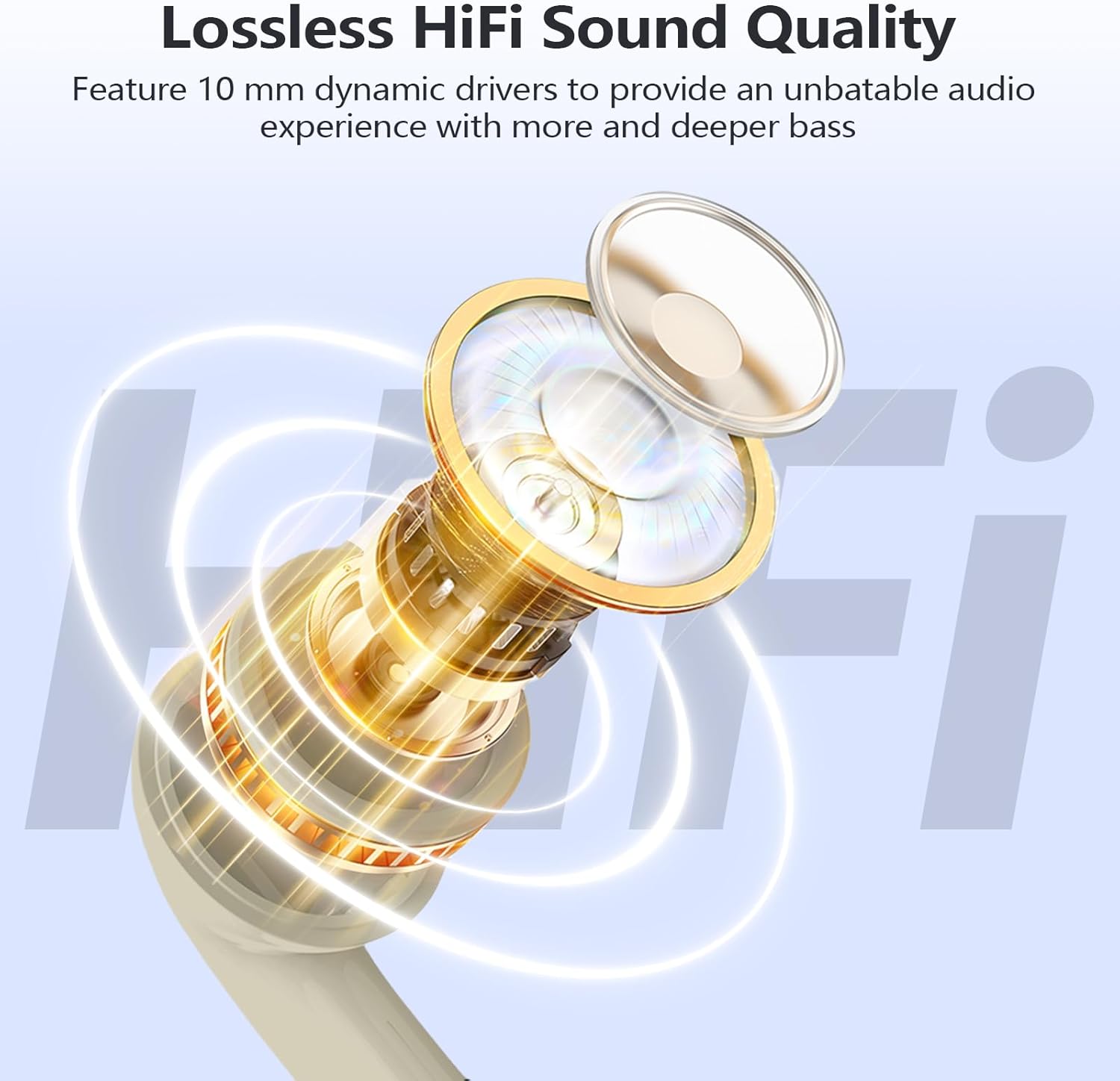
Image: An exploded view diagram of an earbud, highlighting the 10mm dynamic driver for sound quality.
Official Product Video
Video: Official product video demonstrating the design, features, sound quality, and noise reduction capabilities of the kurdene K6 Wireless Earbuds.
Warranty Information
For detailed warranty information, please refer to the warranty card included in your product packaging or visit the official kurdene website. Keep your proof of purchase for any warranty claims.
Customer Support
If you encounter any issues or have questions regarding your kurdene K6 Wireless Earbuds, please contact kurdene customer support. Contact details can typically be found on the product packaging, the official kurdene website, or through your retailer.


