
Introduction
Welcome to the user manual for your AOLON Curve 2 Smart Watch. This guide provides detailed instructions on setting up, operating, and maintaining your device to ensure optimal performance and a seamless user experience. The Curve 2 Smart Watch features a 1.83" HD curved screen, Bluetooth calling, comprehensive health and activity tracking, and a durable design.
What's in the Box
- AOLON Curve 2 Smart Watch
- Silicone Strap
- Charging Cable
- User Manual

Image: An illustration detailing the product size and the items included in the packaging: the smartwatch, silicone strap, charging cable, and user manual.
Setup
1. Charging Your Smart Watch
Before first use, fully charge your AOLON Curve 2 Smart Watch. Connect the magnetic charging cable to the charging points on the back of the watch. Plug the USB end of the cable into a standard USB power adapter (not included) or a computer's USB port.
- Charging Time: Approximately 2 hours for a full charge.
- Battery Life: Up to 7 days with regular use, 2 days with heavy use.
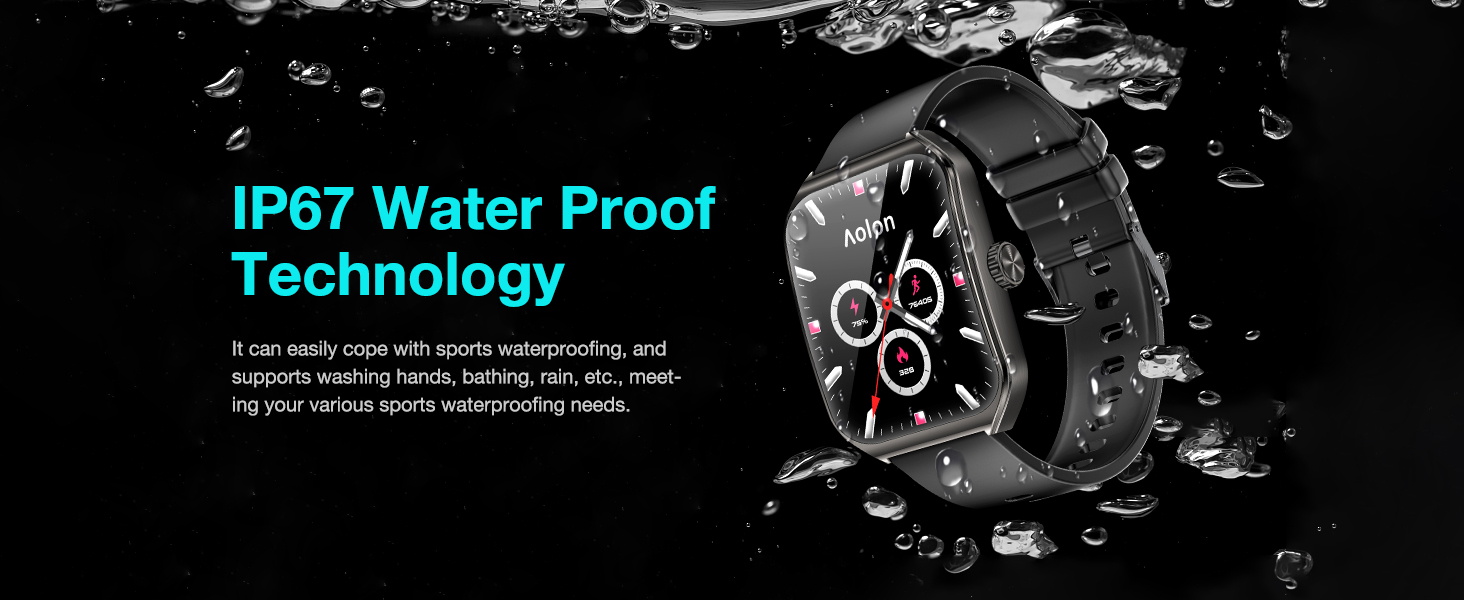
Image: The smartwatch displaying an 80% charge level, with an arrow indicating longer battery life, and text showing 2 days heavy use, 7 days regular use, and 2 hours charging time.
2. App Installation and Device Pairing
To unlock the full potential of your smart watch, download the "Aolon Fit" or "GloryFit" app from your smartphone's app store (compatible with Android 6.0 or Above, iOS 9.0 or Above).
- Scan the QR code in the included user manual or search for "Aolon Fit" or "GloryFit" in the App Store (iOS) or Google Play Store (Android).
- Install the app and open it.
- Ensure Bluetooth is enabled on your smartphone.
- In the app, navigate to the "Add Device" section and select "Aolon Curve 2" from the list of available devices to pair.
- Follow the on-screen prompts to complete the pairing process.

Image: A visual guide demonstrating the steps to connect the smartwatch using the companion app, including downloading the app, enabling Bluetooth, adding the device, and selecting "Aolon Curve 2".
Operating Instructions
1. Basic Navigation
The AOLON Curve 2 Smart Watch features a responsive 1.83" HD touch screen and a classic crown for intuitive navigation.
- Touch Screen: Swipe left/right, up/down to navigate through menus and features. Tap to select.
- Side Crown: Press to return to the home screen or wake the display. Rotate to scroll through lists and adjust settings.
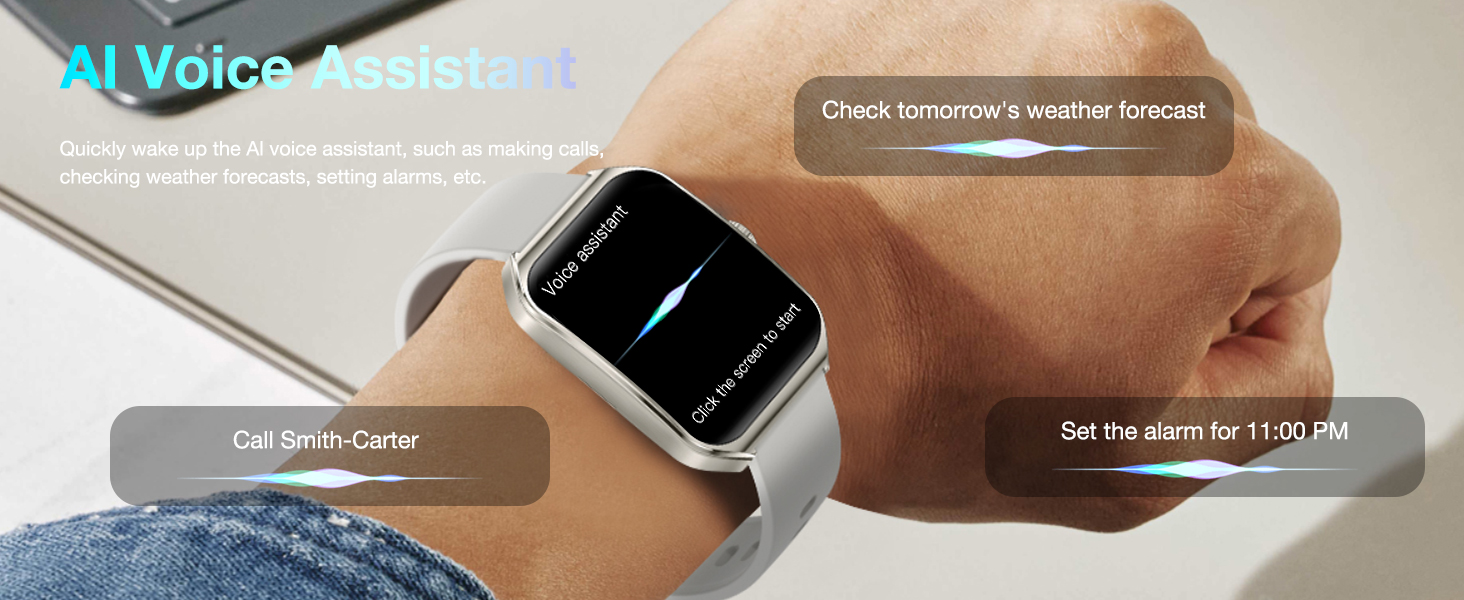
Image: The smartwatch screen showing a grid of colorful application icons, illustrating the touch-sensitive display and user interface.
2. Bluetooth Calls and Message Reminders
With its built-in microphone and speaker, the Curve 2 allows you to manage calls directly from your wrist and receive real-time notifications.
- Making/Receiving Calls: Once paired, you can make, receive, and reject calls directly on the watch. Synchronize up to 100 contacts and view call history.
- Message Notifications: Receive notifications from various apps (e.g., SMS, social media) directly on your watch, ensuring you don't miss important information.
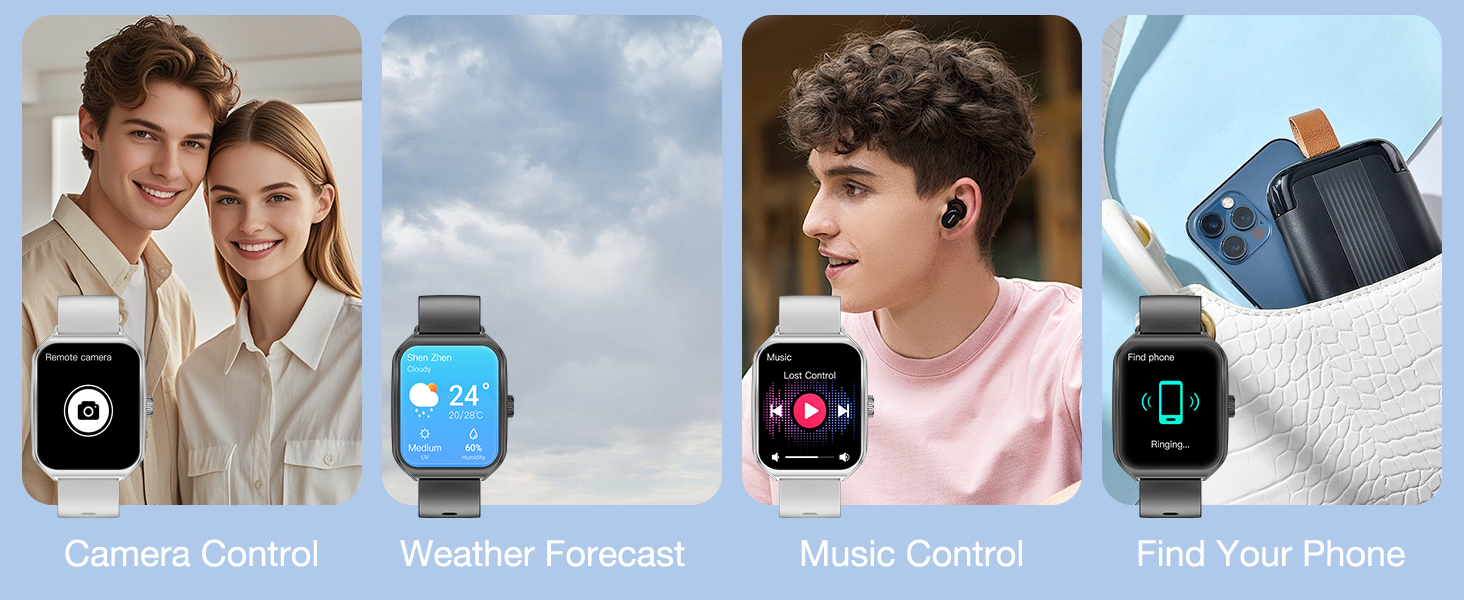
Image: Two scenarios demonstrating call management and message synchronization on the smartwatch. One shows a user answering a call, and the other shows various app notifications on the watch face.
3. Music and Camera Control
Control your smartphone's music playback and camera shutter directly from your watch.
- Music Control: Play, pause, skip tracks, and adjust volume for music playing on your connected phone.
- Camera Control: Remotely trigger your phone's camera shutter by shaking your watch, ideal for group photos.
Image: A collage of images illustrating various practical functions of the smartwatch, including remote camera control, weather forecast display, music playback control, and the "Find Your Phone" feature.
4. AI Voice Assistant and Customizable Watch Faces
- AI Voice Assistant: Quickly activate the AI voice assistant to perform tasks like checking weather, setting alarms, or making calls.
- Customizable Watch Faces: Choose from over 150 watch faces in the app or personalize your watch with your favorite photos.
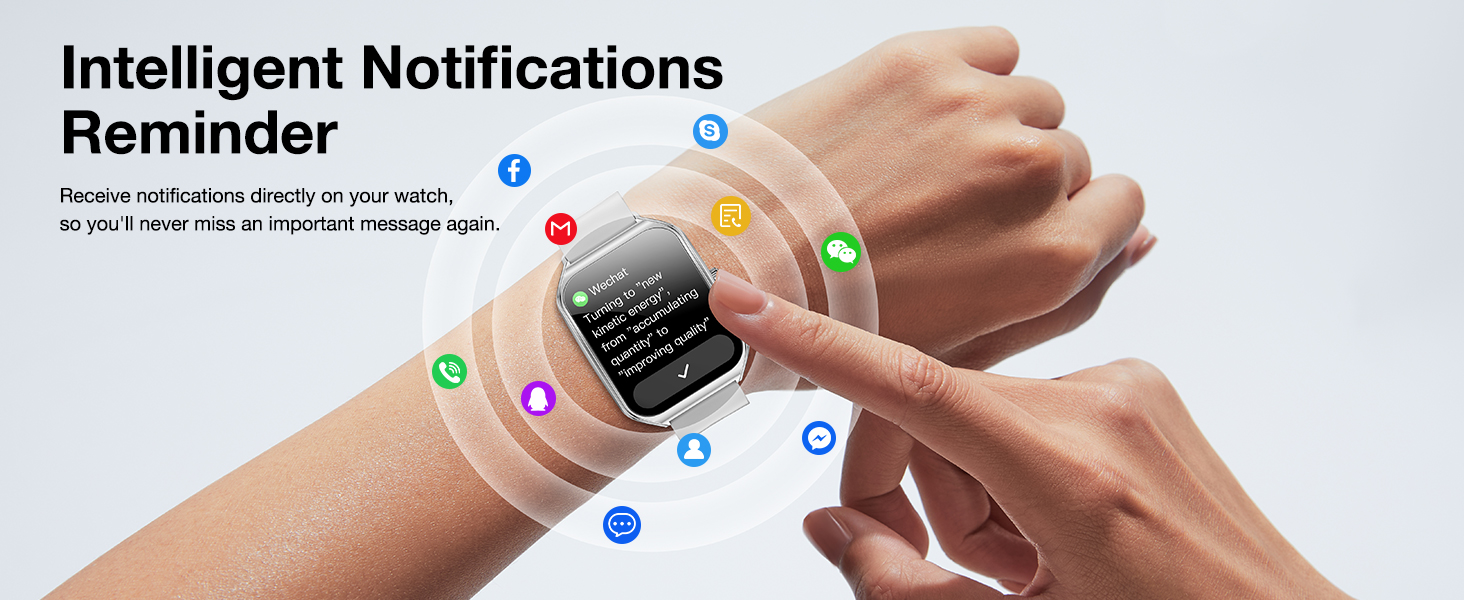
Image: A user interacting with the smartwatch's AI Voice Assistant, demonstrating voice commands for weather forecasts and making calls.
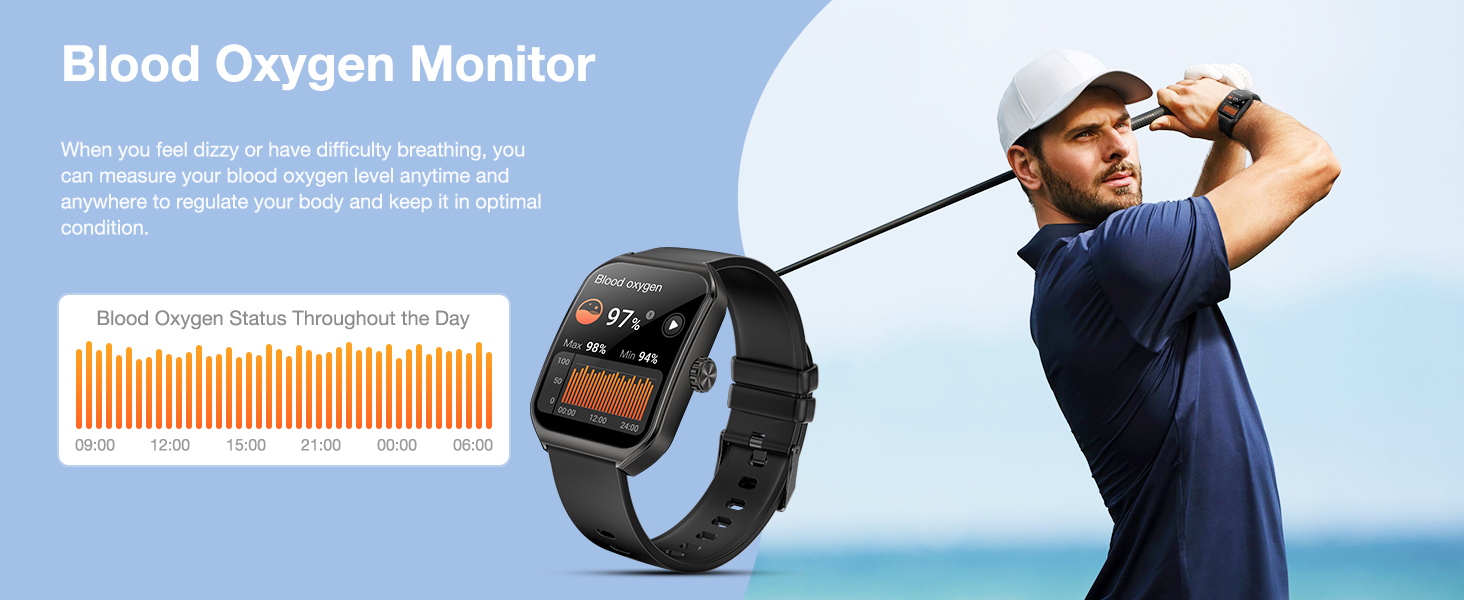
Image: A selection of customizable watch faces for the AOLON Curve 2 Smart Watch, including options to use personal photos, highlighting the variety of styles available.
Health & Fitness Tracking
The AOLON Curve 2 Smart Watch is equipped with upgraded sensors to accurately monitor your health and activity data.
1. Heart Rate and Blood Oxygen Monitoring
- Heart Rate: Monitors real-time heart rate throughout the day, providing alerts for abnormal readings.
- Blood Oxygen (SpO2): Measures blood oxygen levels anytime, anywhere, to help you maintain optimal health.
Image: The smartwatch displaying real-time heart rate and blood oxygen levels, with accompanying graphs showing daily status.
2. Sleep Monitoring and Menstrual Health Tracking
- Sleep Monitoring: Tracks sleep duration, quality, and stages (deep sleep, light sleep, awake) to help improve sleep habits.
- Menstrual Health: Provides comprehensive tracking for women's physiological cycles.
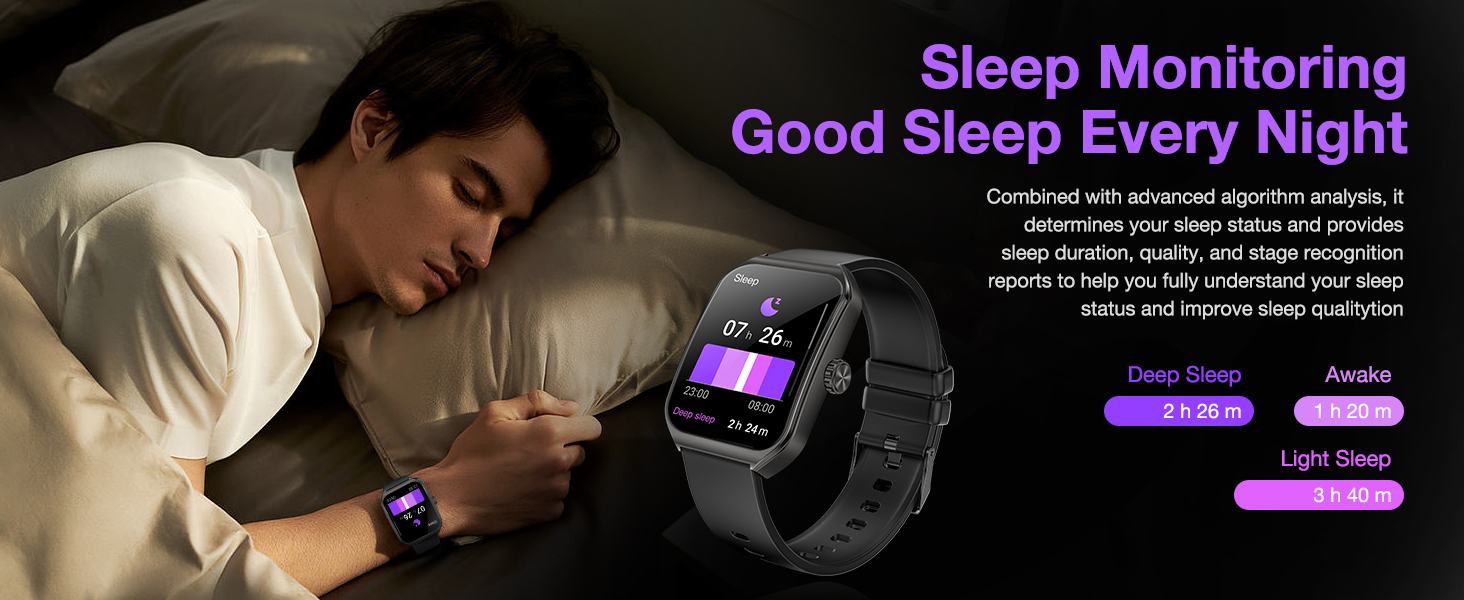
Image: The smartwatch displaying sleep data (deep, light, awake hours) and a calendar interface for menstrual health tracking.
3. Sports Modes and Activity Tracking
The watch supports over 120 sports modes and tracks daily activities to help you achieve your fitness goals.
- 120+ Sports Modes: Accurately tracks calorie consumption, steps, training time, and distance for various activities like running, walking, hiking, cycling, and more.
- All-day Activity Tracking: Monitors steps, calories burned, and distance covered throughout your day.
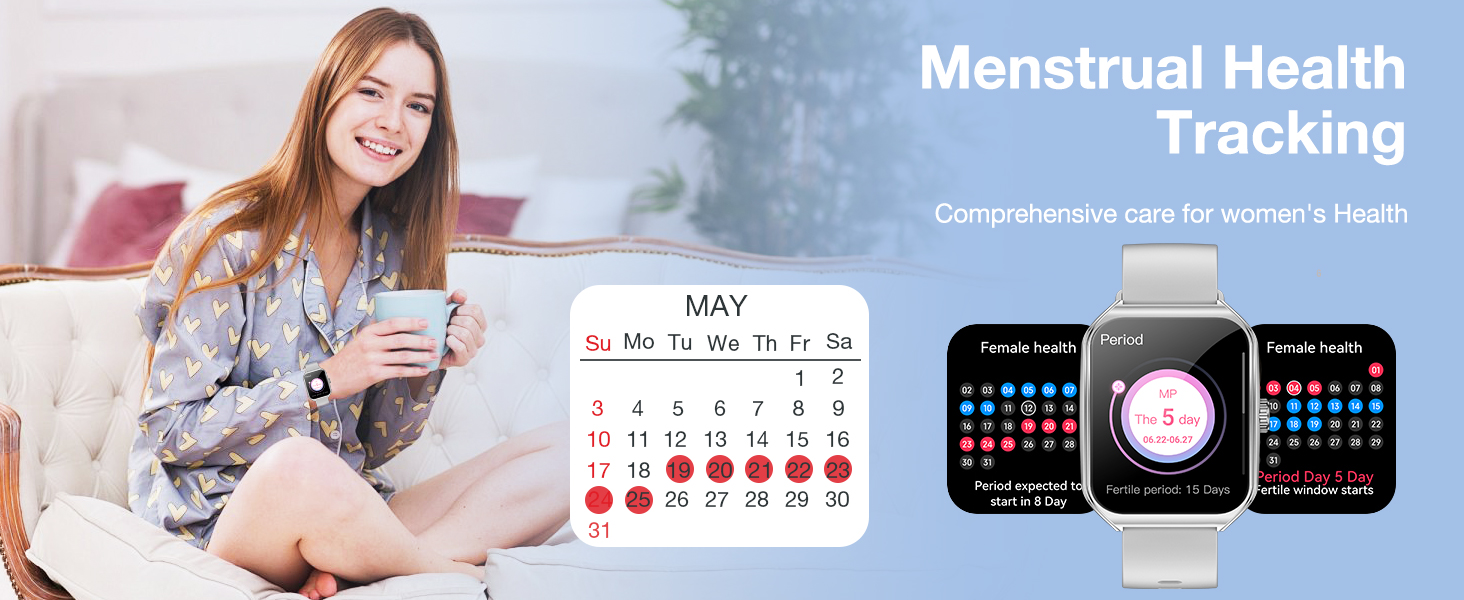
Image: A visual representation of the smartwatch's extensive sports modes and all-day activity tracking, showing a user hiking and the watch displaying steps, calories, and distance.
Additional Features
- Weather Forecast: Get real-time weather updates directly on your wrist.
- Find Your Phone: Locate your misplaced smartphone using the watch.
- Alarm Clock: Set alarms to wake you up or remind you of important events.
- Stopwatch & Timer: Utilize precise timing functions for workouts or daily tasks.
- Calculator: Perform quick calculations on the go.
- Flashlight: Use the watch screen as a convenient light source.
- Sedentary Reminder: Get alerts to move after periods of inactivity.
- Breathing Exercises: Guided breathing sessions for relaxation.
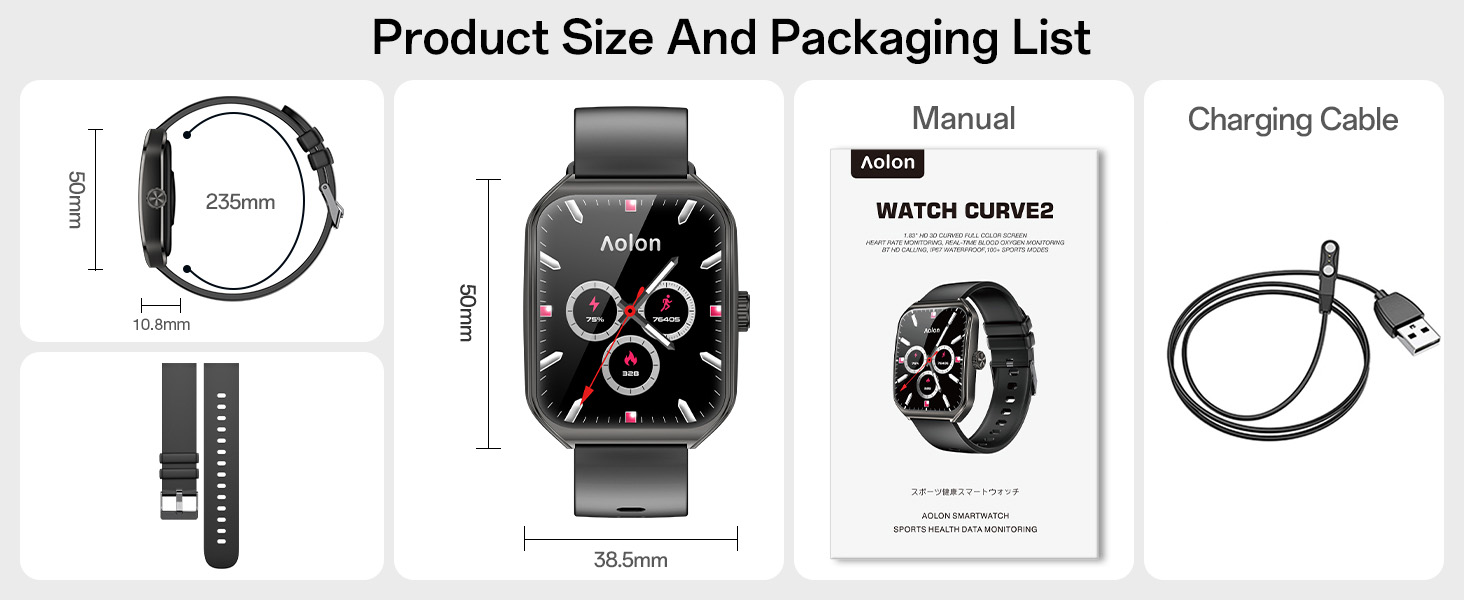
Image: A collage of images illustrating practical functions such as alarm clock, stopwatch, sedentary reminder, and guided breathing training.
Maintenance
1. Water Resistance (IP67)
The AOLON Curve 2 Smart Watch features an IP67 waterproof rating, meaning it is resistant to splashes, rain, and brief immersion in water. It is suitable for daily waterproof requirements like washing hands. Do not use the watch for swimming, diving, or in hot water/steam environments.
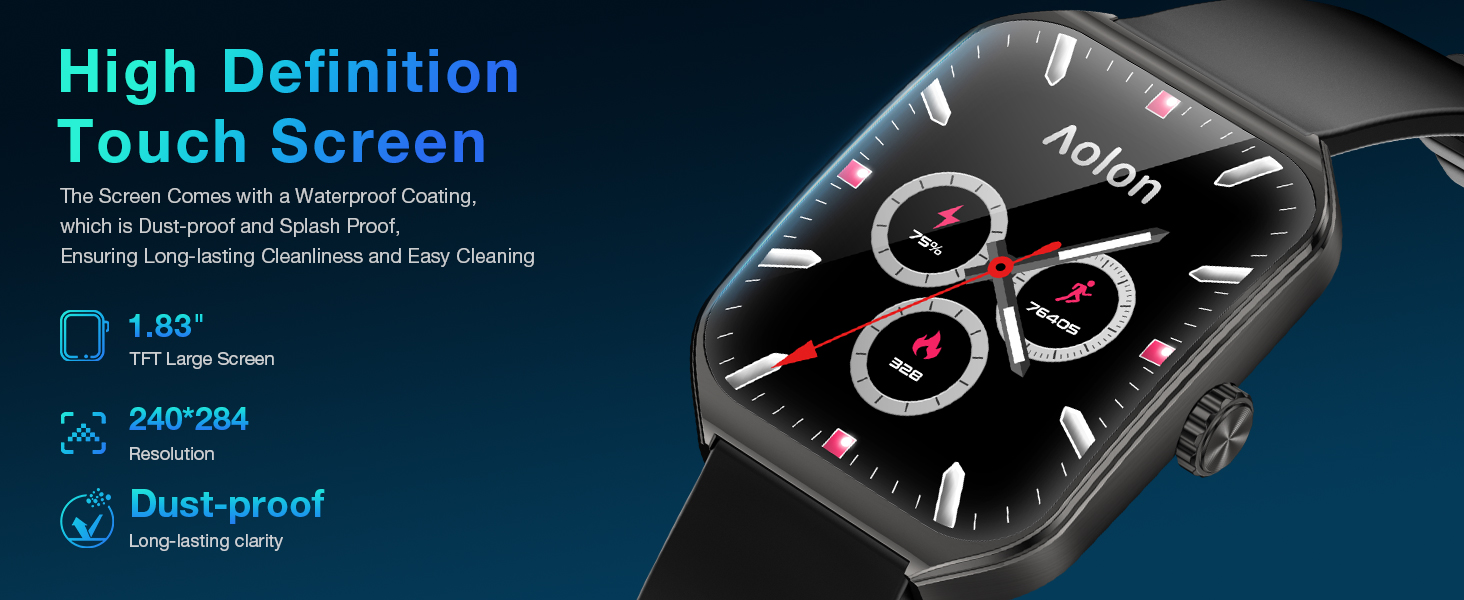
Image: The smartwatch being splashed with water, illustrating its IP67 waterproof technology and ability to handle sports waterproofing.
2. Cleaning and Care
- Wipe the watch and strap regularly with a soft, damp cloth.
- Avoid using harsh chemicals or abrasive materials.
- Ensure the charging contacts are clean and dry before charging.
3. Battery Care
- Avoid extreme temperatures (hot or cold) as they can affect battery life.
- Do not leave the watch fully discharged for extended periods.
Troubleshooting
| Problem | Solution |
|---|---|
| Watch not turning on | Ensure the watch is fully charged. Press and hold the side crown for a few seconds. |
| Cannot pair with smartphone |
|
| Inaccurate health data | Ensure the watch is worn snugly on your wrist, about one finger's width from your wrist bone. Keep the sensor clean. Note that data is for reference and not for medical diagnosis. |
| Notifications not appearing | Check app notification settings on your phone and within the "Aolon Fit" or "GloryFit" app. Ensure the app is running in the background. |
Specifications
| Model Name | Curve 2 |
| Screen Size | 1.83 inches TFT Color Screen |
| Display Resolution | 240*284 |
| Battery Capacity | 230mAh |
| Waterproof Rating | IP67 |
| Connectivity | Bluetooth 5.0 |
| Operating System Compatibility | Android 6.0 or Above, iOS 9.0 or Above |
| Case Material | Zinc Alloy |
| Strap Material | Silicone |
| Weight | 5.3 ounces |
Warranty and Support
AOLON proudly stands behind its products with a 2-year quality support guarantee. Should you encounter any issues with your Curve 2 Smart Watch, please contact our exceptional customer support team. You can find relevant order information and tap "CONTACT SELLER" on the platform where you purchased the product. We are ready to assist you and ensure your satisfaction.

Image: A graphic indicating "2 Years After-Sales Service" and instructions to contact the seller for any product issues.


