
CMF BY NOTHING CMF Buds Pro 2
Contents
CMF Buds Pro 2 Wireless Earbuds User Manual
Model: CMF Buds Pro 2 | Brand: CMF BY NOTHING
Product Overview
The CMF Buds Pro 2 are advanced wireless earbuds designed to deliver a superior audio experience with cutting-edge features. They boast Hybrid Active Noise Cancellation up to 50 dB, Hi-Res Audio certification with LDAC technology, and Ultra Bass Technology 2.0 for rich, deep sound. With a long-lasting battery and smart controls, these earbuds are perfect for gaming, business, and fitness.

Figure 1: CMF Buds Pro 2 Wireless Earbuds in Dark Grey.
What's in the Box
- CMF Buds Pro 2 Earbuds (Dark Grey)
- Charging Case
- Ear tips in sizes S, M, L
- Safety information
Setup Guide
Initial Pairing
- Ensure the charging case is sufficiently charged.
- Open the charging case. The earbuds will automatically enter pairing mode.
- On your device (smartphone, tablet, etc.), enable Bluetooth.
- Search for "CMF Buds Pro 2" in the list of available Bluetooth devices and select it to pair.
- A confirmation sound will indicate successful pairing.
Nothing X App Installation
For full customization and access to advanced features, download the Nothing X app.
- Scan the QR code provided in the safety information booklet or search for "Nothing X" in your device's app store (Google Play Store for Android, Apple App Store for iOS).
- Install and open the app.
- Follow the in-app instructions to connect your CMF Buds Pro 2.

Figure 2: Nothing X App for enhanced control and features.
Video 1: Quick overview of CMF Buds Pro 2 features and design.
Operating Instructions
Controls
The CMF Buds Pro 2 offer intuitive touch controls on the earbuds and a unique Smart Dial on the charging case for comprehensive management of your audio experience.
Earbud Touch Controls:
- Double Tap: Play/Pause music, Answer/Hang up calls.
- Triple Tap: Skip track forward/backward, Decline incoming calls.
- Tap & Hold: Toggle Noise Control (ANC/Transparency/Off), Activate Voice Assistant.
- Double Tap & Hold: Adjust volume (customizable in app).
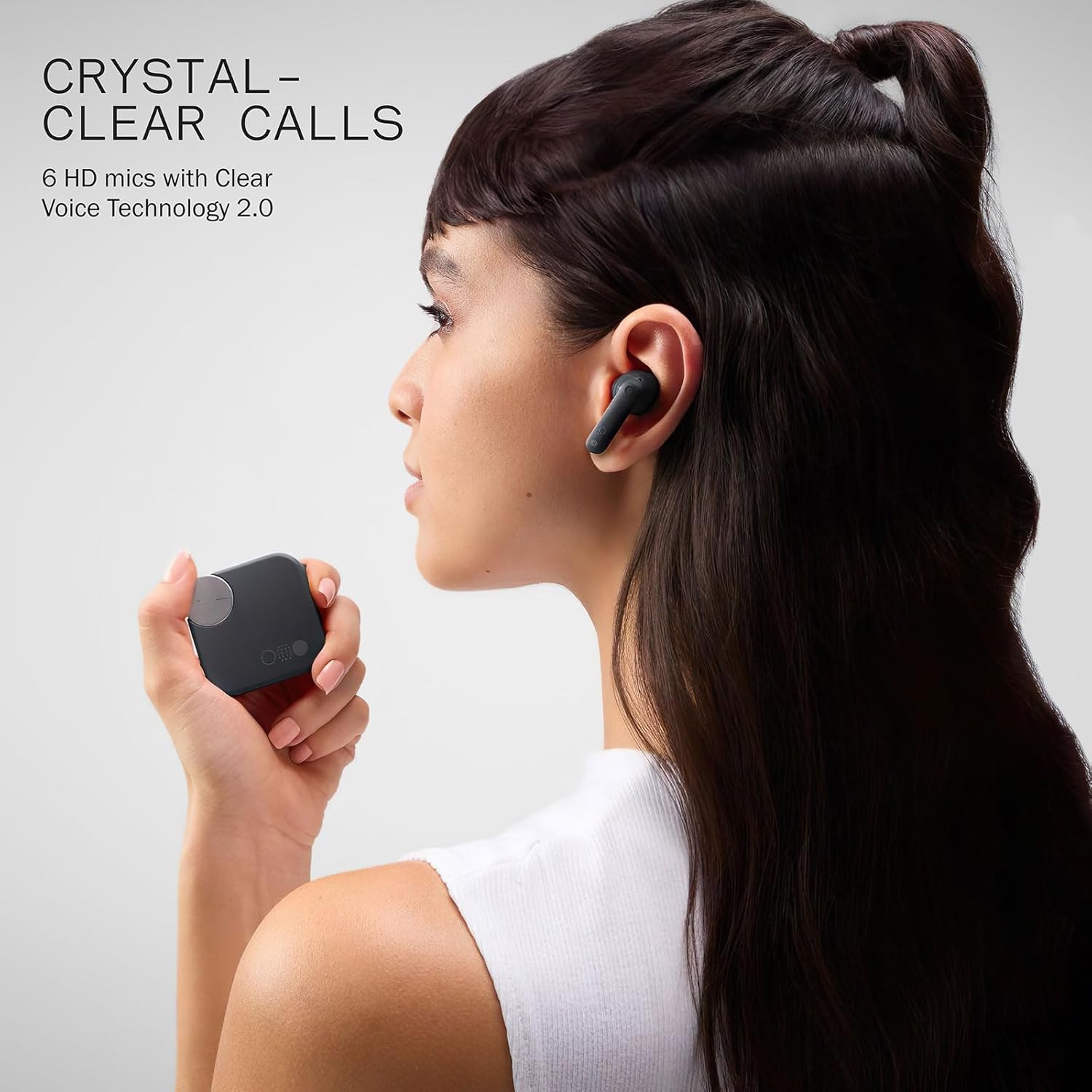
Figure 3: Earbud touch controls in action.
Smart Dial Controls (on Charging Case):
The Smart Dial provides quick and intuitive sound control. Functions are customizable via the Nothing X app.
- Rotate Dial: Adjust volume (default).
- Press Dial: Play/Pause, Skip tracks, Activate Voice Assistant, Toggle Low Lag Mode, Mute microphone (customizable).
- Press & Hold Dial: Toggle Noise Control (ANC/Transparency/Off), Activate Voice Assistant, Toggle Low Lag Mode (customizable).

Figure 4: The customizable Smart Dial on the charging case.
Audio Features
Hybrid Active Noise Cancellation (ANC):
Experience pristine audio clarity with up to 50 dB of noise cancellation across a 5000 Hz frequency range. The earbuds automatically detect and compensate for noise leakage for optimal performance. Switch to Adaptive mode in the Nothing X app for environmental adaptive ANC.

Figure 5: Hybrid Active Noise Cancellation in action.
Transparency Mode:
Allows you to hear your surroundings while wearing the earbuds. Useful for conversations or staying aware of your environment.
Hi-Res Audio with LDAC:
Enjoy crisp, clear sound with LDAC technology, offering a transmission rate up to 990 kbps/24 bits/96 kHz for a supreme listening experience.

Figure 6: Hi-Res Certified Clarity with LDAC.
Ultra Bass Technology 2.0:
Intelligently identifies and enhances low frequencies in real-time for deeper, richer bass. Supports five adjustable levels in the Nothing X app.
Spatial Audio Effect:
Experience 360° cinematic sound based on Head-Related Transfer Function (HRTF) for an immersive audio experience.
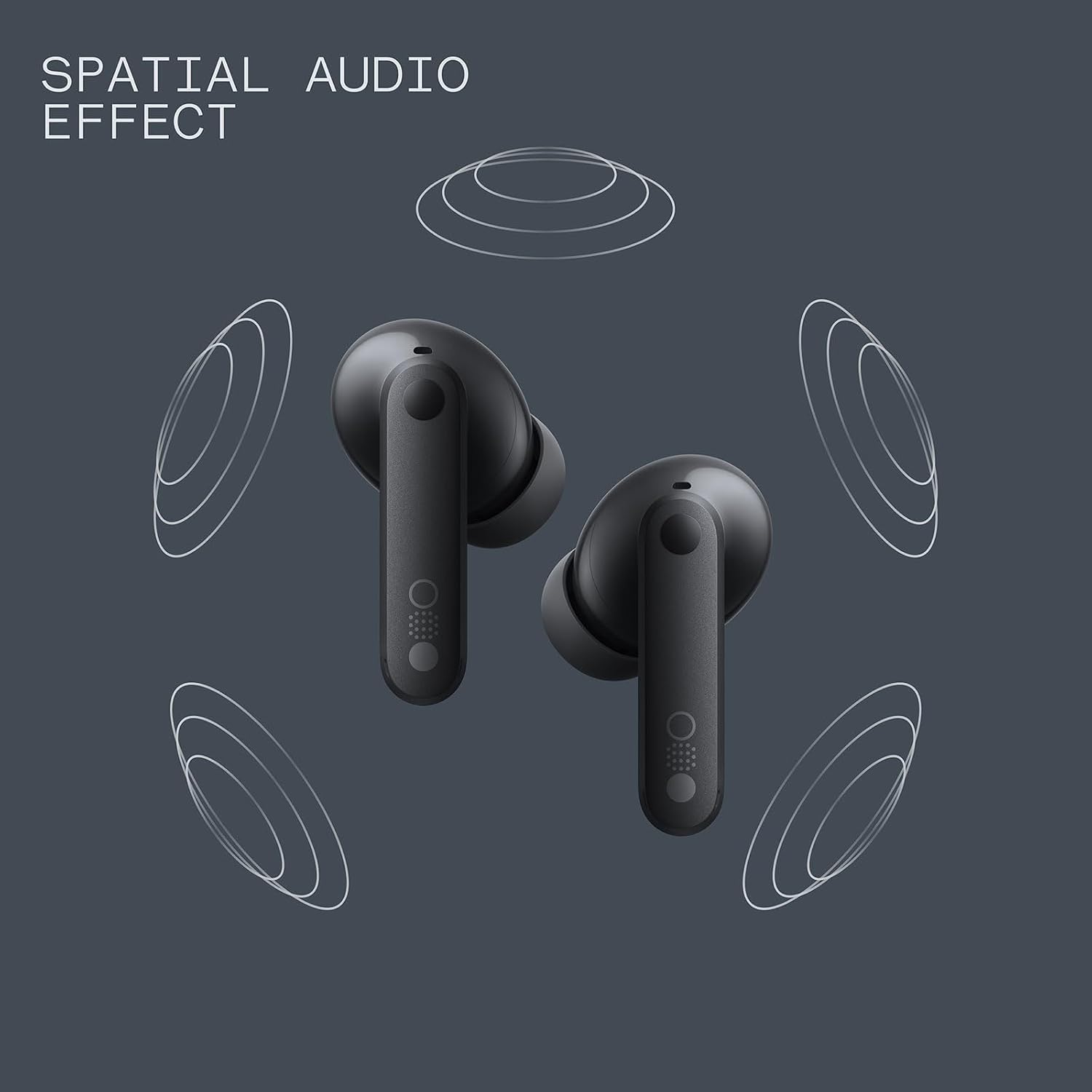
Figure 7: Spatial Audio Effect visualization.
Custom Equalizers:
The Nothing X app allows you to customize your sound with built-in and custom equalizer settings, including Dirac Opteo for optimized sound.

Figure 8: Equalizer settings within the Nothing X app.
Battery Life & Charging
Each earbud features a 60 mAh battery, providing up to 10 hours of non-stop music on a single charge (ANC off). The charging case extends total playback to 43 hours.
- Earbuds Only: Up to 10 hours music playback (ANC off).
- With Charging Case: Up to 43 hours total playback.
- Fast Charge: 10 minutes of charge provides 7 hours of listening (ANC off).

Figure 9: Minimal Charging, Maximal Listening.
Connectivity
- Bluetooth 5.3: Ensures stable and efficient wireless connection.
- Dual Device Connection: Connect to two devices simultaneously (e.g., phone and laptop) and switch seamlessly.
- Google Fast Pair & Microsoft Swift Pair: Quick and easy pairing with compatible Android and Windows devices.

Figure 10: Seamless connectivity features.
Maintenance
To ensure the longevity and optimal performance of your CMF Buds Pro 2, follow these maintenance guidelines:
- Cleaning: Regularly wipe the earbuds and charging case with a soft, dry, lint-free cloth. Do not use harsh chemicals or abrasive materials.
- Ear Tips: Remove ear tips periodically and clean them with water and mild soap. Ensure they are completely dry before reattaching.
- Charging Port: Keep the USB-C charging port free of dust and debris. Use a dry cotton swab if necessary.
- Storage: Store the earbuds in their charging case when not in use to protect them and conserve battery life. Avoid extreme temperatures.
- Water Resistance: The earbuds and case have an IP55 water resistance rating, meaning they are protected against dust and low-pressure water jets. Do not submerge them in water.
Troubleshooting
Common Issues and Solutions:
| Issue | Possible Cause | Solution |
|---|---|---|
| Earbuds not pairing | Low battery, not in pairing mode, Bluetooth off | Charge case/earbuds. Open case to enter pairing mode. Ensure Bluetooth is on. |
| No sound from one earbud | Connection issue, earbud low battery | Place both earbuds in case, close, then reopen. Ensure both are charged. |
| Poor sound quality | Improper fit, dirty ear tips, weak Bluetooth signal | Adjust fit or change ear tips. Clean ear tips. Move closer to device. |
| Charging issues | Dirty charging contacts, faulty cable/adapter | Clean charging contacts. Try a different USB-C cable and adapter. |
| Touch controls unresponsive | Dirty sensor, temporary glitch | Clean earbud surface. Place earbuds in case, close, then reopen to reset. |
Specifications
- Model Name: CMF Buds Pro 2
- Noise Control: Hybrid Active Noise Cancellation (up to 50 dB)
- Connectivity Technology: Wireless (Bluetooth 5.3)
- Audio Driver Type: Balanced Armature Driver
- Frequency Range: 20 Hz - 5000 Hz
- Battery Life (Earbuds): Up to 10 hours (ANC off)
- Battery Life (with Case): Up to 43 hours
- Charging Case Battery Capacity: 460 Milliamp Hours
- Water Resistance Level: IP55 (Earbuds & Case)
- Control Type: Touch Control, Smart Dial (on case)
- Compatible Devices: Cellphones, Desktops
- Item Weight: 3.53 ounces (100 Grams)
- Product Dimensions: 1.97 x 0.79 x 1.97 inches
- Included Components: Ear tips (S, M, L), charging case, Ear Cushions, Safety information
Warranty and Support
For warranty information and customer support, please refer to the official CMF BY NOTHING website or the contact details provided in the safety information booklet included with your product. You may also find support through the Nothing X app.
Protection plans are available for purchase separately to extend coverage beyond the standard warranty period. Please check with your retailer for details on available protection plans.
Documents and downloads
Ask a question about this manual
Ask about setup, troubleshooting, compatibility, parts, safety, or missing instructions. Manuals+ will review the question and use this page’s manual context to help answer it.