
Introduction
Thank you for choosing the Wings Hypebuds 230 TWS Earphones. This manual provides essential information to help you set up, operate, and maintain your earphones. Please read it carefully before use to ensure optimal performance and longevity of your device.
What's in the Box
- Wings Hypebuds 230 TWS Earphones (Left and Right)
- Charging Case
- USB Type-C Charging Cable
- Eartips (various sizes)
- User Manual
Product Overview
The Wings Hypebuds 230 are true wireless stereo (TWS) earphones designed for a superior audio experience. They feature 13mm high-fidelity drivers for clear sound and Smart ENC technology for enhanced call clarity. The compact charging case provides extended battery life, and the earphones are IPX5 water-resistant, making them suitable for various activities.
Front view of the Wings Hypebuds 230 TWS Earphones in their open charging case, showcasing their design.

This image provides an exploded view of one of the Wings Hypebuds 230 earbuds, detailing the internal components, specifically highlighting the 13mm high-fidelity audio drivers responsible for sound quality.
Setup
1. Charging the Earphones and Case
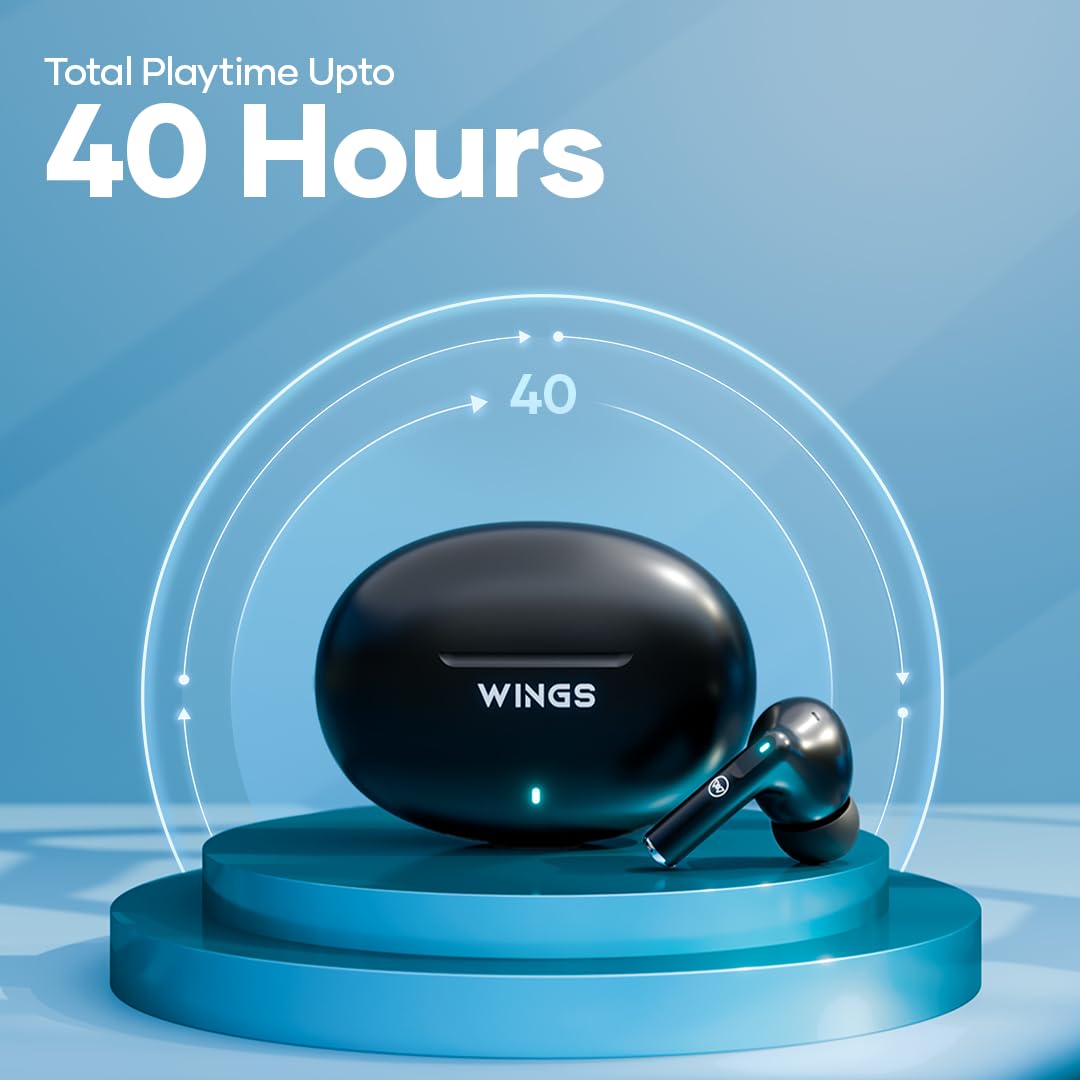
Before first use, fully charge the charging case and earphones. The charging case provides up to 40 hours of total playtime, with each earphone offering approximately 8 hours on a single charge.
- Connect the provided USB Type-C cable to the charging port on the case and to a power source.
- The indicator light on the case will show charging status. Once fully charged, the light will change or turn off.
- Place the earphones into the charging case. They will automatically begin charging. Ensure the charging pins align correctly.

This image shows the Wings Hypebuds 230 TWS earphones and their charging case, highlighting the impressive 40-hour total playtime capability.
2. Pairing with Your Device
The Hypebuds 230 use Bluetooth 5.3 for a stable connection up to 15 meters.
- Open the charging case. The earphones will automatically enter pairing mode, indicated by a flashing LED light on the earbuds.
- On your device (smartphone, tablet, laptop), go to Bluetooth settings and turn Bluetooth on.
- Search for available devices and select "Wings Hypebuds 230" from the list.
- Once connected, the LED indicator on the earphones will stop flashing or turn off, and you will hear a confirmation tone.
- For subsequent uses, the earphones will automatically connect to the last paired device when taken out of the case.
Operating Your Earphones
The Hypebuds 230 feature intuitive touch controls for easy management of music, calls, and voice assistant functions.

This composite image showcases several key features of the Wings Hypebuds 230: Bluetooth 5.3 connectivity with a 15m range, full touch controls on the earbuds, support for voice assistants, and convenient Type-C charging.
Touch Controls
| Function | Action |
|---|---|
| Play/Pause Music | Single tap on either earbud |
| Next Track | Double tap on the right earbud |
| Previous Track | Double tap on the left earbud |
| Answer/End Call | Single tap on either earbud |
| Reject Call | Long press (2 seconds) on either earbud |
| Activate Voice Assistant | Triple tap on either earbud |
Smart ENC (Environmental Noise Cancellation)
The Hypebuds 230 are equipped with Smart ENC microphones to reduce ambient noise during calls, ensuring your voice is heard clearly by the other party.

A visual representation of the Smart ENC technology within the Wings Hypebuds 230, showing how it reduces environmental noise for clearer audio.
Maintenance
Cleaning
- Regularly clean the earbuds and charging case with a soft, dry, lint-free cloth.
- Do not use abrasive cleaners, alcohol, or chemical solvents.
- Gently remove any earwax or debris from the eartips and speaker mesh using a small, soft brush or cotton swab.
Water Resistance (IPX5)
The Hypebuds 230 are rated IPX5 water-resistant, meaning they can withstand splashes of water and sweat. They are not designed for submersion in water. Avoid using them during swimming or showering.

The image displays the Wings Hypebuds 230 TWS earphones and their charging case covered in water droplets, visually confirming their IPX5 rating for water and sweat resistance.
Storage
When not in use, store the earphones in their charging case to protect them and ensure they remain charged. Store in a cool, dry place away from extreme temperatures.
Troubleshooting
- Earphones not pairing: Ensure both earphones are in the charging case, then open the lid to activate pairing mode. Make sure Bluetooth is enabled on your device and select "Wings Hypebuds 230". If issues persist, try forgetting the device on your phone and re-pairing.
- Only one earphone working: Place both earphones back into the charging case, close the lid, wait a few seconds, then open it again. This often re-syncs them.
- No sound: Check the volume level on both your device and the earphones. Ensure the earphones are properly connected to your device.
- Charging issues: Verify the charging cable and adapter are working. Ensure the charging pins on the earphones and case are clean and free of debris.
- Poor call quality: Ensure the microphones are not obstructed. Move closer to your connected device to avoid signal interference.
Specifications
| Model Name | Hypebuds 230 (WL-HYPEBUDS230-BLK) |
| Connectivity Technology | Wireless (Bluetooth 5.3) |
| Bluetooth Range | Up to 15 meters |
| Audio Driver Size | 13mm Dynamic Drivers |
| Total Playtime | Up to 40 Hours (with charging case) |
| Earphone Battery Life | Up to 8 Hours (single charge) |
| Charging Port | USB Type-C |
| Water Resistance | IPX5 (Water and Sweat Resistant) |
| Noise Control | Smart ENC (Environmental Noise Cancellation for calls) |
| Control Method | Touch Control |
| Voice Control | Supported |
| Material | Polycarbonate (PC) |
| Item Weight | 250 Grams |
| Product Dimensions | 6.2 x 2.7 x 4.3 cm |
Warranty and Support
For warranty information and customer support, please refer to the warranty card included in your product packaging or visit the official Wings website. If you encounter any issues not covered in this manual, please contact Wings customer service for assistance.
